Page 59 of 224
Power door locks
Driver and passenger controls
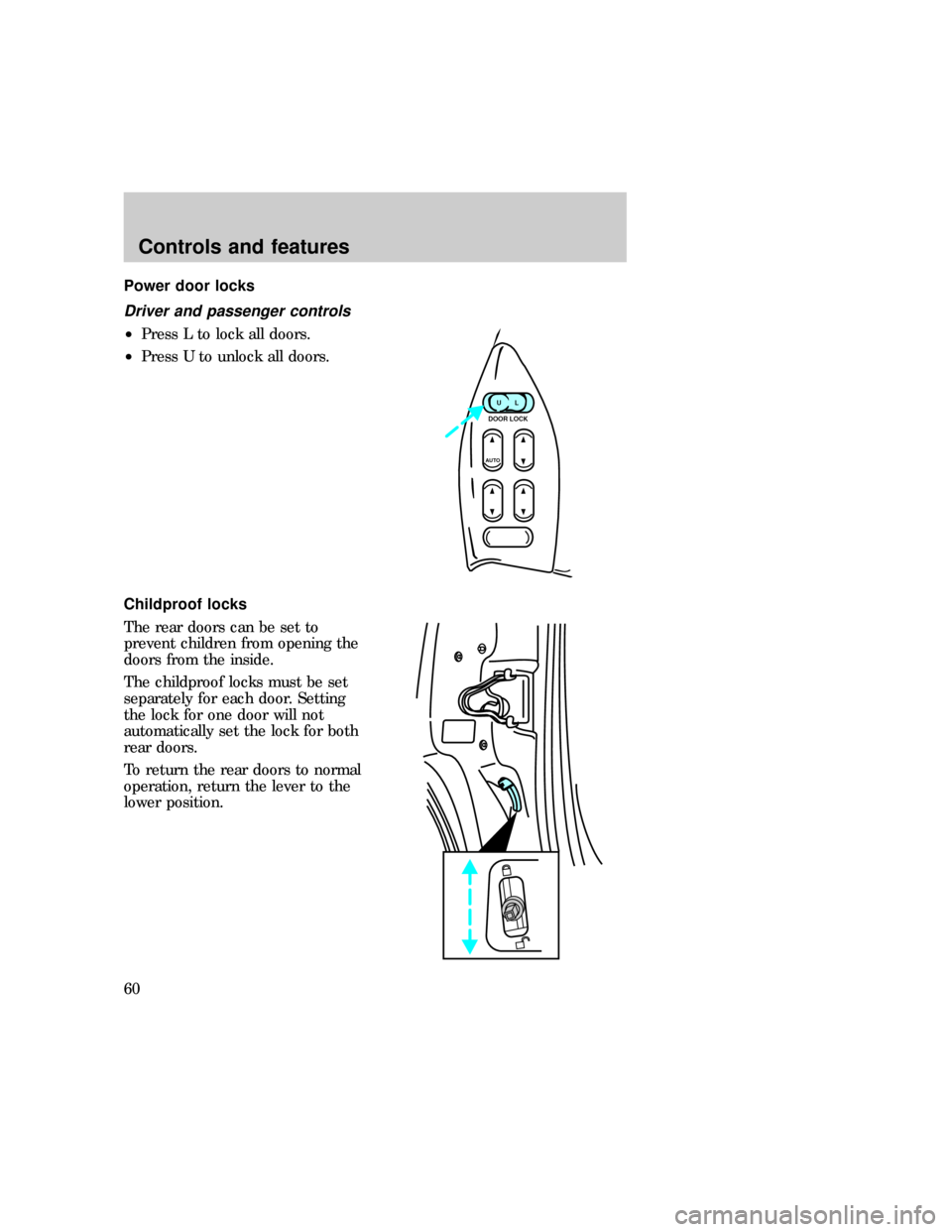
²Press L to lock all doors.
²Press U to unlock all doors.
Childproof locks
The rear doors can be set to
prevent children from opening the
doors from the inside.
The childproof locks must be set
separately for each door. Setting
the lock for one door will not
automatically set the lock for both
rear doors.
To return the rear doors to normal
operation, return the lever to the
lower position.
UL
DOOR LOCK
AUTO
exd_driver_controls exd_childproof_locks
exd_mirrors_power
Controls and features
60
Page 60 of 224
Power mirrors
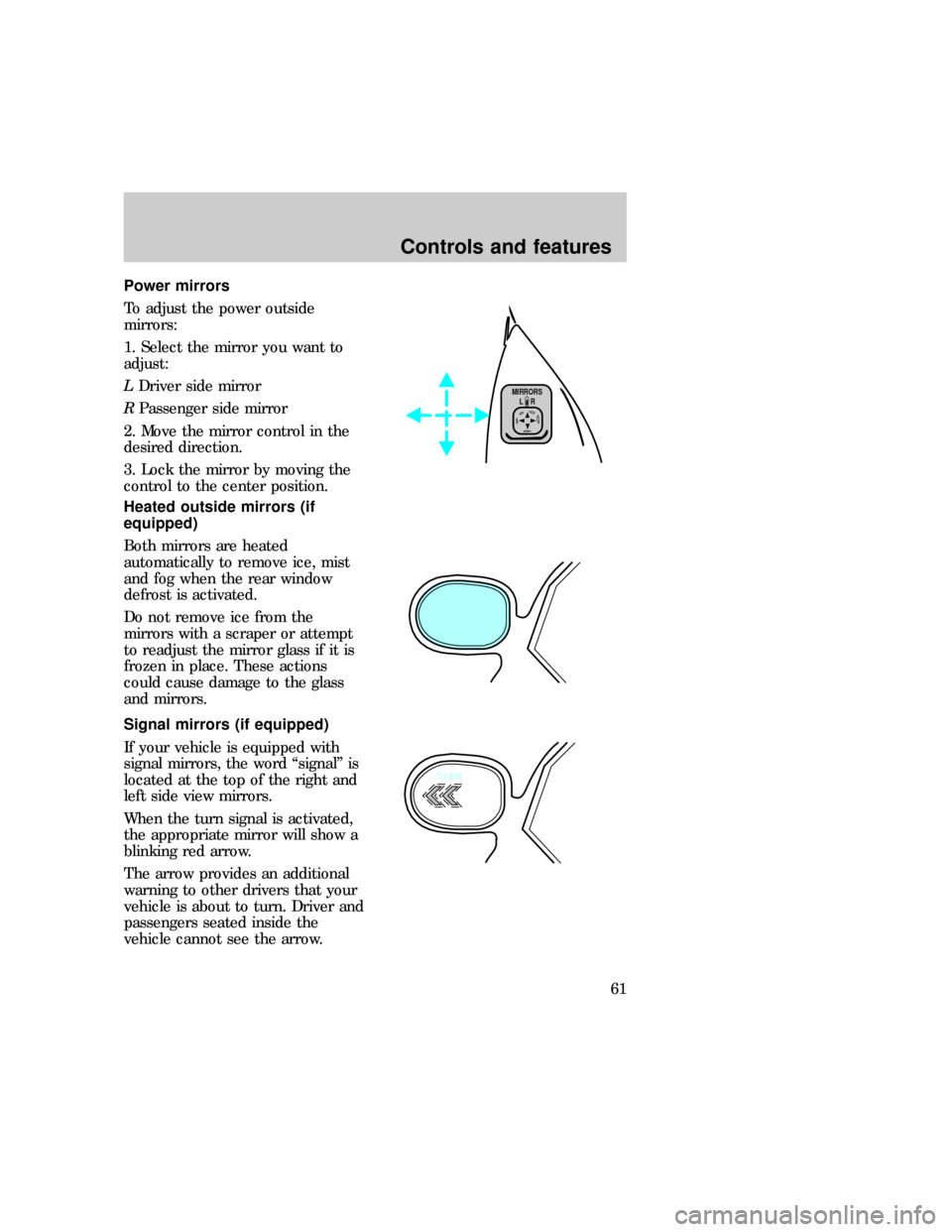
To adjust the power outside
mirrors:
1. Select the mirror you want to
adjust:
LDriver side mirror
RPassenger side mirror
2. Move the mirror control in the
desired direction.
3. Lock the mirror by moving the
control to the center position.
Heated outside mirrors (if
equipped)
Both mirrors are heated
automatically to remove ice, mist
and fog when the rear window
defrost is activated.
Do not remove ice from the
mirrors with a scraper or attempt
to readjust the mirror glass if it is
frozen in place. These actions
could cause damage to the glass
and mirrors.
Signal mirrors (if equipped)
If your vehicle is equipped with
signal mirrors, the word ªsignalº is
located at the top of the right and
left side view mirrors.
When the turn signal is activated,
the appropriate mirror will show a
blinking red arrow.
The arrow provides an additional
warning to other drivers that your
vehicle is about to turn. Driver and
passengers seated inside the
vehicle cannot see the arrow.
L MIRRORS
R
Signal
exd_heated_mirrors
exd_signal_mirrors
exd_liftgate_controls
Controls and features
61
Page 67 of 224
²Insert a coded key into the
ignition and turn to the On
position.
²Wait until the THEFT light in
the instrument cluster
illuminates and then turns off.
²Within 15 seconds, insert a new
key into the ignition and turn
the ignition to On or Start. The
vehicle does not have to be
started to program the key.
If the key has been coded properly,
the theft indicator will illuminate
for two seconds. The newly coded
key can then be used to start the
vehicle. This process may be
repeated to code up to 16 keys.
If the key has not been coded
properly, the theft indicator will
flash and the vehicle cannot be
started. There are several possible
explanations:
²The new key was not inserted
within 15 seconds.
²All 16 key codes have already
been stored.
²The key does not have an
electronic code.
REMOTE ENTRY SYSTEM (IF
EQUIPPED)
The remote entry system allows
you to lock or unlock all vehicle
doors without a key.
exd_title_remote_entry
com_remote_unlocking.01
Controls and features
68
Page 68 of 224
Unlocking the doors
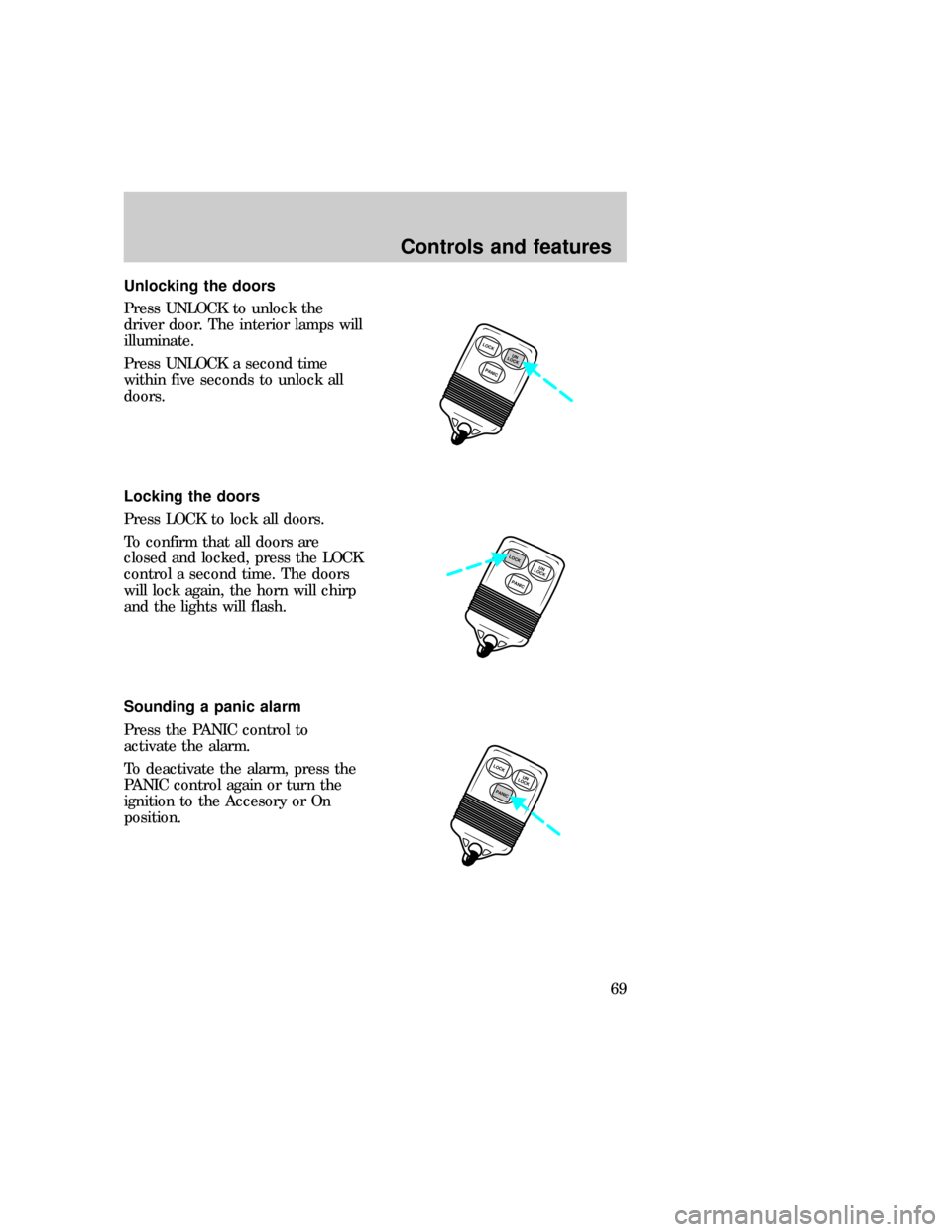
Press UNLOCK to unlock the
driver door. The interior lamps will
illuminate.
Press UNLOCK a second time
within five seconds to unlock all
doors.
Locking the doors
Press LOCK to lock all doors.
To confirm that all doors are
closed and locked, press the LOCK
control a second time. The doors
will lock again, the horn will chirp
and the lights will flash.
Sounding a panic alarm
Press the PANIC control to
activate the alarm.
To deactivate the alarm, press the
PANIC control again or turn the
ignition to the Accesory or On
position.
LOCK
PANICUN
LOCK
PANICUN
LOCKLOCK
LOCK
PANICUN
LOCK
exd_locking_doors
exd_remote_panic
com_remote_batteries.01
Controls and features
69
Page 69 of 224
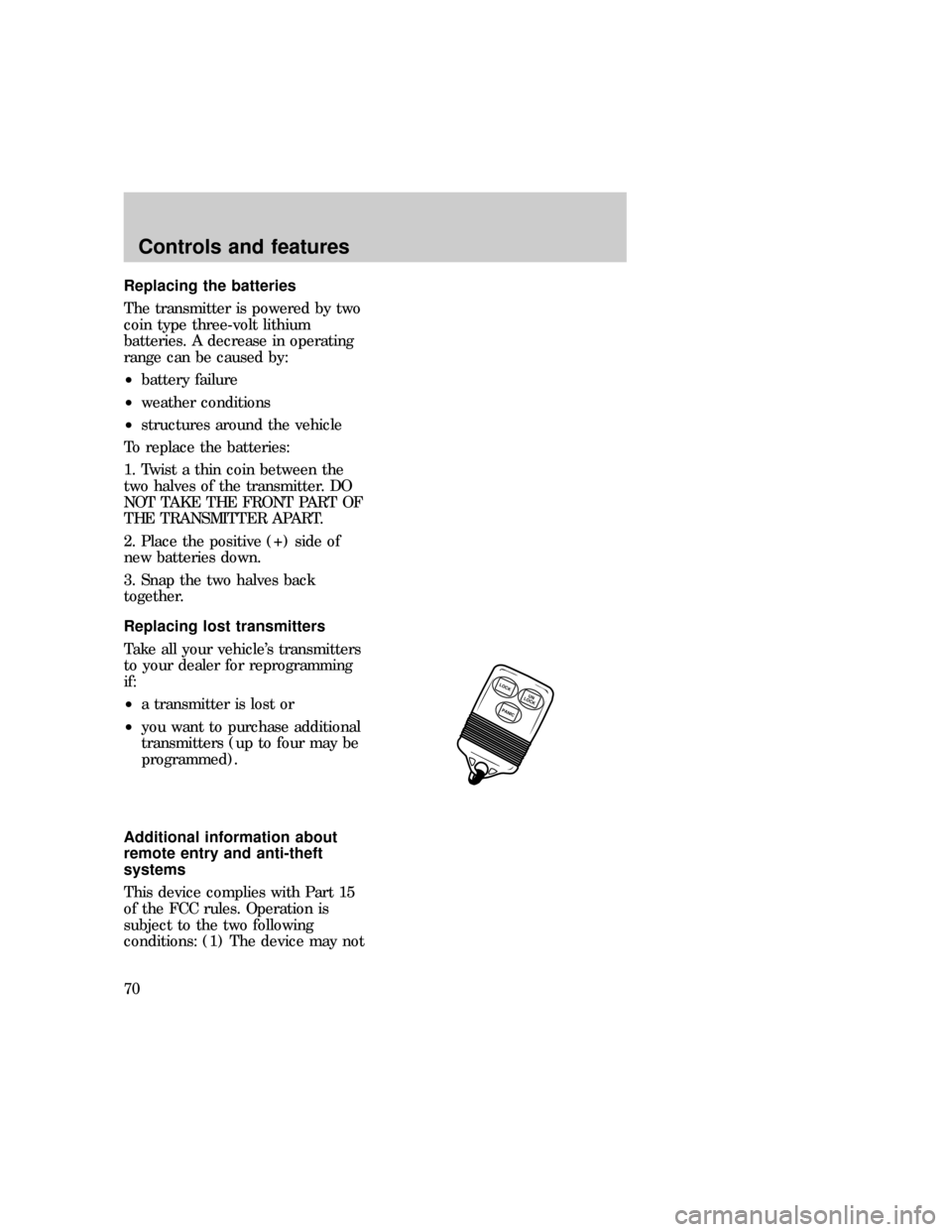
Replacing the batteries
The transmitter is powered by two
coin type three-volt lithium
batteries. A decrease in operating
range can be caused by:
²battery failure
²weather conditions
²structures around the vehicle
To replace the batteries:
1. Twist a thin coin between the
two halves of the transmitter. DO
NOT TAKE THE FRONT PART OF
THE TRANSMITTER APART.
2. Place the positive (+) side of
new batteries down.
3. Snap the two halves back
together.
Replacing lost transmitters
Take all your vehicle's transmitters
to your dealer for reprogramming
if:
²a transmitter is lost or
²you want to purchase additional
transmitters (up to four may be
programmed).
Additional information about
remote entry and anti-theft
systems
This device complies with Part 15
of the FCC rules. Operation is
subject to the two following
conditions: (1) The device may not
LOCK
PANICUN
LOCK
com_remote_transmitters.01
exd_anti-theft_additional
Controls and features
70
Page 72 of 224
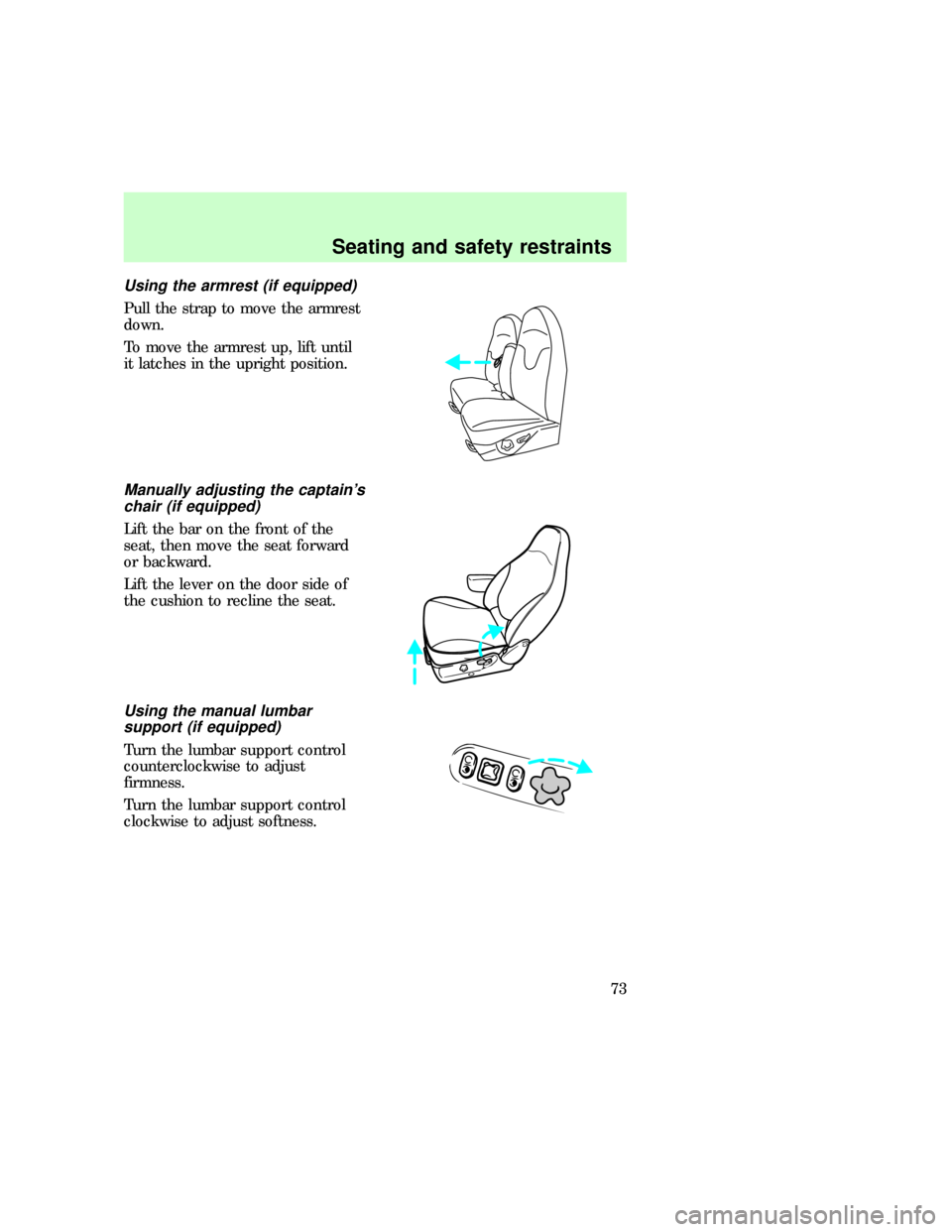
Using the armrest (if equipped)
Pull the strap to move the armrest
down.
To move the armrest up, lift until
it latches in the upright position.
Manually adjusting the captain's
chair (if equipped)
Lift the bar on the front of the
seat, then move the seat forward
or backward.
Lift the lever on the door side of
the cushion to recline the seat.
Using the manual lumbar
support (if equipped)
Turn the lumbar support control
counterclockwise to adjust
firmness.
Turn the lumbar support control
clockwise to adjust softness.
exd_capt_chair_manual
exd_lumbar_power_adjust
exd_power_seat_adjust_titleSeating and safety restraints
73
Page 74 of 224
Rear fold seat (if equipped)
Folding down the rear seats
Insure that no objects such as
books, purses or briefcases are on
the floor in front of the second row
seats before actuating them down.
Move front passengers seat
forward so that the second row
seat headrest clears the front seat.
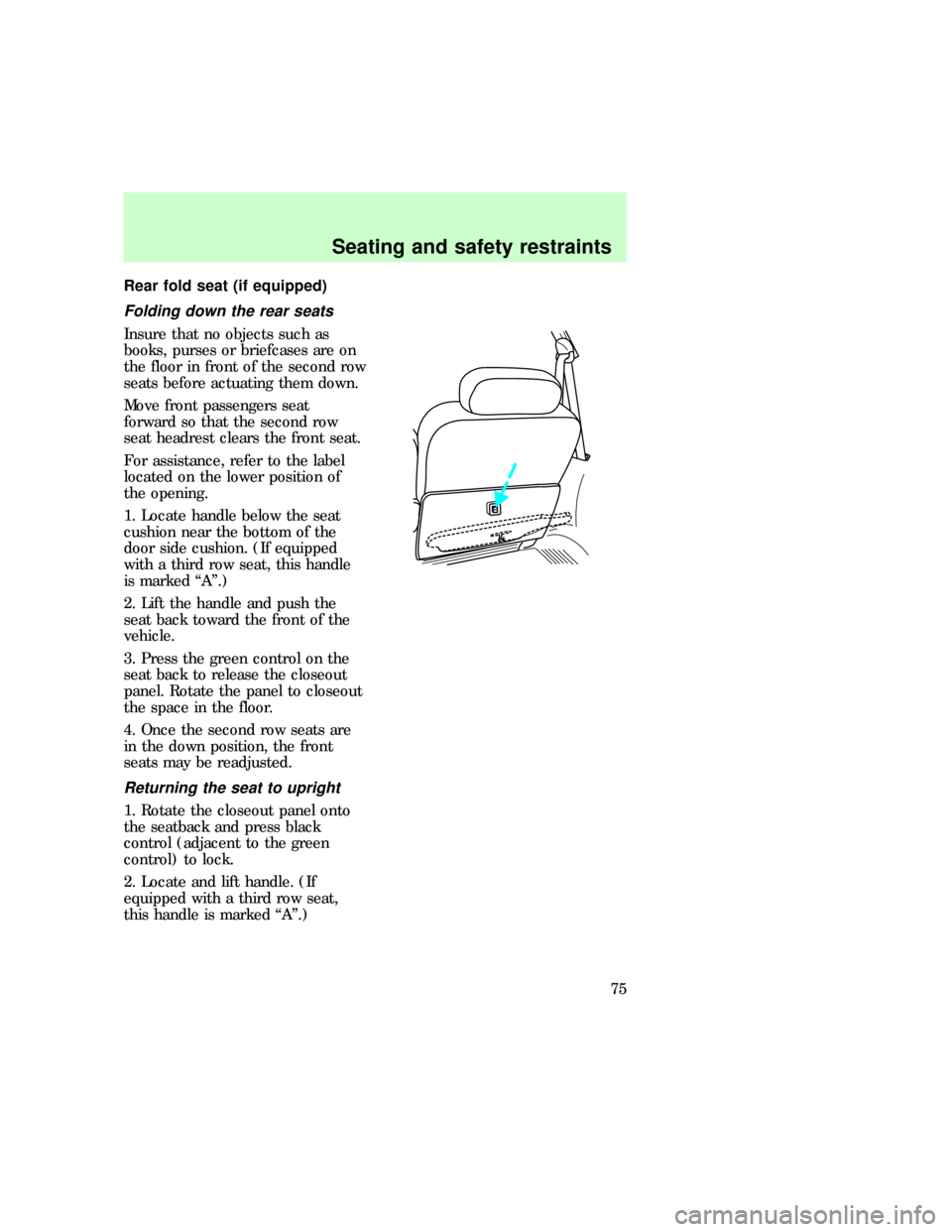
For assistance, refer to the label
located on the lower position of
the opening.
1. Locate handle below the seat
cushion near the bottom of the
door side cushion. (If equipped
with a third row seat, this handle
is marked ªAº.)
2. Lift the handle and push the
seat back toward the front of the
vehicle.
3. Press the green control on the
seat back to release the closeout
panel. Rotate the panel to closeout
the space in the floor.
4. Once the second row seats are
in the down position, the front
seats may be readjusted.
Returning the seat to upright
1. Rotate the closeout panel onto
the seatback and press black
control (adjacent to the green
control) to lock.
2. Locate and lift handle. (If
equipped with a third row seat,
this handle is marked ªAº.)
Seating and safety restraints
75
Page 80 of 224
It is extremely dangerous
to ride in a cargo area,
inside or outside of a vehicle. In
a collision, people riding in these
areas are more likely to be
seriously injured or killed. Do not
allow people to ride in any area
of your vehicle that is not
equipped with seats and safety
belts. Be sure everyone in your
vehicle is in a seat and using a
safety belt properly.
USING SAFETY RESTRAINTS
PROPERLY
Combination lap and shoulder
belts
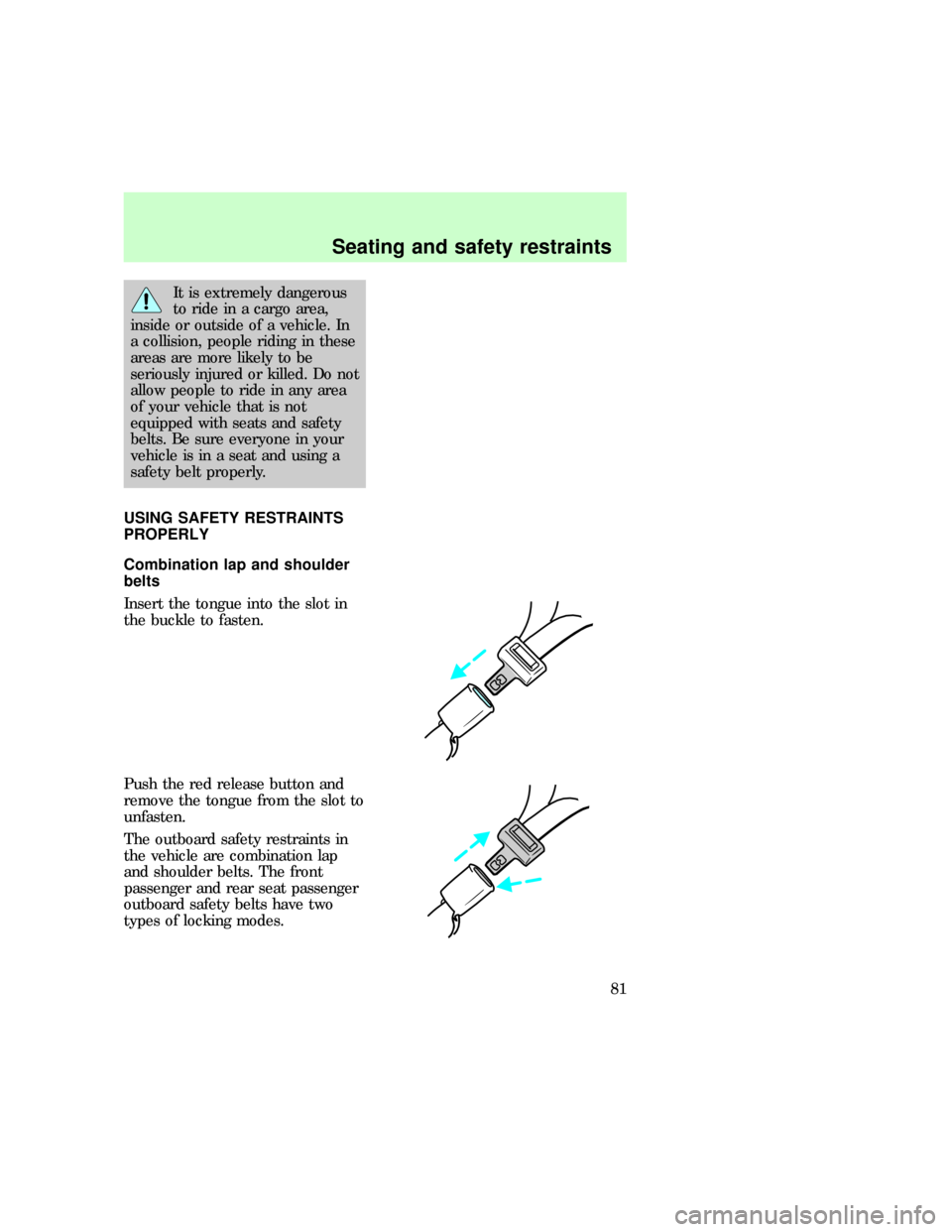
Insert the tongue into the slot in
the buckle to fasten.
Push the red release button and
remove the tongue from the slot to
unfasten.
The outboard safety restraints in
the vehicle are combination lap
and shoulder belts. The front
passenger and rear seat passenger
outboard safety belts have two
types of locking modes.
exd_proper_use
exd_combo_lap_shoulder
exd_emergency_locking
Seating and safety restraints
81