Page 14 of 29
Speaker fade adjust
Speaker sound distribution can be
adjusted between the front and
rear speakers.
Tape play select
Press the TAPE control to begin
tape play (with a tape loaded in
the audio system while in radio or
CD mode [if equipped]).
Pressing the control during
rewinding and fast-forwarding
stops the rewind or fast-forward
function.
CD play select
Press the CD control to begin CD
play (if CDs are loaded in the CD
changer). The first track of the
first disc will begin playing.
BASS FADE
DOLBY SYSTEMEJ
TAPE
TAPE CDTUNE
DISCS
DOLBY SYSTEMEJ
TAPE CD
TAPE CDTUNE
DISCS
uno_tape_play_select
uno_cd_play_select
com_rewind.01
Controls and features
14
Page 15 of 29
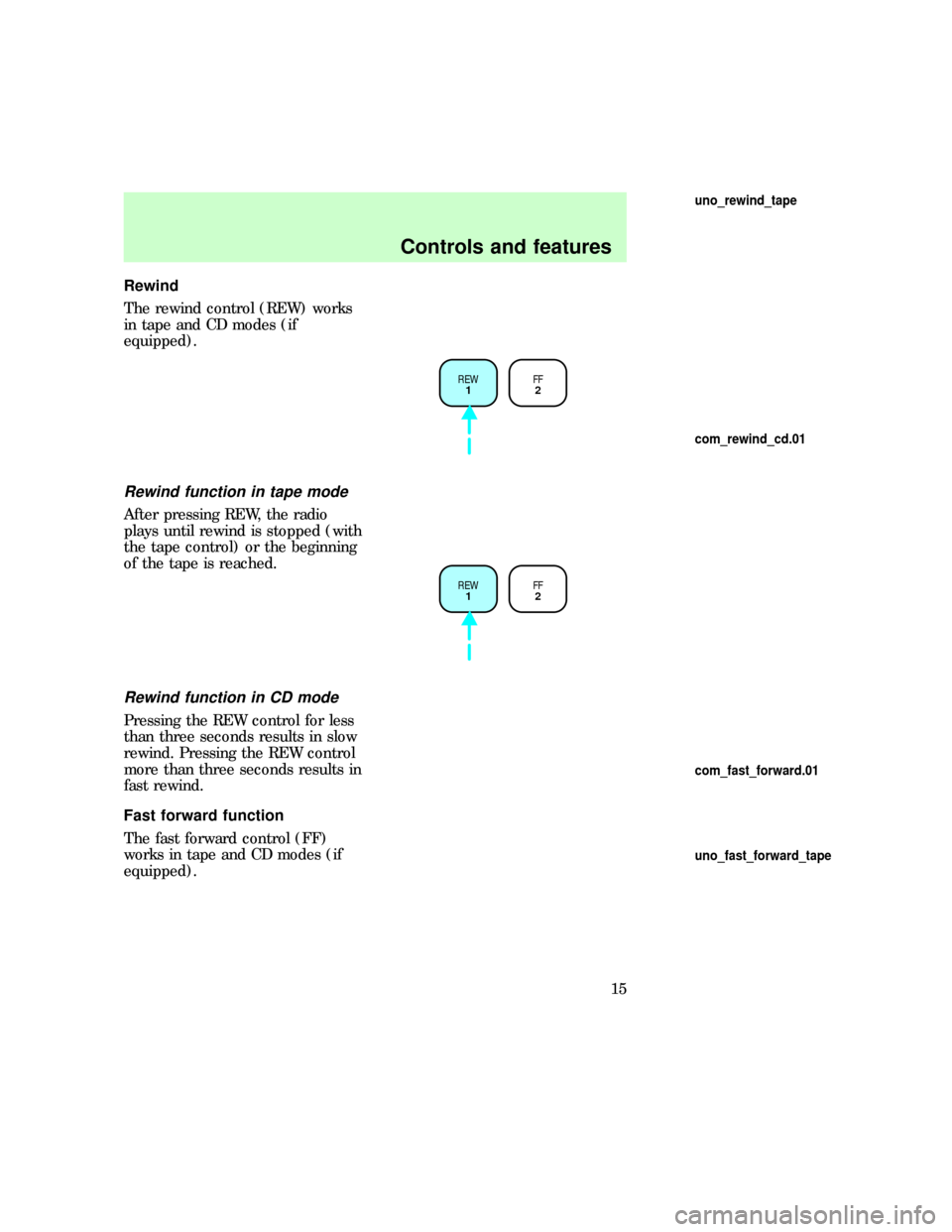
Rewind
The rewind control (REW) works
in tape and CD modes (if
equipped).
Rewind function in tape mode
After pressing REW, the radio
plays until rewind is stopped (with
the tape control) or the beginning
of the tape is reached.
Rewind function in CD mode
Pressing the REW control for less
than three seconds results in slow
rewind. Pressing the REW control
more than three seconds results in
fast rewind.
Fast forward function
The fast forward control (FF)
works in tape and CD modes (if
equipped).
REW
1FF
2
REW
1FF
2
uno_rewind_tape
com_rewind_cd.01
com_fast_forward.01
uno_fast_forward_tape
Controls and features
15
Page 16 of 29
Fast forward function in tape
mode
After pressing FF, the radio plays
until the fast forward function is
stopped (with the tape play select
control or the fast forward control)
or the end of the tape is reached.
At the end of the first side of the
tape, direction automatically
reverses and the opposite side of
the tape plays.
Fast forward function in the CD
mode
Pressing FF for less than three
seconds results in slow forward
action.
Pressing FF for more than three
seconds results in fast forward
action.
Tape direction select
Press SIDE 1±2 to play the
alternate side of a tape.
REW
1FF
2
REW
1FF
2EJECT
3SIDE 1-2
4
REW
1FF
2SIDE 1-2
3
com_fast_forward_cd.01
uno_tape_direction_select uno_tape_eject
Controls and features
16
Page 21 of 29
Make sure only one disc is inserted
in each slot. Each disc must be
inserted with the label surface
upward. You may insert up to six
CDs.
The magazine does not need to be
full for the changer to operate.
Radio power must be turned on to
play the CDs in the changer. The
magazine may be stored in the
glove box when not being used.
The CD magazine may be inserted
or ejected with the radio power
off.
6
5
4
3
2
16 COMPACT DISC MAGAZINECOMPACT
DIGITAL AUDIO
com_rear_seat_controls.02
Controls and features
21
Page 22 of 29
REAR SEAT CONTROLS
(IF EQUIPPED)
The rear seat controls allow the
rear seat passengers to operate the
radio and use headphones.
Adjusting volume
Press the + control to increase
volume.
Press the Ð control to decrease
volume.
From the rear seat controls,
volume control can be set no
higher than the current radio
setting unless the speakers are
turned off. Refer toTurning
speakers on and off.
SEEK
– VOLUME + BAND
MEMORY
SEEK
– VOLUME + BAND
MEMORY
com_rear_adjusting_volume.01
com_rear_speakers.01
Controls and features
22