Page 105 of 402
Downloaded from www.Manualslib.com manuals search engine .Brake System WarningLlght
‘Your v&iiele”s hydraulic brake system is divided into-
.two pam. If one part i.sn’t working, thc other part. can
-still work and stop you. For go.od haking, though, you
need both parts working well.
‘If the warning. light comes- an, thae could be a brake
problem. Have ymr brake system inspected right -away.
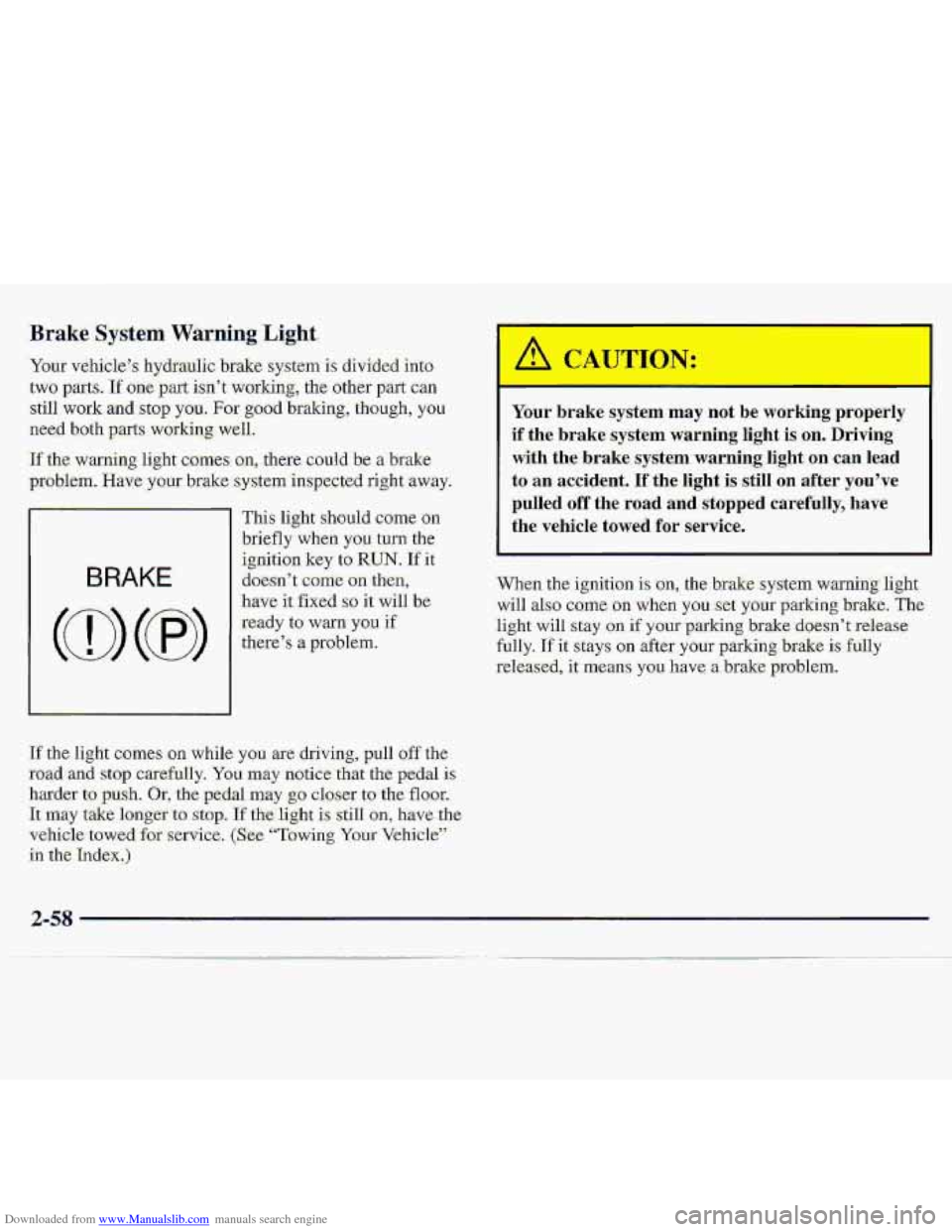
BRAKE
I
This li.ght shouId came on
briefly when you turn the
ignition key
to RUN. If it
do-e-sn’
t come on then,
have it fixed so it will be
ready to warn you if
t11ei3e7.s 8 problem..
If the light camcs .gn while you are- driving, pull off the
road aid stop carefully. You may notice ,that the pedal is
.harder-t=o push. Or, the pedal may $0 closer to the floor.
‘kmay ‘take ionger to. stop. If the-light is sail1 on, have the-
vehicle
tawed for service, (S:ee- “Towing Your Vehicle”’.
in the
Index.)
J:
Your brake sysrem may not be working properly
if
the brake system warning light is on. Driving
with the brake system warning light on can lead
to an accident. If the light is still on after you’ve
pulled off the road and stopped carefully, have
the vehicle
towed for service.
.When the ignition is on, the brakesystem warning light
will also c0rn.e oa when yo.u.:set y.@ur parking brake. The
light will stay .on if your parking brake doesn’t release
fully.
If it stays on after your parking brake is fully
-released,
it means you have a brake problem.
2-58
Page 107 of 402
Downloaded from www.Manualslib.com manuals search engine Malfunction Indicator Lamp
(Service Engine Soon Li-ght)'
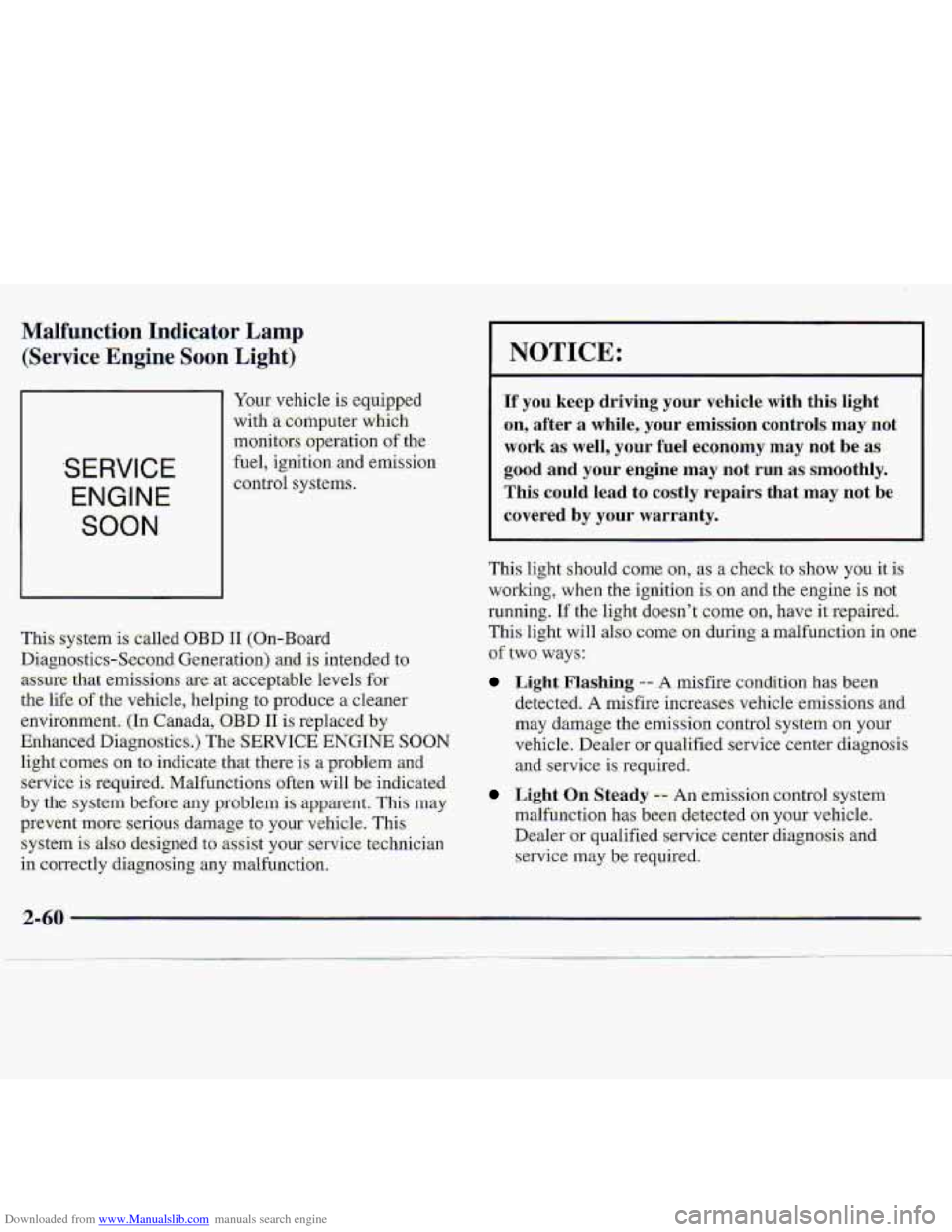
SERVICE
ENGINE
SOON
Yaw vehicle is eq-uipped
with
a computer which
monitors
.operation of the
fuel, igniti.on and ernis-sion
control systems.
This .system
is called OBD I1 (On-Board
Diagnostics-Second Generation) and. is intended to
.assure that ernisstons are. at acceptable levels,fo.r
the
l-ife of the vehicle, helping to produce a clearier
environment,
(In Canada,:OBD I1 is replaced by
Enhanced Diqgnostics.)
The SERVICE ENGINE SOON
light comes on to indicate that there is a-problem..ancl
service is require-d. Malfunctions often will be indicated
by the system before .any proble,m is apparent. This may
prevent more serious. damage to your vehicle. This
system is al-so designed to assist your servi:ce:technician
in correctly di-agnosing any malfunction.
NOTICE:
If you keep driving your vehicle with this-light
on, ,after
a while,- your ernitision controls may not
work as: well, your fuel economy may not be as-
good and your engine may not run as. smoothly.
This could lead to. costly repairs that may not be
covered by your warranty.
This light should ceme on, as a check to show you it is
working, when the ignition is on and the engine is not
running.
If the light doesn't come an, have-it repaired.
This light will also come on during a malfuncti-on in one
of two ways:
Light Flashing -- A misfire condition has been
detected.
A misfire increases vehicle-emis-sions and
may damage the emission control-system on your
vehicle. Dealer
or qualified service center diagnosis
and service is'required.
L&ht On: Steady -- .An erni,ssion control system
malfunction
has been detected on your vehicle.
Dealer
or qualified service center diagnosis. and
service may b:e required.
Page 110 of 402
Downloaded from www.Manualslib.com manuals search engine Shift Light Check Gages Light.
SHIFT
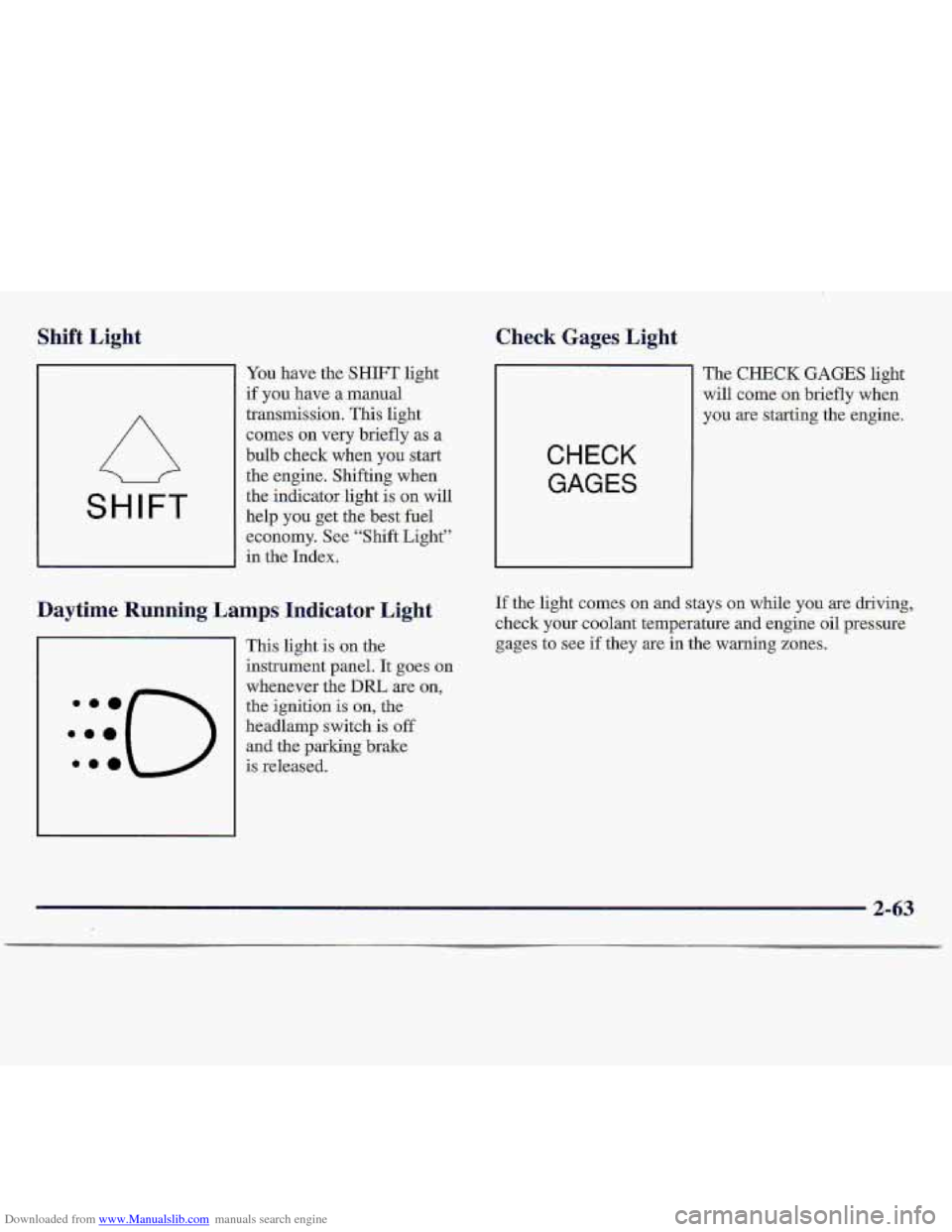
You have the SHIFT light
if you have a manual
transmission. This light
comes- on very briefly as a
bulb check wh-en
you start
the engine. Shifting when
the indicator light is on will
help
you get the best fuel
economy. See “Shift Light”
in the Index.
Daytime Running Lamps Indicator Light
This light is ,on the
instrument panel. It goes on
whenever the
DIU are on,
the ignition is on, the
headlamp switch
is off
and the parking brake-
:::(-)
.ma is released.
CHECK
GAGES
The CHECK GAGES light
will come
on briefly when
y9u
are starting the engine.
If the light comes on and stays on while you are driving,
check
your coolant temperature and engine oil pressure
gages
to see if they are in the warning zones.
2-63
Page 111 of 402
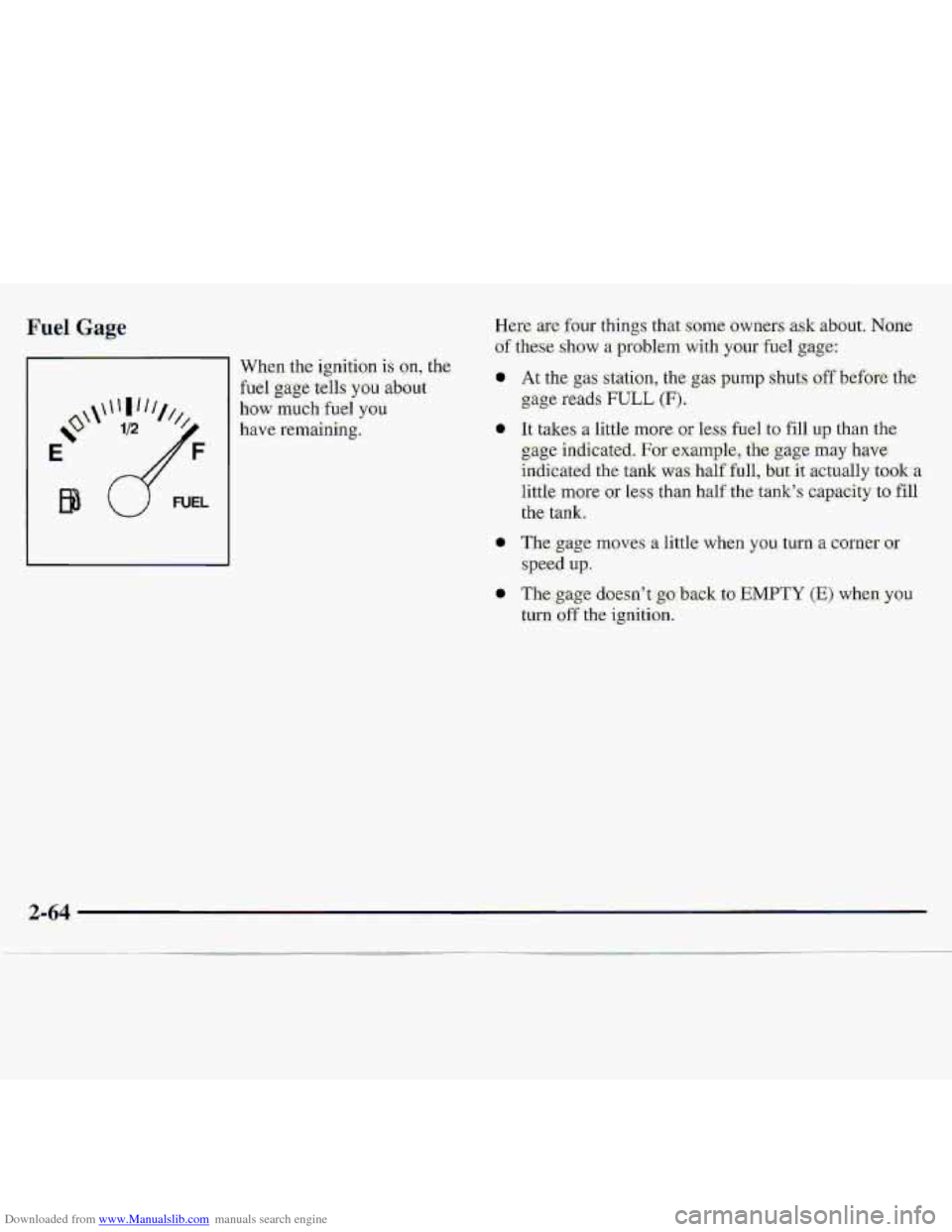
Downloaded from www.Manualslib.com manuals search engine When the ignition is on, the
fuel gage-tells you about
how ,much fuel you
have remaining. 0
0
0
2-64
Page 119 of 402
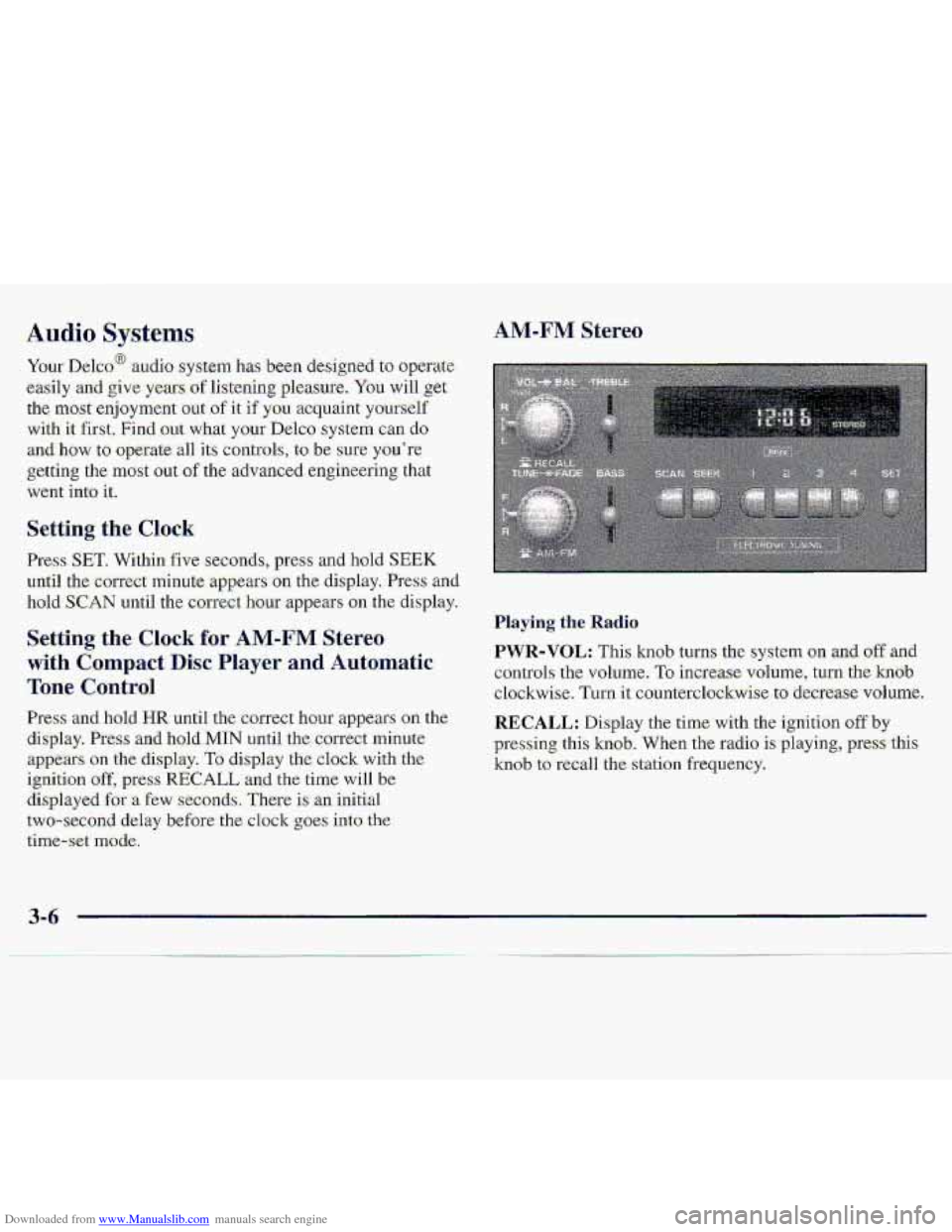
Downloaded from www.Manualslib.com manuals search engine Your Delco@ audio system has -been designed to operate
easily afid give years df 1iste.hg pleasure. You will.,get
the
mast enjoyment out of it if yuu acquaint yourxelf
with It first. Find out what your Delco system can do
and how to operate-all its coatr.ols, to be swe you're
getting the most 0-ut of the advanced erigineerhg that
went into it.
Setting the Clock
Press SET. Within five seconds, press and hold SEEK
uri-ti1 the correct minute appears on the. display. Press and
hoId SCAN -until the ccmect hour appears on the di,splay.
Press and, hold HR until the correct hour appears .on the
display. Press and hold.MIN until the correct minute
appears on the display. To display the clock with the
ignition off, pres-s RECALL and .the time will be
displayed for -a €ew seconds, There is an initial
two-sec-ond
delay before-the clo.ck goes into the
time-set mode.
Playing the .Radio.
PWR-VOL: This knob turns :the system on .and. off -and
controls the
volume. To increase. volulme, turn the hob
clockwise. Turn it counterclockwise to decrease volume.
RECALL: Display the time. with the ignition off by
plxessing this knob. 'When the radio is .playing, press this
knob to red1 the station frequency.
3-6
Page 121 of 402
Downloaded from www.Manualslib.com manuals search engine AM-FM Stereo with Cassette Tape Player
(If Equipped)
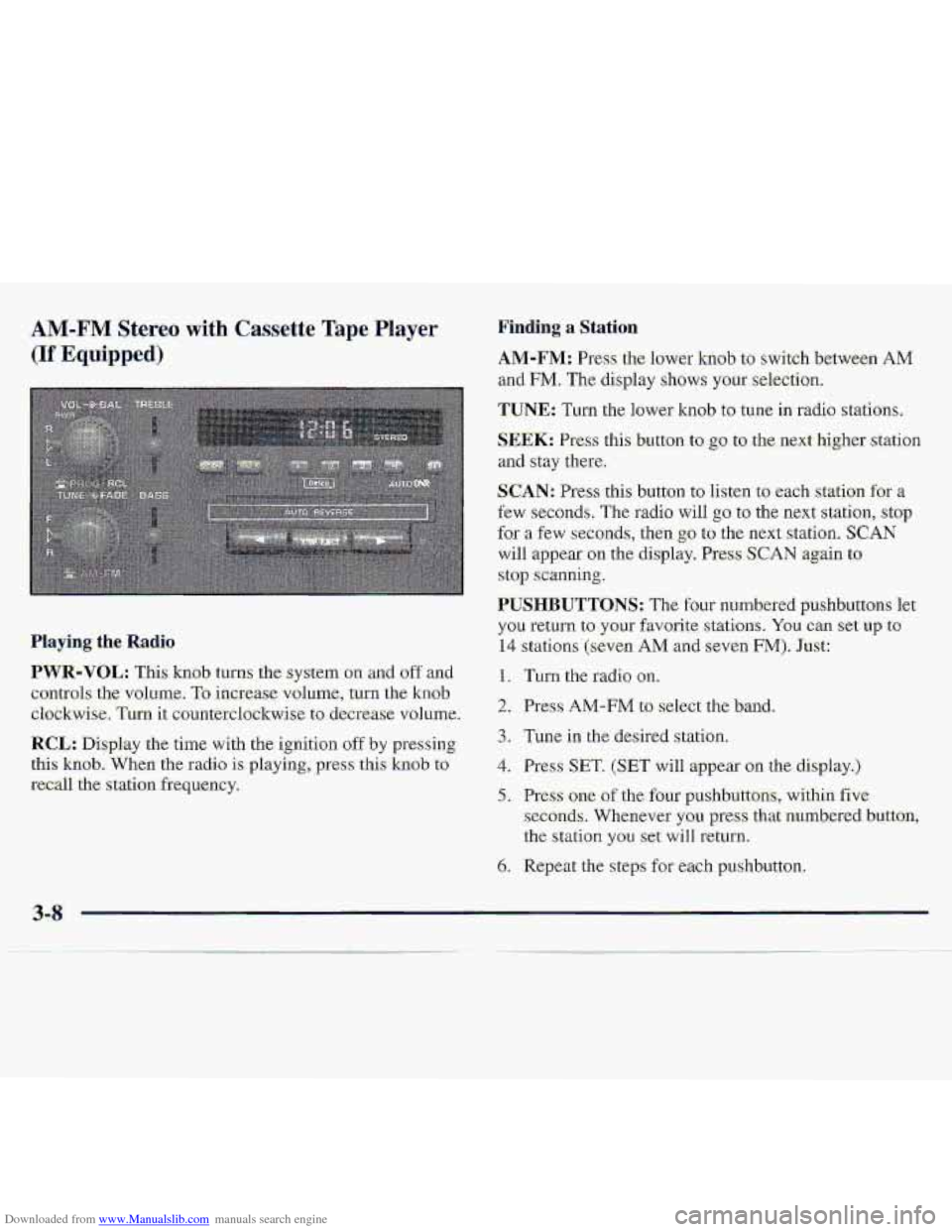
Finding a Station
.AM-FM: Press the lower knob to switch betwe-en AM
and FM. The display shows your selection.
TUNE: Turn the lower knob to tune in radio stations,
SEEK: Press this button to go to the next higher station
and stay there.
SCAN: Press this button to listen to each station for a
few seconds, The radio will go to the next station, stop
for a few seconds, then go to the ne.xt station. SCAN
will appear on the display. Press SCAN again to
stop scanning.
PUSHBUTTONS: The four numbered p-ushbuttons let
you return to your favorite. stations. You can set up to
14 stations (seven AM and seven FM). Just:
1. Turn the radio on.
2. Press AM-FM to select the band.
3. Tune in the desired slation,
4. Press SET. (SET will appear on the display.)
5. Press one of the four pushbuttons, within five
seconds. Whenever you press that numbered button,
the
stalion you set will return.
6. Repeat the steps for each pushbu.tton.
Playing the Radio
PWR-VOL: This knob turns the system on and off and
controls- the- volume,
To increase volume, turn the knob.
clockwise. Turn it countetclsckwise to. decrease vol~me-.
RCL: Display the time with the ignition off by pressing
thi-s knob. When the radio is playing,.press this knob to
recall the station freq,uency.
3-8
Page 123 of 402
Downloaded from www.Manualslib.com manuals search engine AM-FM Stereo with Cassette Tape Player
and Equalizer (If Equipped)
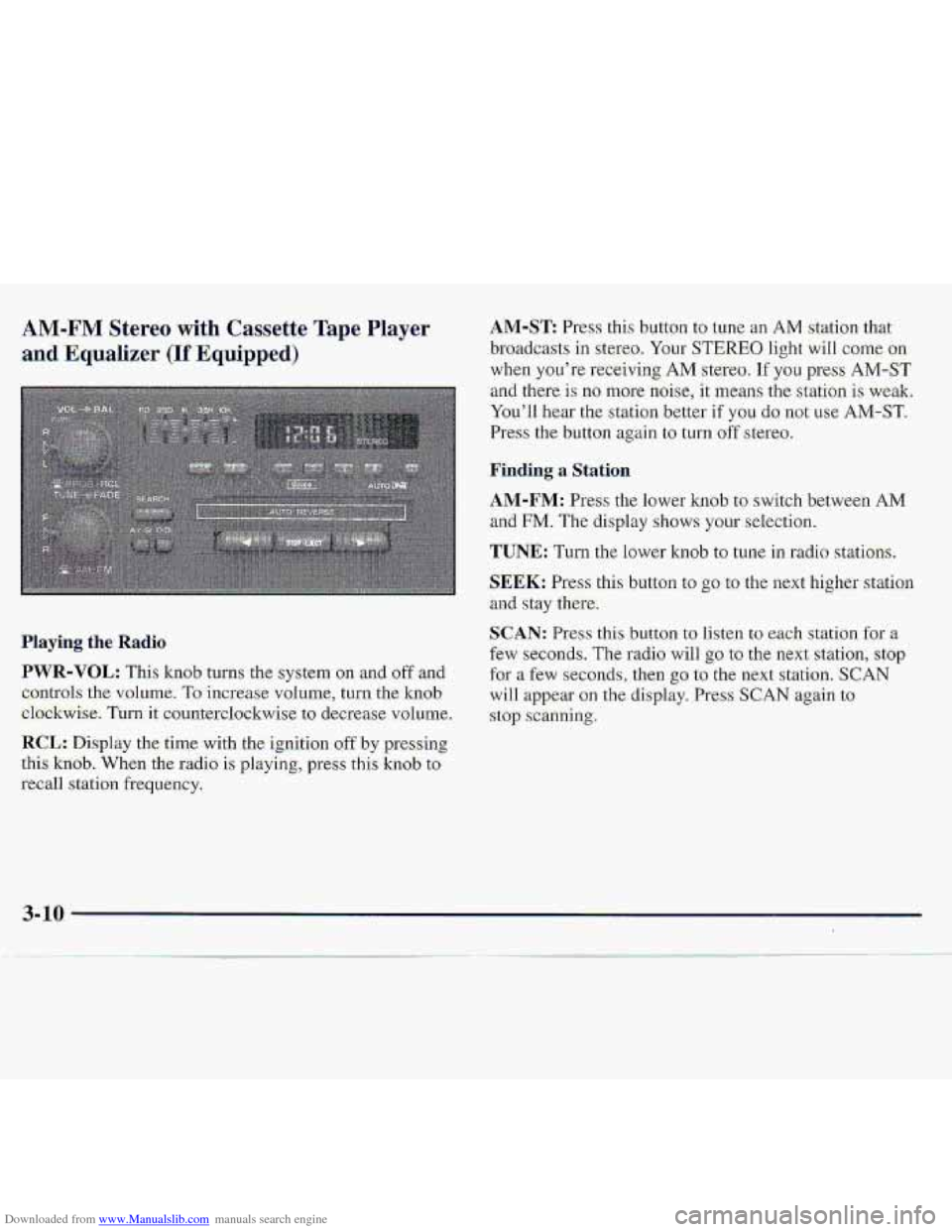
.Playing the- Radio
PWR-VOL: This knob turns the system on and oftand
c,ontrols
the vnl.ume. To increase volume, turn the knob
el.ockwise. Turnit counterdo-ckwise to decrease v~olurne.
RCL: Disp1.a~ the time with the ignition off by presshg
.this
kxiob. When the r.adio is playing, press this kn0.b to
recall station frequency.
AM-ST Press this button to tune an AM station that
..broadcasts
in ste.reo. Your STEREO. light wiIl come on
when you’re receiving AM stereo. If you press AM-ST
and there- is no more noise, it ‘means the station is weaki
You’ll hear
the st.at.ian bewr if YOU do not use AM-ST.
Press the button again to turn off stereo.
~Firrding a Station
AM-FM: Press the lower knob to switch between AM
and FM. The display shows your selection.
TUNE: Turn the lower knob to tune in .radio stations.
$EEK: Press this button to go to the ne-xt higher station
and stay there.
c,
SCAN: Pr.ess thisbutton to listen to each station fgr a
few seconds. The radio will go to the next statiofl, stop
for a few seconds, then go to the next station. SCAN
will appear-on the display. Press SCAN again to
.stop scanning.
Page 126 of 402
Downloaded from www.Manualslib.com manuals search engine AM-FM Stereo with Compact Disc Player
and Automatic Tone Control (If Equipped)
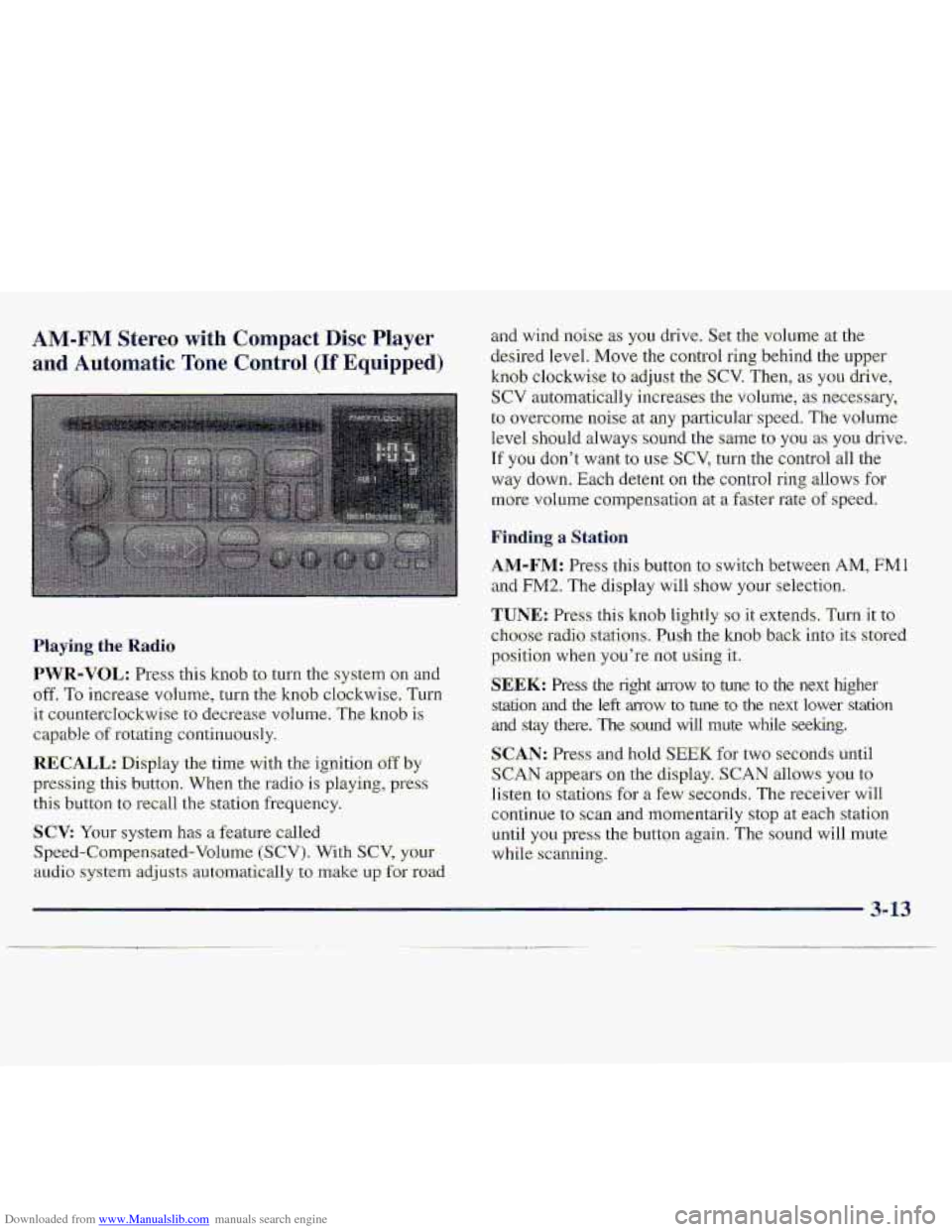
Haying. the Radio
PWR-VOL: Press: this kmb to turn the system on an-d
off. To increase vohlme, turn the knob clockwise, Turn
it: countercIockwise to decrease volume. The knob is
capable of rotating continuously.
RECALL.: Display the time with the ignition off by
pressing thi-s button. When the radio is playing, press
this button to recall the station frequ.ency.
SCV: Your system has a feature called
Speed-Compensated-Volumc (SCV). With SCV, your
au.cli.0 system adjusts automat-ically t:, make u~,f~r road
and-wind .noise as you drive. Set the volume xthe
desired Ievel.
Move the control ring behind the upper
knob clockwise to adjust the SCV. Then; as you drive,
SCV automatically increases the volume, as necessary,
to overcome- noise at any particular speed. The volume
level
.should always sound the same to you as YOU. drive.
If you don't want to we SCV, turn. the control all the
way down. Each detent on the co.nt1-ol ring allows for
mo.re volume compensatio.n at -a fastm-ate of speed.
Finding a Station
AM-FM: Press this button to swi.tch between AM, FMl
and FM2. The display will show YOLII' selection.
TUNE.: Press this knob lightly so it extends. Turn it to
cho-ose radio. stations. Push the knob- back into its stored
position
when you're not using it..
SEEK: Press the right arrow to tune to the next higher
srdtion and the left mow to tune to the next lower station
and stay there. The sound wfl1 mute while seeking.
SCAN: Pres and hold; SEEK for two seconds until
S,CAN appears on the display. SCAN allows you to
Iisten to stations for a few seconds. The receiver will
continue to scan -and lmmentarily
stop at each station
until
you press the button again. The sound will mute
while.
scanning.
3- 13