Page 77 of 354

Downloaded from www.Manualslib.com manuals search engine NEUTRAL (N): In this position, your engine doesn’t
connect with the wheels. To restart when you’re already moving, use
NEUTRAL (N) only. Also, use
NEUTRAL (N) when your vehicle is being towed.
Shifting out of PARK (P) or NEUTRAL (N) while
your engine is “racing” (running at high speed) is
dangerous. Unless your foot is firmly on the
brake pedal, your vehicle could move very
rapidly. You could lose control and hit people or
objects. Don’t shift out of
PARK (P) or
NEUTRAL
(N) while your engine is racing.
~ NOTICE: I I I
Damage to your transaxle caused by shifting out
of
PARK (P) or NEUTRAL (N) with the engine
1 racing isn’t covered by your warranty. DRIVE
(D): This position
is for normal driving. If you
need more power for passing, and you’re:
Going less than 35 mph (56 M), push your
Going about 35 mph (56 M) or more, push the
accelerator all the way down. You’ll shift down to
the next gear and have more power. accelerator pedal about halfway down.
I
NOTICE:
If your
vehicle is seems to start up rather slowly,
or
if it seems not to shift gears as you go faster,
something may be wrong with a transaxle system
sensor.
If you drive very far that way, your
vehicle can be damaged.
So, if this happens, have
your vehicle serviced right away. Until then, you
can use SECOND
(2) when you are driving less
than
35 mph (56 km/h) and DRIVE (D) for
higher speeds.
Page 78 of 354
Downloaded from www.Manualslib.com manuals search engine THIRD (3): This position is also used for normal
driving, however, it offers more power and lower fuel
economy than
DRIVE (D). Here are some times you
might choose THIRD
(3) instead of DRIVE (D):
0 When driving on hilly, winding roads.
When towing a trailer, so there is less shifting
between gears.
When going down a steep hill.
SECOND (2): This position gives you more power but
lower fuel economy.
You can use SECOND (2) on hills.
It can help control your speed as you go down steep
mountain roads, but then you would also want to use
your brakes
off and on.
NOTICE:
Don’t drive in SECOND (2) for more than
25 miles (41 km), or at speeds over 55 mph
(88 km/h), or you can damage your transaxle.
Use
DRIVE (D) or THIRD (3) as much as
possible. Don’t shift into SECOND
(2) unless you
are going slower than
65 mph (105 km/h) or you
can damage your engine.
FIRST (1): This position gives you even more power
(but lower fuel economy) than
SECOND (2). You
can use it on very steep hills, or in deep snow or mud.
If the selector lever
is put in FIRST (l), the transaxle
won’t shift into first gear until the vehicle is going
slowly enough.
NOTICE:
If your front wheels can’t rotate, don’t try to
drive. This might happen if you were stuck in
very deep sand or mud
or were up against a solid
object.
You can damage your transaxle.
Also, if you stop when going uphill, don’t hold
your vehicle there with only the accelerator
pedal. This could overheat and damage the
transaxle. Use your brakes or shift into
PARK (P)
to hold your vehicle in position on a hill.
2-21
Page 85 of 354
Downloaded from www.Manualslib.com manuals search engine Auto-Down Switch Tilt Wheel
The driver’s window switch has an auto-down feature.
This switch is labeled AUTO. Push the switch back
partway, and the driver’s window will open
a small
amount. If the switch
is pushed all the way back, the
window will
go all the way down.
To stop the window while it is lowering, move the
switch forward.
To raise the window, move and hold the
switch forward.
Lock Out Switch
The driver’s power window controls also include a
lock-out switch. Press
LOCK OUT to stop front and
rear passengers from using their window switches.
The driver
can still control all the windows with the
lock on. Press the
LOCK OUT button again for normal
window operation.
Horn
You can sound the horn by pressing the horn symbol on
your steering wheel.
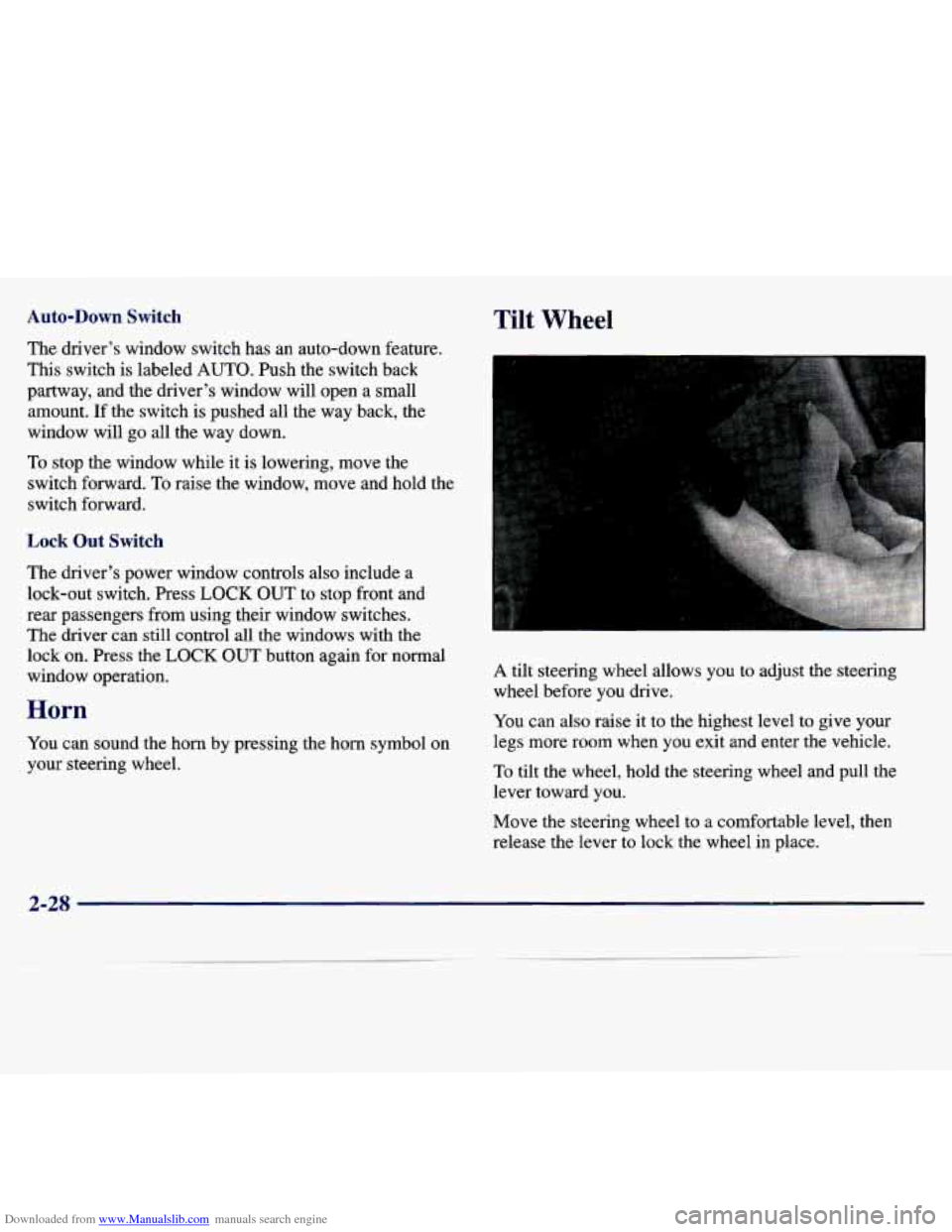
A tilt steering wheel allows you to adjust the steering
wheel before you drive.
You can also raise it to the highest level to give your
legs more room when you exit and enter the vehicle.
To tilt the wheel, hold the steering wheel and pull the
lever toward you.
Move the steering wheel to a comfortable level, then
release the lever
to lock the wheel in place.
2-2s
Page 90 of 354
Downloaded from www.Manualslib.com manuals search engine Cruise Control (If Equipped)
With cruise control, you can maintain a speed of about
25 mph (40 km/h) or more without keeping your foot on
the accelerator.
This can really help on long trips. Cruise
control does not work at speeds below
25 mph (40 km/h).
When you apply your brake, the cruise control shuts off.
1 CAUTION:
Cruise control can be dangerous where you
can’t drive safely at a steady speed.
So,
don’t use your cruise control on winding
roads or
in heavy traffic.
slippery roads. On such roads, fast changes
in tire traction can cause needless wheel
spinning, and you could lose control. Don’t
use cruise control on slippery roads.
0 Cruise control can be dangerous on
2-33
Page 91 of 354
Downloaded from www.Manualslib.com manuals search engine Setting Cruise Control
A C A UTION:
I
If you leave your cruise control switch on when
you’re not using cruise,
you might hit a button
and go into cruise when
you don’t want to. You
could be startled and even lose control. Keep the
cruise control switch
off until you want to use it.
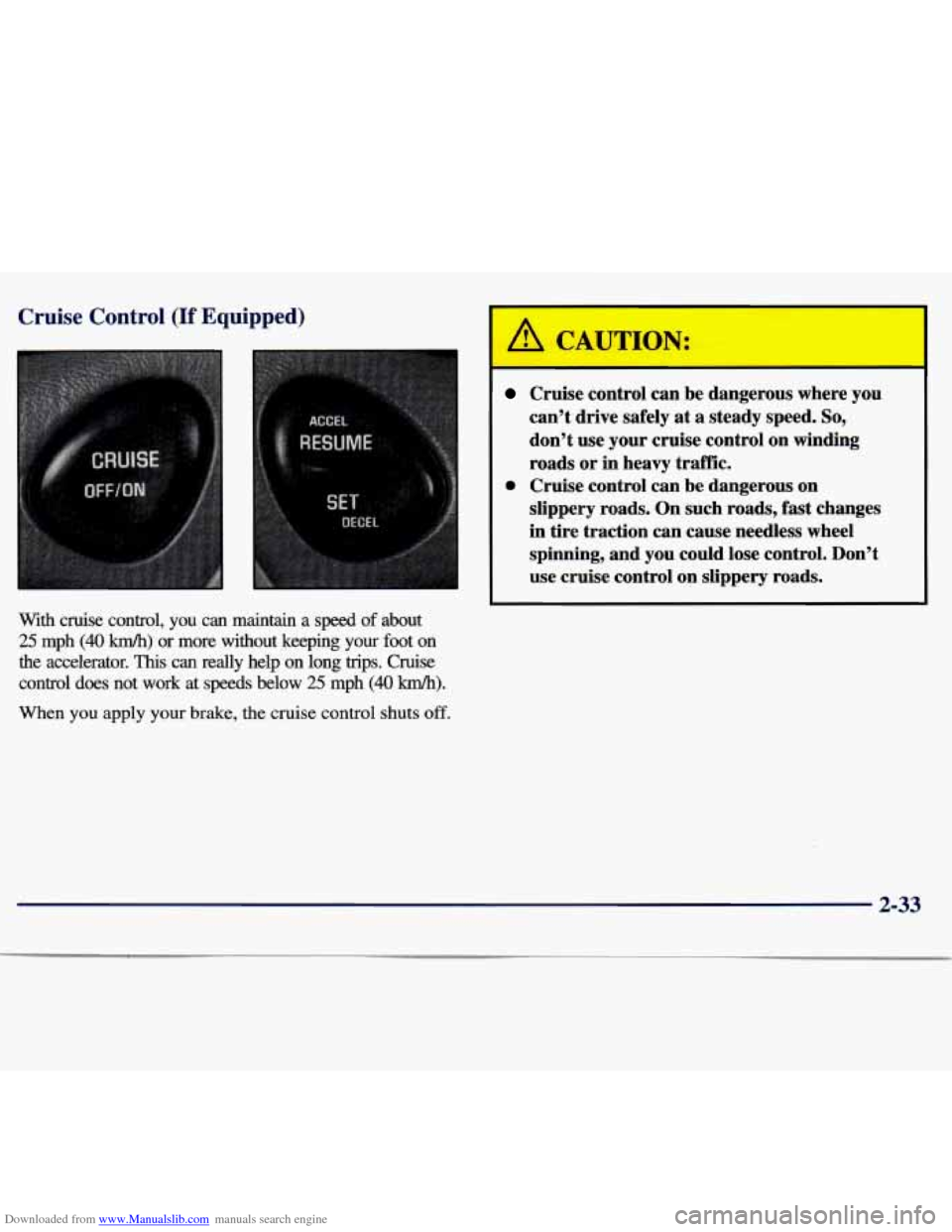
The cruise control buttons are located on the center of
the steering wheel.
1. Press the cruise control ON/OFF button.
2. Get up to the speed you want.
3. Press the SETDECEL button and release it.
4. Take your foot off the accelerator pedal.
Resuming a Set Speed
Suppose you set your cruise control at a desired speed
and then you apply the brake. This,
of course, shuts off
the cruise control. But you don’t need to reset it. Once
you’re going about
25 mph (40 km/h) or more, you can
press the cruise control RESUME/ACCEL button for
about half a second.
You’ll go right back up to your chosen speed and stay there.
If you press the RESUME/ACCEL button longer than
half a second, the vehicle will keep going faster until
you release the switch or apply the brake.
So unless you
want to
go faster, don’t hold down the
RESUME/ACCEL button.
2-34
Page 95 of 354
Downloaded from www.Manualslib.com manuals search engine Fog Lamps (If Equipped)
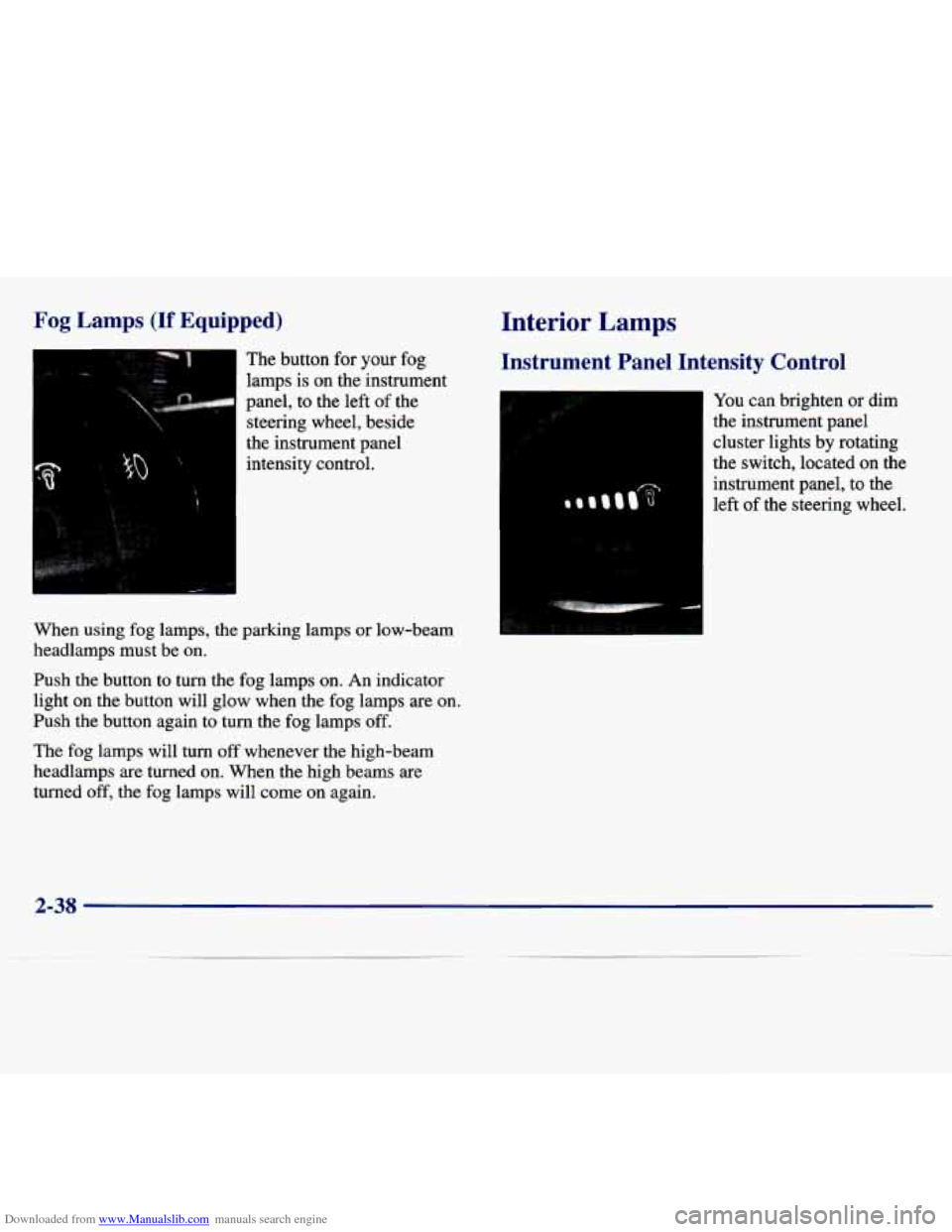
The button for your fog
lamps is on the instrument
panel, to the left of the
steering wheel, beside
the instrument panel intensity control.
When using fog lamps, the parking lamps or low-beam
headlamps must be on.
Push the button to turn the fog lamps on. An indicator
light
on the button will glow when the fog lamps are on.
Push the button again to turn the fog lamps off.
The fog lamps will turn off whenever the high-beam
headlamps are turned on. When the high beams are
turned off, the fog lamps will come on again.
Interior Lamps
Instrument Panel Intensity Control
You can brighten or dim
the instrument panel
cluster lights by rotating
the switch, located
on the
instrument panel, to the
left of the steering wheel.
2-38
Page 100 of 354
Downloaded from www.Manualslib.com manuals search engine Instrument Panel Cupholder
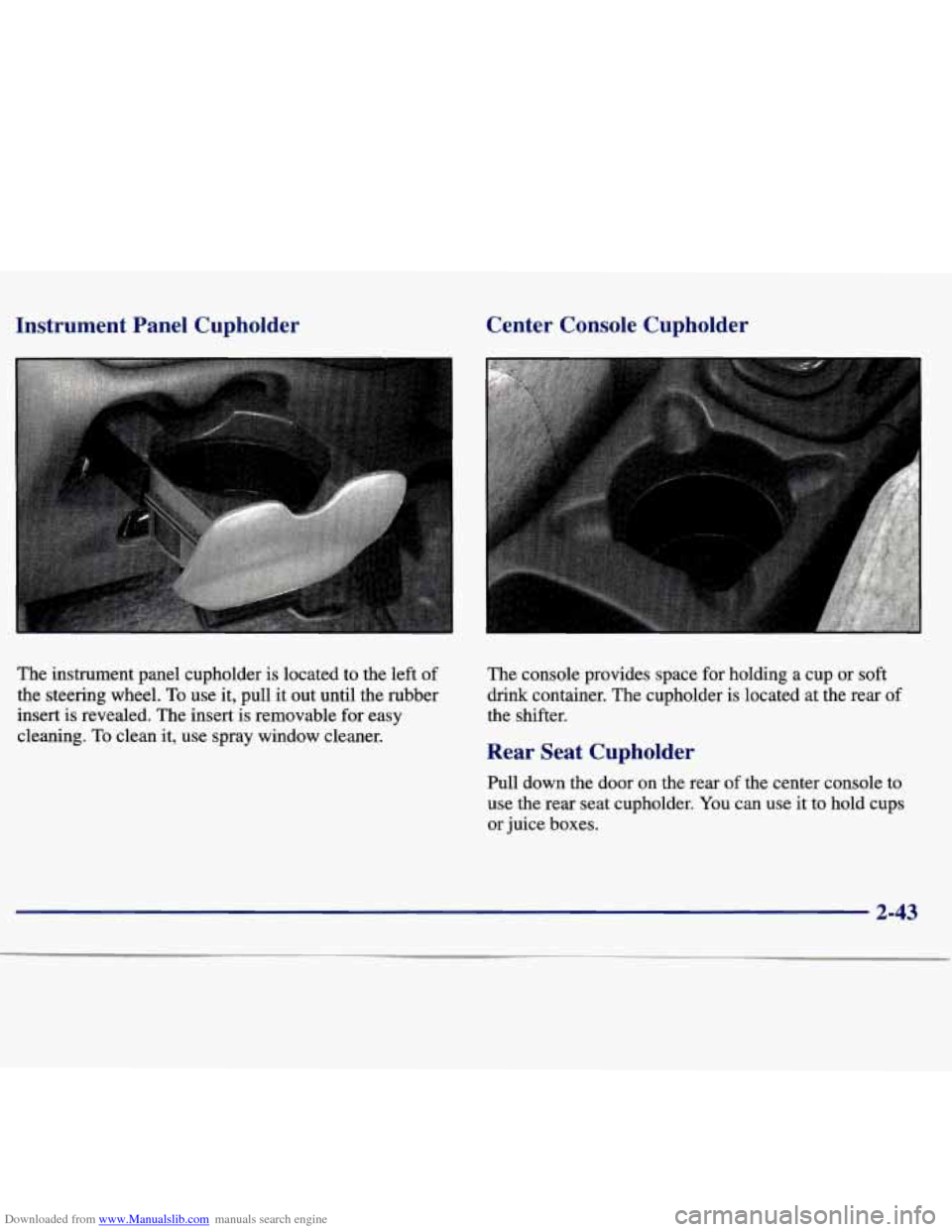
The instrument panel cupholder is located to the left of
the steering wheel.
To use it, pull it out until the rubber
insert
is revealed. The insert is removable for easy
cleaning.
To clean it, use spray window cleaner.
Center Console Cupholder
The console provides space for holding a cup or soft
drink container. The cupholder is located
at the rear of
the shifter.
Rear Seat Cupholder
Pull down the door on the rear of the center console to
use the rear seat cupholder. You can use it to hold cups
or juice boxes.
2-43
Page 106 of 354
Downloaded from www.Manualslib.com manuals search engine Your instrument panel is designed to let you know
at a glance how your vehicle is running. You’ll know
how fast you’re going, how much fuel you’re using,
and many other things you’ll need to drive safely
and economically.
The main components of your instrument panel are:
A. Instrument Panel Brightness Control
B. Fog Lamp Switch
C. Turn Signal Multifunction Lever
D. Cruise Control Switches
E. Instrument Cluster
E WIndshield Wipermasher Lever
G. Ignition Switch
H. Hazard Switch
J. Supplemental Restraint System (SRS)
K. Fuse Panel
L. Climate Control System
M. Accessory Power Outlet
N. Ashtray
0. Lighter
P. Audio System
Q. Supplement Restraint System (SRS) and Horn
R. Park Brake Pedal
S. Tilt Wheel Lever
T. Hood Release Lever
U. Remote Trunk Release Switch
V. Instrument Panel Cupholder
2-49