Page 106 of 386
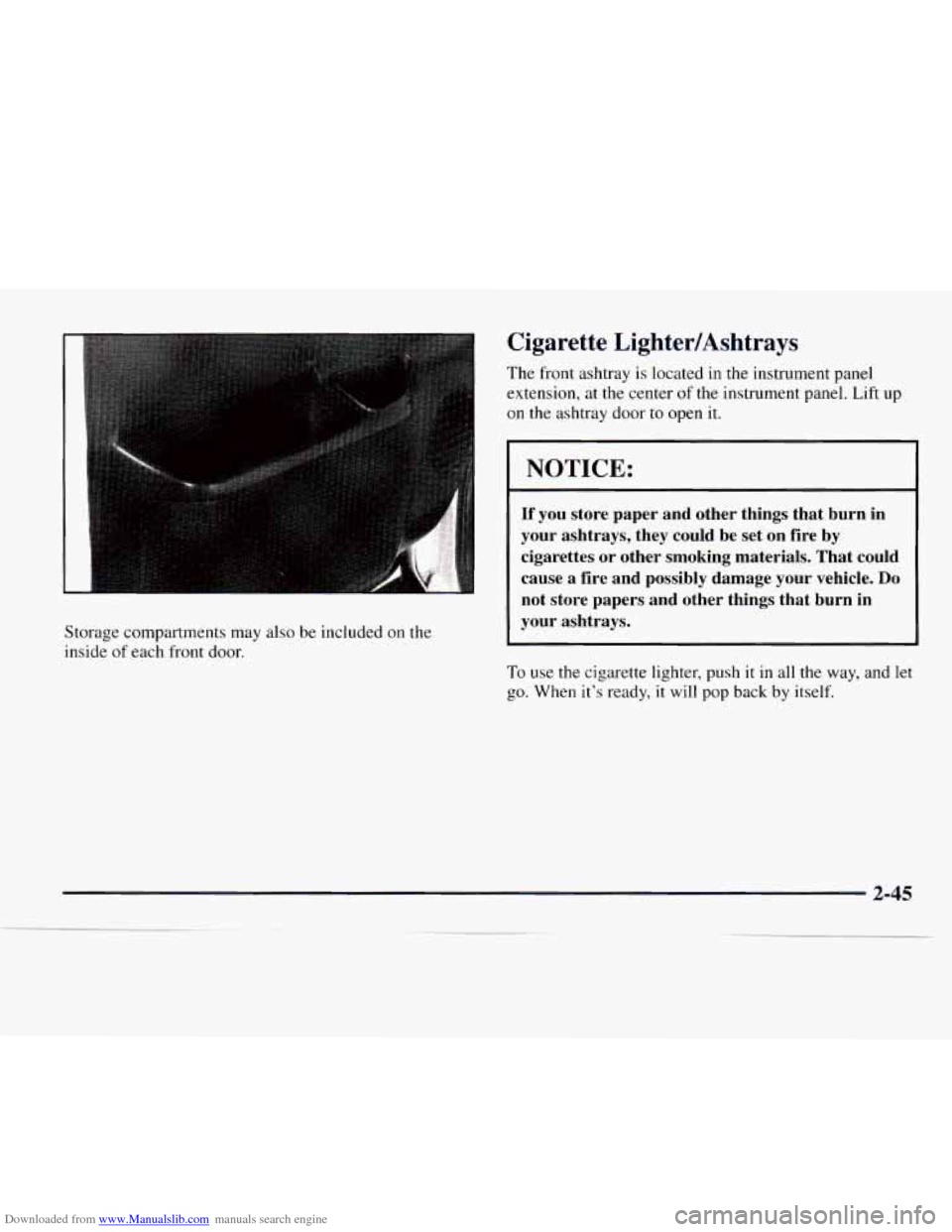
Downloaded from www.Manualslib.com manuals search engine Storage compartments may also be included on the
inside
of each front door.
Cigarette LightedAshtrays
The front ashtray is located in the instrument panel
extension, at the center
of the instrument panel. Lift up
on the ashtray door to open it.
NOTICE:
If you store paper and other things that burn in
your ashtrays, they could be set on fire by
cigarettes or other smoking materials. That could
cause a fire and possibly damage your vehicle.
Do
not store papers and other things that burn in
your ashtrays.
To use the cigarette lighter, push it in all the way, and let
go. When it’s ready, it will pop back by itself.
Page 108 of 386
Downloaded from www.Manualslib.com manuals search engine Instrument Panel
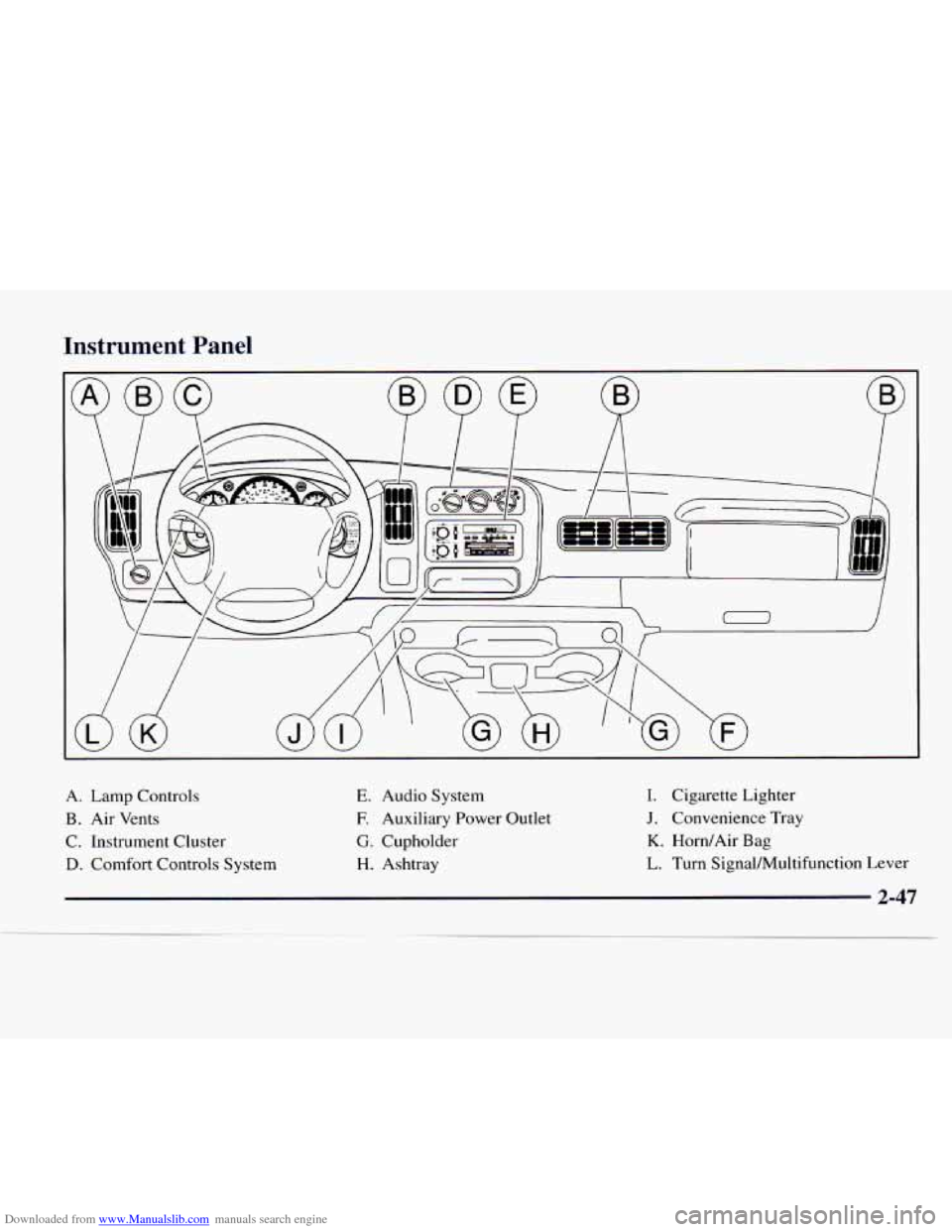
A.
B.
C.
D.
Lamp Controls
Air Vents
Instrument Cluster
Comfort Controls System E.
E
G.
H.
Audio System
Auxiliary Power Outlet
Cupholder Ashtray I.
J.
K.
L.
Cigarette Lighter
Convenience Tray
Horn/Air Bag
Turn SignalMultifunction Lever
Page 112 of 386

Downloaded from www.Manualslib.com manuals search engine Air Bag Readiness Light
There is an air bag readiness light on the instrument
panel, which shows
AIR BAG. The system checks the
air bag’s electrical system for malfunctions. The light
tells you
if there is an electrical problem. The system
check includes the air bag sensor,
the air bag modules,
the wiring and the crash sensing and diagnostic module.
For more information on the air bag system, see “Air
Bag” in the Index.
AIR
BAG
This light will come on
when
you start your engine,
and it will
flash for a few
seconds. Then
the light
should go out. This means
the system is ready.
If the air bag readiness light stays on after
you start the
engine or comes on when you are driving, your air bag
system may not work properly. Have your vehicle
serviced right away. The air
bag readiness light should flash for a few
seconds when you turn the ignition key to
RUN. If the
light doesn’t come on then, have it fixed
so it will be
ready to warn
you if there is a problem.
Charging System Light
This light should come on
briefly when
you turn on the
ignition, before starting the
engine, as a check to show
you it is working.
After the engine starts,
the light should go out. If it stays
on or comes on while you are driving, you may have a
problem with your charging system. It could indicate a
problem with
the alternator drive belt, or some other
charging system problem. Have
it checked right away.
Driving while this light
is on could drain your battery.
If
you must drive a short distance with this light on, it
helps to turn off all your accessories, such as the radio
and air conditioner.
2-51
Page 115 of 386
Downloaded from www.Manualslib.com manuals search engine If the light stays on, or comes on when you’re driving,
your vehicle needs service. If the regular brake system
warning light isn’t on, you still have brakes, but you
don’t have anti-lock brakes. If the regular brake system
warning light is also on, you don’t have anti-lock brakes
and there’s a problem with your regular brakes. See
“Brake System Warning Light” earlier
in this section.
The anti-lock brake system warning light should come
on briefly when you turn the ignition key to RUN. If the
light doesn’t come on then, have it fixed
so it will be
ready to warn
you if there is a problem.
Daytime Running Lamps Indicator Light
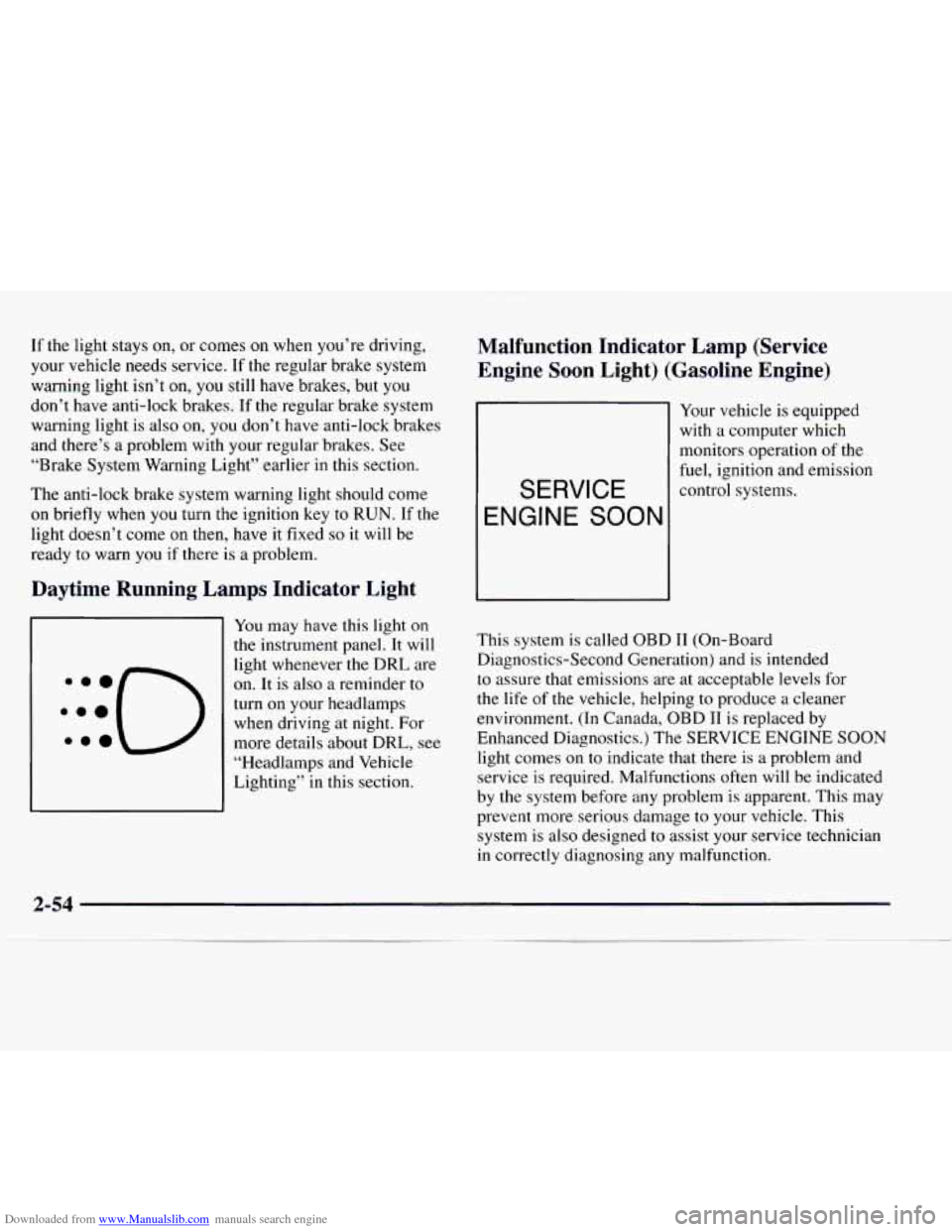
You may have this light on
the instrument panel. It will
light whenever
the DRL are
on.
It is also a reminder to
turn on your headlamps when driving at night. For
more details about DRL, see
“Headlamps and Vehicle
Lighting” in this section.
Malfunction Indicator Lamp (Service
Engine Soon Light) (Gasoline Engine)
Your vehicle is equipped
with
a computer which
monitors operation of the
fuel, ignition and emission
control systems.
SERVICE
ENGINE SOON
This system is called OBD I1 (On-Board
Diagnostics-Second Generation) and is intended
to assure that emissions
are at acceptable levels for
the life of the vehicle, helping to produce a cleaner
environment.
(In Canada, OBD IT is replaced by
Enhanced Diagnostics.) The SERVICE
ENGINE SOON
light comes on to indicate that there is a problem and
service is required. Malfunctions often
will be indicated
by the system before any problem is apparent. This may
prevent more serious damage to
your vehicle. This
system is
also designed to assist your service technician
in correctly diagnosing any malfunction.
Page 128 of 386
Downloaded from www.Manualslib.com manuals search engine Mode Knob
The right knob changes the heater setting.
/J VENT This setting directs air through the
instrument panel vents.
’# BI-LEVEL: Use this setting to divide
airflow between the heater floor vents and instrument
panel vents.
+# HEAT This setting directs air through the heater
floor vents. This setting is useful for cold weather.
+’, HEATDEFROST Use this setting to divide
airflow between the heater floor vents and windshield.
*a
+e
e
wa
DEFROST: This setting directs air through the
windshield defroster
vents. This setting is useful when
you have fog or ice on the windshield.
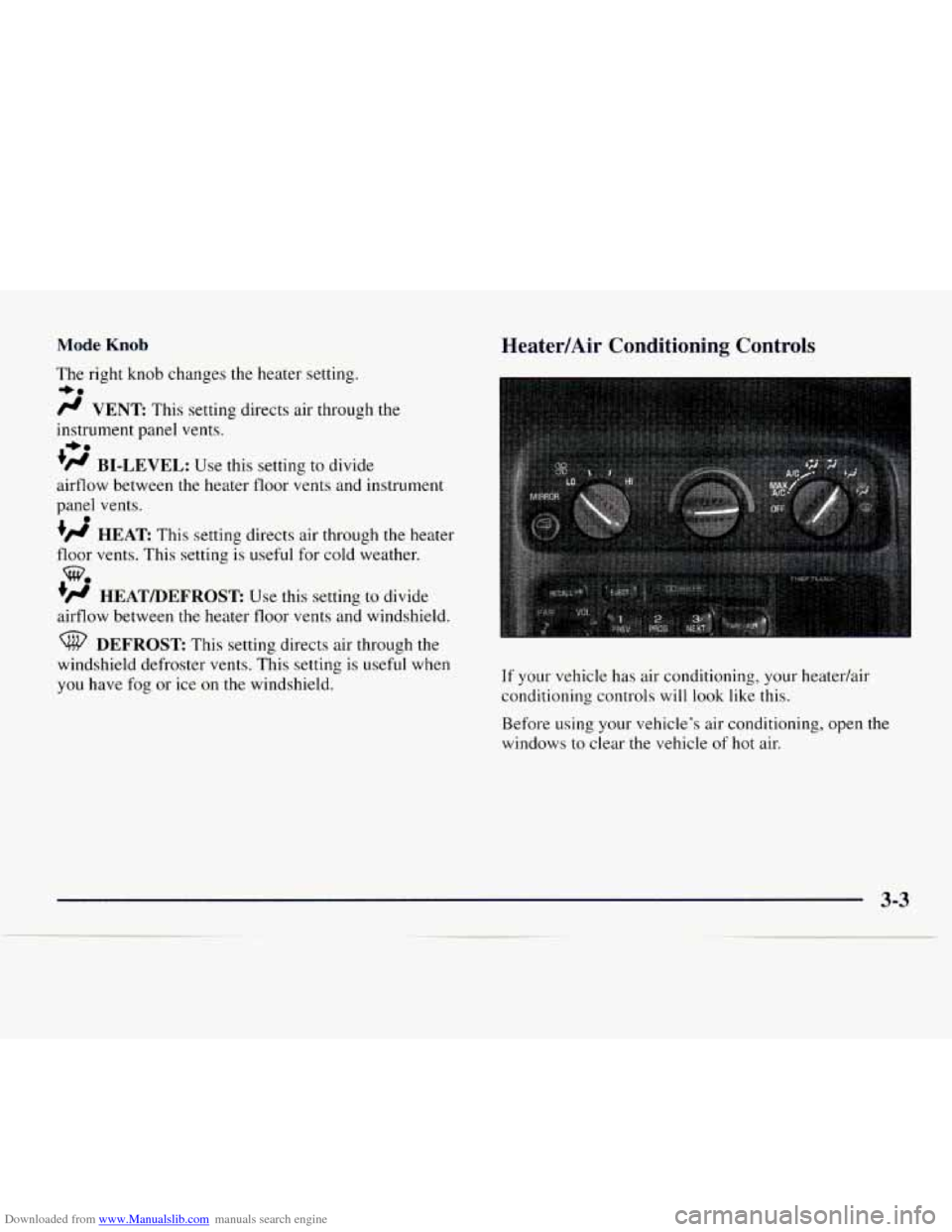
Heater/Air Conditioning Controls
If your vehicle has air conditioning, your heatedair
conditioning controls will look like this.
Before using your vehicle’s air conditioning, open the
windows
to clear the vehicle of hot air.
Page 129 of 386
Downloaded from www.Manualslib.com manuals search engine Fan Knob
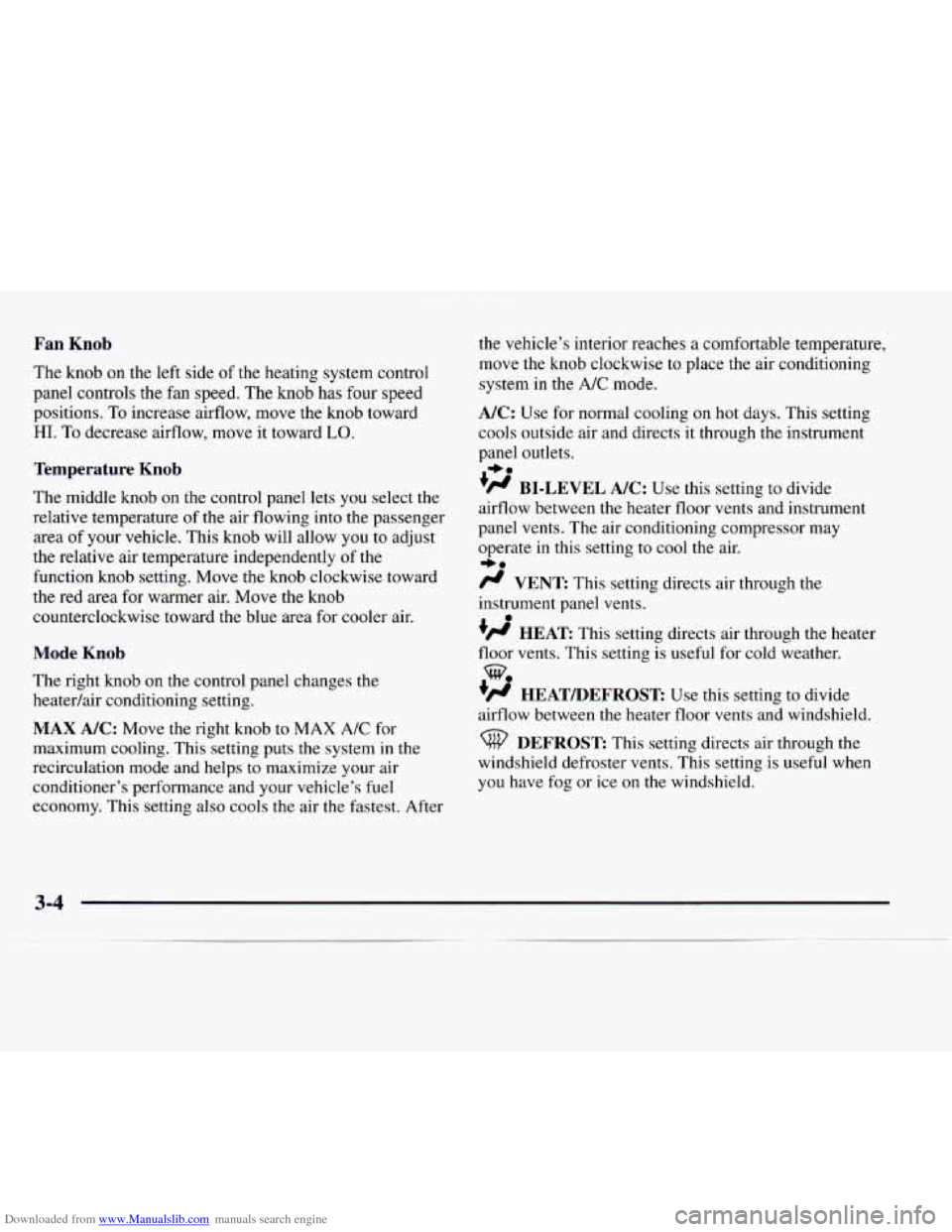
The knob on the left side of the heating system control
panel controls the fan speed. The knob has four speed
positions. To increase airflow, move the knob toward
HI. To decrease airflow, move it toward LO.
Temperature Knob
The middle knob on the control panel lets you select the
relative temperature of the air flowing into the passenger
area
of your vehicle. This knob will allow you to adjust
the relative air temperature independently
of the
function knob setting. Move the knob clockwise toward
the red area
for warmer air. Move the knob
counterclockwise toward the blue area for cooler air.
Mode Knob
The right knob on the control panel changes the
heatedair conditioning setting.
MAX A/C: Move the right knob to MAX A/C for
maximum cooling. This setting puts the system in the
recirculation mode and helps to maximize your air
conditioner’s performance and your vehicle’s fuel
economy. This setting also cools
the air the fastest. After the vehicle’s interior reaches
a comfortable temperature,
move the knob clockwise to place the air conditioning
system in the
A/C mode.
A/C: Use for normal cooling on hot days. This setting
cools outside air and directs it through the instrument
panel outlets.
‘fl BI-LEVEL A/C: Use this setting to divide
airflow between the heater floor vents and instrument
panel vents. The air conditioning compressor may
operate in this setting to cool the air.
/J VENT This setting directs air through the
instrument panel vents.
+H HEAT This setting directs air through the heater
floor vents. This setting is useful for cold weather.
+# HEATmEFROST: Use this setting to divide
airflow between the heater floor vents and windshield.
+e
I,.
0
we
DEFROST This setting directs air through the
windshield defroster vents. This setting is useful when
you have fog or ice
on the windshield.
3-4
-
Page 130 of 386
Downloaded from www.Manualslib.com manuals search engine Rear Heater (Without Air Conditioning)
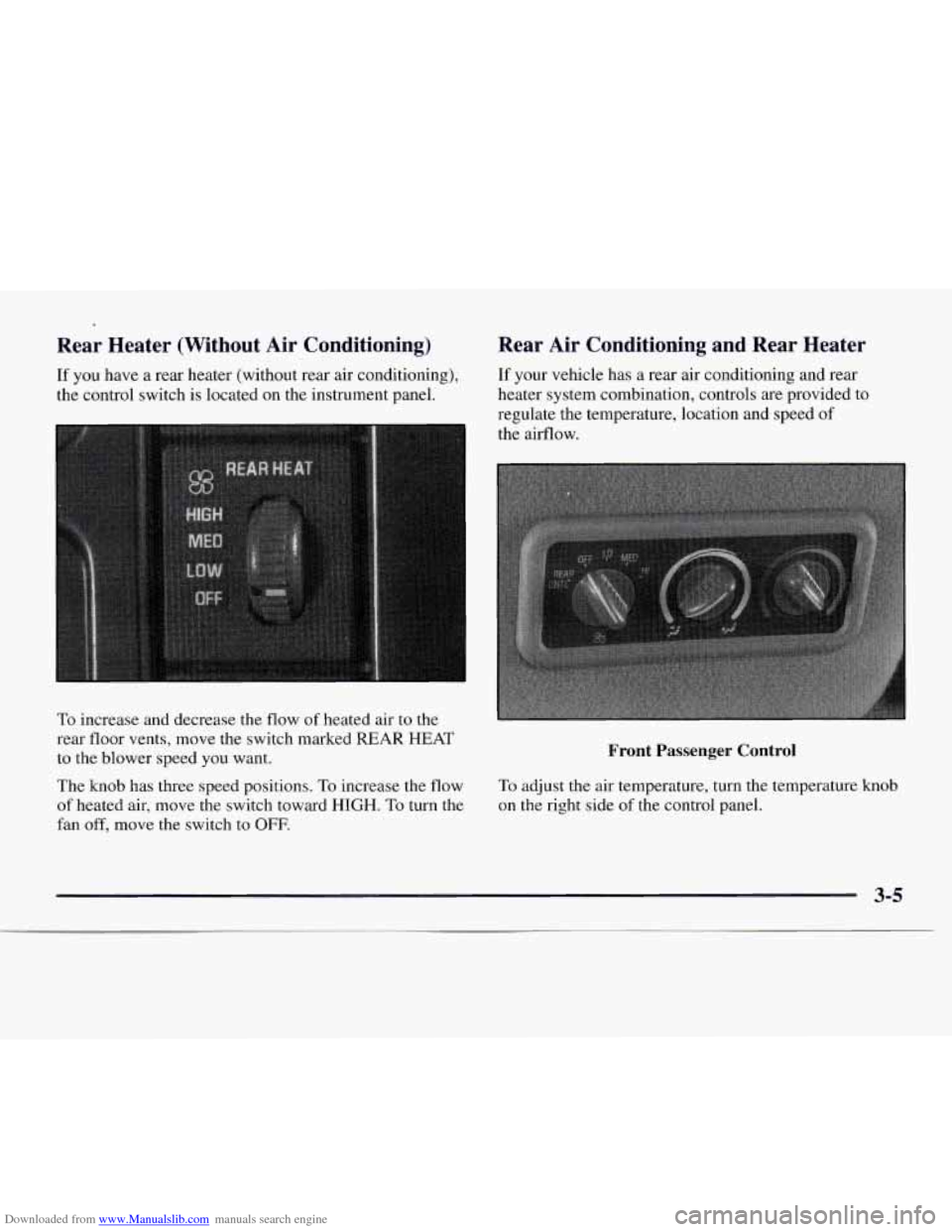
If you have a rear heater (without rear air conditioning),
the control switch is located on the instrument panel.
To increase and decrease the flow
of heated air to the
rear floor vents, move the switch marked REAR HEAT
to the blower speed you want.
The
knob has three speed positions. To increase the flow
of heated air, move the switch toward HIGH. To turn the
fan
off, move the switch to OFF.
Rear Air Conditioning and Rear Heater
If your vehicle has a rear air conditioning and rear
heater system combination, controls are provided to
regulate the temperature, location and speed
of
the airflow.
Front Passenger Control
To adjust the air temperature, turn the temperature knob
on the right side
of the control panel.
3-5
Page 133 of 386
Downloaded from www.Manualslib.com manuals search engine 0 Keep the air path under the front seats clear of
objects. This helps air to circulate throughout
your vehicle.
Your vehicle has air vents in the center and
on the sides
of your instrument panel.
You can move the vents from side to side or up and
down to direct the flow of air,
or close the vents
altogether. When you close a vent, it will increase the
flow of air coming out
of any vents that are open.
Audio Systems
Your Delco@ audio system has been designed to operate
easily and give years of listening pleasure. You will get
the most enjoyment out of it if you acquaint yourself
with
it first. Find out what your Delco system can do
and how to operate all its controls, to be sure you’re
getting the most out of the advanced engineering that
went into it.
Setting the Clock for Systems without
Automatic Tone Control
Press SET. Within five seconds, press and hold the
SEEK right arrow
until the correct minute appears on
the display. Press and hold the SEEK left arrow until
the correct hour appears
on the display.
Setting the Clock for Systems with
Automatic
Tone Control
Press and hold HR until the correct hour appears on
the display. Press and hold MIN until the correct
minute appears
on the display. To display the clock
with the ignition off, press RECALL or
HRMIN and
the time will be displayed for a few seconds. There is
an initial two-second delay before the clock goes into
the time-set mode.