1997 CHEVROLET BLAZER ignition
[x] Cancel search: ignitionPage 134 of 402
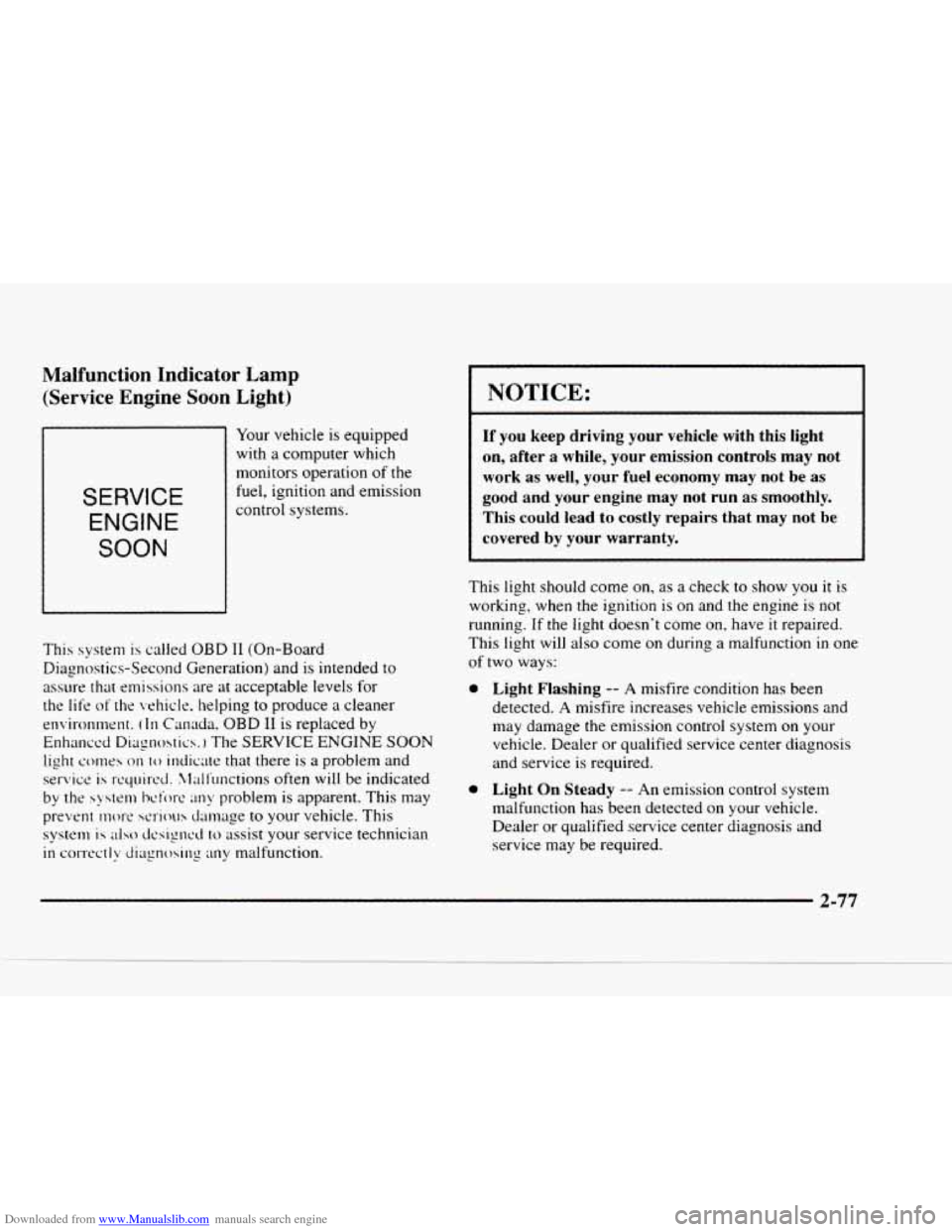
Downloaded from www.Manualslib.com manuals search engine Malfunction Indicator Lamp (Service Engine Soon
Light)
1
Your vehicle is equipped
with a computer which
monitors operation
of the
fuel, ignition and emission
SERVICE
ENGINE
SOON
control systems.
This system
is called OBD I1 (On-Board
Diagnostics-Second Generation) and
is intended to
assure that emissions are at acceptable levels for
the life of
the vehicle. helping to produce a cleaner
environment.
(In Canada. OBD 11 is replaced by
Enhanced
Diqnohtics. The SERVICE ENGINE SOON
light co111es
on to indicate that there is a problem and
service
is rquired. X,l;df'unctions often will be indicated
by the
system bciore any problem is apparent. This may
prevent
mort' serious damage to your vehicle. This
system is also t1csignt.d to assist your service technician
in correctly diagnosing any malfunction.
NOTICE:
If you keep driving your vehicle with this light
on, after a while, your emission controls may not
work as well, your fuel economy may not be as
good and your engine may not run
as smoothly.
This could
lead to costly repairs that may not be
covered by your warranty.
This light should come on, as a check to show you it is
working, when
the ignition is on and the engine is not
running. If the light doesn't come on, have it repaired.
This light will also come
on during a malfunction in one
of two ways:
0 Light Flashing -- A misfire condition has been
detected.
A misfire increases vehicle emissions and
may damage
the emission control system on your
vehicle. Dealer or qualified service center diagnosis
and service
is required.
0 Light On Steady -- An emission control system
malfunction has been detected on
your vehicle.
Dealer or qualified service center diagnosis and
service may be required.
2-77
Page 137 of 402
Downloaded from www.Manualslib.com manuals search engine Shift Light
-w
/fls 1
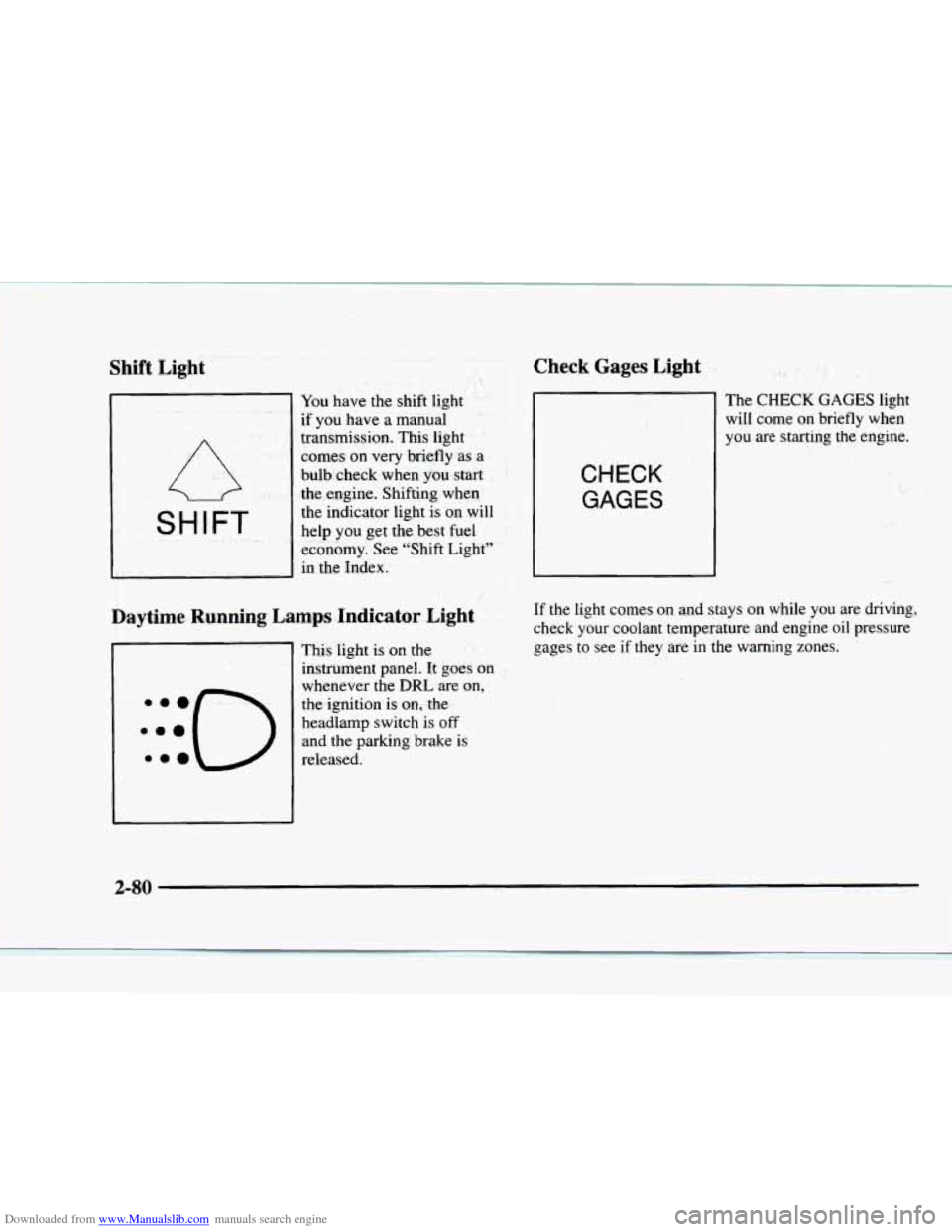
You have the shift light
if you have a manual
transmission. This light
comes
on very briefly as a
bulb check when
you start
the engine. Shifting when
the indicator light is on will
help you get
the best fuel
economy. See "Shift Light"
in the Index.
1 'd 8.
Daytime Running Lamps Indicator Light
This light is on the
instrument panel. It goes on
whenever the
DRL are on,
the ignition is on,.the
headlamp switch is
off
and the parking brake is
released.
Check Gages Light
CHECK GAGES
The CHECK GAGES light
will come on briefly when
you are starting the engine.
:
.. * ,. ,. , i ..3
I I.. -_. .
If the light comes on and stays on while you are driving,
check your coolant temperature and engine oil pressure
gages to see if they are in the warning zones.
1;
.I. ..
' , .;i ,- ..
"j
.. . .
2-80
Page 138 of 402
Downloaded from www.Manualslib.com manuals search engine Gate Ajar Light
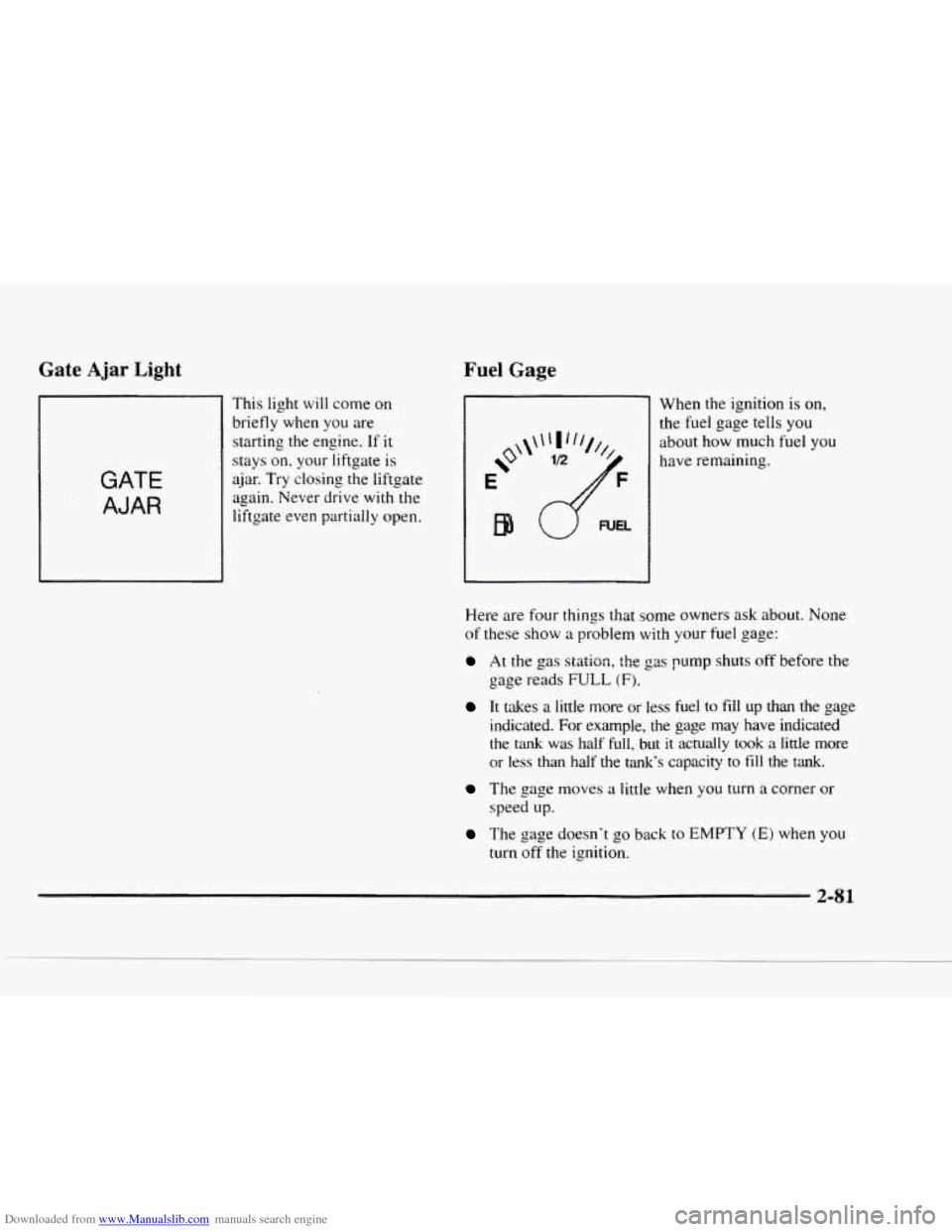
GATE
AJAR
This light will come on
briefly when you are
starting the engine. If
it
stays on. your liftgate is
ajar. Try closing
the liftgate
again. Never drive with the
liftgate even partially open.
Fuel Gage
When the ignition is on,
the fuel gage tells you
about how much fuel
you
have remaining.
Here are four things that some owners ask about. None
of these show a problem with your fuel gage:
At the gas stsiion, the ga rump shuts off before the
gage reads FULL (Fj.
It takes a little more or less fuel to fill up than the gage
indicated.
For example, the gage may have indicated
the tank was half full, but it actually took a little more
or less than half the tank’s capacity to
fill the tank.
The gage moves a little when you turn a corner or
speed up.
The gage doesn’t go back to EMPTY (E) when you
turn
off the ignition.
2-81
Page 144 of 402

Downloaded from www.Manualslib.com manuals search engine Defogging and Defrosting
On cool, humid days. use BLEND to keep the
windshield and side windows clear.
Use
DEFROST to remove fog or ice from the
windshield quickly
in extreme humid or cold conditions.
Turn the temperature knob clockwise and move the fan
control toward
HI.
Rear Window Defogger (Option)
If your vehicle has this option, the rear window will
have lines that warm the glass. For best results. clear the window
of as
much snow or ice as possible before using
the rear window defogger.
To turn on the rear window defogger. find the switch
marked
REAR DEFOG on your instrument panel below
the headlamp switch. Press
ON until the light in the
switch comes on, then release it. it will
only work if the
ignition switch is turned to RUN.
The rear window defogger will stay on for five to seven
minutes, then turn off.
If you need additional warming
time, turn
it on again. You can turn the defogger off at
any time
by pressing OFF.
Do not attach a temporary vehicle license. tape or decals
across the defogger grid on the rear window.
1 NOTICE:
Don’t use a razor blade or something else sharp
on the inside of the rear window. If you do, you
could cut or damage the warming grid, and the
repairs wouldn’t be covered by your warranty.
3-5
Page 147 of 402
Downloaded from www.Manualslib.com manuals search engine AM-FNI Stereo with Cassette Tape Player
(If Equipped)
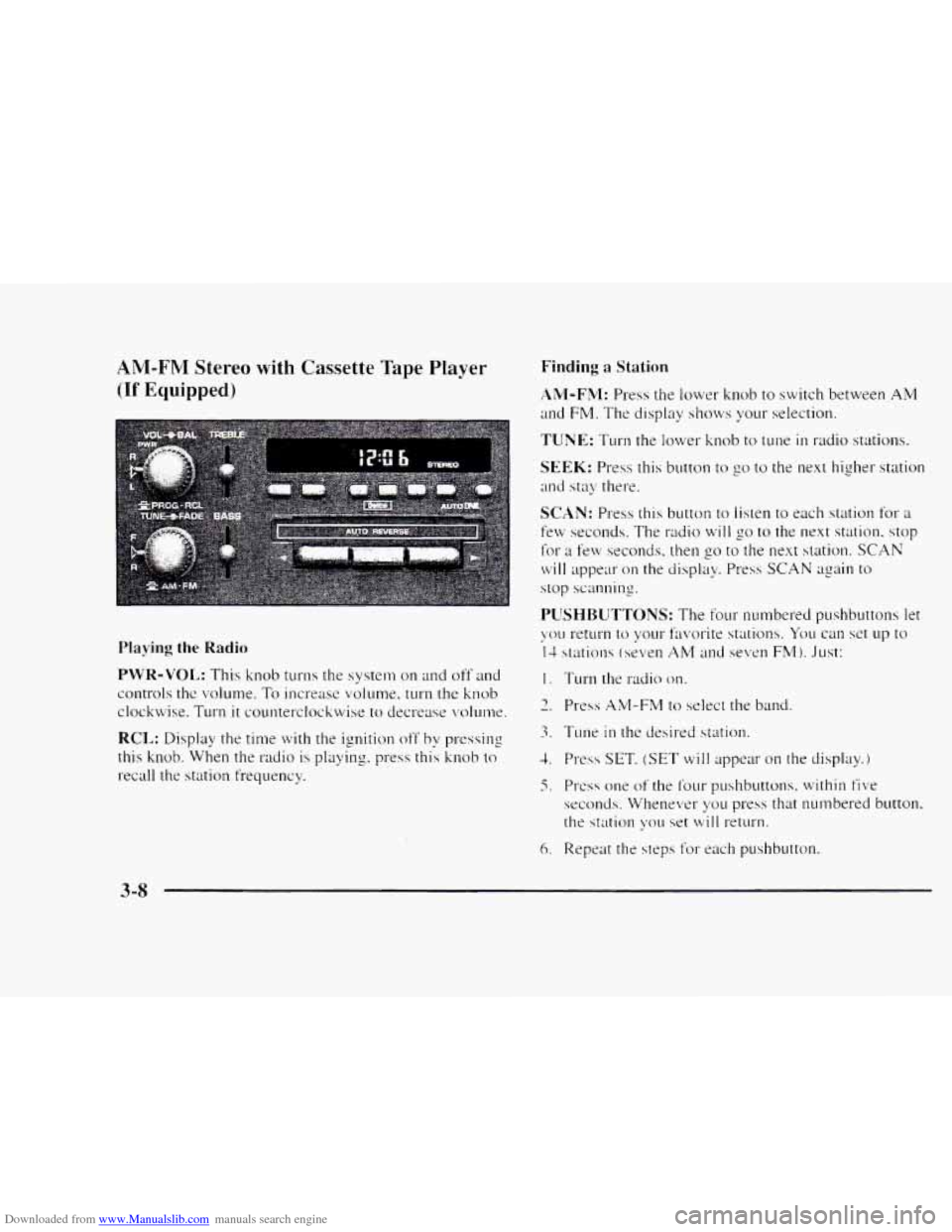
Playing the Radio
PWR-VOL: This knob turns the system on and off and
controls the volume.
To increase volume, turn the knob
clockwise. Turn
it counterclockwise to decrease volunw.
RCL: Display the time with the ignition off by pressing
this knob. When the
radio is playing. press this knob to
recall the station frequency.
Finding a Station
AM-FM: Press the lower knob to switch between AM
and FM. The display sl~ows your selection.
TUNE: Turn the lower knob to tune in radio stations.
SEEK: Press this button to go to the next higher station
and stay there.
SCAN: Press this button to listen to each station for a
few seconds. The radio will go to the next station. stop
for a few seconds. then go to the next station. SCAN
will appear on the display. Press SCAN again to
stop scanning.
I. Turn the radio on.
3. Tune in the desired station.
1. Press SET, (SET will appear on the display.)
5. PI-css one of the f’our pushbuttons. within five
seconds. Whenever yo11 press that numbered button.
the station \:ou
set will return.
6. Repeat the steps f’or each pushbutton.
3-8
Page 149 of 402
Downloaded from www.Manualslib.com manuals search engine AM-FM Stereo with Cassette Tape Player'*:'#
and Equalizer
(If Equipped)
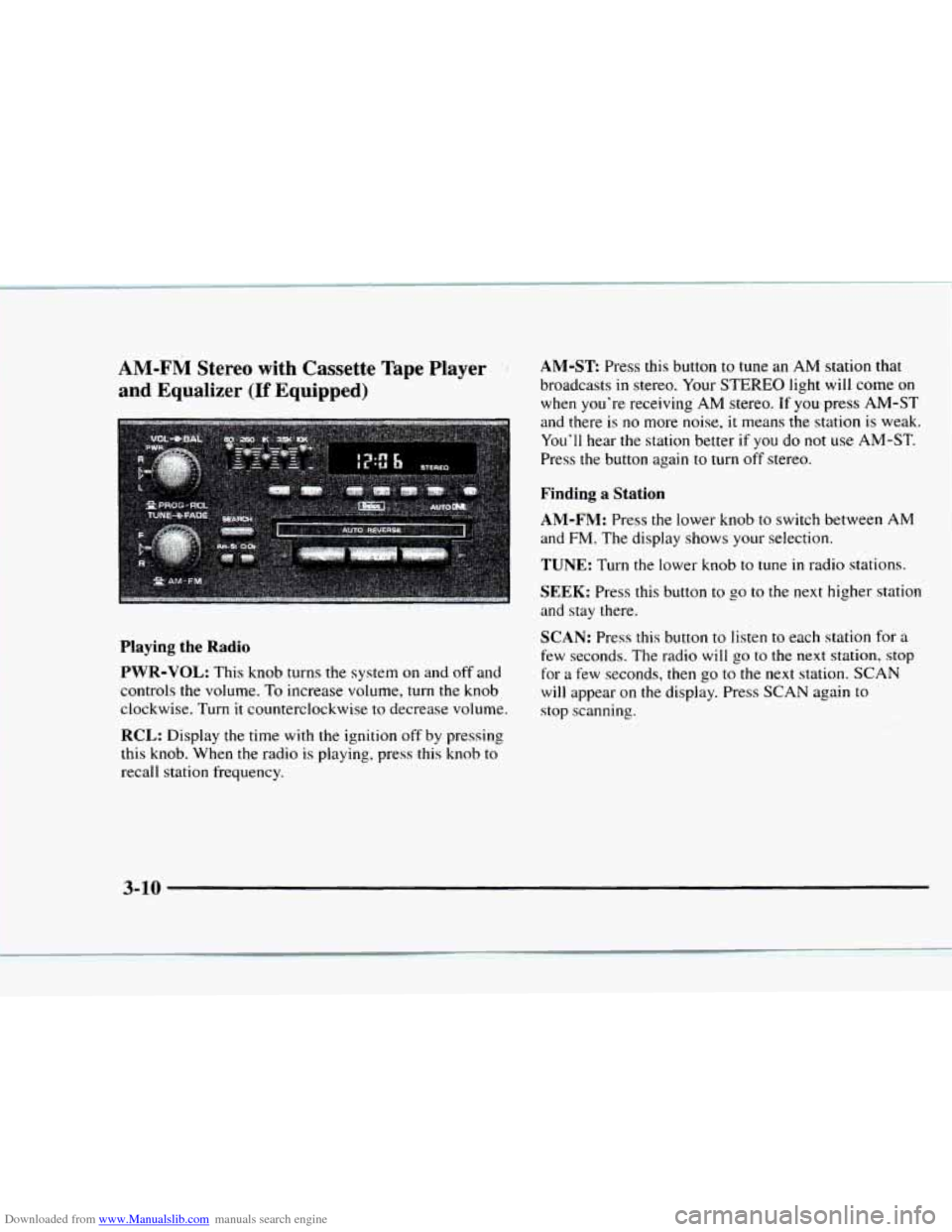
AM-ST Press this button to tune an AM station that
broadcasts
in stereo. Your STEREO light will come on
when you're receiving
AM stereo. If you press AM-ST
and there
is no more noise, it means the station is weak.
You'll hear the station better
if you do not use AM-ST.
Press the button again to turn
off stereo.
Finding a Station
AM-FM:
Press the lower knob to switch between AM
and FM. The display shows your selection.
TUNE: Turn the lower knob to tune in radio stations.
SEEK: Press this button to go to the next higher station
and stay there.
SCAN: Press this button to listen to each station for a
few seconds. The radio will go to the next station, stop
for a few seconds, then
go to the next station. SCAN
will appear on the display. Press SCAN again to
stop scanning.
Playing the Radio
PWR-VOL:
This knob turns the system on and off and
controls the volume. To increase volume,
turn the knob
clockwise. Turn
it counterclockwise to decrease volume.
RCL: Display the time with the ignition off by pressing
this knob. When the radio
is playing, press this knob to
recall station frequency.
' , :i I -. ,
3-10
Page 152 of 402
Downloaded from www.Manualslib.com manuals search engine AM-FM Stereo with Compact Disc Player
and Automatic Tone Control (If Equipped)
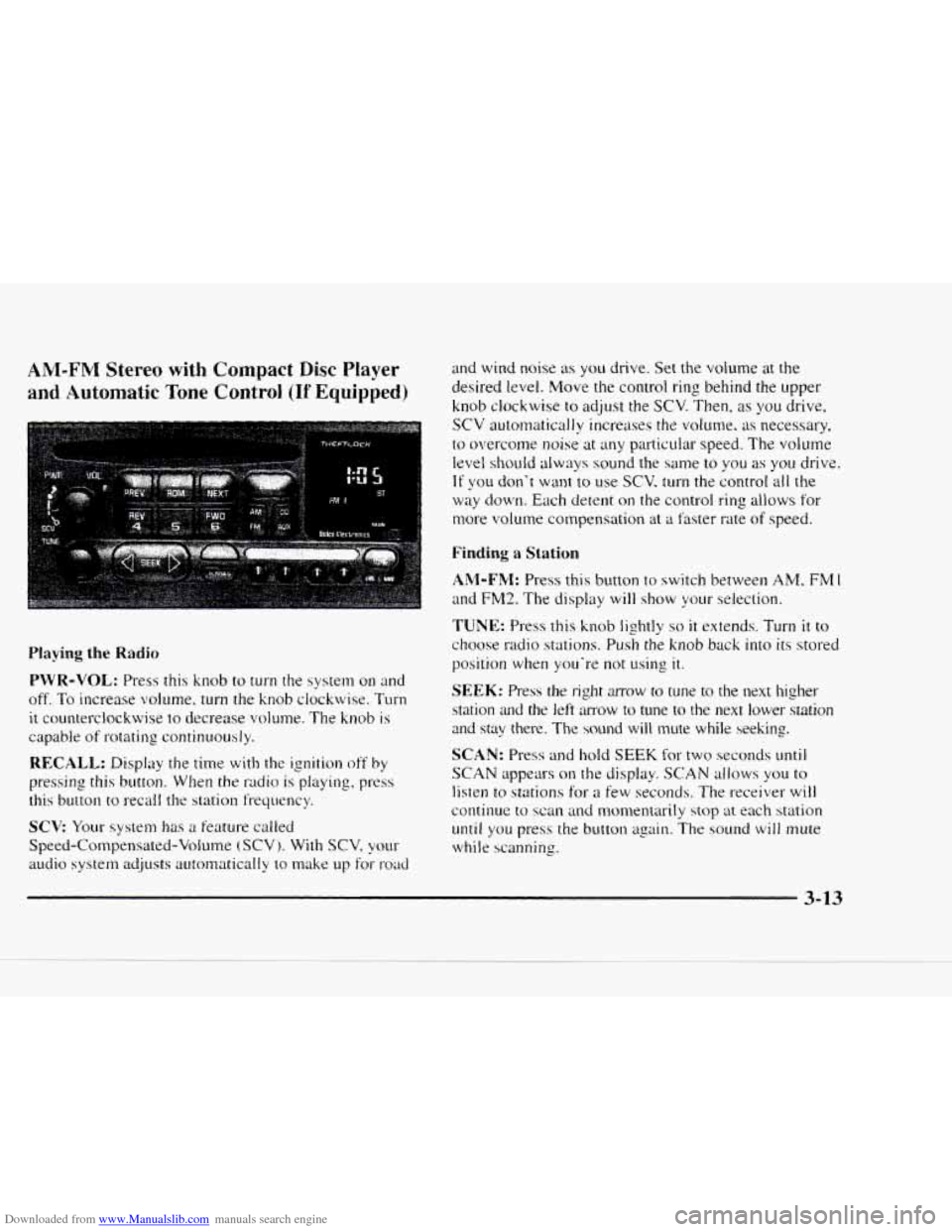
Playing the Radio
PWR-VOL: Press this knob to turn the system on and
off.
To increase volume, turn the knob clockwise. Turn
it counterclockwise to decrease volume. The knob is
capable of rotating continuously.
RECALL: Display the time with the ignition off by
pressing this button. When the radio is playing, press
this button
to recall the station frequency.
SCV Your system has a feature called
Speed-Compensated-Volume
(SCV j. With SCV, your
audio system adjusts autornatically to make up for- road
and wind noise as you drive. Set the volume at the
desired level. Move the control ring behind the upper
knob clockwise
to adjust the SCV. Then, as you drive,
SCV automatically increases the volume, as necessary.
to overcome noise at any particuiar speed. The volume
level shouId always sound the same to you as you drive.
If you don't want to use SCV. turn the control all the
way down. Each detent on the control ring allows for
more volume compensation at
a faster rate of speed.
Finding a Station
AM-FM: Press this button to switch between AM, FM 1
and FM2. The display will show your selection.
TUNE: Press this knob lightly so it extends. Turn it to
choose radio stations. Push the knob back into its stored
position
when you're not using it.
SEEK: Press the right mow to tune to the next higher
station
and the left amow to tune to the next lower station
and stay there. The sound will mute while seeking.
SCAN: Press and hold SEEK for two seconds mtil
SCAN appears on the display. SCAN allows you to
listen to stations for a few seconds. The receiver will
continue to scan and monxntarily stop at each station
until you press the button again. The sound will mute
while scanning.
3-13
Page 154 of 402
Downloaded from www.Manualslib.com manuals search engine Setting the Tone Adjusting the Speakers
BASS: Press lightly on this knob to release it froln its
stored position. Turn the
knob clockwise to increase
bass and counterclockwise
to decrease bass. When the
BASS control is rotated, the AUTO TONE setting will
change to MAN.
TREB: Press lightly on this knob to release it from its
stored position. Turn the knob clockwise
to increase
treble and counterclockwise
to decrease treble. When
the TREB control
is rotated, the AUTO TONE setting
will change to
MAN. If a station is weak or noisy. you
may want to decrease the treble.
Push these knobs back into their stored positions when
you’re
not using them.
AUTO TONE: Press this button to select among the
five preset equalization settings and tailor the sound
to
the music or voice being heard. Each time you press the
button, the selection will switch
to one of the preset
settings
of CLASSIC, NEWS. ROCK. POP or JAZZ.
The display will show which mode
the receiver is in. To
return to the manual mode, press and release this button
until MAN appears on the display. This will return the
tone adjustment
to the BASS and TREB controls. If a
BASS or TREB control
is rotated, the AUTO TONE
setting will change to MAN.
BAL: Press lightly on this knob to release it from its
stored position. Turn the control clockwise to adjust
sound
to the right speakers and counterclockwise to
adjust sound to the left speakers. The middle position
balances the sound between the speakers.
FADE: Press lightly on this knob to release it from its
stored position. Turn the control clockwise to adjust the
sound to the front and counterclockwise
for the rear
speakers. The middle position balances the sound
between the speakers.
Push these knobs back
into their stored positions when
you’re not using
them.
Playing a Compact Disc
PWR: Press this knob to turn the system on.
(Please note that you can also turn the system on when
you insert
a compact disc into the player with the
ignition
on.)
Insert a disc partway into the slot. label side LIP. The
player
will pull it in. Wait a few seconds and the disc
should play. CD and
a CD symbol will also appear on
the display. Anytime you are playing a CD. the letters
CD will be next
to the CD symbol.