1997 CADILLAC ELDORADO instrument panel
[x] Cancel search: instrument panelPage 105 of 361
Downloaded from www.Manualslib.com manuals search engine asshg Another Vehicle While Using Cruise Control
Use the accelerator pedal to increase your speed. When
you take your foot off the pedal, your vehicle will slow
down to the cruise control speed you set earlier.
Using Cruise Control on
How well your cruise control will work on hills depends
upon your speed, load and the steepness
of the hills.
When going up steep hills, you may have to step on the
accelerator pedal to maintain your speed. When going
downhill, you may have to brake or shift to
a lower gear
to keep your speed down.
Of course, applying the brakes
or downshifting into
FIRST (1) takes you out of cruise
control. Many drivers find this to be too much trouble
and don’t use
cruise control on steep hills.
Ending Cruise Conn&ro11
There are two ways to end cruise control:
Step lightly on the brake pedal.
Move
the CRUISE switch to OW.
Erasing Spee
The cruise control set speed memory is erased when you
turn off the cruise control or the ignition.
s
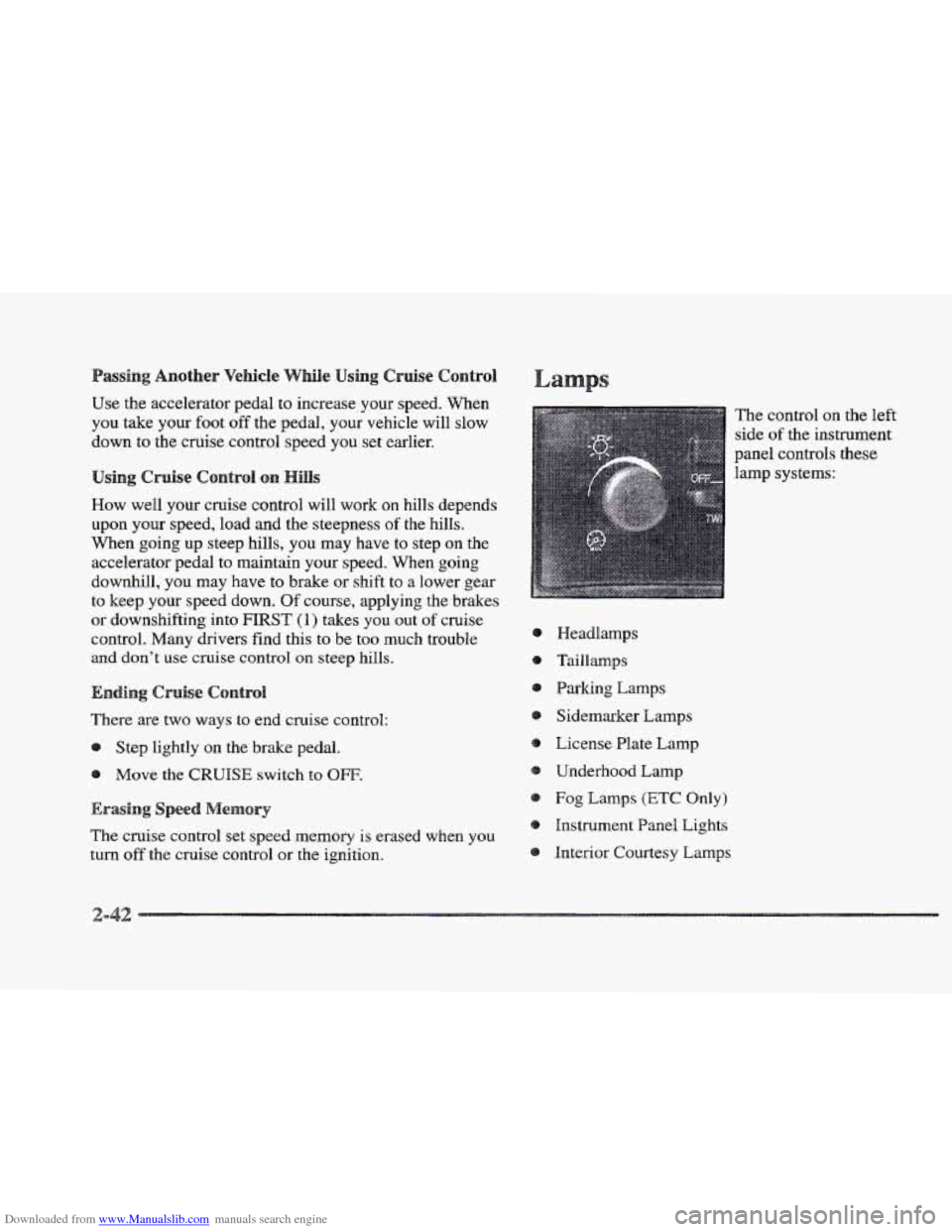
Headlamps
Taillamps
Parking Lamps
Sidemaker Lamps
License Plate
Lamp
Underhood Lamp
Fog Lamps (ETC Only)
Instrument Panel Lights
Interior Courtesy Lamps The control
on the left
side
of the instrument
panel controls
these
lamp systems:
Page 106 of 361

Downloaded from www.Manualslib.com manuals search engine Full the lamp control knob out to the first stop to turn
on the parking and taillamps, sidemarker lamps and
instrument panel lights. Pull the knob out
all the way to
turn on the headlamps. Push the control knob all the way
back in
to turn the lamps and lights off.
Cluster lighting as well as instrument panel backlighting
will dim only when it
is dark outside.
The control for the headlamps
is on the left side of the
instrument panel. Pull the lamp control
knob all the way
out to turn the headlamps on. Push the control knob all
the way back
in to turn the headlamps off.
This feature activates the headlamps and parlung lamps
after the windshield wipers have been in use for
approximately
20 seconds.
In order to operate the wiper activated headlamps, the
twilight sentinel must
be in the on position. This feature
lights the way
in poor weather and it also makes your
vehicle more visible
to other dnvers. If the wiper activated
headlamps are on, and the i,gpition switch
is turned off, the
wiper activated headlamps will immediately turn off.
The wiper activated headlamps will deactivate if you
turn
OR the twilight sentinel or if the windshield wipers
have been turned
off for a period of one or
two seconds.
You will hear a warning chime if you open either door
while leaving
the lamps on, if the manual headlamp
control is activated.
An exception to this is when you’re
using twilight sentinel.
Daytime Running Lamps
(DRE) can make it easier for
others to see the front of your vehicle during
the day.
DIU can be helpful in many different driving
conditions, but
they can be especially helpful in the
short periods after dawn and before sunset.
The DIU system will make the high-beam headlamps
come
on at reduced brightness when:
the ignition
is on,
the headlamp switch is off and
the transaxle
is not in PARK (P).
When DRE are on, only your high-beam headlamps (at
reduced brightness) will be
on. No other exterior lamps
such as the parking lamps, taillamps, etc. will be on
when
the DlRE are being used. Your instrument panel
won’t
be lit up either.
Page 110 of 361
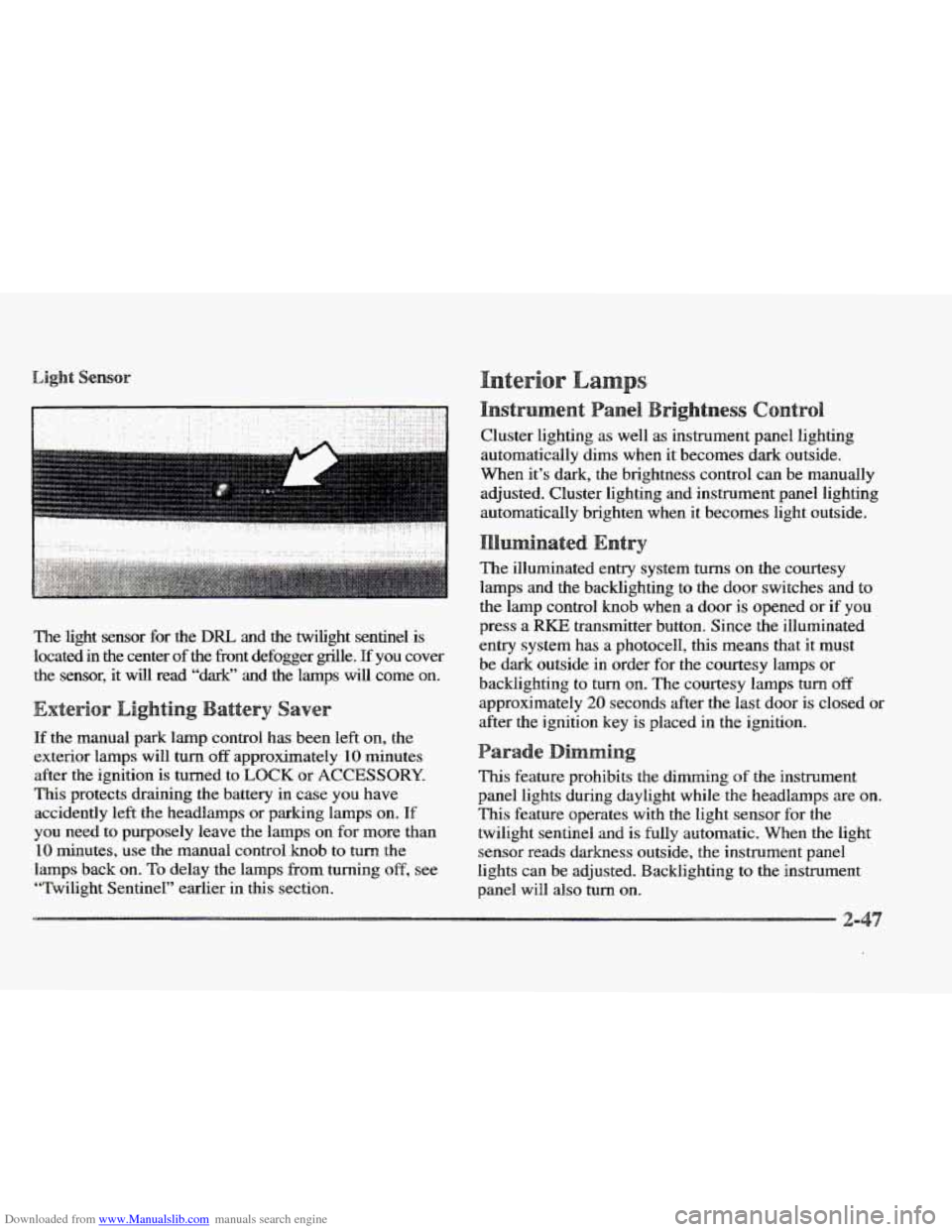
Downloaded from www.Manualslib.com manuals search engine The light sensor for the DRL and the twilight sentinel is
located in the center of
the fiont defogger grrlle. pf you cover
the sensor, it will read “dark”
and the lamps will come on.
If the manual park lamp control has been left on, the
exterior lamps will
turn off approximately 10 minutes
after the ignition
is turned to LOCK or ACCESSORY.
This protects draining the battery in case you have
accidently
left the headlamps or parkmg lamps on. If
you need to purposely leave the Imps on for more than
10 minutes, use the manual control knob to turn the
lamps back on.
To delay the lamps from turning off, see
“Twilight Sentinel” earlier in this section. Cluster lighting
as well
as instrument panel lighting
automatically dims when it becomes dark outside.
When it’s dark,
the brightness control can be manually
adjusted. Cluster lighting and instrument panel lighting
automatically brighten when it becomes light outside.
The illuminated entry system
turns on the courtesy
lamps and the backlighting to the door switches and
to
the lamp contr~l knob when a door is opened or if you
press a RKE transmitter button. Since the illuminated
entry system has
a photocell, this means that it must
be dark outside
in order for the courtesy lamps or
backlighting
to turn on. The courtesy lamps turn off
approximately 20 seconds after the last door is closed or
after the ignition key
is placed in the ignition.
This feature prohibits the dimming of the instrument
panel lights during daylight while
the headlamps are on.
This feature operates with the light sensor for the
twilight sentinel and is fully automatic. When the light
sensor reads darkness outside,
the instrument panel
lights can
be adjusted. Backlighting to the instrument
panel will
also turn on.
Page 128 of 361
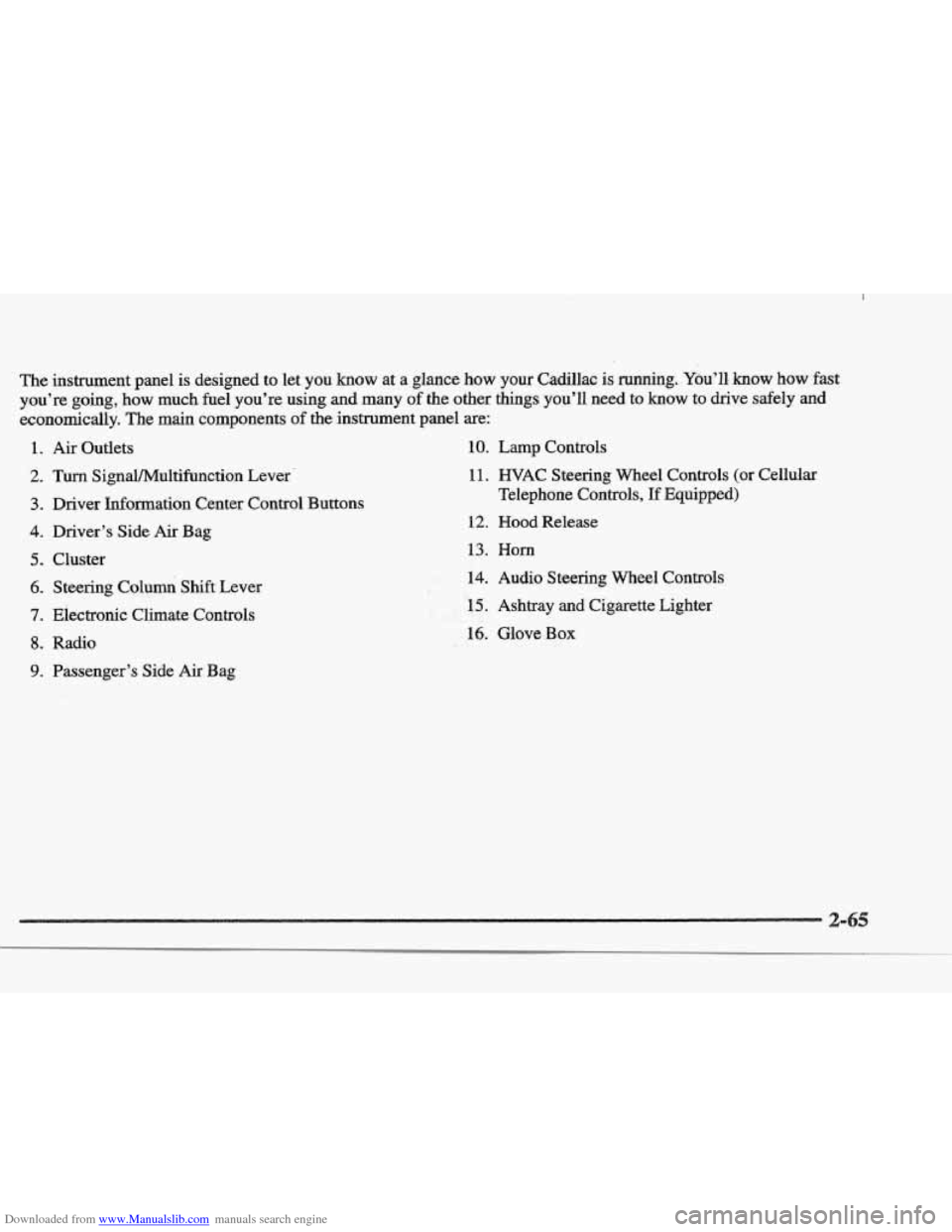
Downloaded from www.Manualslib.com manuals search engine The insbrument.pane1 is designed to let you know at a glance how your Cadillac is running. You’ll, know how fast
you’re going, how
much fuel you’re using and many of the other things you’ll need to know to drive safely and
economically. The main components of the instrument panel are:
1.
2.
3.
4.
5.
6.
7.
8.
9.
Air Outlets
Turn SignaVMultifbnction Lever.
Driver Information Center Control Buttons
Driver’s Side
Air Bag
Cluster Steering Columi Shift Lever
Electronic Climate Controls
Radio
Passenger’s Side
Air Bag
10. Lamp Controls
11. WAC Steering Wheel Controls (or Cellular
Telephone Controls,
If Equipped)
12. Hood Release
13. Horn
.#k. 14. Audio Steering Wheel Controls
F. , LI
- , .r 15. Ashtray and Cigarette Lighter I !i&&
16. Glove Box
Page 134 of 361
Downloaded from www.Manualslib.com manuals search engine t
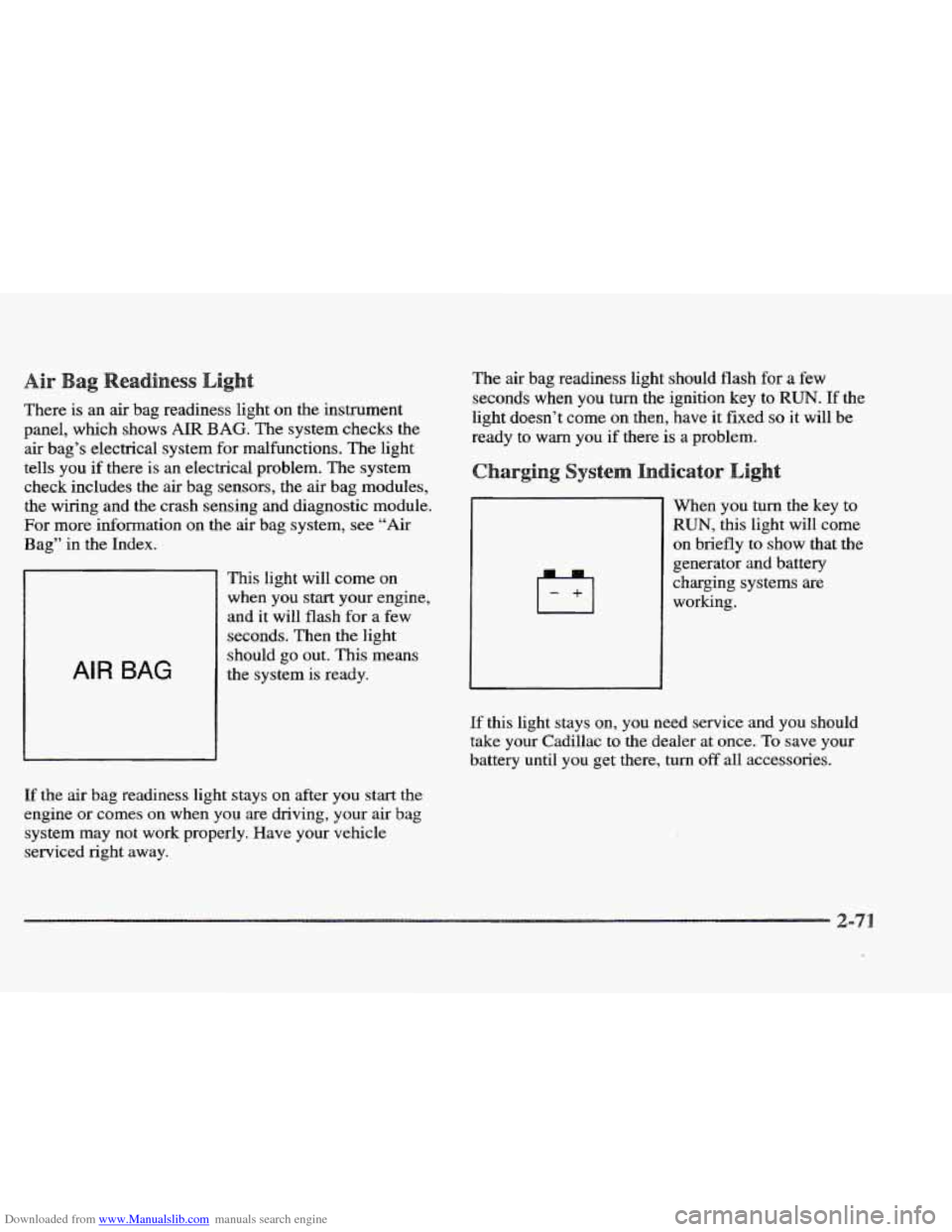
There is an air bag readiness light on the instrument
panel, which shows
AIR BAG. The system checks the
air bag’s electrical system for malfunctions. The light
tells you
if there is an electrical problem. The system
check includes the air bag sensors, the air bag modules,
the wiring and the crash sensing and diagnostic module.
For more information on the air bag system, see “Air
Bag” in the Index.
AIR BAG
This light will come on
when you start your engine,
and it will flash for a
few
seconds. Then the light
should go out. This means
the system
is ready.
If the air bag readiness light stays on after you start the
engine or comes on when you are driving,
your air bag
system may not work properly. Have your vehicle
serviced right away. The
air bag readiness light should flash for a few
seconds when you
turn the ignition key to RUN. If the
light doesn’t come
on then, have it fixed so it will be
ready to
warn you if there is a problem.
When you turn the key to
RUN, this light will come
on briefly to show that the
generator and battery
charging systems are
working.
If this light stays on, you need service and you should
take your Cadillac to the dealer at once. To save your
battery until you get there,
turn off all accessories.
Page 150 of 361
Downloaded from www.Manualslib.com manuals search engine ENGINE COOLANT HOT-IDLE ENGINE - 44:
This message will appear when the engine coolant
temperature is over
248 OF (1 26 O C). To avoid added
strain
on a hot engine, turn off the climate control system.
Stop and allow your vehcle to idle until it cools down or
the message is removed. If it does not cool down, turn
off
the engine and have it serviced before driving it again.
Severe engine damage can result
from an overheated
engine. See “Engine Overheating”
in the Index.
ENGINE MISFIRE -- EASE OFF GAS
PEDAL - 1114: An engine misfire has occurred.
You’ll need to ease
off the gas pedal.
FUEL LEVEE LOW - 11: This message serves as a
warning that the
fuel level in the tank is critically low.
Stop for fuel soon.
ICE POSSIBLE - 13: This message appears when
the outside air temperature
is cold enough to create icy
road conditions.
HEADLAMBS SUGGESTED - 23: If it’s dark enough
outside and the twilight sentinel control is
off, a
FEADLAMPS SUGGESTED message will display on the
DIC. This message informs the driver that turning on the
exterior
lamps is recommended even though the DRL are
still illuminated. (It has become dark enough outside to
require the headlamps and/or other exterior lamps.)
MONITORED SYSTEMS OK - I: This message only
appears
in the “recall” mode by pressing the RESET
button. It lets you know that no other messages are
stored or currently active.
FASS KEY NOT PROGRAMMED - 31: This
warning message displays when the PASS-Key pellet
information has not been programmed into your vehicle.
See your Cadillac dealership for service.
PCM FAULT - 110: The circuit in the Powertrain
Control Module (PCM) has shorted or
is loose when this
message appears. Have your Cadillac serviced by your
dealership at once.
REDUCED ENGINE POWER - 41: This message
informs the driver, that due to wheel slippage, your
vehicle is reducing engine power to compensate for
the loss of traction. Accelerating too fast, causing the
tires to spin, is an example of when this message
would display.
IREMOVE KEY - 70: This message will appear when
the Personalized Automotive Security System
(PASS-Key 11) is unable to read the pellet on the
ignition key or an improper key pellet has been inserted.
Wait for the
DIC to display STARTING DISABLED
DUE TO THEFT
SYSTEM REMOVE IGNITION
KEY. The instrument panel cluster will then run a timer
and change the messages
to WAIT 3 MINUTES, WAIT
Page 152 of 361
Downloaded from www.Manualslib.com manuals search engine SERVICE RIDE CONTROL - 84: This message is
displayed to indicate that the suspension system is not
operating properly.
To correct this problem, have your
vehicle serviced at your Cadillac dealership.
SERVICE STEERING SYSTEM - 127: This message
is displayed when
a problem has been detected in the
MAGNASTEER” variable effort steering system.
Service is required.
A single chime will also sound when
this message is displayed.
SERVICE TRANSMISSION - 100: If a problem is
detected with the transaxle, this message will appear.
Have your vehicle checked by your Cadillac dealership.
SPEED SENSOR FAULT - 109: A circuit problem with
the vehicle speed sensor will trigger
this message to appear.
Wave your Cadillac dealership service
your vehicle.
STABILITY ENGAGED - 55: If you have the Eldorado
Touring Coupe (ETC), you may see the
STABILlTY
ENGAGED message on the Driver Information Center. It
means that
an advanced, computer-controlled system has
come on to help your Caddlac continue to
go in the
direction in which you’re steering. This stability
enhancement system activates when
the computer senses
that your Cadillac is just starting to spin,
as it might if you
hit a patch of ice or other slippery spot on the road. When
the system is on, you may hear a noise
or feel a vibration
in the brake pedal. This is normal. When the
STABILITY ENGAGED message is on,
you
should continue
to steer in the direction you want to go.
The system is designed
to help you in bad weather or
other difficult driving situations by malung the most of
whatever road conditions will perrnit. If the STABILITY
ENGAGED message comes on, you’ll know that
something has caused your Cadillac to start to spin,
so
you should consider slowing down.
STABILITY REDUCED - 54: If you ever see the
STABILITY REDUCED message, it means there may
be a problem with your stability enhancement system.
If you see this message, try to reset the system (stop;
turn
off the engine; then start the engine again). If the
STABILITY REDUCED message still comes on,
however, it means there is a problem, so you should
see your Cadillac dealer for service.
STARTING DISABLED DUE TO THEFT SYSTEM
REMOVE IGNITION KEY - 33: This message will
appear when
the Personalized Automotive Security
System (PASS-Key
11) senses that an improper ignition
key is being used
to try to start the vehicle. Check the
ignition key for damage.
If it is damaged, it may need
to be replaced.
If you see no damage, clean the pellet
contacts with a soft cloth or napkin. Remove the ignition
key and wait
for the DIC to display WAIT 3 MINUTES.
The instrument panel cluster will then run a timer and
change
the messages to WAIT 2 MINUTES, WAIT
Page 158 of 361

Downloaded from www.Manualslib.com manuals search engine With this dual-zone feature, the right front passenger can
control the temperature
of air for hisher own zone. The
passenger
can select a four degree warmer or cooler
temperature from the driver's setting. To turn the system
on, press the PASS/TEMP button. Press the up arrow to
increase the temperature and press the down arrow to
decrease the climate setting. Pressing the
OFF button
will
turn off the dual-zone function.
The outside temperature is always displayed when your
vehicle is running. You can change it from Fahrenheit to
Celsius by pressing the
INFO button (above the radio)
until ENGLHSH/METRIC RESET displays. Once
displayed, press the
INFO RESET button to select.
The outside temperature sensor
is located near the front
grille.
The sensor can be affected by road or engine heat
dnring idling, slow driving or when the engine is first
started after
a short trip. In order to ensure proper
automatic climate control operation,
the outside air
temperature display may not update as quickly
as
expected. This is to allow the air surrounding the outside
temperature sensor to be as close to
the actual outside
conditions as possible. This is determined by how much
time has elapsed since the vehicle has been turned
off
and by vehicle speed. Press this button to deliver
air through the floor, middle
or windshield outlets. The system will
stay in the selected
mode
until the MODE button is pushed again. Press the
up or down ~QW to cycle through the available modes.
Automatic
When the system is set for automatic operation, sensors
will control the
air delivery mode. Air will come from
the floor, middle or windshield outlets. The fan speed
will
vary as the system maintains the selected
temperature setting.
Be careful not to put anything over the
solar sensor
located in the middle
of the instrument panel near the
windshield. This sensor is used by the automatic system
to regulate temperature.
To find your comfort zone, start with the 75°F (24°C)
setting and allow about 20 minutes for the system to
regulate. Turn the
TEMP/AUTO knob to adjust the
temperature if necessary. If you' choose 60 OF ( 16 " C),
the system will remain at that maximum cooling setting
and will not regulate fan speed.
If you choose the
temperature of
90°F (32"C), the system will remain at
that maximum heating setting and will not regulate fan
speed. Choosing either maximum setting will not cause
the system to
heat or cool any faster.