1996 PONTIAC PONTIAC clock setting
[x] Cancel search: clock settingPage 136 of 370
Do not attach anything like a temporary vehicle license
or decal across the defogger grid.
NOTICE:
Don’t use a razor blade or anything else sharp on
the inside of the rear window. If you do, you
could cut or damage the warming grid, and the
repairs wouldn’t be
covered by your warranty.
Audio Systems
Your Delco@ audio system has been designed to operate
easily and give years of listening pleasure. You will get
the most enjoyment out of it if you acquaint yourself
with’it first. Find out what your Delco system can do
and how to operate all its controls, to be sure you’re
getting the
most out of the advanced engineering that
went into it.
Setting the Clock for AM-FM Stereo
Press SET. Within five seconds, press and hold the
SEEK down arrow until the correct hour appears on the
display. Press and hold the
SEEK up arrow until the
correct minute appears on the display.
Setting the Clock for All Systems Except
AM-FM Stereo
Press and hold HR until the correct hour appears. Press
and hold
MIN until the correct minute appears. There
will be a two-second delay before the clock goes into
time-set mode, and the colon on the display will blink
while in this mode.
ProCarManuals.com
Page 138 of 370
Setting the Tone
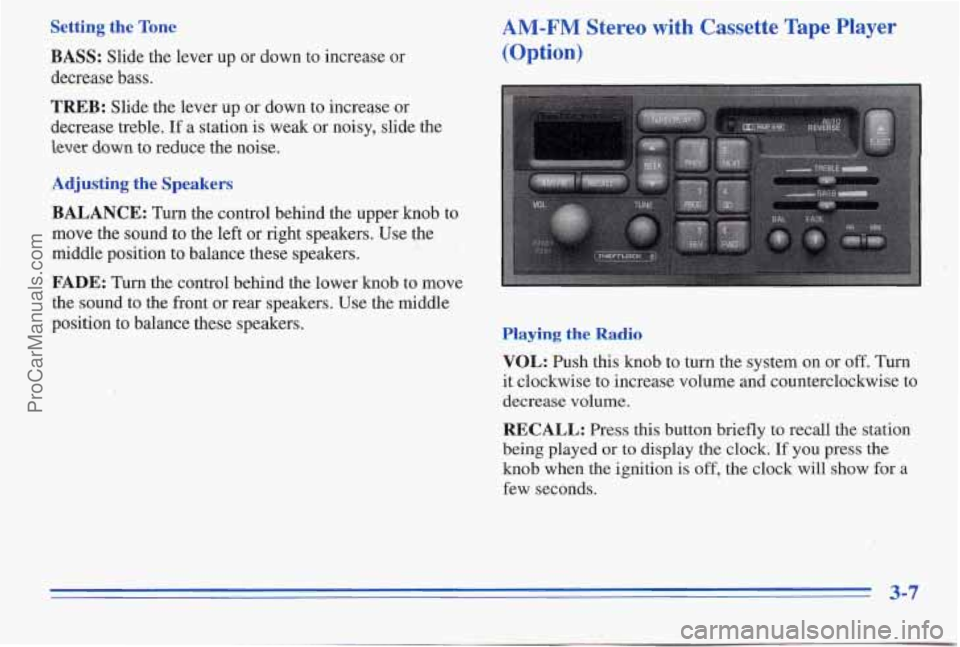
BASS: Slide the lever up or down to increase or
decrease bass.
TREB: Slide the lever up or down to increqse or
decrease treble. If a station is weak or noisy, slide the
lever down to reduce the noise.
Adjusting the Speakers
BALANCE: Turn the control behind the upper knob to
move the sound
to the left or right speakers. Use the
middle position to balance these speakers.
FADE: Turn the control behind the lower knob to move
the sound to the front or rear speakers. Use the middle
position to balance these speakers.
AM-FM Stereo with Cassette Tape Player
(Option)
Playing the Radio
VOL: Push this knob to turn the system on or off. Turn
it clockwise to increase volume and counterclockwise to
decrease volume.
RECALL: Press this button briefly to recall the station
being played
or to display the clock. If you press the
knob when the ignition is off, the clock will show for a
few seconds.
ProCarManuals.com
Page 143 of 370
Setting the Tone playing. The tape player automatically begms playing the
other side when it reaches
the end of the tape. EQUALIZER: A seven band equalizer is part of your
audio system. Slide the levers
up to boost or down to
reduce frequency range.
If E and a number appear on the radio display, the tape
won’t play because
of an error.
Adjusting the Speakers
BAL: Press this knob lightly so it extends. Turn it to 1 .% open end down and try to turn the right hub
@ . ElO: The tape is tight and the player can’t turn the
.,$,, tape hubs. Remove’the tape. Hold the tape with the . -. .,
). . I
move the sound to the left or right speakers. Use the
middle position to balance these speakers. Push the knob
back in when you’re
not using it.
FADE: Press this knob lightly so it extends. Turn it to
move the sound to the front or rem speakers. Use tbe
middle position to balance these speakers. Push the knob
back
in when you’re not using it.
Playing a Cassette Tape
Your tape player is built to work best with tapes that are
30 to 45 minutes long on each side. Tapes longer than
that are
so thin they may not work well in this player.
While the tape is playing, use the VOL, FmE and BAL
controls just as you do for the radio. The dispiay will show
an arrow to show which side of the tape is playing. When
the
dawn indicator arrow is lit, selections listed on the
bottom side of the cassette are playing. When the up mow
is fit, selections listed on the top side of
the cassette are
counterclockwise with a pencil. Turn the tape over
and repeat. If the hubs do not turn easily, your tape
may
be damaged and should not be used in the
player.
Try a new tape to make sure your player is
working properly.
Ell: The tape is broken.’ Try a new tape.
If any error occurs repeatedly or if an error can’t be
corrected, please contact your dealer.
If your radio
displays
an error number, write it down and provide it to
your dealer when reporting the problem.
PREV (1): Press this button or the SEEK down arrow to
search for the previous selection on the tape.
Your tape
must have at least three seconds
of silence between each
selection for
PREV or SEEK to work. “he tape direction
arrow blinks during PREV or
SEEK operation. Press
PREV or the SEEK down arrow to stop searching. The
sound is muted during
PREV or SEEK operation.
._ __ . I?.,: . 3-12
ProCarManuals.com
Page 362 of 370
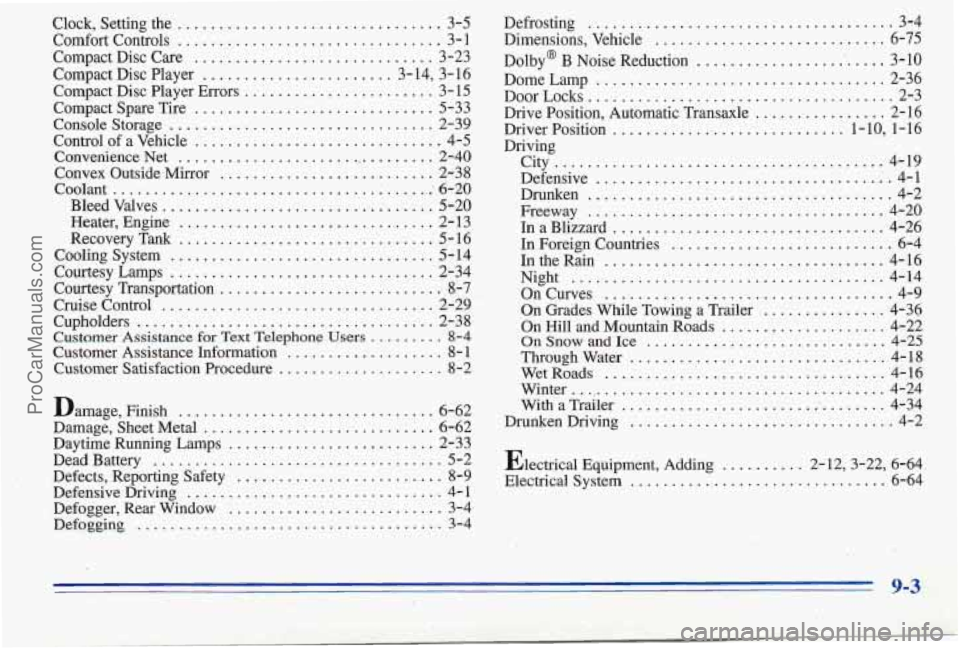
Clock. Setting the ................................ 3-5
ComfortControls
................................ 3-1
Compact Disc Care
............................. 3-23
Compact Disc Player
....................... 3-14, 3-16
Compact Disc Player Errors
....................... 3- 15
Compact Spare Tire
............................. 5-33
Console Storage
................................ 2-39
Control
of a Vehicle ............................. ’ . 4-5
Convenience Net
................................ 2-40
Convex Outside Mirror
.......................... 2-38
Bleed Valves
................................. 5-20
Heater, Engine
............................... 2- 13
Recovery
Tank ............................... 5-16
Courtesy Lamps
................................ 2-34
Courtesy Transportation
........................... 8-7
Cruise Control ................................. 2-29
Cupholders
.................................... 2-38
Customer Assistance Information
................... 8- 1
Customer Satisfaction Procedure
.................... 8-2
Coolant
................................. ....... 6-20
Coolingsystem
................................ 5-14
Customer Assistance for Text Telephone Users .......... 8-4
Damage, Finish ...... ..................... 6-62
Damage, Sheet Metal
............................ 6-62
Daytime Running Lamps
......................... 2-33
Defects, Reporting Safety
..... i ................... 8-9
Defensive Driving ............................... 4- 1
Defogger, Rear Window
.......................... 3-4
Defoqging ..................................... 3-4
DeadBattery ................................... 5-2 Defrosting
................... ........ 3-4
Dimensions. Vehicle ........... .......... 6-75
Dolby@
B Noise Reduction ......... ........... 3-10
Dome Lamp
................................... 2-36
Door
Locks ..................................... 2-3
Drive Position. Automatic Transaxle
................ 2-16
Driver Position
............................ 1-10. 1-16
Driving
City
........................................ 4-19
Defensive
.................................... 4-1
Drunken
.............. ; ...................... 4-2
Freeway
.................................... 4-20
In a Blizzard
................................. 4-26
In Foreign Countries
............................ 6-4
In the Rain
.................................. 4-16
On Curves
.................................... 4-9
On Grades While Towing a Trailer ............... 4-36
On Hill and Mountain Roads
...... ............. 4-22
OnSnowandIce
............................. 4-25
WetRoads
................................... 4-16
Winter
....................................... 4-24
With a Trailer ................................. 4-34
Drunken Driving
................................ 4-2
Electrical Equipment. Adding
........ 2-12.3-22. 6-64
Electrical System
............ .............. 6-64
Night
...................................... 4-14
Throughwater
............................... 4-18
.. ... 9-3
ProCarManuals.com