1996 GMC SIERRA light
[x] Cancel search: lightPage 84 of 404
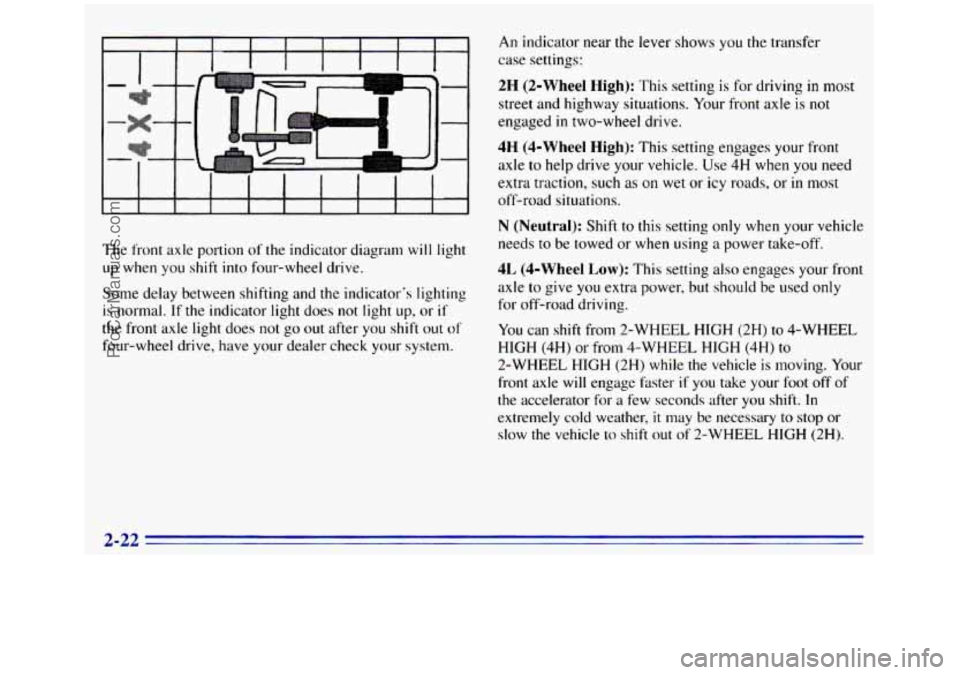
The front axle portion of the indicator diagram will light
up when
you shift into four-wheel drive.
Some delay between shifting and the indicator's lighting
is normal. If the indicator light does not light up, or if
the front axle light does not go out after you shift out of
four-wheel drive, have your dealer check your system.
An indicator near the lever shows you the transfer
case settings:
2H (2-Wheel High): This setting is for driving in most
street and highway situations. Your front axle is not
engaged
in two-wheel drive.
4H (4-Wheel High): This setting engages your front
axle to help drive your vehicle. Use 4H when
you need
extra traction, such as on wet
or icy roads, or in most
off-road situations.
N (Neutral): Shift to this setting only when your vehicle
needs
to be towed or when using a power take-off.
4L (4-Wheel Low): This setting also engages your front
axle
to give you extra power, but should be used only
for off-road driving.
You can shift from 2-WHEEL HIGH (2H) to 4-WHEEL
HIGH
(4H) or from 4-WHEEL HIGH (4H) to
2-WHEEL HIGH (2H) while the vehicle is moving. Your
front axle will engage hster if you take your foot
off of
the accelerator for a few seconds after
you shift. In
extremely cold weather,
it may be necessary to stop or
slow the vehicle
lo shift out of 2-WHEEL HIGH (2H).
2-22
ProCarManuals.com
Page 85 of 404
To shift into or out of 4-WHEEL LOW (4L) or
NEUTRAL
(N):
1. Slow the vehicle to a roll, about 1 to 3 mph
(2 to 5 km/h) and shift an automatic transmission
into NEUTRAL (N), or with a manual transmission
press the clutch pedal.
2. Shift the transfer case shift lever in one
continuous motion.
Don’t pause in NEUTRAL
(N) as you shift the
transfer case into 4-WHEEL LOW (4L), or your gears
could clash.
Remember that driving in 4-WHEEL HIGH (4H)
or 4-WHEEL LOW (4L) may reduce fuel economy.
Also, driving in four-wheel drive
on dry pavement could
cause your tires to wear faster and make your transfer
case harder to shift.
When
your headlamps or parking lamps are on,
rotate the thumb wheel next to the headlamp switch
up to brighten, or down
to dim, your transfer case
indicator light.
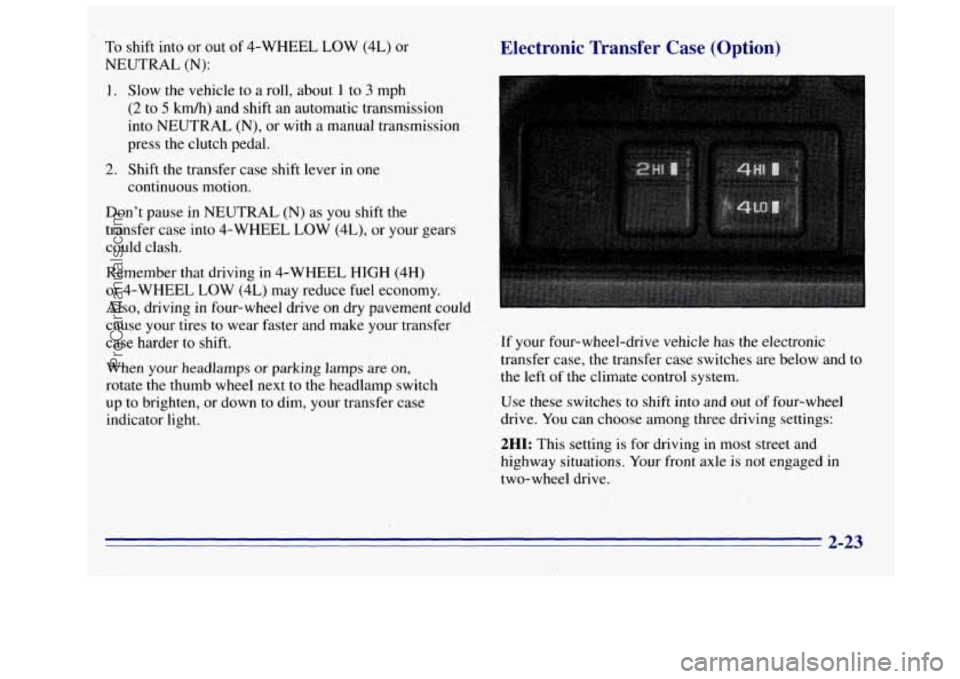
Electronic Transfer Case (Option)
If your four-wheel-drive vehicle has the electronic
transfer case, the transfer case switches are below and to
the left
of the climate control system.
Use these switches to shift into and
out of four-wheel
drive. You can choose among three driving settings:
2HI: This setting is for driving in most street and
highway situations. Your front axle is not engaged in
two-wheel drive.
2-23
ProCarManuals.com
Page 86 of 404
4HI: This setting engages your front axle to help
drive your vehicle.
Use 4HI when you need extra
traction, such
as on snowy or icy roads, or in most
off-road situations.
4LO: This setting also engages your front axle to give
you extra traction. You may never need 4LO. It sends
the maximum power
to all four wheels. You might
choose 4LO
if you were driving off-road in sand, mud
or deep snow and climbing
or descending steep hills.
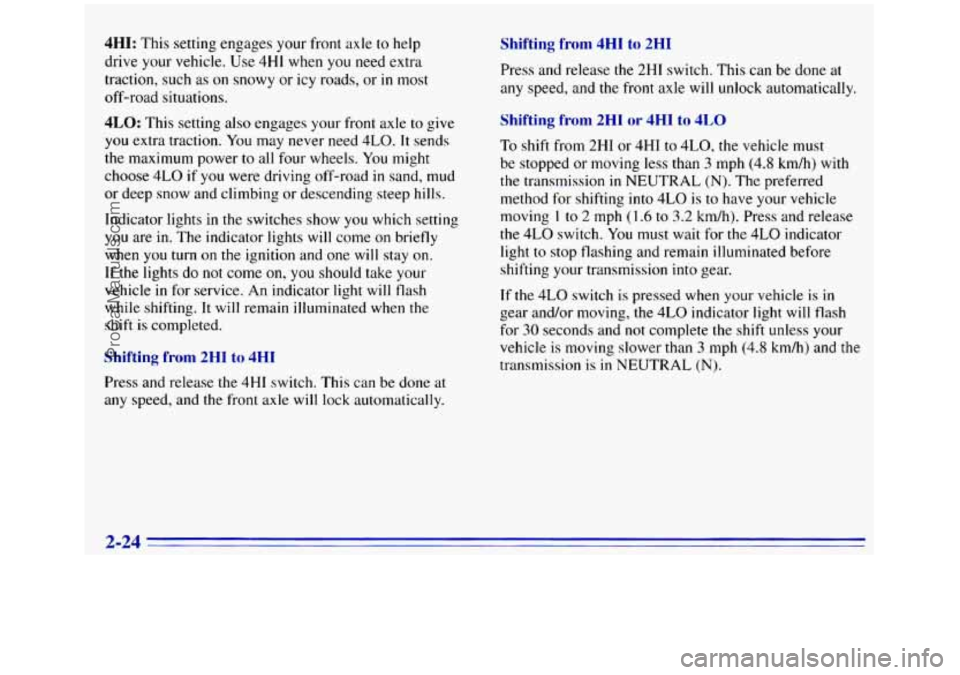
Indicator lights
in the switches show you which setting
you are in. The indicator lights will come on briefly
when you turn
on the ignition and one will stay on.
If the lights do not come
on, you should take your
vehicle
in for service. An indicator light will flash
while shifting.
It will remain illuminated when the
shift is completed.
Shifting from 2HI to 4HI
Press and release the 4HI switch. This can be done at
any speed, and the front axle will lock automatically.
Shifting from 4HI to 2HI
Press and release the 2HI switch. This can be done at
any speed, and
the front axle will unlock automatically.
Shifting from 2H1 or 4HI to 4LO
To shift from 2HI or 4HI to 4L0, the vehicle must
be stopped or moving less than
3 mph (4.8 kmh) with
the transmission in NEUTRAL
(N). The preferred
method for shifting
into 4LO is to have your vehicle
moving
1 to 2 mph (1.6 to 3.2 km/h). Press and release
the 4LO switch. You must wait for the 4LO indicator
light to stop flashing and remain illuminated before
shifting
your transmission into gear.
If the 4LO switch
is pressed when your vehicle is in
gear and/or moving, the 4LO indicator light
will flash
for 30 seconds and not complete the shift unless your
vehicle
is moving slower than 3 mph (4.8 km/h) and the
transmission is
in NEUTRAL (N).
2-24
ProCarManuals.com
Page 87 of 404
Shifting from 4LO to 4HI or 2HI
To shift from 4LO to 4HI or 2H1, your vehicle must be
stopped or moving less than
3 mph (4.8 km/h) with the
transmission in NEUTRAL (N). The preferred method
for shifting
out of 4LO is to have your vehicle moving
1 to 2 mph (1.6 to 3.2 km/h). Press and release the 4HI
switch.
You must wait for the 4HI indicator light to stop
flashing and remain illuminated before shifting your
transmission
into gear.
If the 4HI switch is pressed when your vehicle is in
gear and/or moving, the 4HI indicator light will flash for
30 seconds but not complete the shift unless the vehicle
is moving slower than
3 mph (4.8 km/h) and the
transmission is in NEUTRAL (N).
Parking Brake
To set the parking brake, hold the regular brake pedal
down
with your right foot. Push down the parking brake
pedal with your left foot.
If the ignition is on, the brake system warning light will
come
on.
To release the parking brake, hold the regular brake
pedal down.
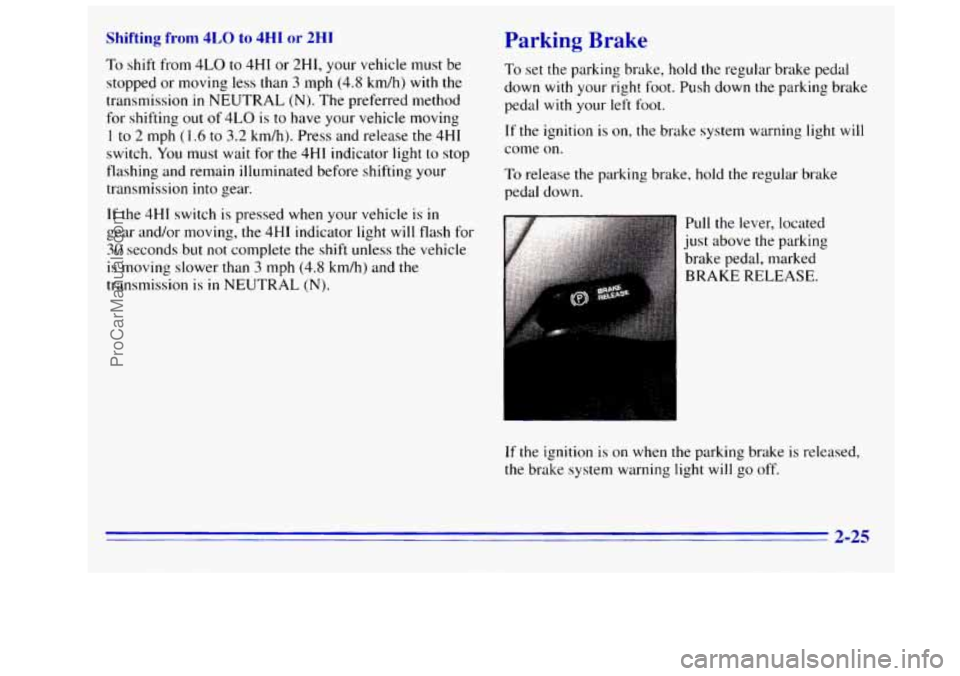
lull the lever, located
1st above the parking
rake pedal, marked
;RAKE RELEASE.
If the ignition is on when the parking brake is released,
the brake system warning light
will go off.
2-25
ProCarManuals.com
Page 94 of 404
down mode. The express down mode can be canceled at
any time by pressing
the opposite side of the switch. To
open the window part way, lightly tap the switch
until
the window is at the desired position.
Lockout Switch (Crew Cab)
If you have a Crew Cab and power windows, the power
window switch has a
lockout feature. This feature
prevents the rear windows from operating
when the
front driver’s side switch is
in the lockout position. The
windows can still be operated using the driver’s window
switch. When the switch is moved out of the lockout
position, the rear power windows
will operate again.
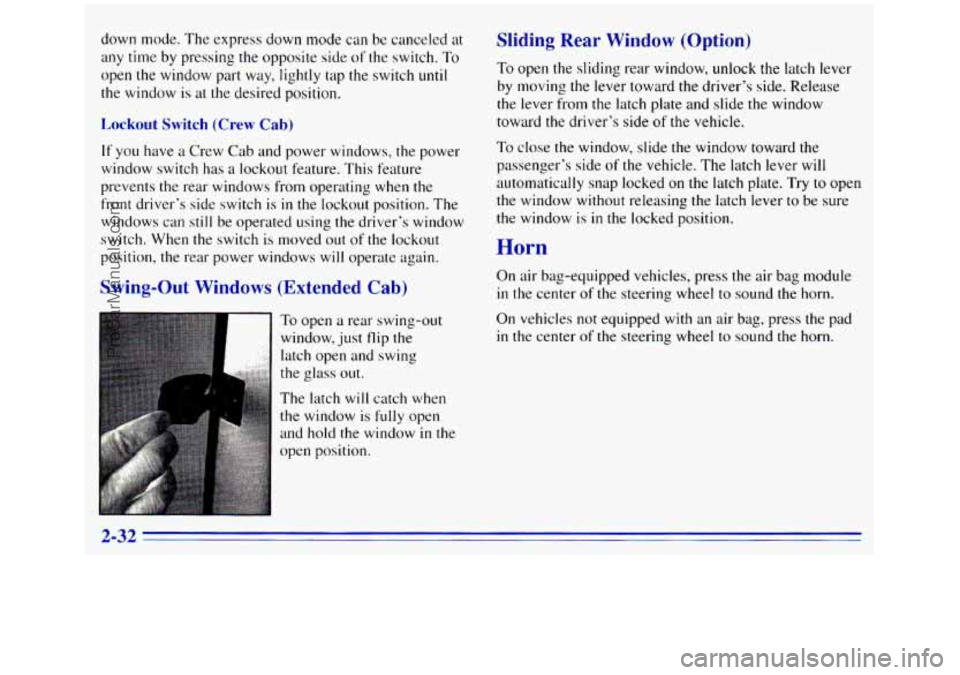
Swing-Out Windows (Extended Cab)
To open a rear swing-out
window, just flip the
latch open and swing
the glass out.
The latch
will catch when
the window is
fully open
and hold the window
in the
open position.
Sliding Rear Window (Option)
To open the sliding rear window, unlock the latch lever
by moving the lever toward the driver’s side. Release
the lever from the latch plate and slide
the window
toward the driver’s side
of the vehicle.
To close the window, slide the window toward the
passenger’s side
of the vehicle. The latch lever will
automatically snap locked on the latch plate. Try to open
the window without releasing the latch lever to be sure
the window is
in the locked position.
Horn
On air bag-equipped vehicles, press the air bag module
in the center of the steering wheel to sound the horn.
On vehicles not equipped with an air bag, press the pad
in the center of the steering wheel to sound the horn.
2-32
ProCarManuals.com
Page 96 of 404

’hrn Signal and Lane Change Signals
The turn signal has two upward (for right) and two
downward (for left) positions. These po.sitions allow you
to signal a turn
or a lane change.
To signal a turn, move the lever all the way up or
down. When the turn is finished, the lever will
return automatically.
An arrow
on the instrument
panel will flash in the
direction of the turn or
lane change.
To signal a lane change, just raise or lower the lever
until.the arrow starts
to flash. Hold it there until you
complete your lane change. The lever will return by
itself when you release
it.
.,
If you move the lever all the way up or down, and the
arrow flashes at twice the normal rate, a signal bulb
may be burned out and other drivers may
.ot see your
turn signal.
If a bulb is burned out, replace it to help avoid an
accident. If the arrows don’t go on at all when you
signal a turn, check for burned-out bulbs and a blown
fuse (see “Fuses and Circuit Breakers” in the Index).
Headlamp HighLow Beam Changer
To change the headlamps from low beam to high or high
to low, pull
the multifunction lever all the way toward
you. Then release it.
When
the high beams
are
on, this light on the
instrument panel also will be
on.
ProCarManuals.com
Page 97 of 404
Winds1 . :Id Wipers
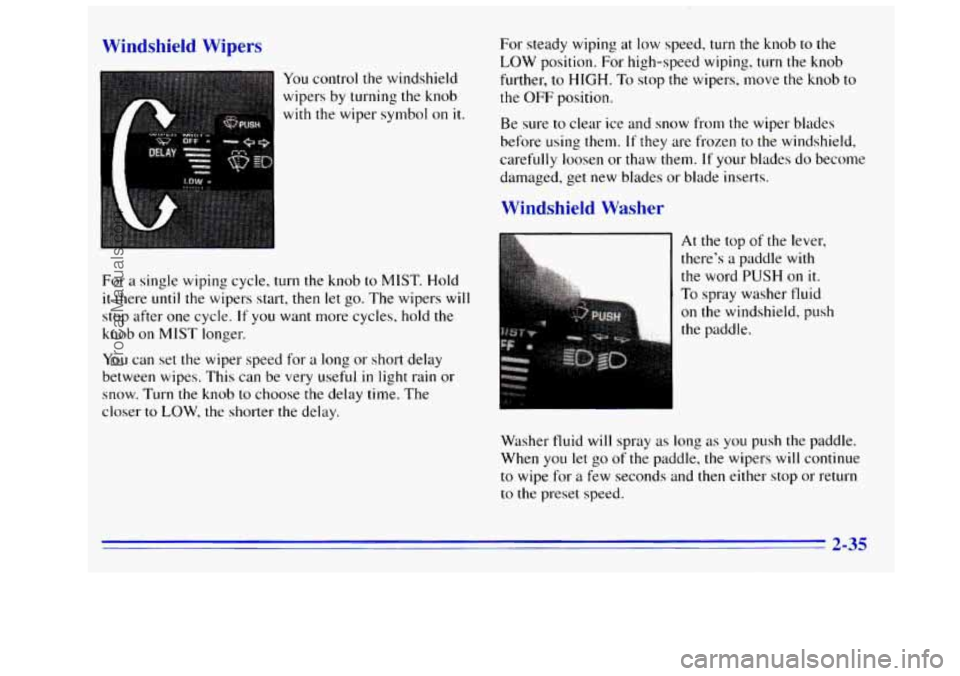
You control the windshield
wipers by turning the knob
with the wiper symbol on it.
For a single wiping cycle, turn the knob to MIST. Hold
it there until the wipers start, then let go. The wipers will
stop after one cycle.
If you want more cycles, hold the
knob on
MIST longer.
You can set the wiper speed for a long or short delay
between wipes.
This can be very useful in light rain or
snow. Turn the knob to choose the delay time. The
closer to LOW, the shorter the delay. For steady wiping
at
low speed, turn the knob to the
LOW position. For high-speed wiping, turn the knob
further,
to HIGH. To stop the wipers. move the knob to
the OFF position.
Be sure
to clear ice and snow from the wiper blades
before using them.
If they are frozen to the windshield,
carefully loosen or thaw them.
If your blades do become
damaged, get new blades or blade inserts.
Windshield Washer
At the top of the lever,
there’s a paddle with
the word
PUSH on it.
To spray washer tluid
on the windshield, push
Washer fluid will spray as long as you push the paddle.
When you
let go of the paddle, the wipers will continue
to wipe for a few seconds and then either stop or return
to the preset speed.
2-35
ProCarManuals.com
Page 100 of 404
Increasing Speed While Using Cruise Control
There are two ways to go to a higher speed:
Use the accelerator pedal to get to the higher speed.
Press the button at the end
of the lever, then release
the button and the accelerator pedal.
You’ll now
cruise at
the higher speed.
Move the cruise switch from ON to WA. Hold it
there until you get up
to the speed you want, and
then release the switch.
(To increase your speed in
very small amounts, move the switch to R/A for less
than a
1/2 second. Each time you do this, your
vehicle will go about
1 mph (1.6 kmh) faster.)
Reducing Speed While Using Cruise Control
There are two ways to reduce your speed while using
cruise control:
Press in the button at the end of the lever until you
reach the lower speed you want,
then release it.
To slow down in very small amounts, press the
button for less than- a
1/2 second. Each time you do
this, you’ll go 1 mph (1.6 kmh) slower.
Passing Another Vehicle While Using Cruise Control
Use the accelerator pedal to increase your speed. When
you take your foot off the pedal, your vehicle will slow
down to the cruise control speed you set earlier.
Using Cruise Control on Hills
How well your cruise control will work on hills depends
upon your speed, load and the steepness of the hills.
When going up steep
hills, you may have to step on the
accelerator pedal to maintain your speed.
If the steepness
of the
hill causes the vehicle speed to drop more than
15 mph (24 kmh) below the set speed, your cruise control
will automatically disengage. When going downhill,
you
may have to brake or shift to a lower gear to keep your
speed down. Of course, applying
the brake takes you out
of cruise control. Many drivers find this to be too much
trouble and don’t use cruise control on steep hills.
Ending Cruise Control
There are two ways to turn off the cruise control:
Step lightly on the brake pedal: or
Move the cruise switch to OFF.
Erasing Speed Memory
When you turn off the cruise control or the ignition,
your cruise control set speed memory
is erased.
2-38
ProCarManuals.com