1996 CHEVROLET BLAZER radio
[x] Cancel search: radioPage 63 of 392

Downloaded from www.Manualslib.com manuals search engine Keyless Entry System (Option)
If your vehicle has this option, you can lock and unlock
your doors or unlock your rear endgate from up to
30 feet (9 m) away using the key chain transmitter
supplied with your vehicle.
Your Keyless Entry System operates
on a radio
frequency subject
to Federal Communications
Commission (FCC) Rules.
This device complies with Part 15 of the FCC Rules.
Operation is subject to
the following two conditions:
(1) This device may not cause harmful interference,
and
(2) This device must accept any interference
received, including interference that may cause
undesired operation.
Should interference to this system occur, try this:
Check to determine if battery replacement is
necessary. See the instructions on battery
replacement.
0 Check the distance. You may be too Far from your
vehicle. This product has
a maximum range.
0 Check the location. Other vehicles or objects may be
blocking the signal.
0 See your GM dealer or a qualified technician
for service.
Changes or modifications to this system by other than an
authorized service facility could void authorization to
use this equipment.
Operation
When you press UNLOCK, the driver’s door and
endgate
will unlock automatically. If you press
UNLOCK again within five seconds, all doors will
unlock. Press LOCK to lock all the doors.
Press the REAR button twice
within 3 1/2 seconds to
unlock and unlatch the endgate glass. If your vehicle has
an automatic transmission, the transmission must be
in
PARK (P) or NEUTRAL (N). If your vehicle has a
manual transmission, you must engage parking brake.
2-5
Page 69 of 392
Downloaded from www.Manualslib.com manuals search engine ’ , ‘J’ =
New Vehicle “Break-In”
i
NOTICE:
Your modern vehicle doesn’t need an elaborate
“break-in.” But
it will perform better in the long
run
if you follow these.guidelines:
e
e
e
e
Keep your speed at 55 mph (88 km/h) or
less for the first
500 miles (804 km).
Don’t drive at any one speed
-- fast or
slow -- for the first 500 miles (804 km).
Don’t make full-throttle starts.
Avoid making hard stops for the
first
200 miles (322 km) or so. During this time’
your new brake linings aren’t yet broken
, .
in. Hard stops with new linings can mean
premature wear and earlier replacement.
Follow this breaking-in guideline every
time you get new brake linings.
Don’t tow
a trailer during break-in.
See “Towing
a Trailer” in the Index for
more information.
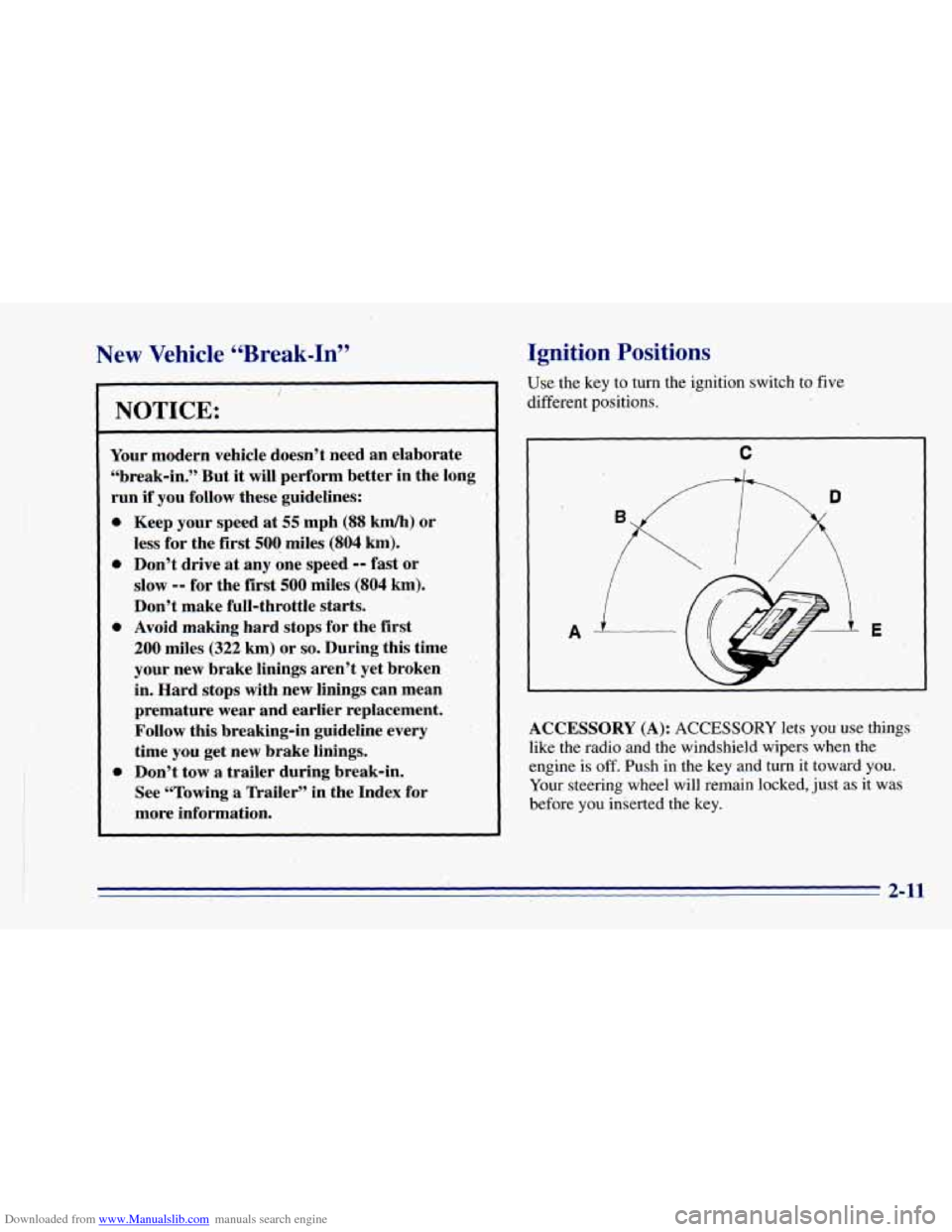
Ignition Positions
USE the key to turn the ignition switch to five
different positions.
C
I
ACCESSORY (A): ACCESSORY lets you use things
like the radio and the windshield wipers when the
engine
is off. Push in the key and-turn it toward you.
Your steering wheel will remain locked, just as it was
before you inserted the key.
2-11
Page 82 of 392
Downloaded from www.Manualslib.com manuals search engine To shift into or out of 4LO:
1. The vehicle must be moving less than 3 mph
(4.8 kmrdh) with the transmission in NEUTRAL (N)
for an automatic transmission. For a manual
transmission, the clutch pedal must be engaged.
The preferred method for shifting into or
out of
4LO is to have your vehicle moving 1 to 2 mph
(1.6 to 3.2 kdh).
2. Press the transfer case shift button and shift in one
continuous motion.
Don’t pause
in N SET PARK BRAKE as you shift into
or out
of 4L0, or your gears could clash.
Remember that driving in
4HI or 4LO may reduce
fuel economy.
Also, driving in four-wheel drive on
dry.pavement could cause your tires to wear faster and
make your transfer case harder
to shift and reduce
powertrain longevity.
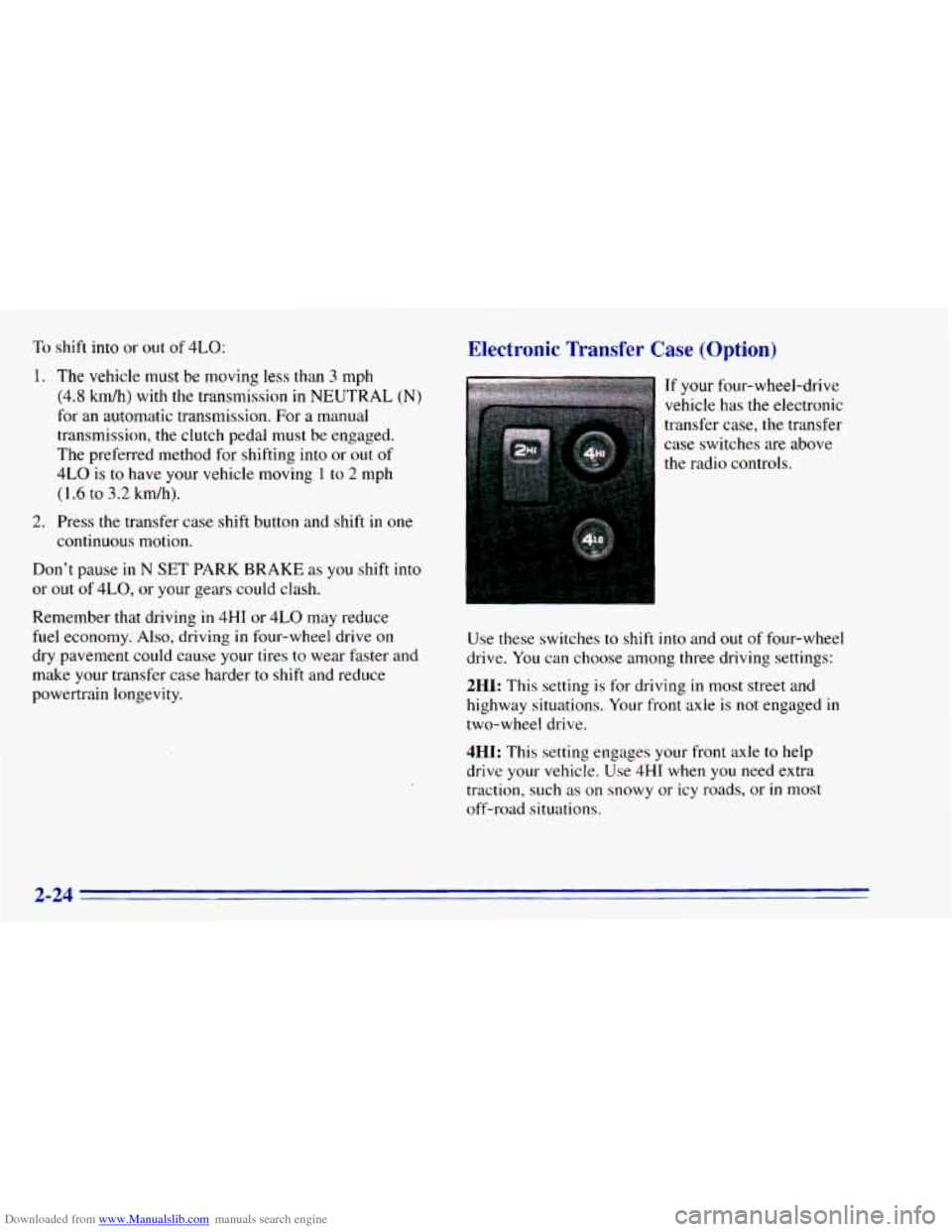
Electronic Transfer Case (Option)
If your four-wheel-drive
vehicle has the electronic
transfer case, the transfer
case switches are above
the radio controls.
Use these switches to shift into and out of four-wheel
drive. You can choose among three driving settings:
2HI: This setting is for driving in most street and
highway situations. Your front axle is
not engaged in
two-wheel drive.
4HI: This setting engages your front axle to help
drive your vehicle.
Use 4HI when you need extra
traction, such as on snowy or icy roads, or
in most
off-road situations.
2-24
Page 112 of 392
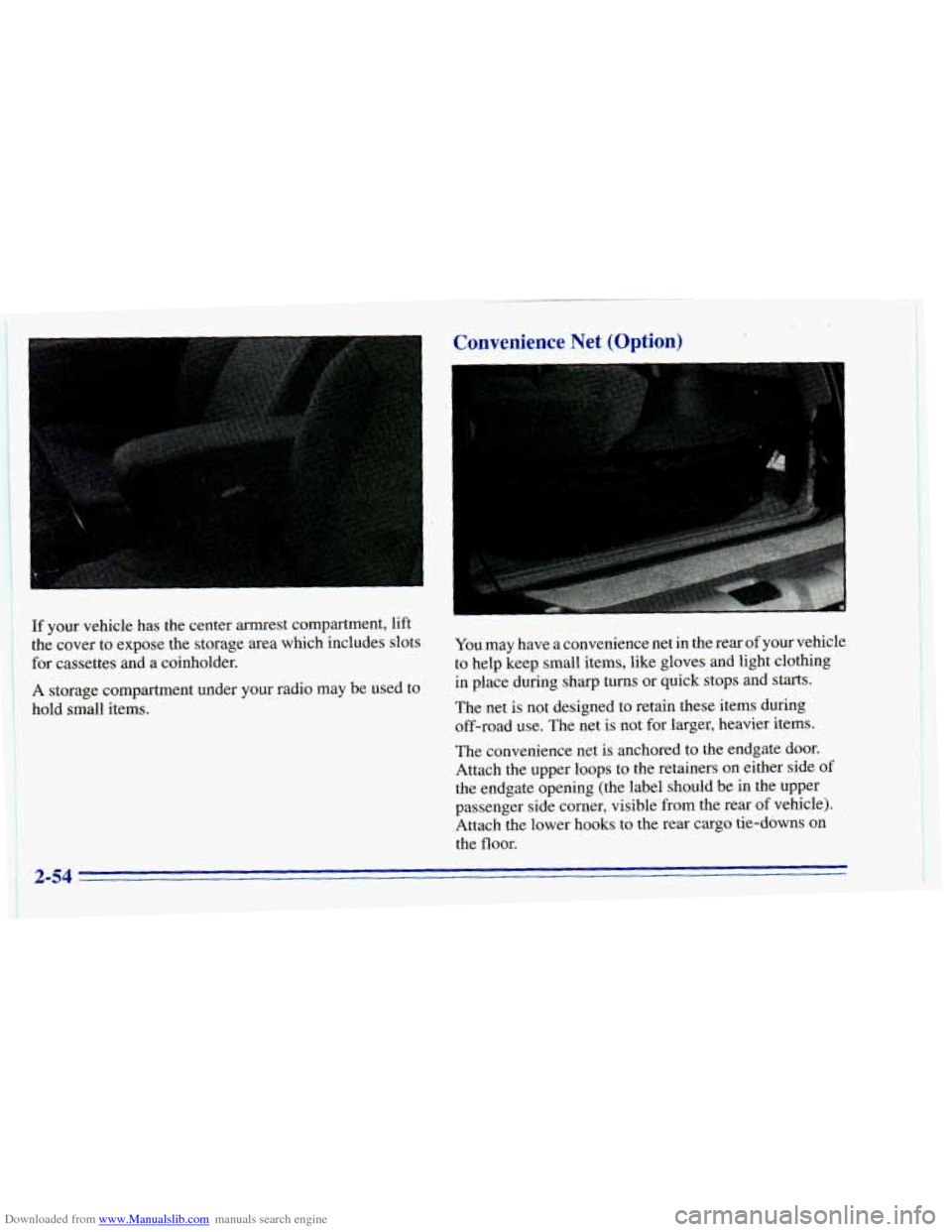
Downloaded from www.Manualslib.com manuals search engine If your vehicle has the center armrest compartment, lift
the cover to expose the storage area which includes slots
for cassettes and a coinholder.
A storage compartment under your radio may be used to
hold small items.
Convenience Net (Option) L
You may have a convenience net in the rear of your vehicle
to help keep small items, like gloves and light clothing
in place during sharp turns
or quick stops and starts.
The net
is not designed to retain these items during
off-road use. The net is not for larger, heavier items.
The convenience net is anchored to the endgate door.
Attach the upper loops
to the retainers on either side of
the endgate opening (the label should be in the upper
passenger side corner,. visible from the rear
of vehicle).
Attach the lower hooks to the rear cargo tie-downs on
the
floor.
2-54
Page 124 of 392
Downloaded from www.Manualslib.com manuals search engine Air Bag Readiness Light
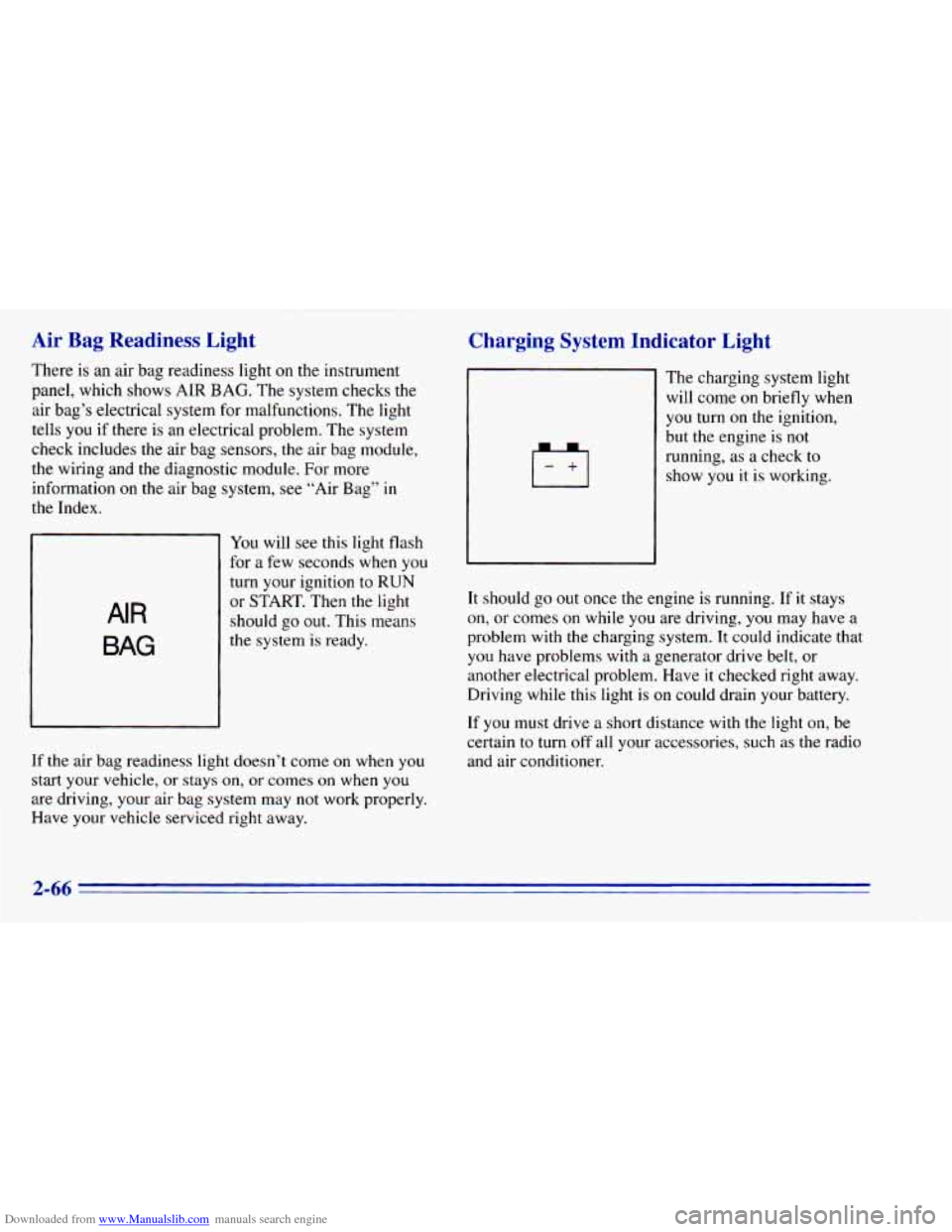
There is an air bag readiness light on the instrument
panel, which shows AIR
BAG. The system checks the
air bag’s electrical system for malfunctions. The light
tells you if there is an electrical problem. The system
check includes the air bag sensors, the air bag module,
the wiring and the diagnostic module. For more
information
on the air bag system, see “Air Bag” in
the Index.
AIR
BAG
You will see this light flash
for a few seconds when you
turn your ignition to RUN
or START. Then the light
should go
out. This means
the system is ready.
If the air bag readiness light doesn’t come on when you
start your vehicle, or stays on,
or comes on when you
are driving, your air bag system may not work properly.
Have your vehicle serviced right away.
Charging System Indicator Light
The charging system light
will come on briefly when
you turn on the ignition,
but the engine is not
running, as a check to
show you it is working.
It should go
out once the engine is running. If it stays
on, or comes on while you are driving, you may have a
problem with the charging system. It could indicate that
you have problems with a generator drive belt, or
another electrical problem. Have it checked right away.
Driving while
this light is on could drain your battery.
If you must drive a short distance with the light on, be
certain
to turn off all your accessories, such as the radio
and air conditioner.
2-66
Page 139 of 392
Downloaded from www.Manualslib.com manuals search engine The rear window defogger will stay on for five to seven
minutes, then turn off. If you need additional warming
time, turn
it on again. You can turn the defogger off at
any time by pressing OFF.
Do not attach a temporary vehicle license, tape or decals
across the defogger grid
on the rear window.
NOTICE:
Don’t use a razor blade or something else sharp
on the inside
of the rear window. If you do, you
could cut or damage the warming grid, and the
repairs wouldn’t be covered by your warranty.
Audio Systems
Your Deb@ audio system has been designed to operate
easily and give years
of listening pleasure. You will get
the most enjoyment out of it
if you acquaint yourself
with
it first. Find out what your Delco system can do
and how to operate all its controls, to be sure you’re
getting the most out
of the adyanced engineering that
went into
it.
Setting the Clock for All Systems Except
AM-FM Stereo with Compact Disc Player
Press SET. Within five seconds, press and hold SEEK
until the correct minute appears on the display. Press and
hold
SCAN until the correct hour appears on the display.
Setting the Clock for AM-FM Stereo with
Compact Disc Player
Press SET. (The radio may be on or off.) Within five
seconds, press
the SEEK right or left arrow until the
correct minute appears on the display. Press and hold
SCAN until the correct hour appears on the display.
3-5
Page 140 of 392
Downloaded from www.Manualslib.com manuals search engine AM-FM Stereo
Playing the Radio
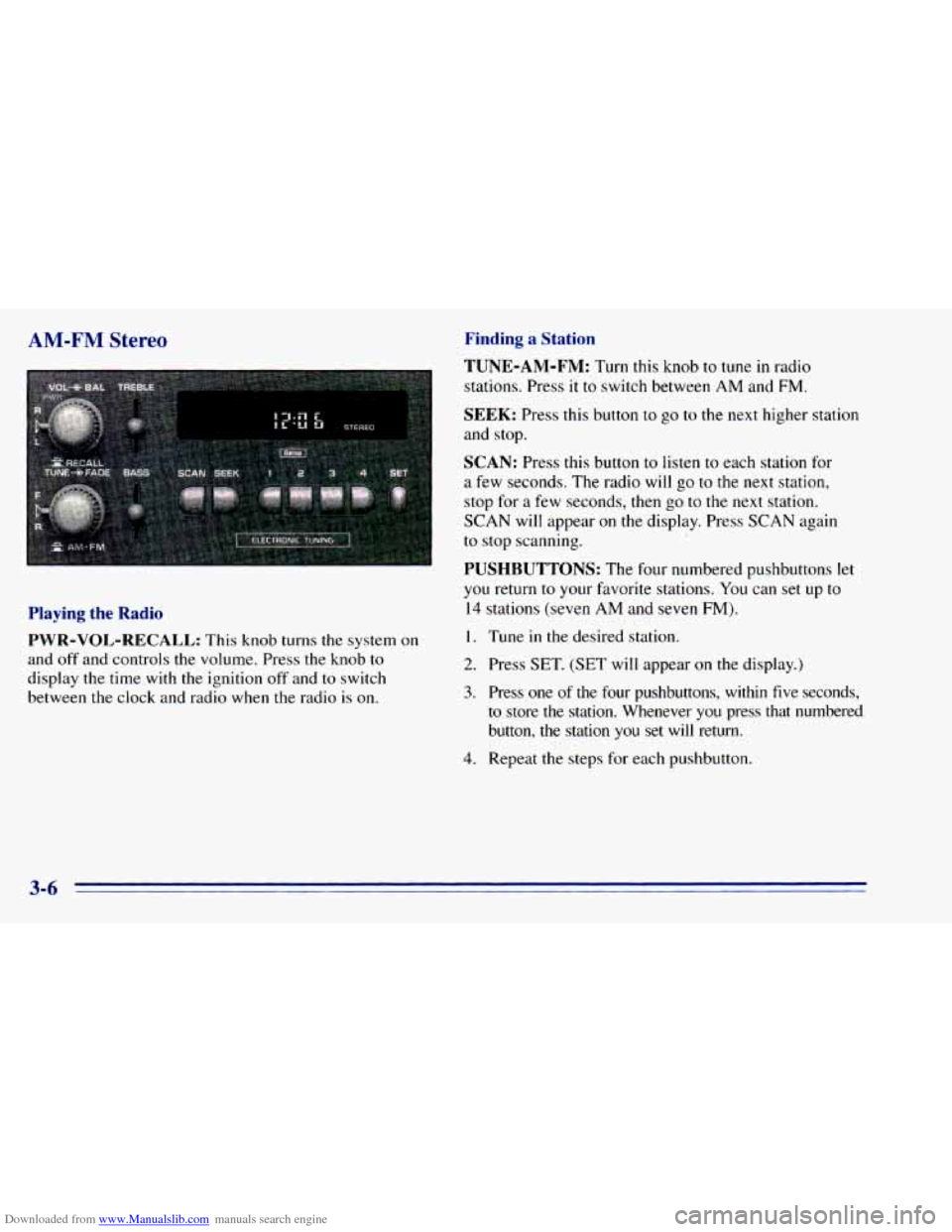
PWR-VOL-RECALL:
This knob turns the system on
and off and controls the volume. Press the knob
to
display the time with the ignition off and to switch
between the clock and radio when the radio
is on.
Finding a Station
TUNE-AM-FM:
Turn this knob to tune in radio
stations. Press
it to switch between AM and FM.
SEEK: Press this button to go to the next higher station
and stop.
SCAN: Press this button to listen to each station for
a few seconds. The radio will go to the next station,
stop for
a few seconds, then go to the next station.
SCAN will appear on the display. Press SCAN again
to stop scanning.
PUSHBUTTONS: The four numbered pushbuttons let
you return to your fmorite stations. You can set up to
14 stations (seven AM and seven FM).
I. Tune in the desired station.
2. Press SET. (SET will appear on the display.)
3. Press one of the four pushbuttons, within five seconds,
to store
the station. Whenever you press that numbered
button,
the station you set will return.
4. Repeat the steps for each pushbutton.
3-6
Page 141 of 392
Downloaded from www.Manualslib.com manuals search engine In addition to the four stations set as above, up to three
additional stations may be preset
on each band by
pressing two adjoining buttons at
the same time. Just:
AM-FM Stereo with Cassette Tape
Player (Option)
1. Tune in the desired station.
2. Press
SET. (SET will appear on the display.)
3. Press two adjoining pushbuttons at the same time,
within five seconds. Whenever you press
the same
two buttons, the station you set will return.
4. Repeat these steps for each pair of buttons.
Setting the Tone
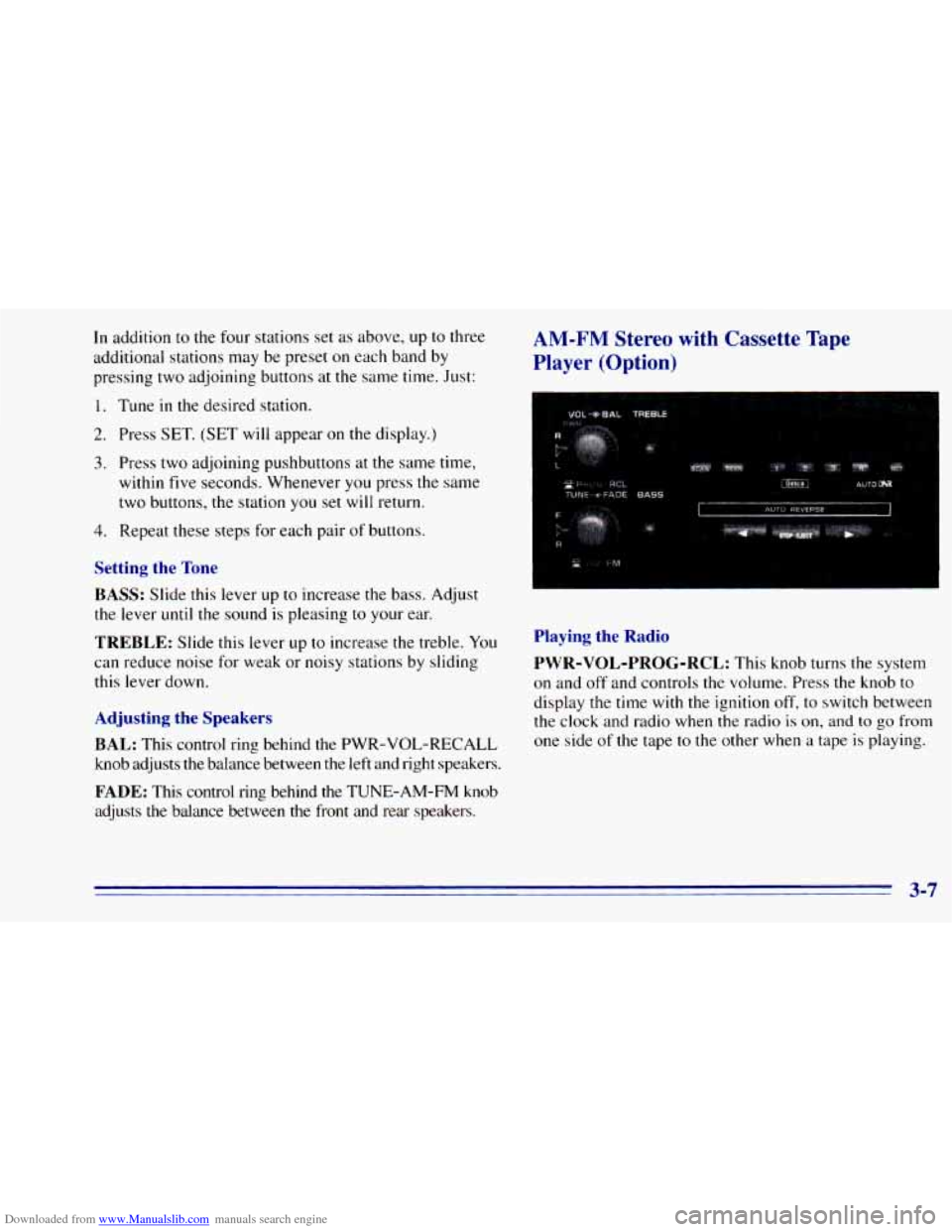
BASS:
Slide this lever up to increase the bass. Adjust
the lever
until the sound is pleasing to your ear.
TREBLE: Slide this lever up to increase the treble. You
can reduce noise for weak or noisy stations by sliding
this lever down.
Adjusting the Speakers
BAL:
This control ring behind the PWR-VOL-RECALL
knob adjusts the balance between the left and right speakers.
FADE: This control ring behind the TUNE-AM-FM knob
adjusts the balance between the front and rear speakers.
Playing the Radio
PWR-VOL-PROG-RCL:
This knob turns the system
on and
off and controls the volume. Press the knob to
display the time with the ignition off,
to switch between
the clock and radio when the radio
is on, and to go from
one side
of the tape to the other when a tape is playing.
3-7