1996 CHEVROLET BLAZER clock
[x] Cancel search: clockPage 141 of 392
Downloaded from www.Manualslib.com manuals search engine In addition to the four stations set as above, up to three
additional stations may be preset
on each band by
pressing two adjoining buttons at
the same time. Just:
AM-FM Stereo with Cassette Tape
Player (Option)
1. Tune in the desired station.
2. Press
SET. (SET will appear on the display.)
3. Press two adjoining pushbuttons at the same time,
within five seconds. Whenever you press
the same
two buttons, the station you set will return.
4. Repeat these steps for each pair of buttons.
Setting the Tone
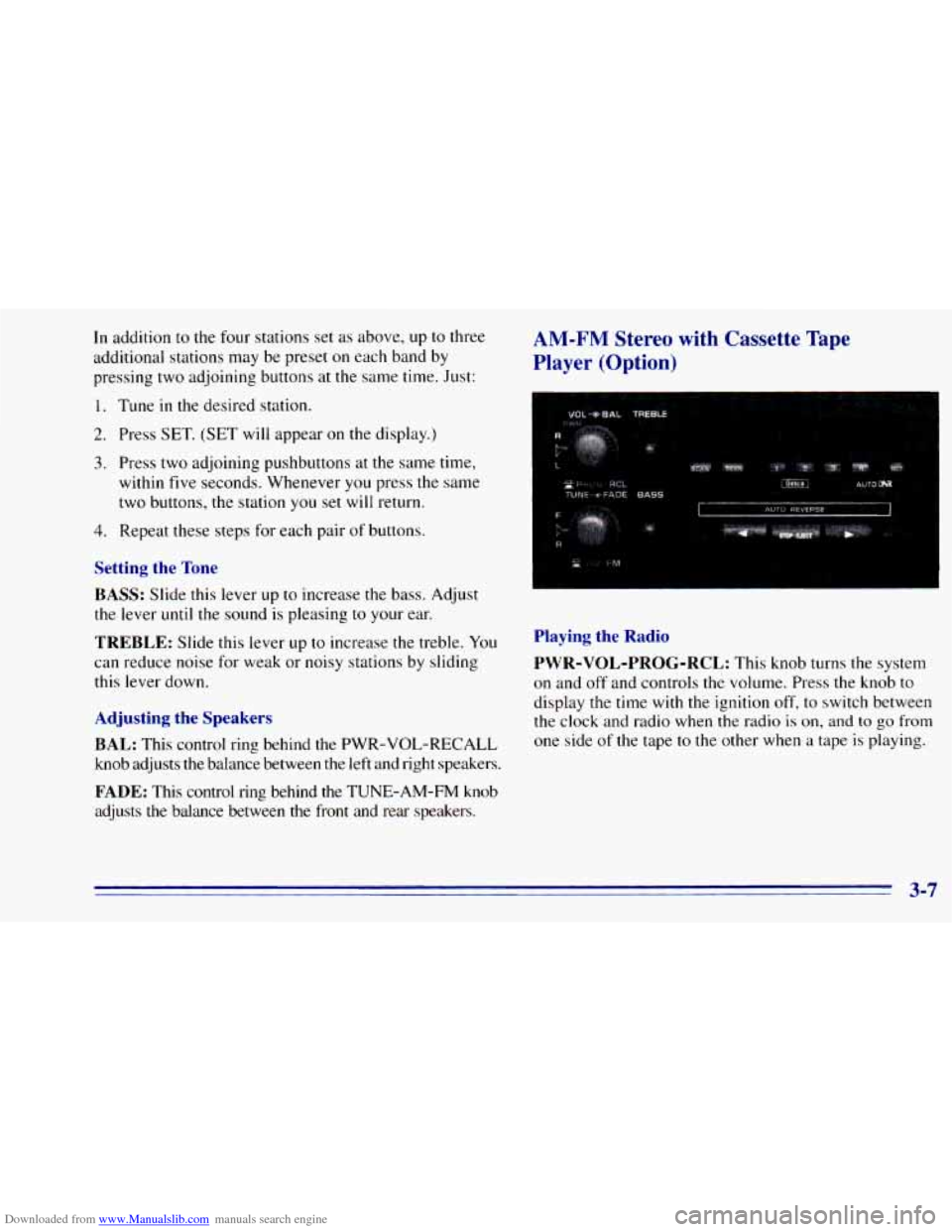
BASS:
Slide this lever up to increase the bass. Adjust
the lever
until the sound is pleasing to your ear.
TREBLE: Slide this lever up to increase the treble. You
can reduce noise for weak or noisy stations by sliding
this lever down.
Adjusting the Speakers
BAL:
This control ring behind the PWR-VOL-RECALL
knob adjusts the balance between the left and right speakers.
FADE: This control ring behind the TUNE-AM-FM knob
adjusts the balance between the front and rear speakers.
Playing the Radio
PWR-VOL-PROG-RCL:
This knob turns the system
on and
off and controls the volume. Press the knob to
display the time with the ignition off,
to switch between
the clock and radio when the radio
is on, and to go from
one side
of the tape to the other when a tape is playing.
3-7
Page 143 of 392
Downloaded from www.Manualslib.com manuals search engine FADE: This control ring behind the TUNE-AM-FM knob
adjusts
the balance between the front and rear speakers.
Playing a Cassette Tape
Your tape player is built to work best with tapes that are
30 to 45 minutes long on each side. Tapes longer than
that are so thin they may not work well in this player.
Once the tape is playing, use
the PWR-VOL-PROG-RCL
knob, just
as you do for radio. A lighted arrow will be
displayed to show tape play direction.
FORWARD: Press the arrow button in the direction that
the lighted arrow points to advance quickly
to another
part
of the tape. Press STOP-EJECT lightly to stop
forwarding and play the tape.
REVERSE: Press the arrow button in the opposite
direction that the lighted arrow points
to reverse quickly
to another part of the tape. Press STOP-EJECT lightly
to stop reversing and play the tape.
PWR-VOL-PROG-RCL: Press this knob to go from
one side
of the tape to the other.
STOP-EJECT Press this button to remove the tape or
stop playing the tape to play the radio.
AM-FM Stereo with Cassette Tape Player
with Equalizer (Option)
Playing the Radio
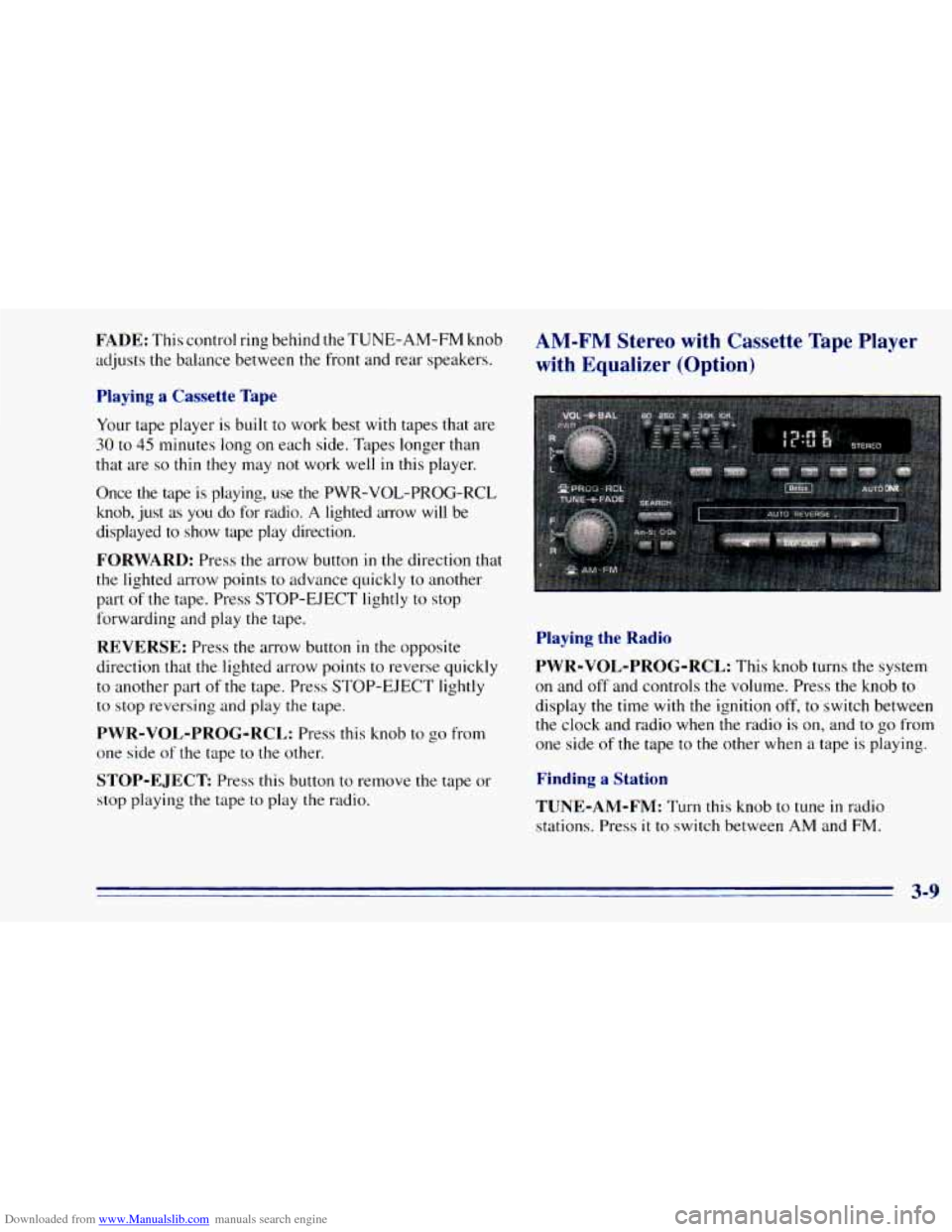
PWR-VOL-PROG-RCL:
This knob turns the system
on and off and controls the volume. Press the knob to
display the time with the ignition off, to switch between
the clock and radio when the radio is on, and to go from
one side of the tape to the other when a tape is playing.
Finding a Station
TUNE-AM-FM:
Turn this knob to tune in radio
stations. Press it
to switch between AM and FM.
Page 146 of 392
Downloaded from www.Manualslib.com manuals search engine AM-FM Stereo with Compact Disc
Player (Option)
Playing the Radio
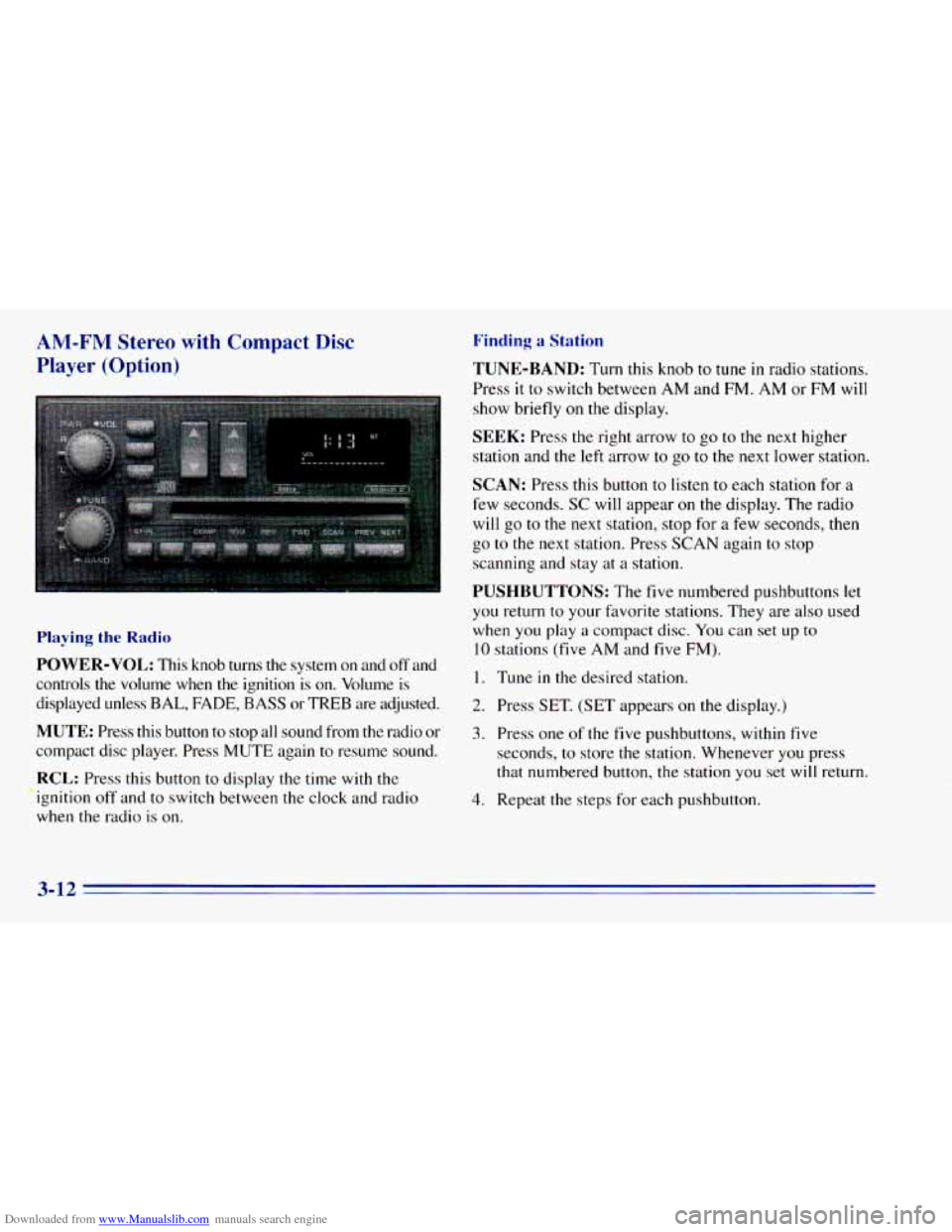
POWER-VOL: This knob turns the system on and off and
controls
the volume when the ignition is on. Volume is
displayed unless
BAL, FADE, BASS or TREB are adjusted.
MUTE: Press this button to stop all sound from the radio or
compact disc player. Press MUTE again to resume sound.
RCL: Press this button to display the time with the
ignition off and to switch between the clock and radio
when the radio
is on.
Finding a Station
TUNE-BAND: Turn this knob to tune in radio stations.
Press
it to switch between AM and FM. AM or FM will
show briefly on the display.
SEEK: Press the right arrow to go to the next higher
station and
the left arrow to go to the next lower station.
SCAN: Press this button to listen to each station for a
few seconds.
SC will appear on the display. The radio
will go to the next station, stop for a few seconds, then
go
to the next station. Press SCAN again to stop
scanning and stay at
a station.
PUSHBUTTONS: The five numbered pushbuttons let
you return to your favorite stations. They are also used
when you play
a compact disc. You can set up to
10 stations (five AM and five FM).
I. Tune in the desired station.
2. Press SET. (SET appears on the display.)
3. Press one of the five pushbuttons, within five
seconds, to store the station. Whenever you press
that numbered button, the station you set
will return.
4. Repeat the steps for each pushbutton.
3-12
Page 164 of 392
Downloaded from www.Manualslib.com manuals search engine An emergency like this requires close attention and a
quick decision. If you are holding
the steering wheel at
the recommended
9 and 3 o’clock positions, you can
turn it a full
180 degrees very quickly without removing
either hand. But you have
to act fast, steer quickly, and
just
as quickly straighten the wheel once you have
avoided the object.
The fact that such emergency situations are always
possible is a good reason to practice defensive driving at
all times and wear safety belts properly.
Off-Road Recovery
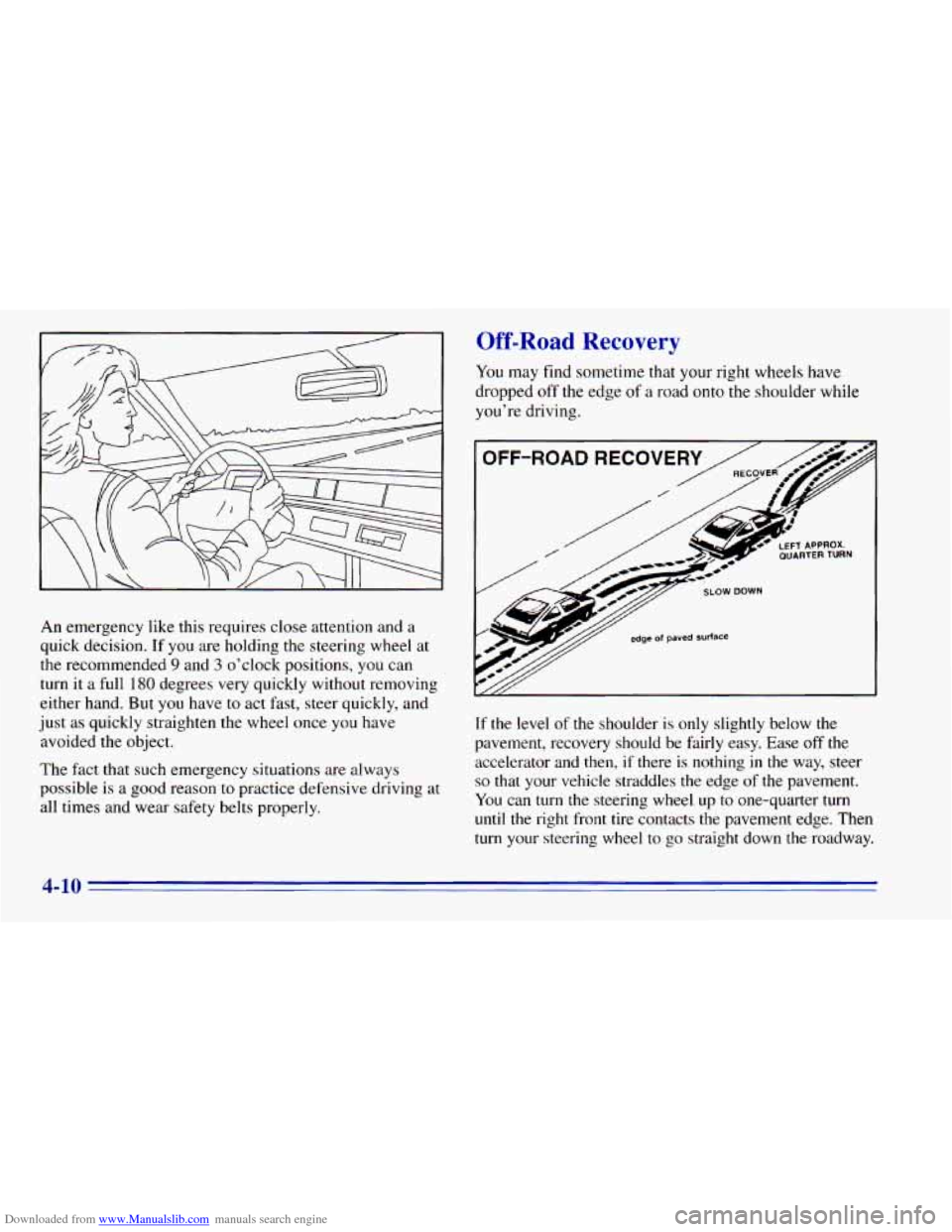
You may find sometime that your right wheels have
dropped
off the edge of a road onto the shoulder while
you’re driving.
If the level of the shoulder is only slightly below the
pavement, recovery should be fairly easy. Ease off the
accelerator and then,
if there is nothing in the way, steer
so that your vehicle straddles the edge of the pavement.
You can
turn the steering wheel. up to one-quarter turn
until the right front tire contacts the pavement edge. Then
turn your steering wheel to go straight down the roadway.
4-10
Page 175 of 392
Downloaded from www.Manualslib.com manuals search engine What should I do if my vehicle stalls, or is about
to stall, and
I can’t make it up the hill?
A: If this happens, there are some things you should
0
0
0
do, and there are some things you must not do.
First, here’s what
you should do:
Push the brake pedal to stop the vehicle and keep it
from rolling backwards. Also, apply the parking
brake.
If your engine is still running, shift the transmission
to REVERSE (R), release the parking brake, and
slowly back down the hill in REVERSE (R).
If your engine has stopped running, you’ll need to
restart it. With the brake pedal depressed and the
parking brake still applied, shift the transmission to
PARK (P) (or, shift
to NEUTRAL (N) if your
vehicle has a manual transmission) and restart the
engine. Then, shift
to REVERSE (R), release the
parking brake, and slowly back down the hill as
straight as possible in REVERSE
(R).
As you are backing down the hill, put your left hand
on the steering wheel at the 12 o’clock position. This
way,
you’ll be able to tell if your wheels are straight
and maneuver as
you back down. It’s best that you
back down the hill with your wheels straight rather
than in the
left or right direction. Turning the wheel
too far to
the left or right will increase the possibility
of a rollover.
Here are some things
you must not do if you stall, or are
about to stall, when going up a hill.
0 Never attempt to prevent a stall by shifting into
NEUTRAL (N) (or depressing the clutch, if
you
have a manual transmission) to “rev-up” the engine
and regain forward momentum. This won’t work.
Your vehicle will roll backwards very quickly and
you could go
out of control.
Instead, apply the regular brake
to stop the vehicle.
Then apply the parking brake.
Shift to REVERSE (R),
release the parking brake,
and slowly back straight down.
0 Never attempt to turn around if you are about to stall
when going up a hill. If the hill is steep enough
to
stall your vehicle, it’s steep enough to cause you to
roll over if you turn around. If you can’t make it up
the
hill, you must back straight down the hill.
Page 229 of 392
Downloaded from www.Manualslib.com manuals search engine How to Add Coolant to the Radiator
A
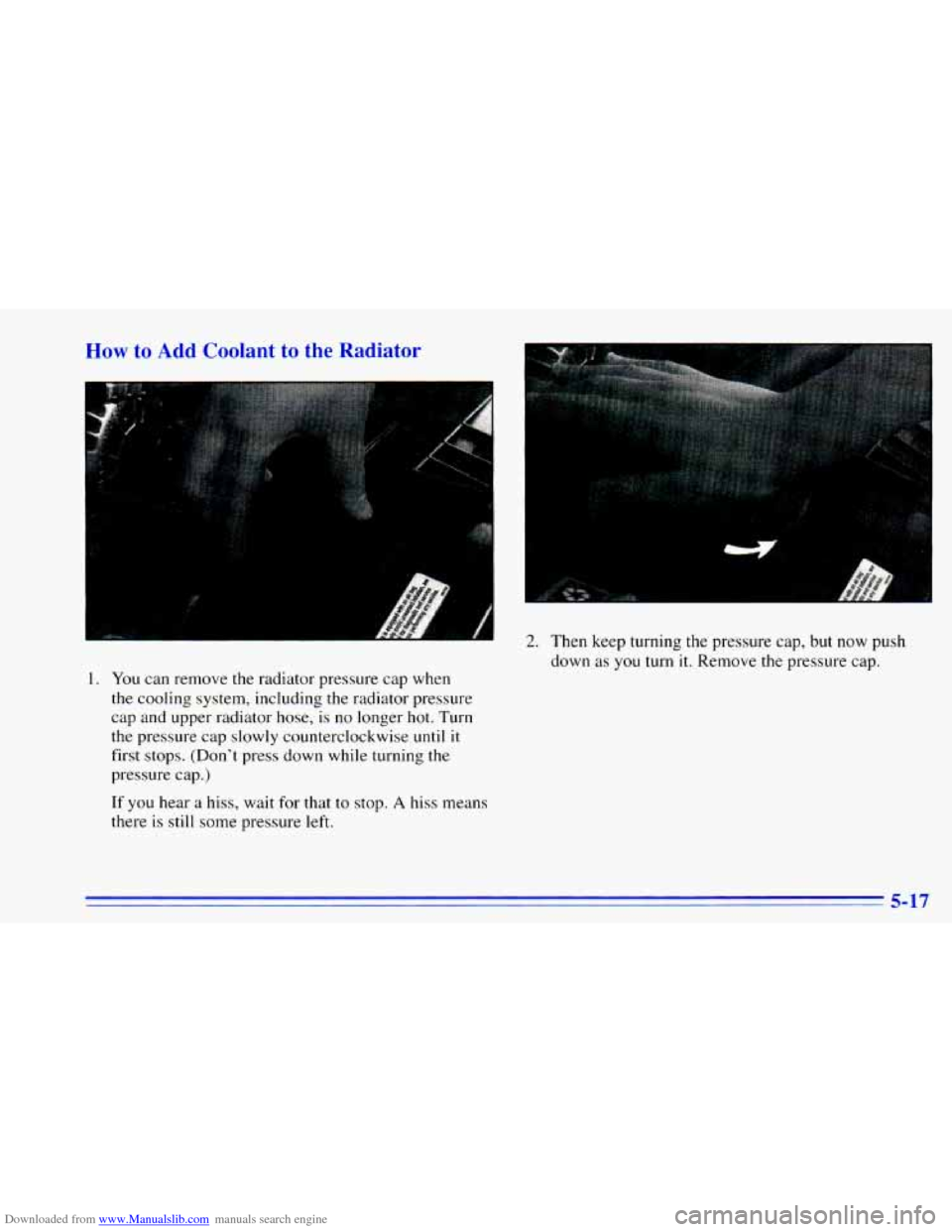
1. You can remove the radiator pressure cap when
the cooling system, including
the radiator pressure
cap and upper radiator hose, is
no longer hot. Turn
the pressure cap slowly counterclockwise until
it
first stops. (Don’t press down while turning the
pressure cap.)
If you hear a hiss, wait for that to stop. A hiss means
there
is still some pressure left.
2. Then keep turning the pressure cap, but now push
down
as you turn it. Remove the pressure cap.
5-17
Page 235 of 392
Downloaded from www.Manualslib.com manuals search engine Turn the wheel wrench counterclockwise to lower the
spare tire. Keep turning the wheel wrench until the spare
tire can be pulled
out from under the vehicle.
When the tire has been completely lowered,
tilt the
retainer at
the end of the cable and pull it through the
wheel opening. Pull the tire out from under
the vehicle.
I NOTICE:
I
To help avoid vehicle damage, do not drive the
vehicle before the cable
is restored.
If you have an inside-mounted spare tire, the tire must
be removed
in order to have access to the jack storage. The
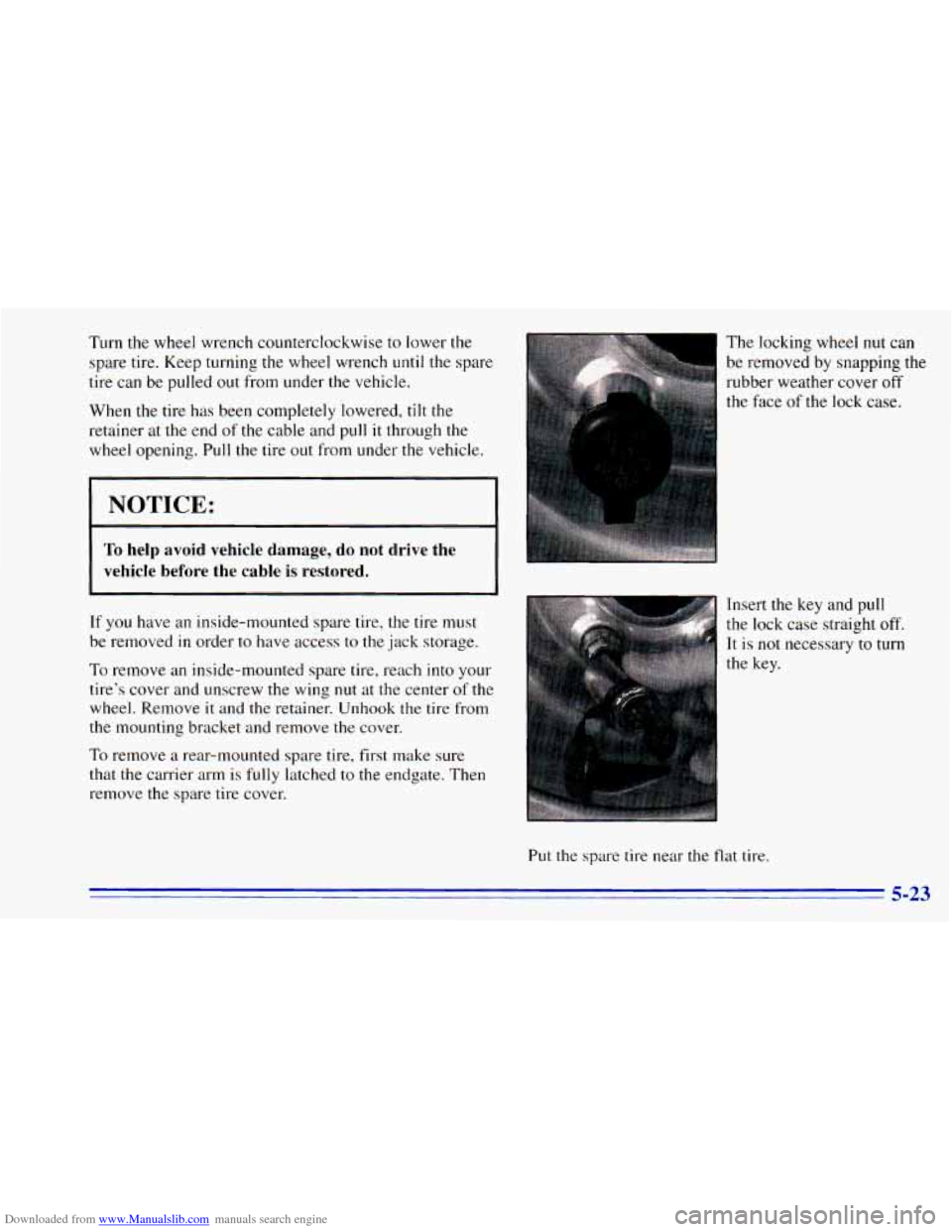
locking wheel nut can
be removed by snapping
the
rubber weather cover off
the face
of the lock case.
Insert the key and pull
the lock case straight off.
It is
not necessary to turn
To remove an inside-mounted spare tire, reach into your
tire’s cover and unscrew
the wing nut at the center of the
wheel. Remove
it and the retainer. Unhook the tire from
the mounting bracket and remove
the cover.
To remove a rear-mounted spare tire, first make sure
that the carrier arm
is fully latched to the endgate. Then
remove the spare tire cover.
Put the spare tire near the flat tire.
5-23
Page 237 of 392
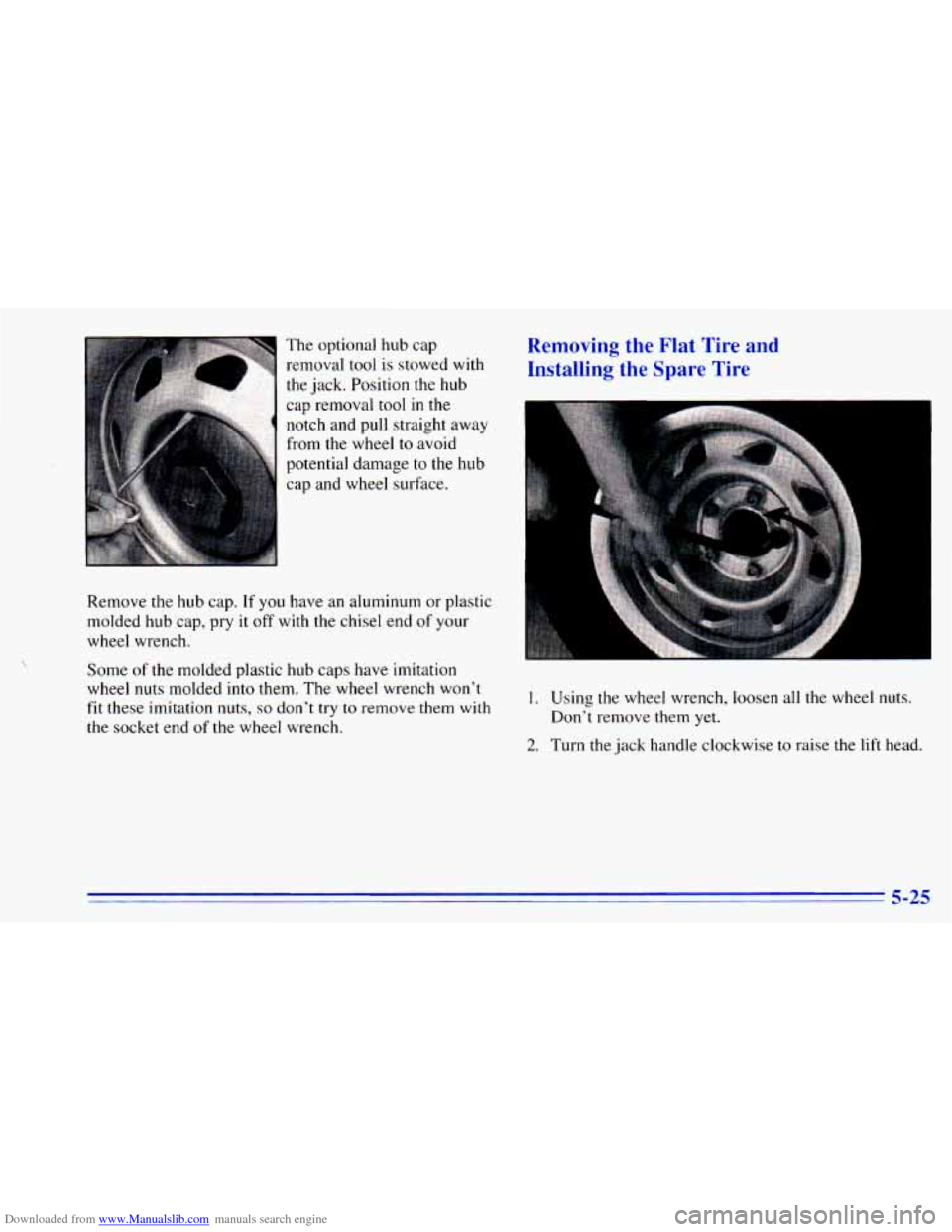
Downloaded from www.Manualslib.com manuals search engine The optional hub cap
removal tool
is stowed with
the jack. Position the hub
cap removal tool in the
notch and pull straight away
from
the wheel to avoid
potential damage
to the hub
cap and wheel surface.
Remove the hub cap.
If you have an aluminum or plastic
molded hub cap, pry
it off with the chisel end of your
wheel wrench.
Some of the molded plastic hub caps have imitation
wheel nuts molded into them. The wheel wrench won't
fit these imitation nuts,
so don't try to remove them with
the socket end of the wheel wrench.
Removing the Flat Tire and
Installing the Spare Tire
1. Using the wheel wrench, loosen all the wheel nuts.
2. Turn the jack handle clockwise to raise the lift head.
Don't
remove them
yet.
5-25