Page 78 of 392
Downloaded from www.Manualslib.com manuals search engine To stop, let up on the accelerator pedal and press the
brake pedal. Just before the vehicle stops, press the
clutch pedal and the brake pedal, and
shift to
NEUTRAL (N).
NEUTRAL (N): Use this position when you start or
idle your engine.
REVERSE (R): To back up, press the clutch pedal, wait
about six seconds, then shift into REVERSE
(R). Then
let up on the clutch pedal slowly while pressing the
accelerator pedal.
NOTICE:
Shift to REVERSE (R) only after your vehicle is
stopped. Shifting to REVERSE (R) while your
vehicle
is moving could damage your transmission.
Use REVERSE (R), along with the parking brake, for
parking your vehicle.
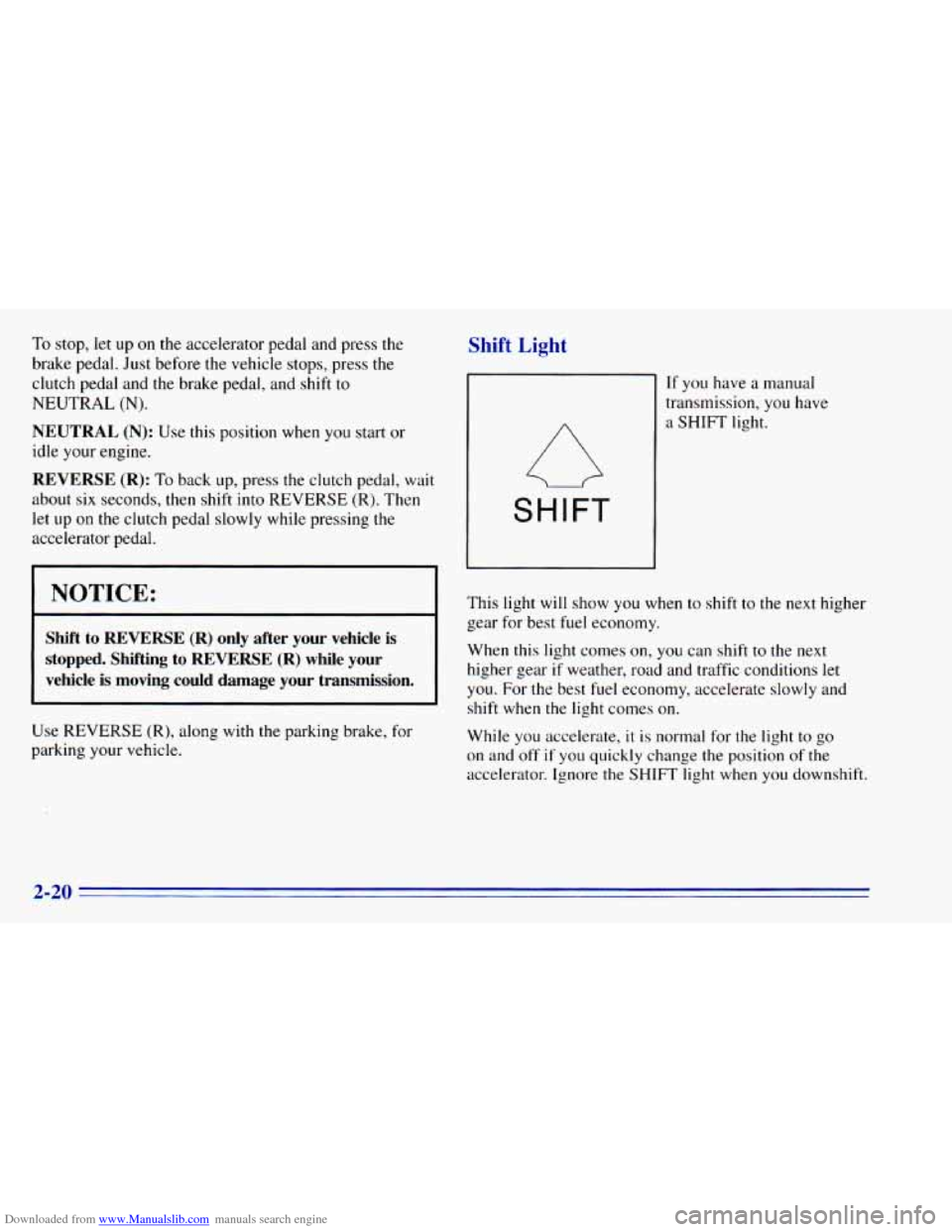
Shift Light
SHIFT
If you have a manual
transmission, you have
a SHIFT light.
This light
will show you when to shift to the next higher
gear for best fuel economy.
When this light comes on,
you can shift to the next
higher gear
if weather, road and traffic conditions let
you. For the best fuel economy, accelerate slowly and
shift when the light comes on.
While you accelerate,
it is normal for the light to go
on and
off if you quickly change the position of the
accelerator. Ignore the SHIFT light when you downshift.
2-20
Page 80 of 392
Downloaded from www.Manualslib.com manuals search engine Manual Transfer Case
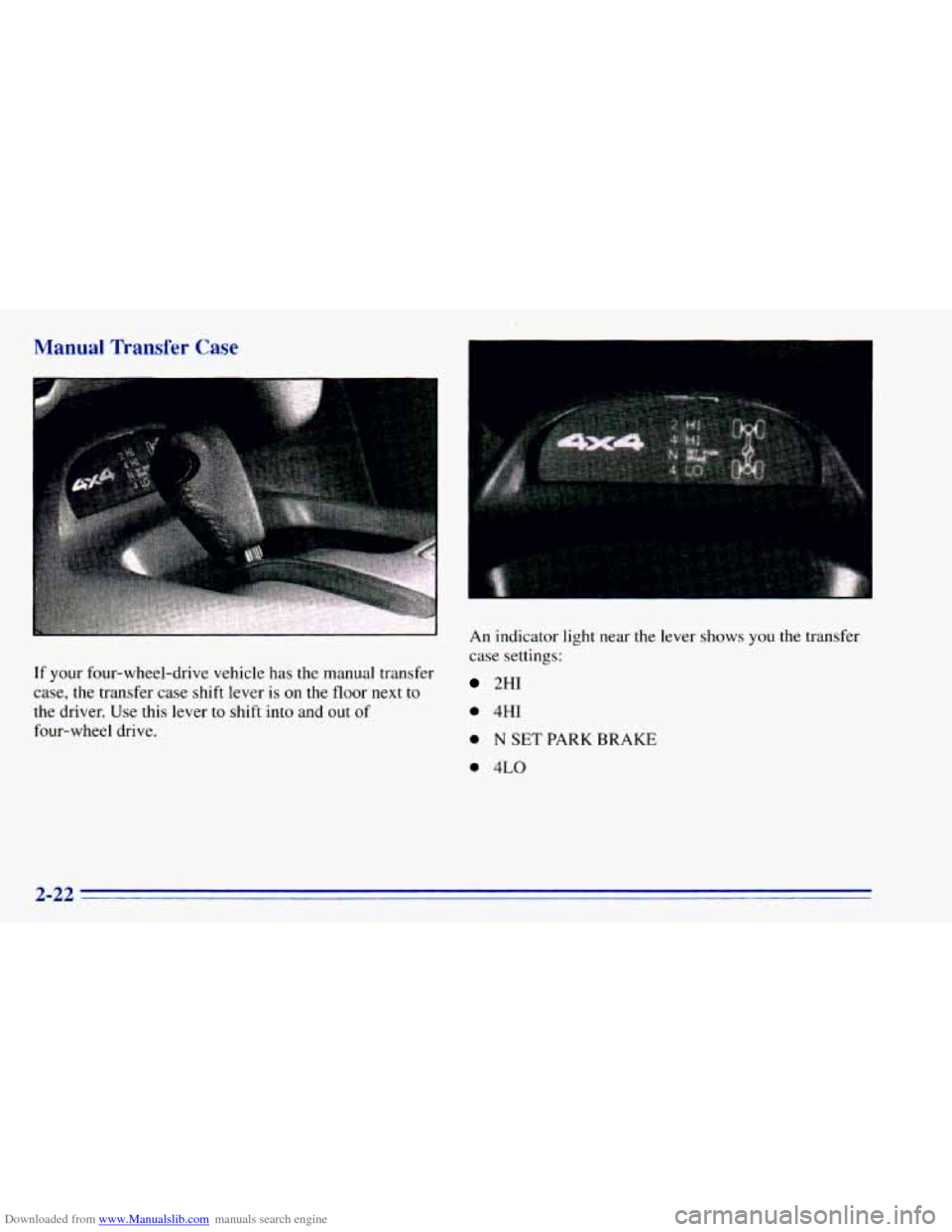
If your four-wheel-drive vehicle has the manual transfer
case,
the transfer case shift lever is on the floor next to
the driver. Use this lever to shift into and out of
four-wheel drive. An
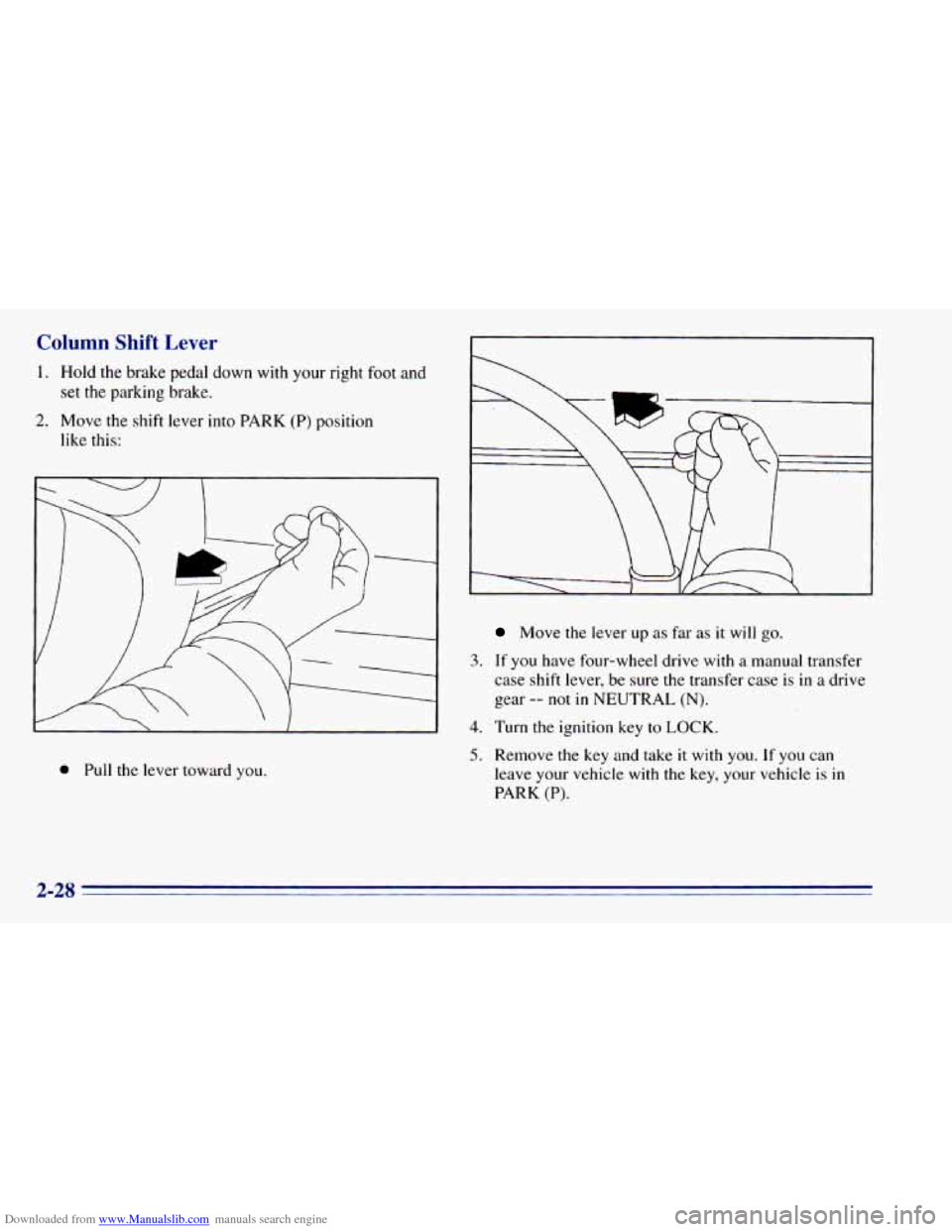
indicator light near
the lever shows you the transfer
case settings:
2HI
0 4HI
0 N SET PARK BRAKE
0 4LO
2-22
Page 81 of 392
Downloaded from www.Manualslib.com manuals search engine The front axle portion of the diagram on the indicator
will light up when
you shift into four-wheel drive. A
slight delay between shifting and the pattern’s lighting
is normal. If the pattern does
not light up, or if the front
axle lights do not go out after
you shift out of
four-wheel drive, have your dealer check your system.
Turn the INT LIGHTS switch located to the right of
your headlamp switch to dim your transfer case
indicator light when your headlamps or parking lamps
are
on. This will also cause your instrument panel
lights
to dim.
2HI: This setting is for driving in most street and
highway situations. Your front axle is
not engaged in
two-wheel drive.
4HI: This setting engages your front axle to help drive
your vehicle. Use 4HI when you need extra traction,
such as on snowy or icy roads, or in most off-road
situations.
N SET PARK BRAKE: Shift to this neutral setting
only when your vehicle needs
to be towed.
4LO: This setting also engages your front axle to give
you extra traction and provides extra gear reduction.
You may never need 4LO. It sends the maximum power
to all four wheels. You might choose 4LO if you were
driving off-road in sand, mud or deep snow and
climbing
or descending steep hills.
You can shift from 2HI to 4HI or from 4HI to 2HI while
the vehicle
is moving. Do not press the transfer case
shift lever button when shifting from 2HI to 4HI or from
4HI
to 2HI. Your front axle will engage faster if you
take your foot off of the accelerator for a few seconds
after
you shift.
To shift your transfer case into N SET PARK BRAKE:
1. Stop the vehicle and shift your transmission into
NEUTRAL
(N).
2. Set the parking brake. Your vehicle can roll unless
3. Pull the transfer case shift lever into N SET
the brakes are applied.
PARK BRAKE.
2-23
Page 82 of 392
Downloaded from www.Manualslib.com manuals search engine To shift into or out of 4LO:
1. The vehicle must be moving less than 3 mph
(4.8 kmrdh) with the transmission in NEUTRAL (N)
for an automatic transmission. For a manual
transmission, the clutch pedal must be engaged.
The preferred method for shifting into or
out of
4LO is to have your vehicle moving 1 to 2 mph
(1.6 to 3.2 kdh).
2. Press the transfer case shift button and shift in one
continuous motion.
Don’t pause
in N SET PARK BRAKE as you shift into
or out
of 4L0, or your gears could clash.
Remember that driving in
4HI or 4LO may reduce
fuel economy.
Also, driving in four-wheel drive on
dry.pavement could cause your tires to wear faster and
make your transfer case harder
to shift and reduce
powertrain longevity.
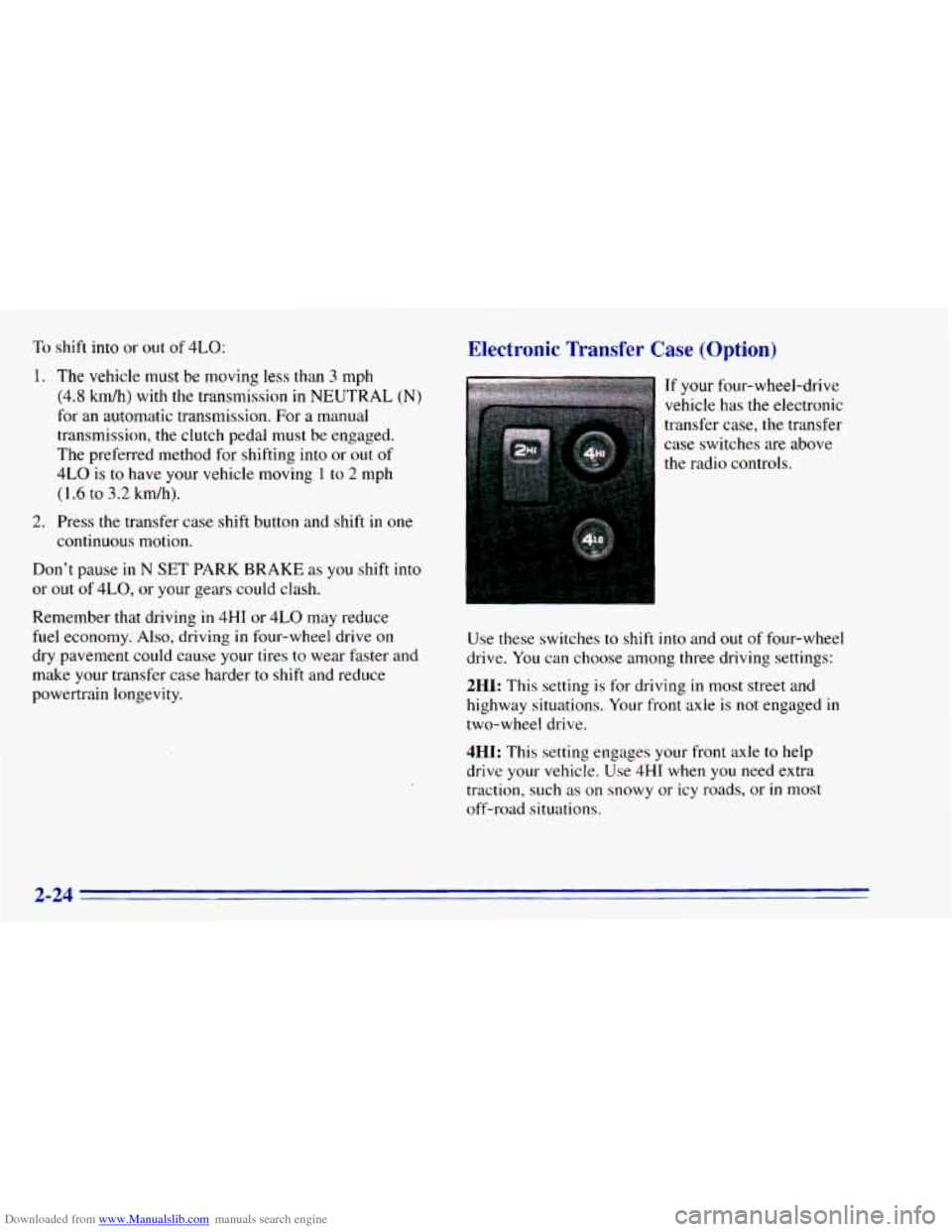
Electronic Transfer Case (Option)
If your four-wheel-drive
vehicle has the electronic
transfer case, the transfer
case switches are above
the radio controls.
Use these switches to shift into and out of four-wheel
drive. You can choose among three driving settings:
2HI: This setting is for driving in most street and
highway situations. Your front axle is
not engaged in
two-wheel drive.
4HI: This setting engages your front axle to help
drive your vehicle.
Use 4HI when you need extra
traction, such as on snowy or icy roads, or
in most
off-road situations.
2-24
Page 84 of 392
Downloaded from www.Manualslib.com manuals search engine Shifting from 4LO to 4HI
To shift from 4LO to 4H1, your vehicle must be
stopped or moving
less than 3 mph (4.8 km/h) with the
transmission
in NEUTRAL (N) or the clutch pedal
engaged. The preferred method for shifting out
of
4LO is to have your vehicle moving 1 to 2 mph
(1.6 to 3.2 km/h). Press and release the 4HI switch.
You must wait for
the 4HI indicator light to stop
flashing and remain illuminated before shifting your
transmission into gear or releasing the clutch pedal.
If the 4HI switch is pressed when your vehicle is in
gear and/or moving, the 4HI indicator light will flash
for
30 seconds but not complete the shift unless the
vehicle is moving slower than
3 mph (4.8 km/h) and
the transmission is in NEUTRAL
(N) or the clutch
pedal engaged. On automatic transmission equipped vehicles,
if your
transfer case does not shift into 4H1, your transmission
indicator switch may require adjustment. With your
transmission in NEUTRAL
(N), press and release the
4HI switch. While the 4HI indicator light is flashing,
shift your transmission into PARK
(P). Wait until the
4HI indicator light remains illuminated before shifting
your transmission into gear. This will get you into 4H1,
but you should take your vehicle
in for service to restore
normal operation.
Parking Brake
To set the parking brake, hold the regular brake pedal
down with your right foot. Push down the parking brake
pedal with your left foot. If
the ignition is on, the brake
system warning light will come on.
To release
the parking brake hold the regular brake
pedal down.
2-26
Page 85 of 392
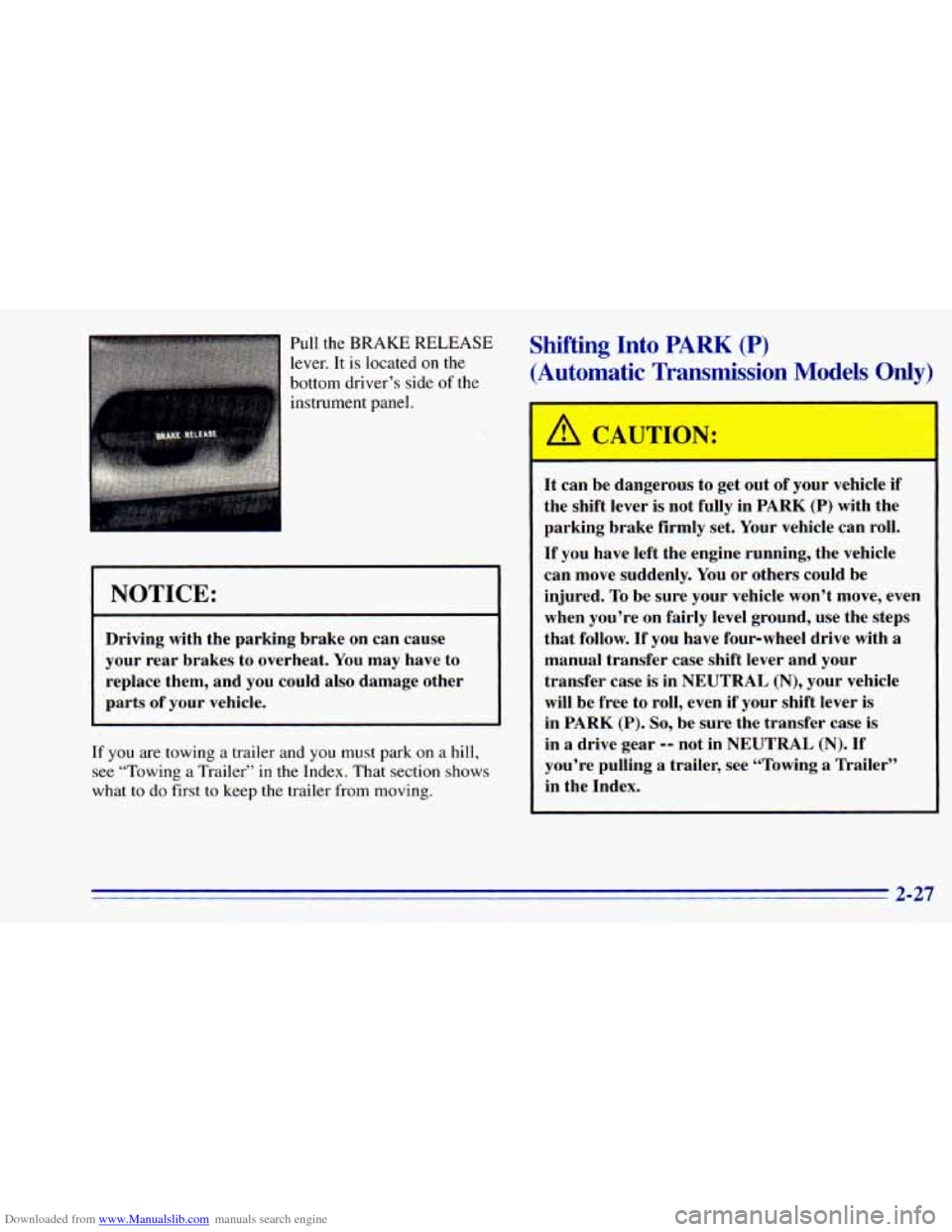
Downloaded from www.Manualslib.com manuals search engine Pull the BRAKE RELEASE
lever. It is located
on the
bottom driver’s side
of the
instrument panel.
Shifting Into PARK (P)
(Automatic Transmission Models Only)
NOTICE:
Driving with the parking brake on can cause
your rear brakes to overheat. You may have to
replace them, and you could also damage other
parts of your. vehicle.
If
you are towing a trailer and you must park on a hill,
see “Towing a Trailer’’ in the Index. That section shows
what
to do first to keep the trailer from moving.
A CAUTION:
It can be dangerous to get obL df your vehicle if
the shift lever is not fully in
PARK (P) with the
parking brake firmly set. Your vehicle can roll.
If you have left the engine running, the vehicle
can move suddenly. You or others could be
injured. To be sure your vehicle won’t move, even
when you’re on fairly level ground, use the steps
that follow. If you have four-wheel drive with
a
manual transfer case shift lever and your
transfer case is in
NEUTRAL (N), your vehicle
will be free to roll, even if your shift lever is
in
PARK (P). So, be sure the transfer case is
in a drive gear -- not in NEUTRAL (N). If
you’re pulling a trailer, see “Towing
a Trailer”
in the Index.
2-27
Page 86 of 392
Downloaded from www.Manualslib.com manuals search engine Column Shift Lever
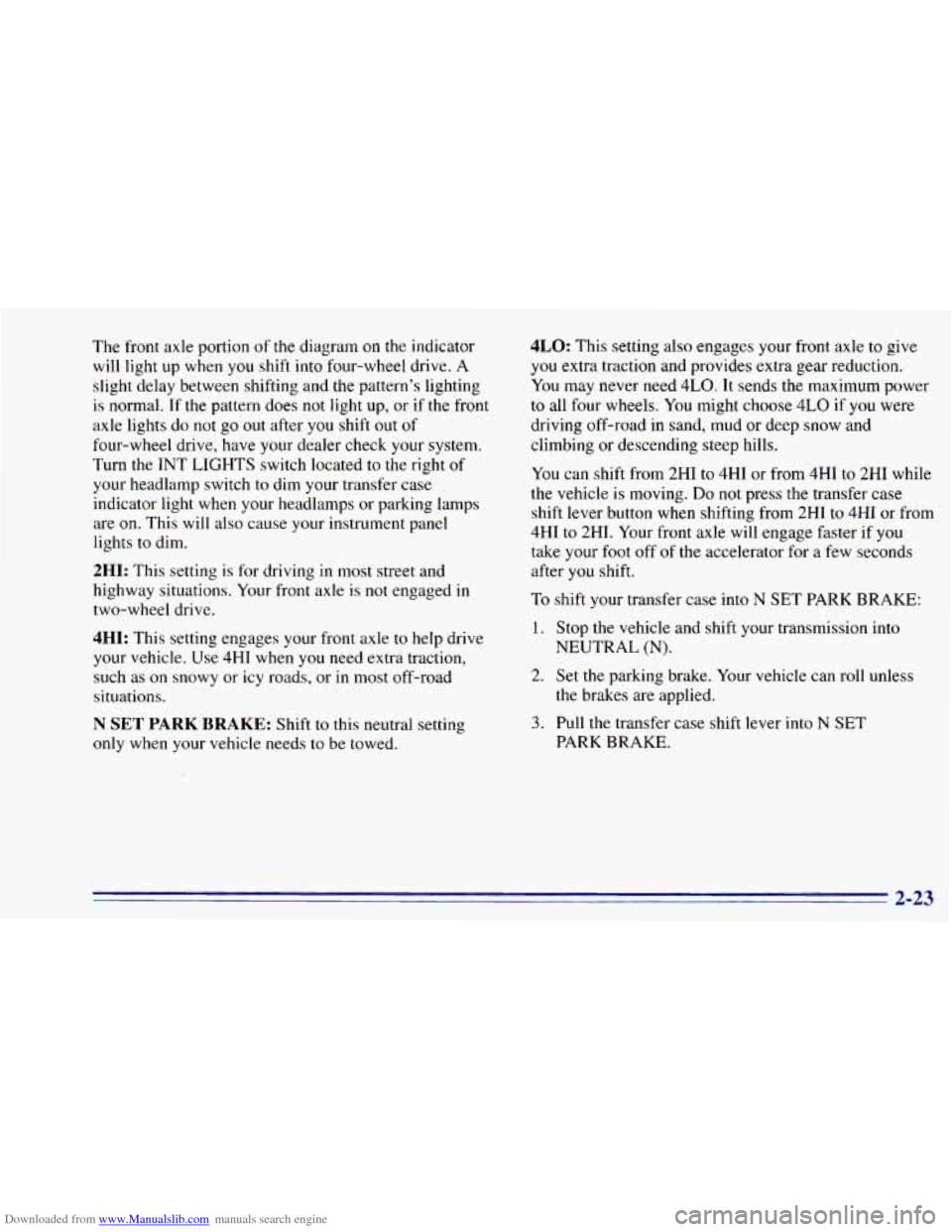
1. Hold the brake pedal down with your right foot and
set
the parking brake.
like this:
2. Move the shift lever into PARK (P) position
0 Pull the lever toward you.
Move the lever up as far as it will go.
3. If you have four-wheel drive with a manual transfer
case shift lever, be sure the transfer case is
in a drive
gear
-- not in NEUTRAL (N).
4. Turn the ignition key to LOCK.
5. Remove the key and take it with you. If you can
leave your vehicle with the key, your vehicle is
in
PARK (P).
Page 87 of 392
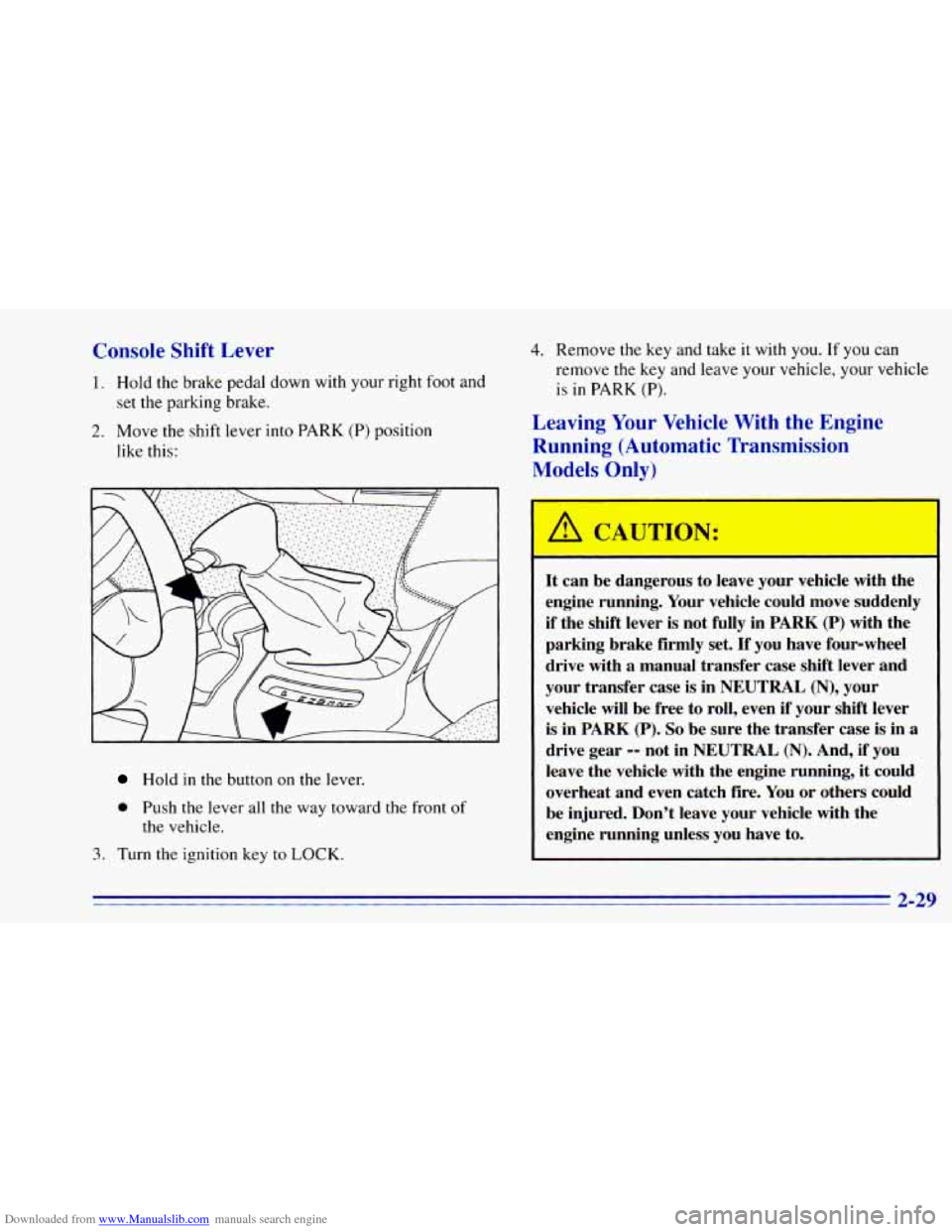
Downloaded from www.Manualslib.com manuals search engine Console Shift Lever
1. Hold the brake pedal down with your right foot and
2. Move the shift lever into PARK (P) position
set the
parking brake.
like this:
4. Remove the key and take it with you. If you can
remove the key and leave your vehicle, your vehicle
is in PARK
(P).
Leaving Your Vehicle With the Engine
Running (Automatic Transmission
Models Only)
Hold in the button on the lever.
0 Push the lever all the way toward the front of
the vehicle.
1. Turn the ignition key to LOCK.
It can be dangerous to leave your vehicle with the
engine running. Your vehicle could move suddenly
if the shift lever is not fully in PARK (P) with the
parking brake firmly set.
If you have four-wheel
drive with
a manual transfer case shift lever and
your transfer case is in
NEUTRAL (N), your
vehicle will be free to roll, even if your shift lever
is in PARK
(P). So be sure the transfer case is in a
drive gear -- not in NEUTRAL (N). And, if you
leave the vehicle with the engine running, it could
overheat and even catch fire. You or others could
be injured. Don’t leave your vehicle with the
engine running unless you have to.