1995 CHEVROLET TRACKER window
[x] Cancel search: windowPage 106 of 354
Gem Section 3 Comfort Controls and Audio Systems
In this section you’ll find out how to operate the comfort
control systems and audio systems offered
with your
Geo. Be sure to read about the particular system
supplied with your vehicle.
Comfort Controls
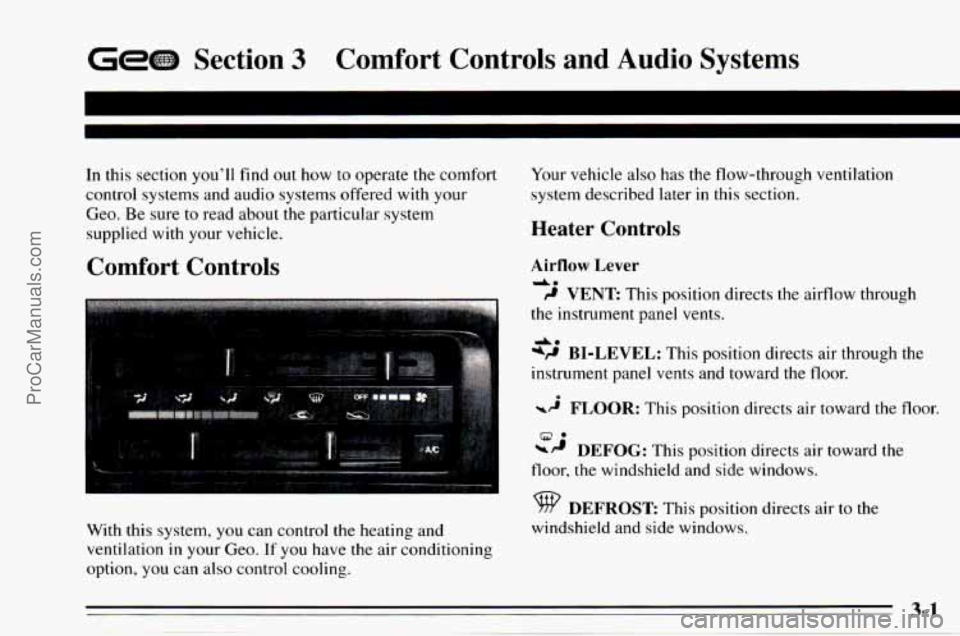
With this system, you can control the heating and
ventilation
in your Geo. If you have the air conditioning
option, you can
also control cooling. Your
vehicle also has the flow-through ventilation
system described later
in this section.
Heater Controls
Airflow Lever
da
9 VENT This position directs the airflow through
the instrument panel vents.
*P BI-LEVEL: This position directs air through the
instrument panel vents and toward
the floor.
-2 FLOOR: This position directs air toward the floor.
DEFOG: This position directs air toward the
A*
9.
floor, the windshield and side windows.
DEFROST This position directs air to the
windshield and side windows.
ProCarManuals.com
Page 107 of 354
Fan Control Lever Bi-Level
Slide the lever away from OFF to turn the heating
system on. Move the lever toward FAN
to increase the
fan’s speed.
Temperature Control Lever
Slide the lever to change the temperature of the air
flowing from the system. Move it to the right for warmer
air and
to the left for cooler air. The air temperature can’t
be less than the outside air temperature.
Air Intake Lever
RECIRCULATE:
Choose this position to
recirculate the inside air through
the comfort control
system.
outside air through the comfort control system.
CIRCULATE: Choose this position to circulate
Heating
For the quickest results, move the air intake lever to
RECIRCULATE. Move the airflow lever to FLOOR, the
temperature control lever toward the right for warmer
air and the fan control lever toward FAN.
You should
switch
to CIRCULATE once in a while to avoid stale air
and cloudy windows.
You may want to use bi-level on cool, but sunny days.
This setting directs outside air toward your body and
warmer air toward your feet.
Move the air intake lever to CIRCULATE and the
airflow lever to
BI-LEVEL. Move the temperature
control lever to the center and the fan control lever
toward FAN.
Ventilation
For mild outside temperatures, when little heating or
cooling is needed, you can still direct outside air through
your vehicle.
Move the air intake lever to CIRCULATE and
the
airflow lever to BI-LEVEL. Adjust the temperature
control lever to a comfortable setting and move the fan
control lever to FAN.
Defogging and Defrosting Windows
Slide the air intake lever to CIRCULATE and the
airflow lever to DEFROST
to direct air to the
windshield vents. Then slide the temperature control
lever toward the right and the fan control lever to FAN.
When the windshield is clear, turn down the fan speed.
ProCarManuals.com
Page 108 of 354
Air Conditioner Controls (Option)
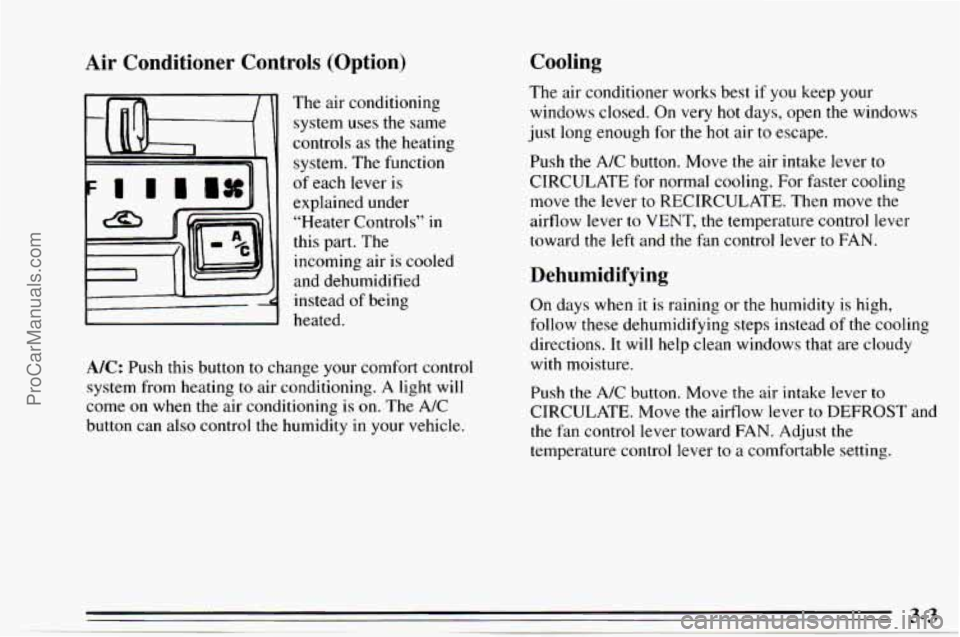
The air conditioning
system uses
the same
controls
as the heating
system. The function
of each lever is
explained under
“Heater Controls”
in
this part. The
incoming air
is cooled
and dehumidified
instead of being
heated.
A/C: Push this button to change your comfort control
system from heating
to air conditioning. A light will
come on when the air conditioning is on. The A/C
button can also control the humidity in your vehicle.
Cooling
The air conditioner works best if you keep your
windows closed. On very hot days, open the windows
just
long enough for the hot air to escape.
Push the
A/C button. Move the air intake lever to
CIRCULATE for normal cooling. For faster cooling
move the lever to RECIRCULATE, Then move the
airflow lever to VENT, the temperature control lever
toward the left and the
fan control lever to FAN.
Dehumidifying
On days when it is raining or the humidity is high,
follow these dehumidifying steps instead
of the cooling
directions.
It will help clean windows that are cloudy
with moisture.
Push
the A/C button. Move the air intake lever to
CIRCULATE. Move the airflow lever to DEFROST and
the
fan control lever toward FAN. Adjust the
temperature control lever to a comfortable setting.
ProCarManuals.com
Page 109 of 354
Rear Window Defogger
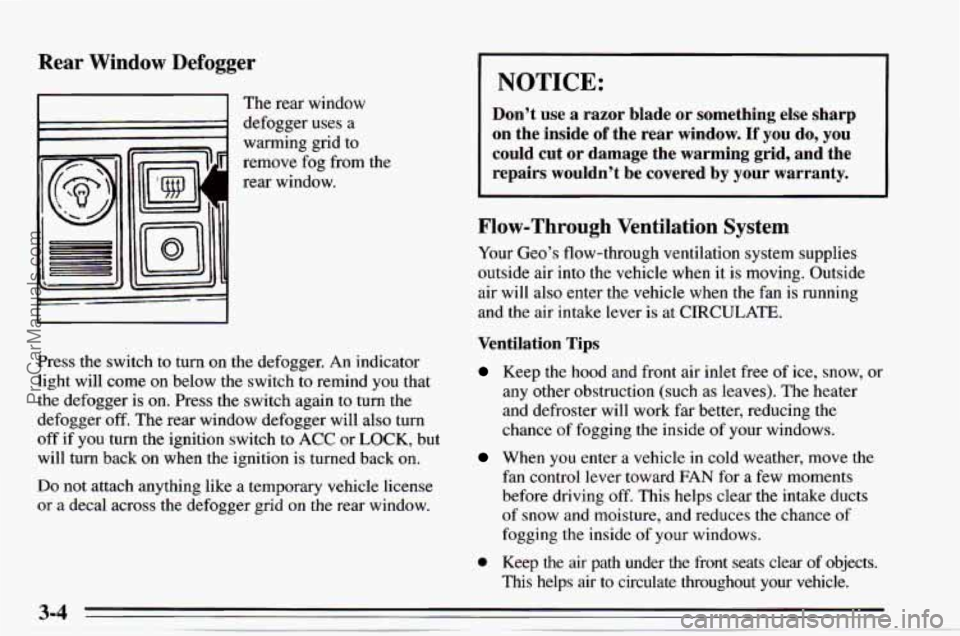
I I The rear window
1 defogger uses a
warming grid
to
remove fog from the
rear window.
Press the switch
to turn on the defogger. An indicator
light will come on below the switch to remind you that
the defogger is
on. Press the switch again to turn the
defogger
off. The rear window defogger will also turn
off if you turn the ignition switch to ACC or LOCK, but
will turn back on when the ignition
is turned back on.
Do not attach anything like a temporary vehicle license
or a decal across the defogger grid on the rear window.
I NOTICE:
Don’t use a razor blade or something else sharp
on the inside
of the rear window. If you do, you
could cut or damage the warming grid, and the
repairs wouldn’t be covered by
your warranty.
Flow-Through Ventilation System
Your Geo’s flow-through ventilation system supplies
outside air into the vehicle when it is moving. Outside
air will also enter the vehicle when the fan
is running
and the air intake lever is at CIRCULATE.
Ventilation Tips
Keep the hood and front air inlet free of ice, snow, or
any other obstruction (such as leaves). The heater
and defroster will work far better, reducing the
chance of fogging the inside of your windows.
When you enter a vehicle in cold weather, move the
fan control lever toward FAN for a few moments
before driving
off. This helps clear the intake ducts
of snow and moisture, and reduces the chance of
fogging the inside of your windows.
0 Keep the air path under the front seats clear of objects.
This helps air to circulate throughout your vehicle.
ProCarManuals.com
Page 158 of 354

The exit ramp can be curved, sometimes quite sharply.
The
exit speed is usually posted.
Reduce your speed according to your speedometer, not
to your sense of motion. After driving for any distance
at higher speeds, you may tend to think
you are going
slower than
you actually are.
Before Leaving on a Long Trip
Make sure you’re ready. Try to be well rested. If you
must start when you’re not fresh
-- such as after a day’s
work
-- don’t plan to make too many miles that first part
of the journey. Wear comfortable clothing and shoes you
can easily drive in.
Is your vehicle ready for a long trip? If you keep it
serviced and maintained, it’s ready to go. If
it needs
service, have it done before starting out. Of course,
you’ll find experienced and able service experts
in
ChevroletlGeo dealerships all across North America.
They’ll be ready and willing to help if
you need it.
Here are some things you can check before a trip:
0 Windshield Washer Fluid: Is the reservoir full? Are
all windows clean inside and outside?
0 Wiper Blades: Are they in good shape?
0
0
0
0
0
Fuel, Engine Oil, Other Fluids: Have you checked
all levels?
Lamps: Are they all working? Are the lenses clean?
Tires: They are vitally important to a safe,
trouble-free trip.
Is the tread good enough for
long-distance driving? Are the tires all inflated to the
recommended pressure?
Weather Forecasts: What’s the weather outlook
along your route? Should you delay your trip a short
time to avoid a major storm system?
Maps: Do you have up-to-date maps?
Highway Hypnosis
Is there actually such a condition as “highway
hypnosis”? Or is it just plain falling asleep at the wheel?
Call
it highway hypnosis, lack of awareness, or
whatever.
There is something about an easy stretch of road with
the same scenery, along with the hum of the tires on the
road, the drone of the engine, and the rush of the wind
against the vehicle that can make you sleepy. Don’t let
it
happen to you! If it does, your vehicle can leave the
road in
less than a second, and you could crash and be
injured.
ProCarManuals.com
Page 164 of 354

Run your engine only as long as you must. This saves
fuel. When you run the engine, make it go a little faster
than just idle. That
is, push the accelerator slightly. This
uses less fuel for the heat that you get and it keeps the
battery charged. You will need
a well-charged battery to
restart the vehicle, and possibly for signaling later
on
with your headlamps. Let the heater run for awhile.
Then, shut the engine
off and close the window almost
all the way to preserve the heat. Start the engine again
and repeat this only when you feel really uncomfortable
from the cold. But do it
as little as possible. Preserve the
fuel as long as you can.
To help keep warm, you can get
out of the vehicle and do some fairly vigorous exercises
every half hour or
so until help comes.
4-39
ProCarManuals.com
Page 189 of 354
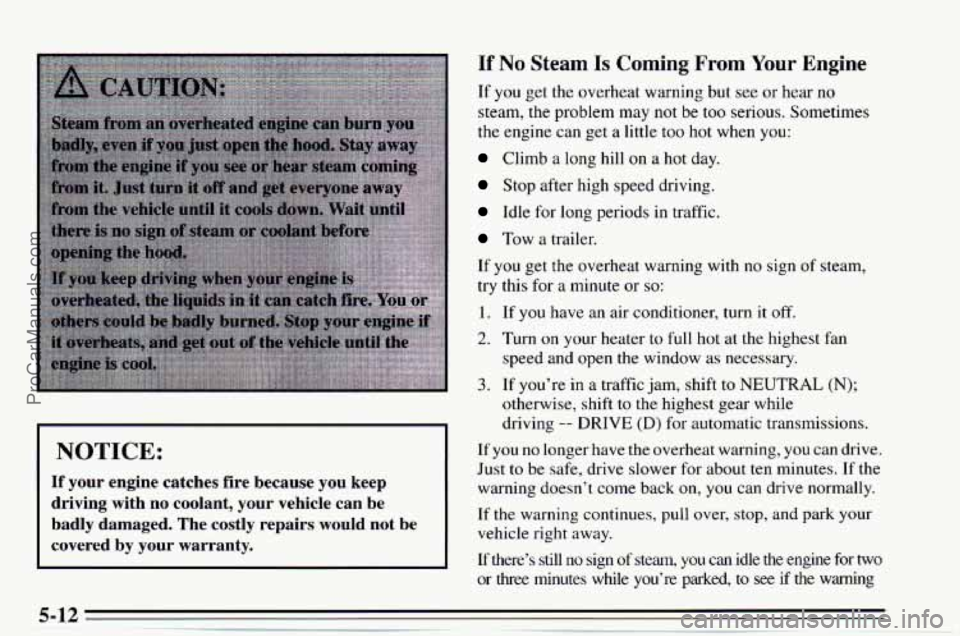
If No Steam Is Coming From Your Engine
I NOTICE:
If your engine catches fire because you keep
driving with no coolant, your vehicle can be
badly damaged. The costly repairs would not be
covered by your warranty.
If you get the overheat warning but see or hear no
steam,
the problem may not be too serious. Sometimes
the engine can get a little too hot when you:
Climb a long hill on a hot day.
Stop after high speed driving.
Idle for long periods in traffic.
Tow a trailer.
If
you get the overheat warning with no sign of steam,
try this for a minute or
so:
1. If you have an air conditioner, turn it off.
2. Turn on your heater to full hot at the highest fan
speed and open the window as necessary.
3. If you’re in a traffic jam, shift to NEUTRAL (N);
otherwise, shift to the highest gear while
driving
-- DRIVE (D) for automatic transmissions.
If you no longer have the overheat warning, you can drive.
Just to be safe, drive slower for about ten minutes. If the
warning doesn’t come back on,
you can drive normally.
If the warning continues, pull over, stop, and park your
vehicle right away.
If there’s still
no sign of steam, you can idle the engine for two
or
three minutes while you’re parked, to see if the warning
ProCarManuals.com
Page 243 of 354
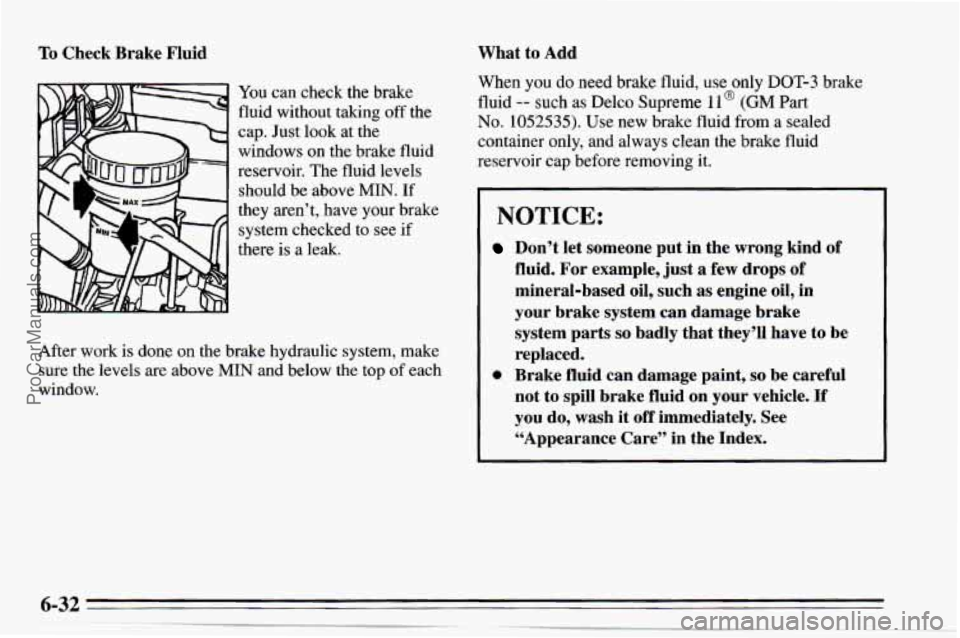
To Check Brake Fluid
You can check the brake
fluid without taking off the
cap. Just look at the
windows on the brake fluid
reservoir. The fluid levels should be above
MIN. If
they aren’t, have your brake
system checked to see
if
there is a leak.
After work is done on the brake hydraulic system, make
sure the levels are above
MIN and below the top of each
window.
What to Add
When you do need brake fluid, use only DOT-3 brake
fluid
-- such as Delco Supreme 1 l@ (GM Part
No. 1052535). Use new brake fluid from a sealed
container only, and always clean the brake fluid
reservoir cap before removing it.
I NOTICE:
Don’t let someone put in the wrong kind of
fluid, For example, just
a few drops of
mineral-based oil, such as engine oil, in
your brake system can damage brake
system parts
so badly that they’ll have to be
replaced.
0 Brake fluid can damage paint, so be careful
not to spill brake fluid on your vehicle.
If
you do, wash it off immediately. See
“Appearance Care” in the Index.
ProCarManuals.com