Page 227 of 380
Downloaded from www.Manualslib.com manuals search engine To Remove the Underbody-Mounted Spare Tire (&Door Only)
NOTICE:
Never remove or restow a tire frodto a stowage position under
the vehicle while the vehicle is supported by a jack. Always
tighten the tire fully against the underside
of the vehicle when
restowing.
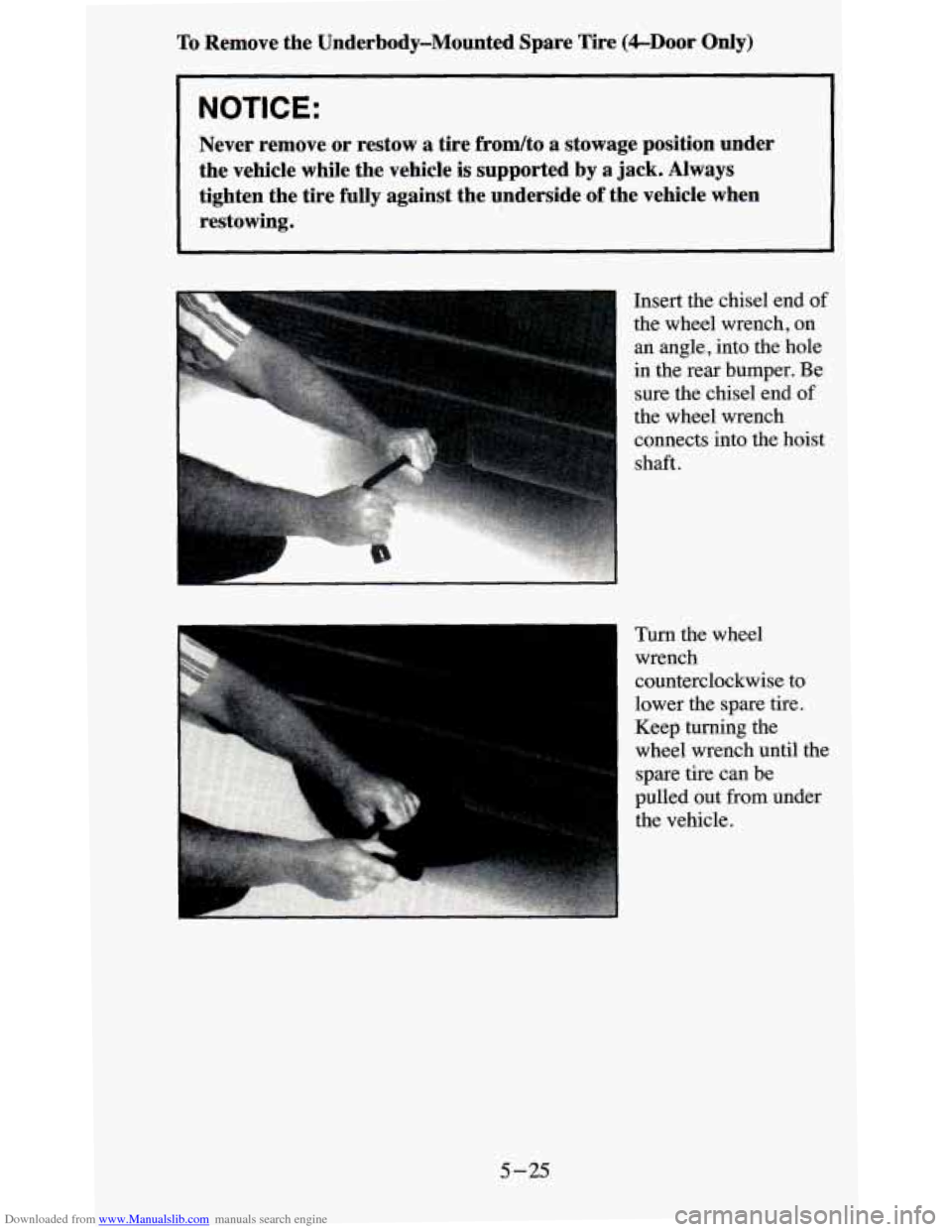
Insert the chisel end of
the wheel wrench, on
an angle, into the hole
in the rear bumper. Be
sure the chisel end
of
the wheel wrench
connects into the hoist
shaft.
Turn the wheel wrench
counterclockwise to
lower the spare tire.
i Keep turning the
wheel wrench until the
spare tire can be
pulled out from under
the vehicle.
5-25
Page 230 of 380
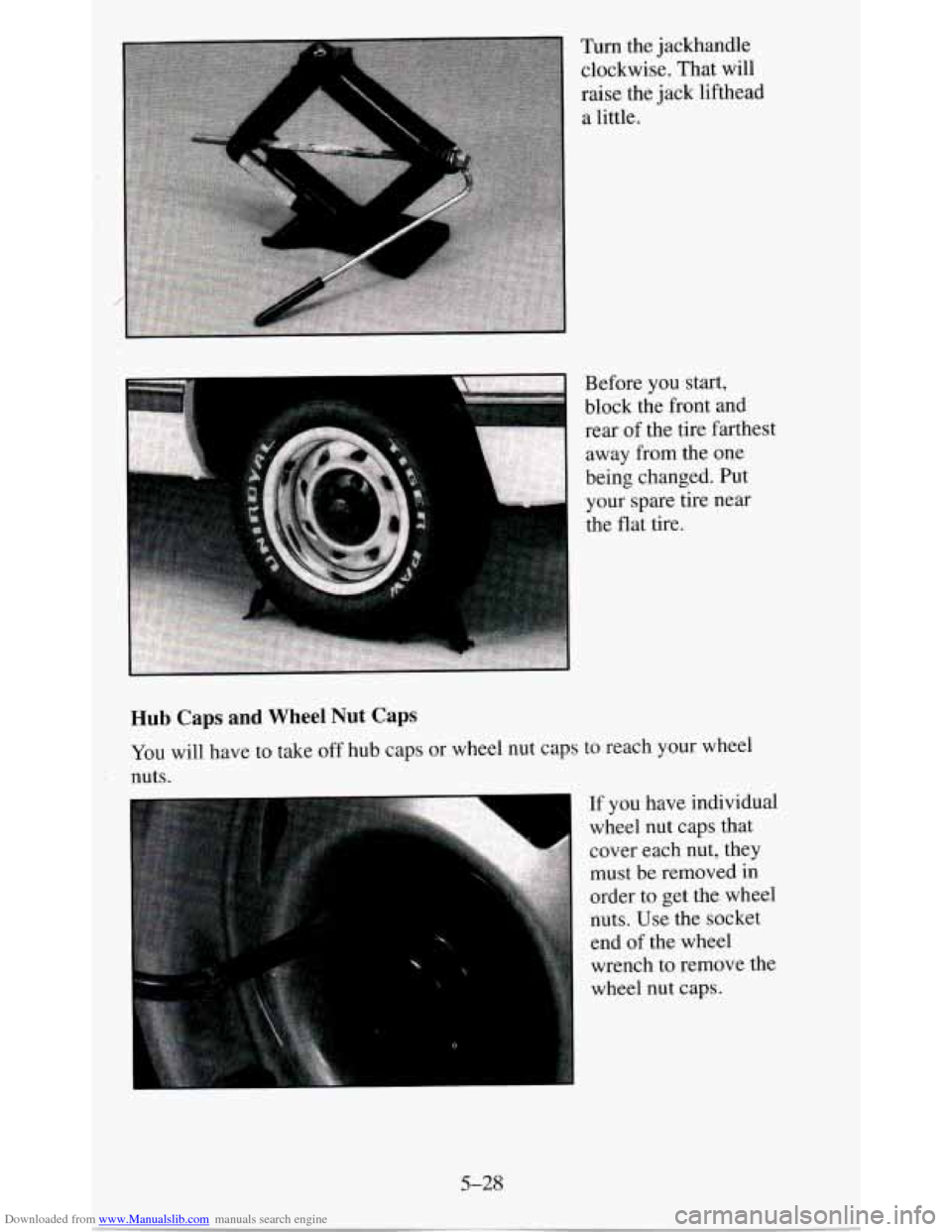
Downloaded from www.Manualslib.com manuals search engine Turn the jackhandle clockwise. That will
raise the jack lifthead
a little.
Hub Caps and Wheel Nut Caps
You will have to take off hub caps or wheel nut caps to reach your wheel
nuts.
If you have individual
wheel nut caps that
cover each nut, they must be removed
in
order to get the wheel
nuts. Use the socket
end
of the wheel
wrench to remove the
wheel nut
caps.
5-28
Page 233 of 380
Downloaded from www.Manualslib.com manuals search engine NOTICE:
Raising your vehicle with the jack improperly positioned will
damage the vehicle or may allow the vehicle to fall
off the jack.
Be sure to
fit the jack lift head into the proper location before
raising your vehicle.
A M
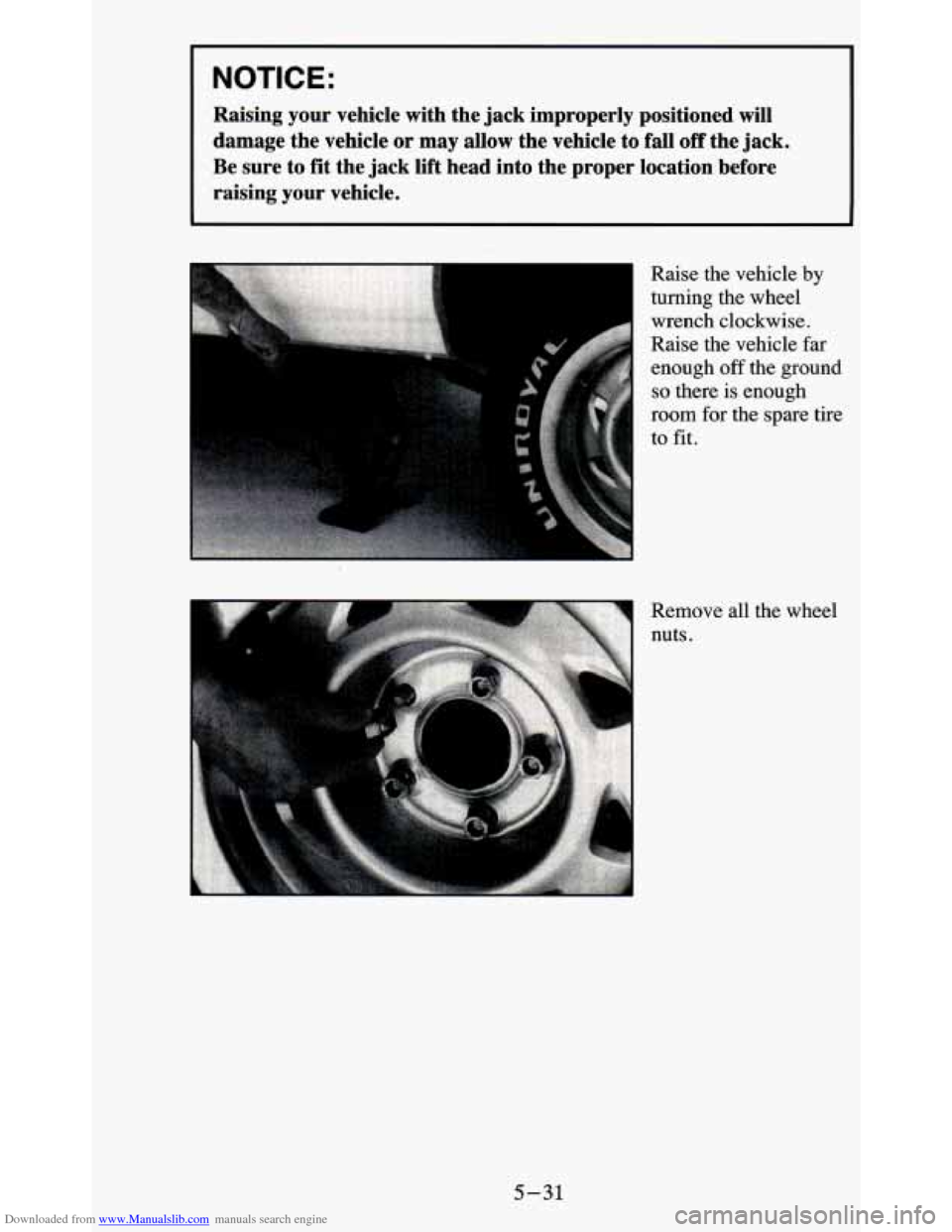
Raise the vehicle by
turning the wheel
wench clockwise.
Raise the vehicle far
enough off the ground
so there is enough
room for the spare tire
to fit.
5-31
Page 235 of 380
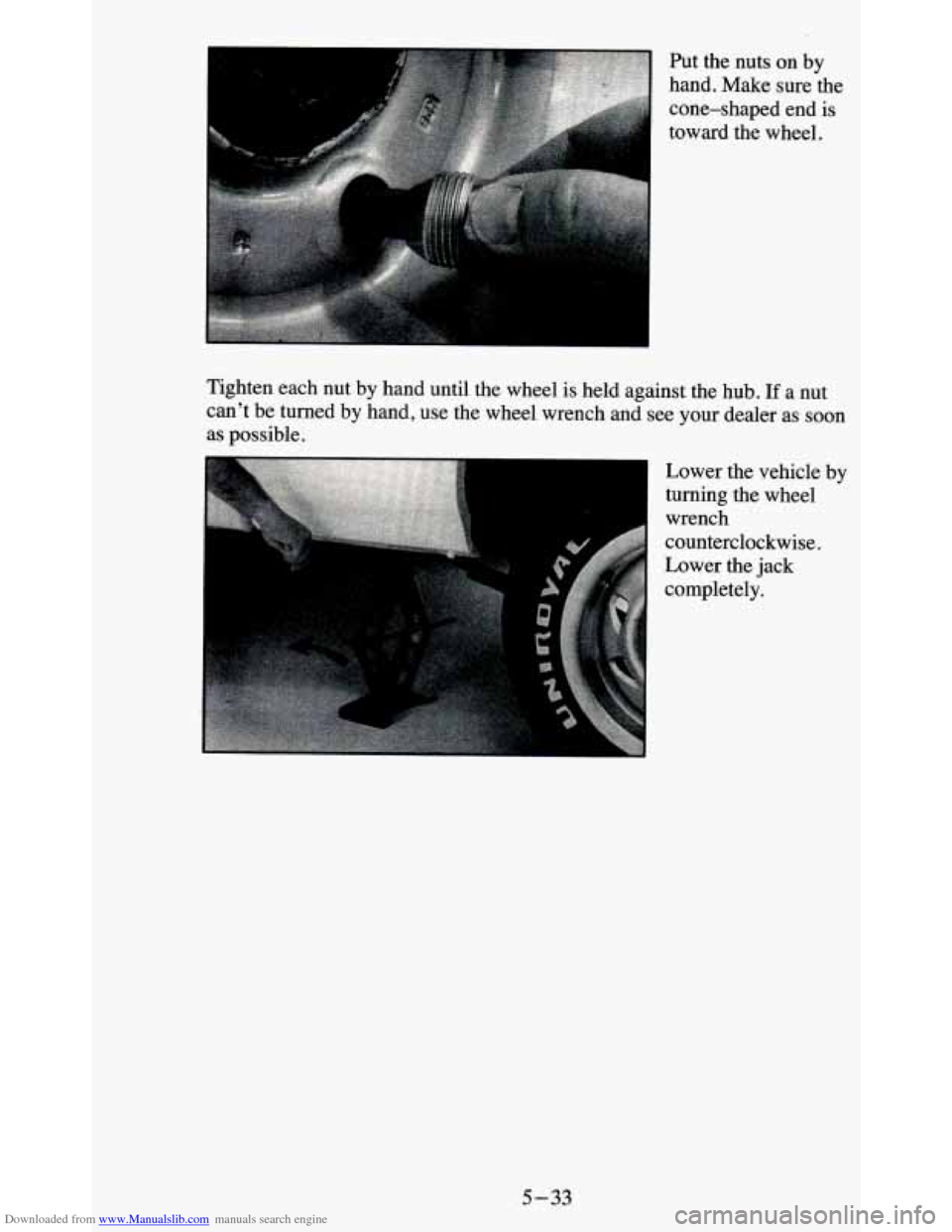
Downloaded from www.Manualslib.com manuals search engine Put the nuts on by
hand. Make sure the
cone-shaped end is
toward the wheel.
Tighten each
nut by hand until the wheel is held against the hub. If a nut
can’t be turned by
hand, use the wheel wrench and see your dealer as soon
as possible.
Lower the vehicle by
turning the wheel
wrench
counterclockwise.
Lower the jack
completely.
5-33
Page 236 of 380
Downloaded from www.Manualslib.com manuals search engine Tightening Wheel Nut Tightening Sequence
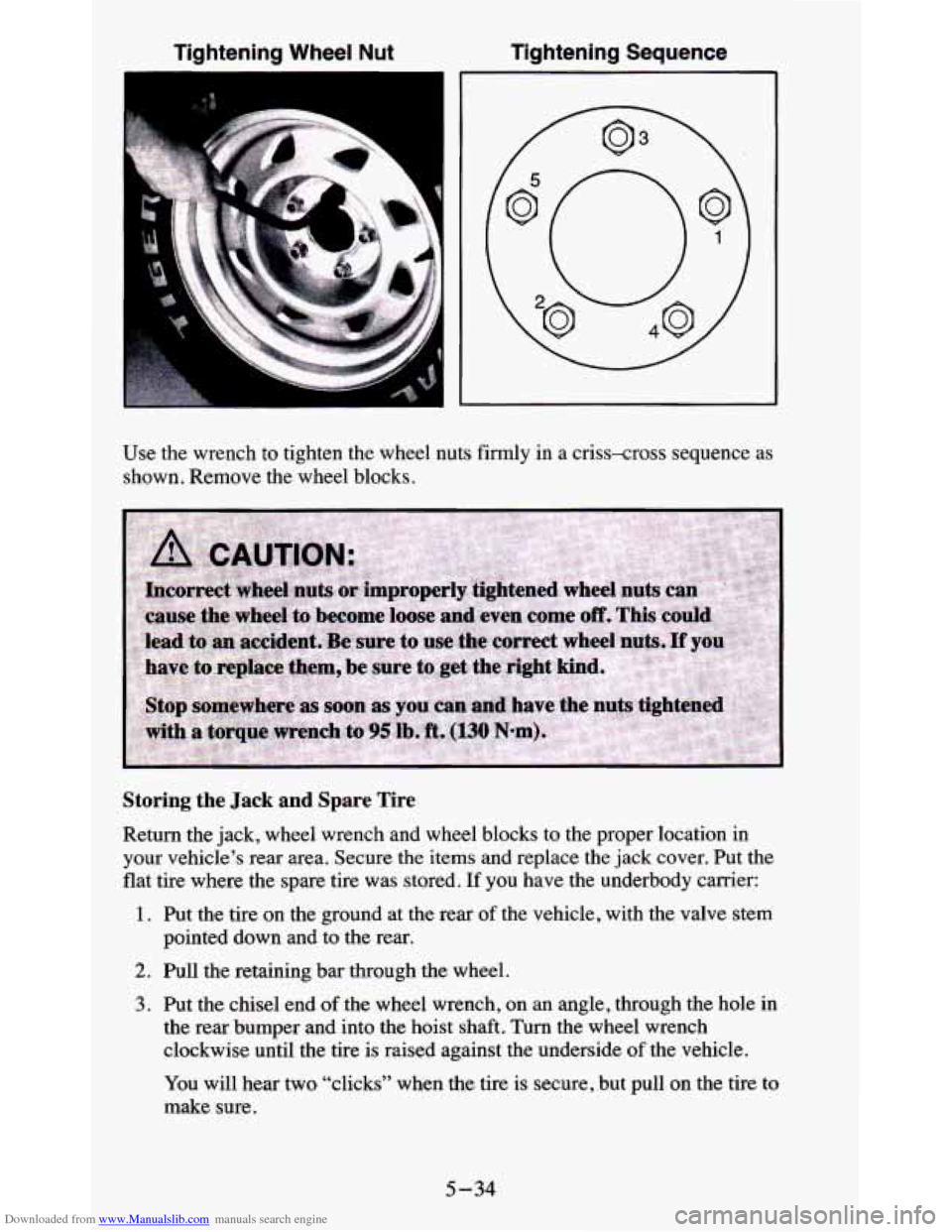
Use
the wrench to tighten the wheel nuts firmly in a criss-cross sequence as
shown. Remove the wheel blocks.
Storing the Jack and Spare Tire
Return the jack, wheel wrench and wheel blocks to the proper location in
your vehicle’s rear area. Secure
the items and replace the jack cover. Put the
flat tire where the spare tire was stored. If you have the underbody carrier:
1. Put the tire on the ground at the rear of the vehicle, with the valve stem
pointed down and to the rear.
2. Pull the retaining bar through the wheel.
3. Put the chisel end of the wheel wrench, on an angle, through the hole in
the rear bumper and into the hoist shaft. Turn the wheel wrench
clockwise until the tire is raised against the underside
of the vehicle.
You will hear two “clicks” when the tire is secure, but pull
on the tire to
make sure.
5-34
Page 245 of 380
Downloaded from www.Manualslib.com manuals search engine Filling Your Tank
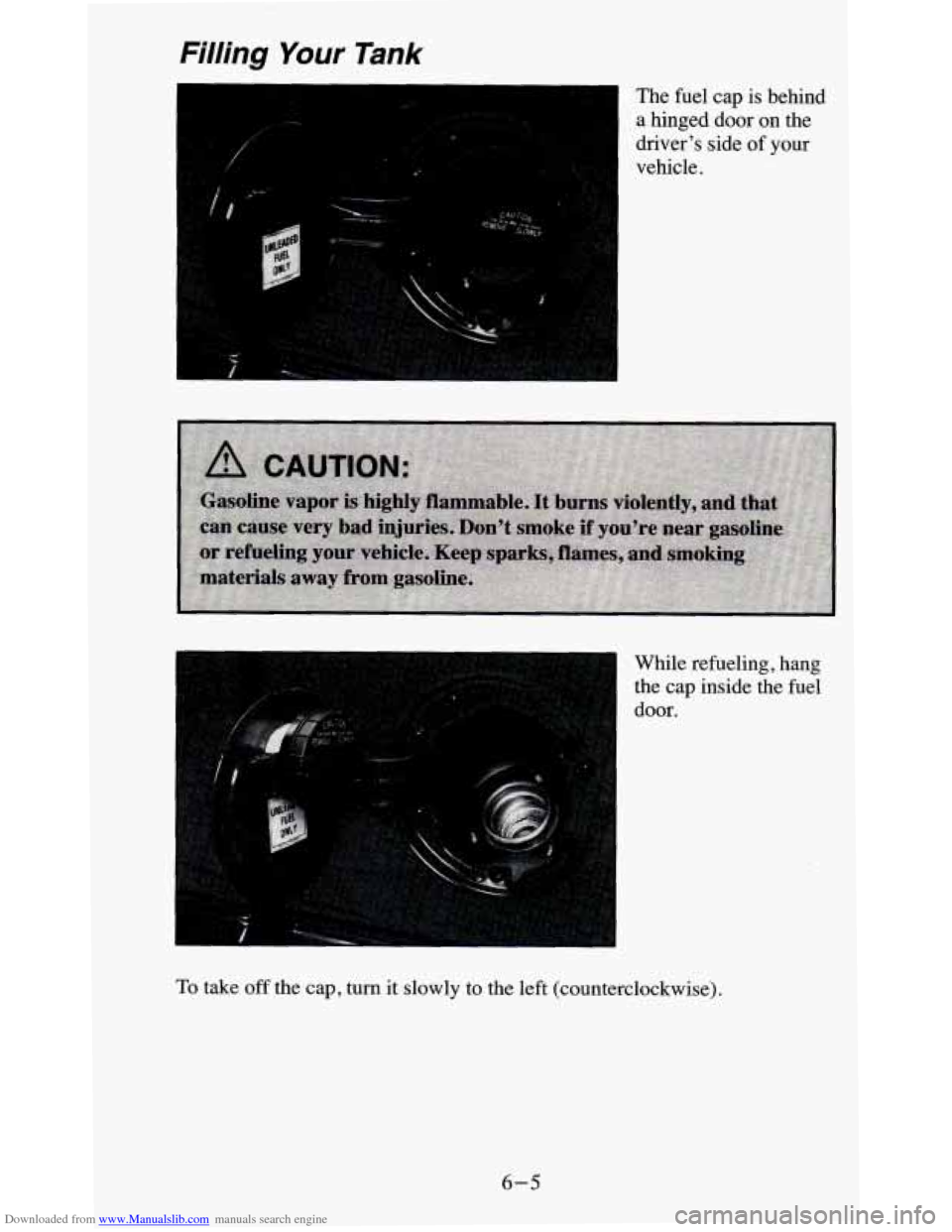
I The fuel cap is behind
a hinged door on the
driver’s side
of your
vehicle. 1
I
While refueling, hang
the cap inside the fuel
door.
To take off the cap, turn it slowly to the left (counterclockwise).
6-5
Page 273 of 380
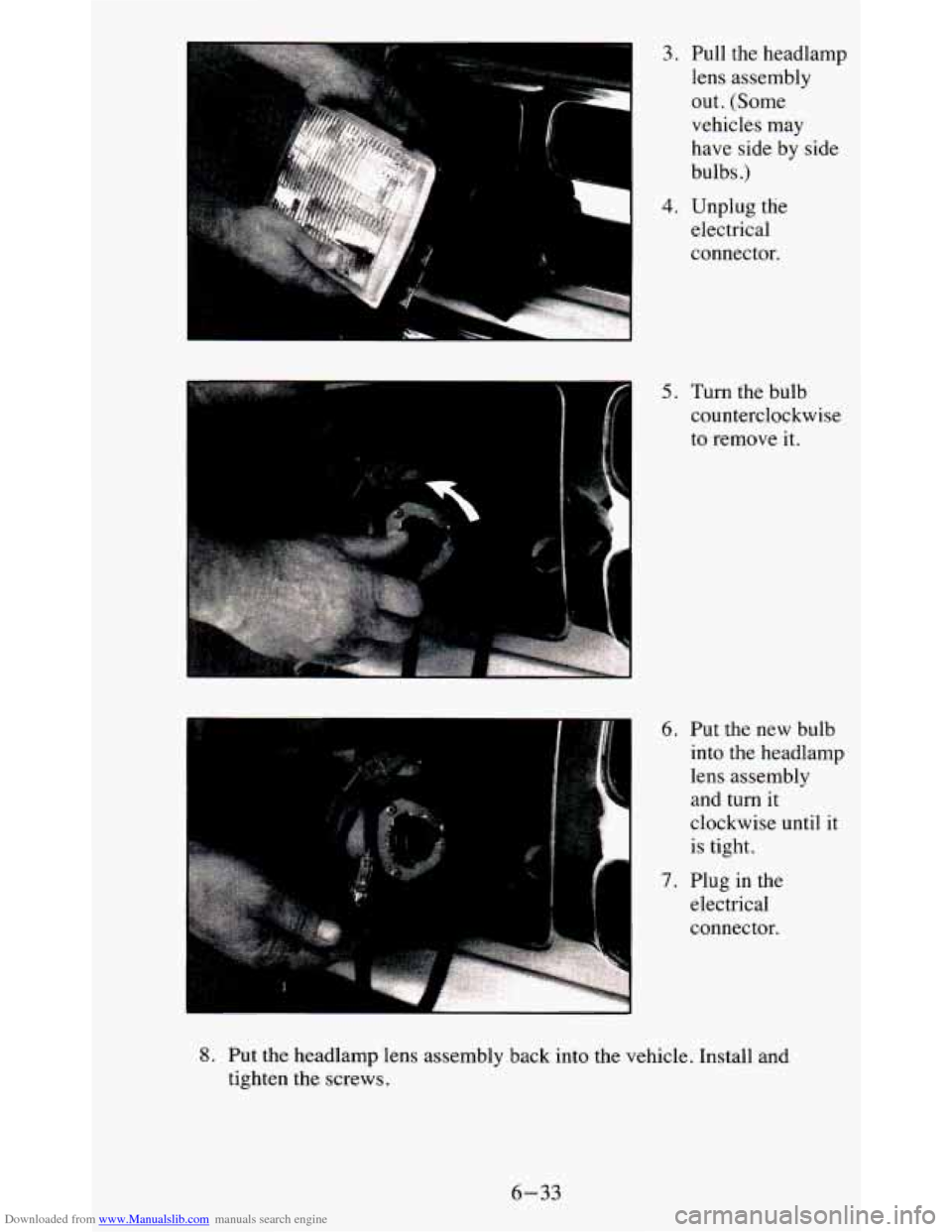
Downloaded from www.Manualslib.com manuals search engine 3. Pull the headlamp .. lens assembly
out. (Some
vehicles may
have side by side
bulbs
.)
4. Unplug the
electrical
connector.
_I , .
I 5. Turn the bulb
counterclockwise
to remove it.
6. Put the new bulb
I into the headlamp
lens assembly
and turn it
clockwise until it
is tight.
7. Plug in the
electrical
connector.
L
8. Put the headlamp lens assembly back into the vehicle. Install and
tighten the screws.
6-33
Page 274 of 380
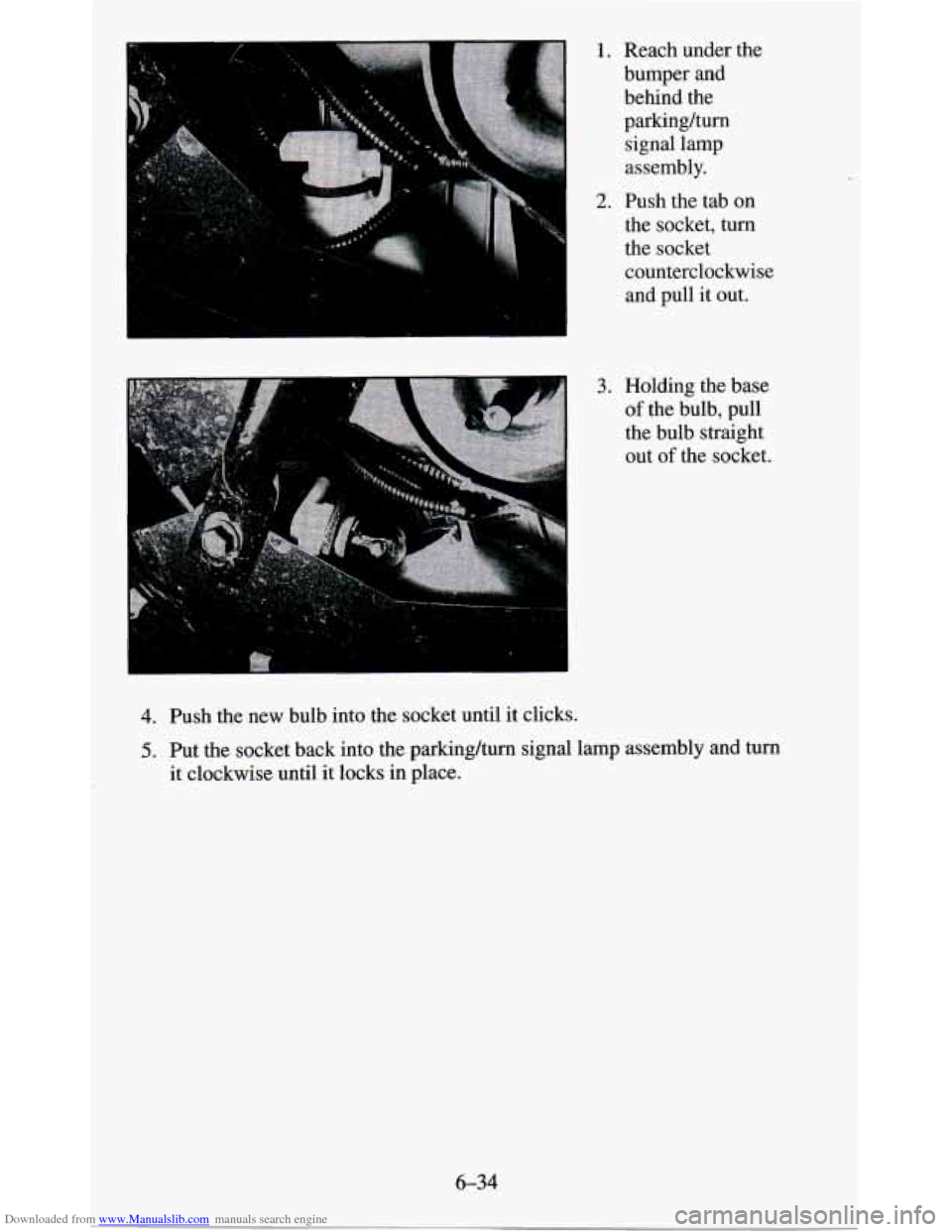
Downloaded from www.Manualslib.com manuals search engine 1. Reach under the
bumper and behind the parkinghrn
signal lamp
assembly.
2. Push the tab on
the socket, turn
the socket counterclockwise and pull it out.
3. Holding the base
of the bulb, pull
the bulb straight out
of the socket.
4. Push the new bulb into the socket until it clicks.
5. Put the socket back into the parking/turn signal lamp assembly and turn
it clockwise until it locks in place.
6-34