1995 CHEVROLET BLAZER check engine light
[x] Cancel search: check engine lightPage 125 of 380
Downloaded from www.Manualslib.com manuals search engine indicated by the system before any problem is apparent, which may prevent
more serious damage to your vehicle, This system is
also designed to assist
your service technician in correctly diagnosing any malfunction.
The
“SERVICE ENGINE SOON” light should come on, as a check to show
you it is working, when the ignition is on and the engine is not running. This
light will also come during
a malfunction in one of two ways:
Light on steady - indicates a system malfunction has been detected.
Drive the vehicle to the dealer for service at your first opportunity.
Light flashing - indicates a misfire has been detected which may
damage the emission control system. The damage may be reduced by
lowering the vehicle speed, reducing the amount of cargo being hauled
or trailered, avoiding hard acceleration, or by avoiding steep uphill
grades.
If these actions are effective, the light will stop flashing and
remain
on steady. Drive the vehicle to a dealer for service. If the light
continues to flash, stop
the vehicle. Wait for a steady light to come on,
then drive the vehicle to a dealer for service.
These following conditions also may cause the “SERVICE ENGINE
SOON’ light to come on:
Low Fuel/Out of Fuel - As the vehicle starts to run out of fuel the
“SERVICE ENGINE SOON” light may come on as a result of an engine
misfire. Filling your gasoline tank should correct this condition. Make sure
to install the gas cap fully. It will require a few driving trips to turn the light
off.
Poor Quality Fuel
- Be sure to fuel your vehicle with quality fuel. Your
engine may not run efficiently
on poor fuel. Poor fuel may cause stalling,
hesitation or misfire. These conditions may
go away when the engine is
warned-up. However, poor quality fuel may cause the “SERVICE ENGINE
SOON’ light to come on.
Have a dealer check the vehicle. If no problems are found, you may want to
change to another brand of fuel.
Driving Through Standing Water
- Driving your vehicle through puddles
of deep standing water may result in a temporary misfire condition. This
condition will usually correct itself shortly after the electric\
al system dries
out. It will require a few driving trips to turn the light off.
2-73
Page 126 of 380
Downloaded from www.Manualslib.com manuals search engine Charging System Light
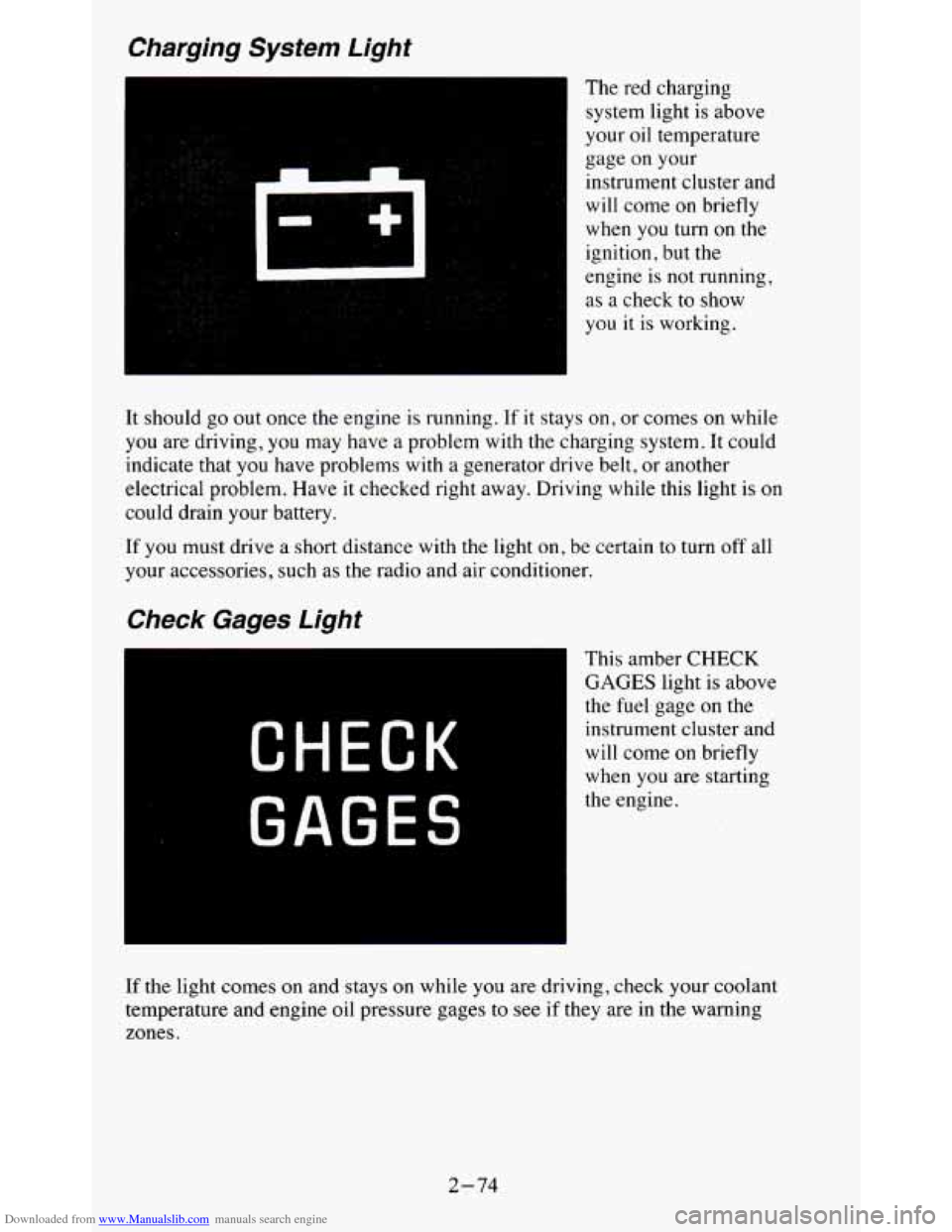
The red charging
system light is above
your oil temperature
gage on your
instrument cluster and
will come on briefly
when
you turn on the
ignition,
but the
engine
is not running,
as a check to show
you
it is working.
It should go out once the engine is running. If it stays
on, or comes on while
you are driving, you may have a problem with the charging system. It could
indicate that you have problems with a generator drive belt, or another
electrical problem. Have it checked right away. Driving while t\
his light is on
could drain your battery.
If you must drive a short distance with the light on, be certain to turn off all
your accessories, such as the radio and air conditioner.
Check Gages Light
CHECK
GAGES
This amber CHECK
GAGES light is above
the
fuel gage on the
instrument cluster and
will come on briefly
when you are starting
the engine.
If the light comes on and stays on while you are driving, check your coolant
temperature and engine oil pressure gages to see
if they are in the warning
zones.
2-74
Page 133 of 380
Downloaded from www.Manualslib.com manuals search engine Don’t exceed the maximum vehicle capacity when loading your vehicle. For
more information on vehicle capacity and loading,
see “Loading Your
Vehicle’’ in the Index.
To prevent damage or loss of cargo as you’re driving, check
now and then to
make sure the luggage carrier and cargo are still securely fastened.
Trailer Wiring Harness
Your vehicle will have a 5-wire and may have a 7-wire harness.
The light duty trailer wiring is a 5-wire harness assembly taped and bundled
at the left corner
of the vehicle. The harness has no connector, and you
should have
a qualified service person wire your harness for you.
The heavy duty trailer wiring is
a 7-wire harness assembly. It is stored
under the vehicle, along the passenger-side frame crossmember on
two-door vehicles and on the driver-side corner frame crossmember on
four-door vehicles. It has a 30-amp feed wire with an inline fuse located by
the junction block. See “Fuses and Circuit Breakers” in
the Index.
Both the 5-wire harness and the 7-wire harness have no connector and
should be wired by a qualified service person. Attach the harness to the
trailer, then tape or strap
it to your vehicle’s frame rail. Be sure you leave it
loose enough
so the wiring doesn’t bend or break, but not so loose that it
drags on the ground.
Store the harness
in its original place. Wrap the harness together and tie it
neatly
so it won’t be damaged.
2-81
Page 152 of 380
Downloaded from www.Manualslib.com manuals search engine To help avoid hearing loss or damage:
1. Adjust the volume control to the lowest setting.
2. Increase volume slowly until you hear comfortably and clearly.
NOTICE:
Before you add any sound equipment to your vehicle - like a
tape player, CB radio, mobile telephone or two-way radio - be
sure you can add what you want.
If you can, it’s very important
to do
it properly. Added sound equipment may interfere with the
operation of your vehicle’s engine, Delco’ radio or other
systems, and even damage them. And, your vehicle’s systems
may interfere with the operation of sound equipment that has
been added improperly.
So, before adding sound equipment, check with your dealer and
be sure to check Federal rules covering mobile radio and
telephone units.
Care of Your Cassette PIayer and Tape
A tape player that is not cleaned regularly is subject to reduce\
d sound
quality, ruining the cassette, or damaging the mechanism. Tape cassettes that
are not properly stored in their plastic cases away from contaminan\
ts, direct
sunlight, and extreme heat, may not operate properly and could cause
premature failure
of the tape player.
Your tape player should be cleaned with every
50 hours of use to provide
optimum performance. Your radio may display “Cln” (Clean) to indicate
that you have used your tape player for
50 hours without re-setting the tape
clean timer.
If you notice a reduction in sound quality, regardless of when
the tape player was last cleaned,
try playing a different cassette to see if the
tape or tape player is at fault. If the second cassette results in no
improvement in sound quality,
try cleaning the tape player.
Proper tape player cleaning should be done with a scrubbing action,
non-abrasive cleaning cassette. This is a wet-type cleaning system that uses
a cleaning cassette with pads which scrub the tape head as the \
hubs of the
cleaner cassette turn.
To properly clean your tape player, follow instructions
with the cleaning cassette. If you use this type of cleaner, the radio may
display an error and eject the cartridge. This is normal and \
is the result
of an
added feature
in the tape player that detects broken tapes. If an error occurs,
you will need to insert the cleaning cassette at least
3 times to thoroughly
clean the tape player.
3-18
Page 153 of 380
Downloaded from www.Manualslib.com manuals search engine You may prefer to use a non-scrubbing action, wet-type cleaner. This type
of cleaner uses a fabric belt to clean the tape head. This type of cleaner
cassette will not cause an error, but it may not clean the tape player as
thoroughly as the scrubbing type cleaner.
A scrubbing action cleaner cassette is available through your retailer (SPO
12344600).
Cassettes are subject to wear and the sound quality may degrade over time.
Always verify that the cassette tape
is in good condition and the tape player
is clean before obtaining service on your tape player.
t
NOTICE:
Cassette tape adapter kits for portable CD players will not work
in your cassette player. These adapters will cause the radio t\
o
display an error and the adapter cassette will be ejected.
Care of Compact Discs
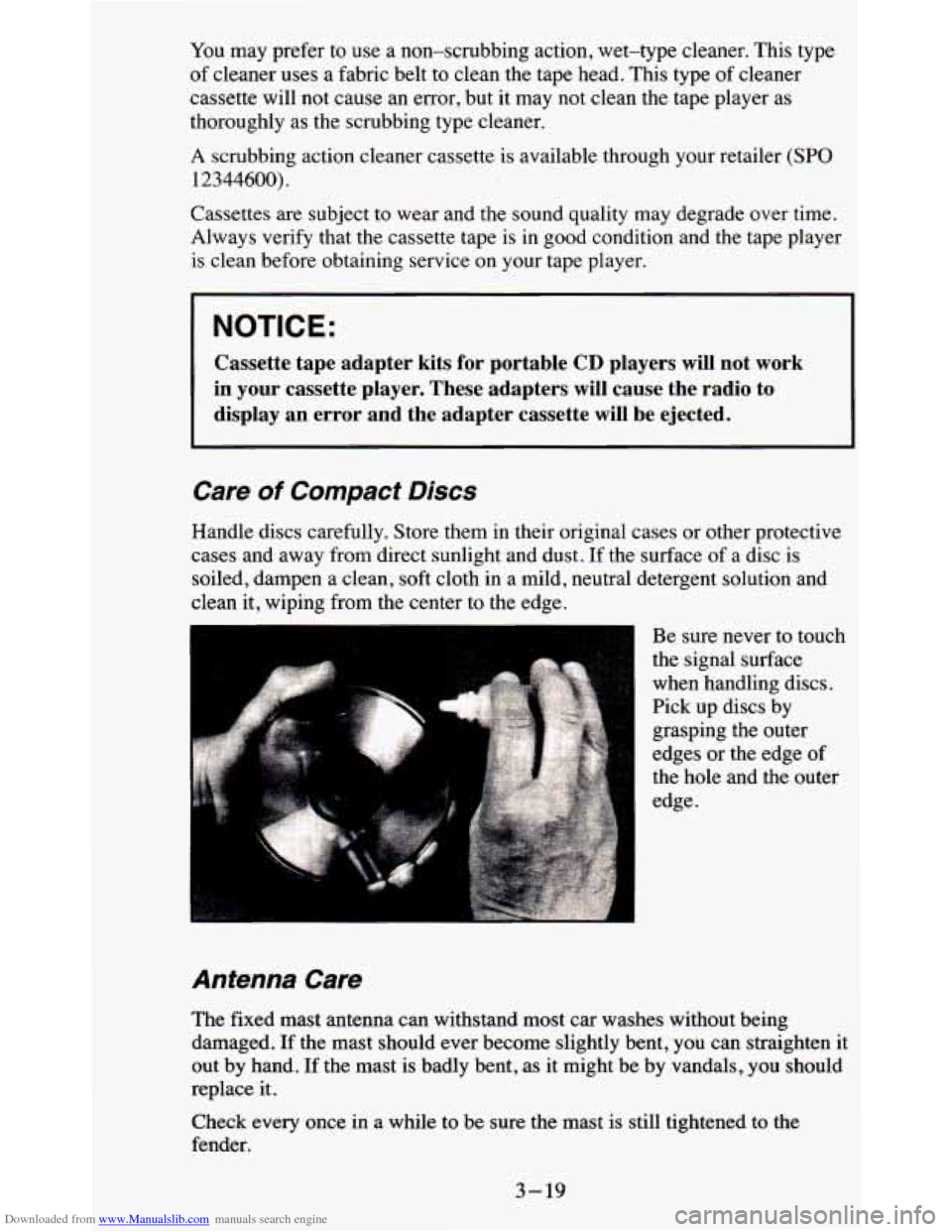
Handle discs carefully. Store them in their original cases or other protective
cases and away from direct sunlight and dust. If the surface of a disc
is
soiled, dampen a clean, soft cloth in a mild, neutral detergent solution and
clean it, wiping from the center to the edge.
Be sure never to touch
the signal surface
when handling discs.
Pick up discs by
grasping the outer
edges or the edge
of
the hole and the outer
edge.
Antenna Care
The fixed mast antenna can withstand most car washes without being
damaged.
If the mast should ever become slightly bent, you can straighten it
out by hand. If the mast is badly bent, as it might be by vandals, you should
replace it.
Check every once in a while to be sure the mast
is still tightened to the
fender.
3-19
Page 177 of 380

Downloaded from www.Manualslib.com manuals search engine Driving In .Water
Light rain causes no special off-road driving problems. But hea\
vy rain can
mean flash flooding, and flood waters demand extreme caution.
Find out how deep the water is before you drive through it. If it’s deep
enough to cover your wheel hubs, axles, or exhaust pipe, don’t
try it - you
probably won’t get through. Also, water that deep can damage your axle and
other vehicle parts.
If the water isn’t too deep, then drive through it slowly. At fast speeas, water
splashes on your ignition system and your vehicle can stall. Stalling can also
occur if you get your tailpipe under water. And, as long as your tailpipe is
under water, you’ll never be able to start your engine. When you
go through
water, remember that when your brakes get wet, it may take
you longer to
stop.
After Off-Road Driving
Remove any brush or debris that has collected on the underbody, chassis or
under the hood. These accumulations can be a fire hazard.
After operation in mud or sand, have the brake linings cleaned and checked.
These substances can cause glazing and uneven braking. Check th\
e body
structure, steering, suspension, wheels, tires, and exhaust system for
damage. Also, check the fuel lines and cooling system for any leakage.
Your vehicle will require more frequent service due to off-road use. Refer
to the Maintenance Schedule for additional information.
4-23
Page 179 of 380

Downloaded from www.Manualslib.com manuals search engine you are faced with severe glare (as from a driver who doesn’t lower the high
beams, or a vehicle
with misaimed headlights), slow down a little. Avoid
staring directly into the approaching lights.
Keep your windshield and all the glass on your vehicle clean
- inside and
out. Glare at night is made much worse by dirt on the glass. Even the inside
of the glass can build up
a film caused by dust. Dirty glass makes lights
dazzle and flash more than clean glass would, making the pupils
of your
eyes contract repeatedly.
Remember that your headlights light up far less
of a roadway when you are
in a turn or curve. Keep your eyes moving; that way, it’s easier to pick out
dimly lighted objects. Just as your headlights should be checked regularly
for proper aim,
so should your eyes be examined regularly. Some drivers
suffer from night blindness
- the inability to see in dim light - and aren’t
even aware of it.
Driving in the Rain
Rain and wet roads can mean driving trouble. On a wet road y\
ou can’t stop,
accelerate or turn as well because your tire-to-road traction isn’t as good as
on dry roads. And, if your tires don’t have much tread left, you’ll get even
less traction. It’s always wise to go slower and be cautious
if rain starts to
fall while you are driving. The surface may get wet suddenly when your
reflexes are tuned for driving on dry pavement.
The heavier the rain, the harder it is to see. Even
if your windshield wiper
blades are in good shape,
a heavy rain can make it harder to see road signs
and traffic signals, pavement markings, the edge
of the road, and even
people walking.
It’s wise to keep your wiping equipment in good shape and keep your
windshield washer tank filled. Replace your windshield wiper inserts when
they show
signs of streaking or missing areas on the windshield, or when
strips of rubber start
to separate from the inserts.
4-25
Page 181 of 380

Downloaded from www.Manualslib.com manuals search engine Some Other Rainy Weather Tips
0 Turn on your low-beam headlights - not just your parking lights - to
help make
you more visible to others.
especially careful when you pass another vehicle. Allow yourself\
more clear room ahead, and be prepared to have your view restricted by road
spray.
0 Besides slowing down, allow some extra following distance. And be
Have good tires with proper tread depth. (See “Tires” in the Index.)
City Driving
One of the biggest problems with city streets is the amount of traffic on
them. You’ll want to watch out for what the other drivers are doing and pay
attention to traffic signals.
Here are ways to increase your safety in city driving:
0
0
e
Know the best way to get to where you are going. Get a city map and
plan your trip into an unknown part
of the city just as you would for a
cross-country trip.
Try to use the freeways that rim and crisscross most large cities. You’ll
save time and energy. (See the next part, “Freeway Driving.”)
Treat a green light as a warning signal.
A traffic light is there because
the corner
is busy enough to need it. When a light turns green, and just
before you start to move, check both ways for vehicles that have not
cleared the intersection or may be running the red light.
4-27