Page 94 of 403
Downloaded from www.Manualslib.com manuals search engine NOTICE:
If your key seems stuck in LOCK and you can't turn it, be swe
it is si1 the way in. If it is, then trrrn the steering wl~eel left and
' right while you turn the key hard, But turn the key only with
your hand. Using a tool to force it could Break the key or the
ignition switch. If none of this works, then your vehicle needs
service,
Page 104 of 403
Downloaded from www.Manualslib.com manuals search engine I. Steering Column shift Lever
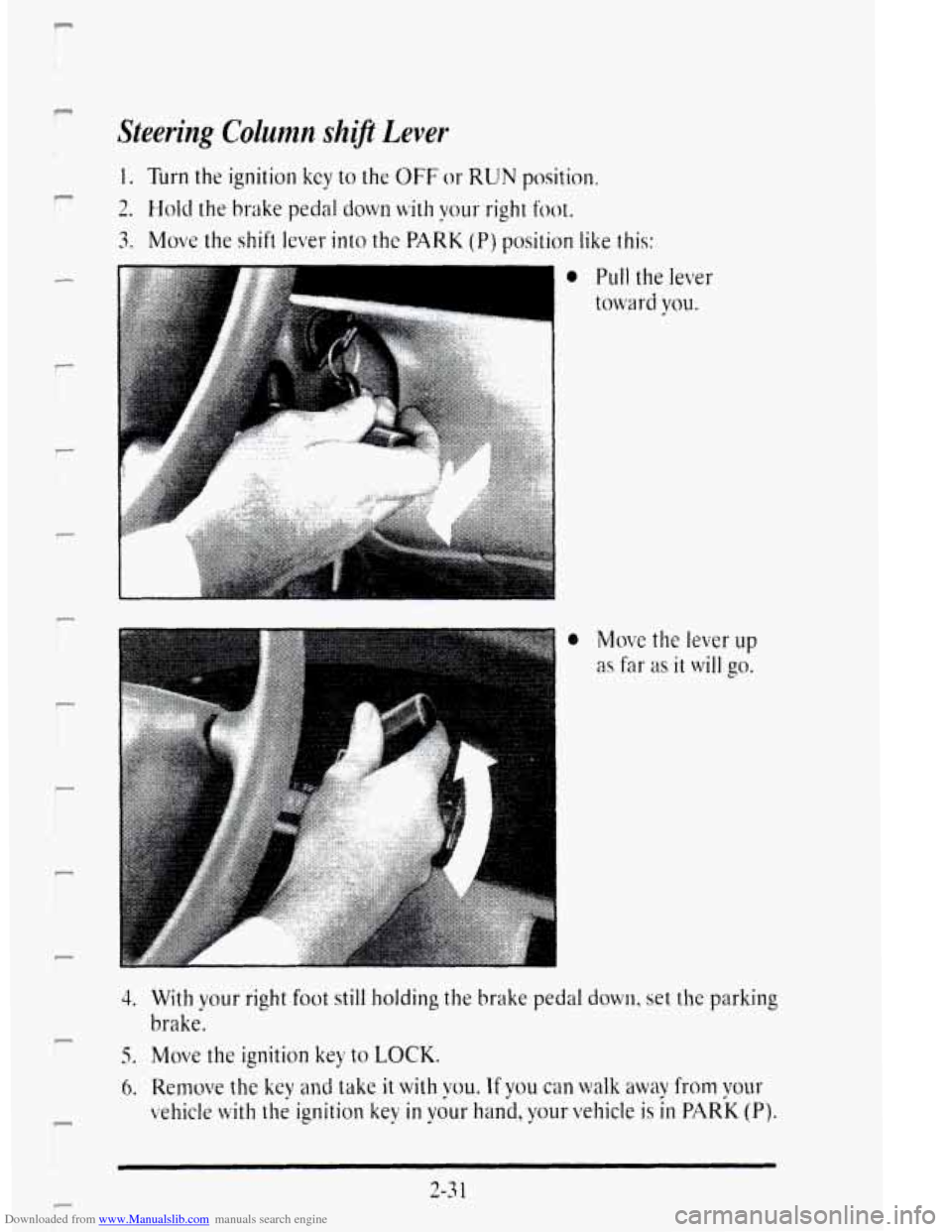
1. Turn the ignition key to the OFF or RUN position.
2. Hold the brake pedal down with your right foot.
3. Move the shift lever- into the PARK (P) position like this:
F
P
0 Move the lever up
as far as it will go.
4. With your right foot still holding the brake pedal dow11. set the parking
5. Move the ignition key to LOCK,
brake.
6. Remove the key and take it with VOLI. If you can walk away from vour
vehicle with the ignition key in y;ur hand, your vehicle is in PARK (Pj.
2-3 1
Page 105 of 403
Downloaded from www.Manualslib.com manuals search engine Leaving Your 'Vehicle with the Engine Kunrzing
Torque Lock
u
Page 106 of 403
Downloaded from www.Manualslib.com manuals search engine SHIFTING OUT OF PARK (P)
Your Cadillac has ;-1 brake-transaxle shift interlock. You haw to fully qply
your regular hrakes heforr you can shift from PARK (P) when the ignition
is in the RUN position. See "A~utomatic Transaxle" in the Index.
If: vou cannot shift out of PARK (P). case pressure on the shift lever -- push
t hi shift levet- all the way into PARK (P) as yo11 maintain brake application.
1 hen nwve thc shift lever into the gear you wmt. If you ever hold the
brakc. pedal down but st ill can7 shift out of P.ARK (6). Lq this:
r_l
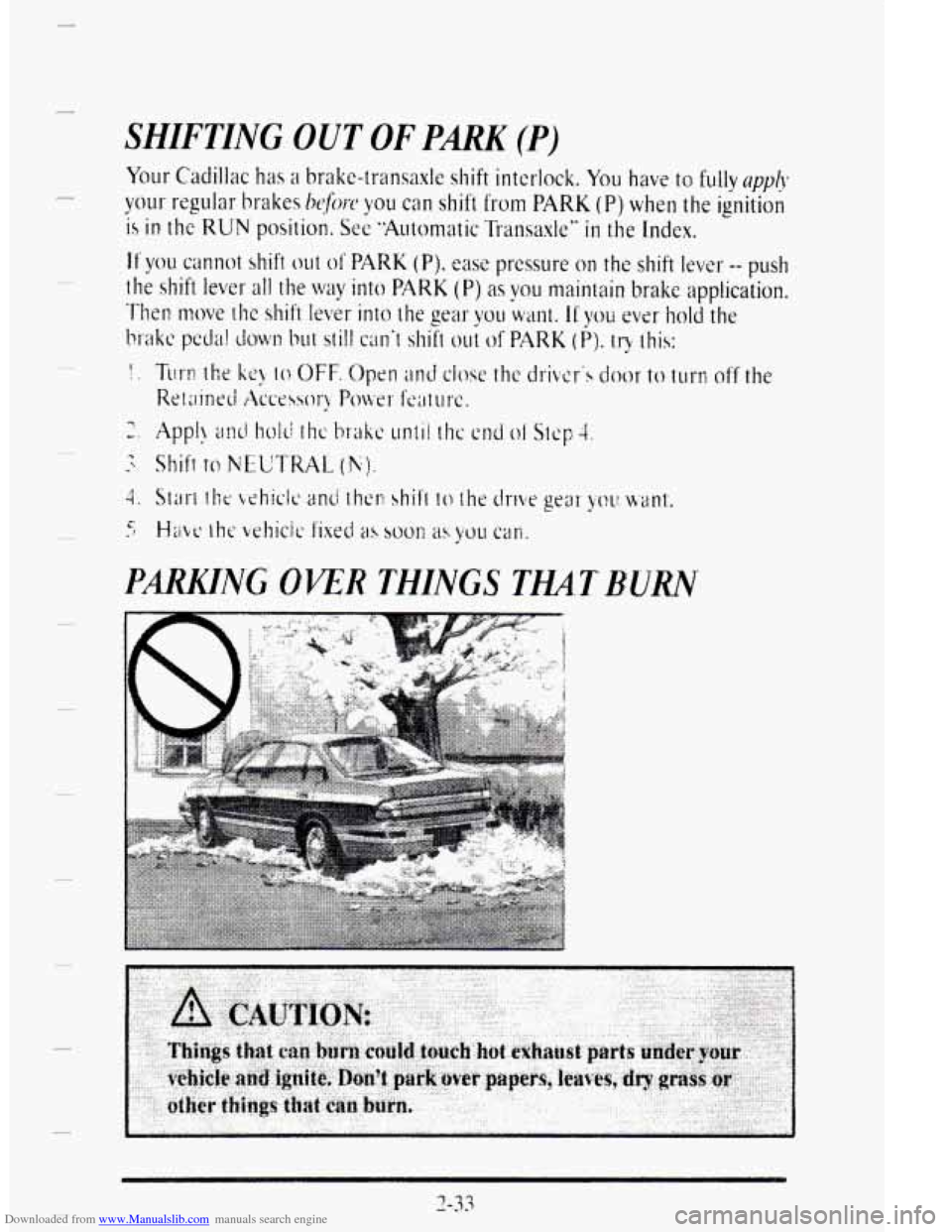
PmNG OPER THINGS THA.TBURN
Page 110 of 403
Downloaded from www.Manualslib.com manuals search engine r
i
h
r I
I
r
6:
Express Down Window (Auto)
The driver's POMW wiidow has this feature. Just prcss the switch rearward
for half a secolld 01- morc and then let go. The window will lower
completely. If you want to stop the window as it is lowering, press the
switch again.
To raise the window, press and hold the switch forward.
Rear Window Lock Out
Press the right side of the switch to disable rear passenger window
switches. This is a useful feature when you have children as passengers.
Press the
left side of the switch to allow your passengers to use their
window switches again.
Page 111 of 403
Downloaded from www.Manualslib.com manuals search engine HORN
To sound the horn just press a corner of the air bag located in the center
of the steering wheel.
TILT WHEEL
A tilt steering wheel allows you to adjust the steering wheel before you
drive.
You can also raise the steering wheel to the highest level to give your legs
more room when
you exit and enter the vehicle.
I
To tilt the wheel hold
the steering wheel
and
pull the lever. Move
the steering wheel
to a
comfortable level, then
release the lever
to
lock the wheel in place.
2-38
Page 138 of 403
Downloaded from www.Manualslib.com manuals search engine r
I L.
r
P
P
r
I
P r
c
P
P
Front Visor and Auxiliary Sunshade System
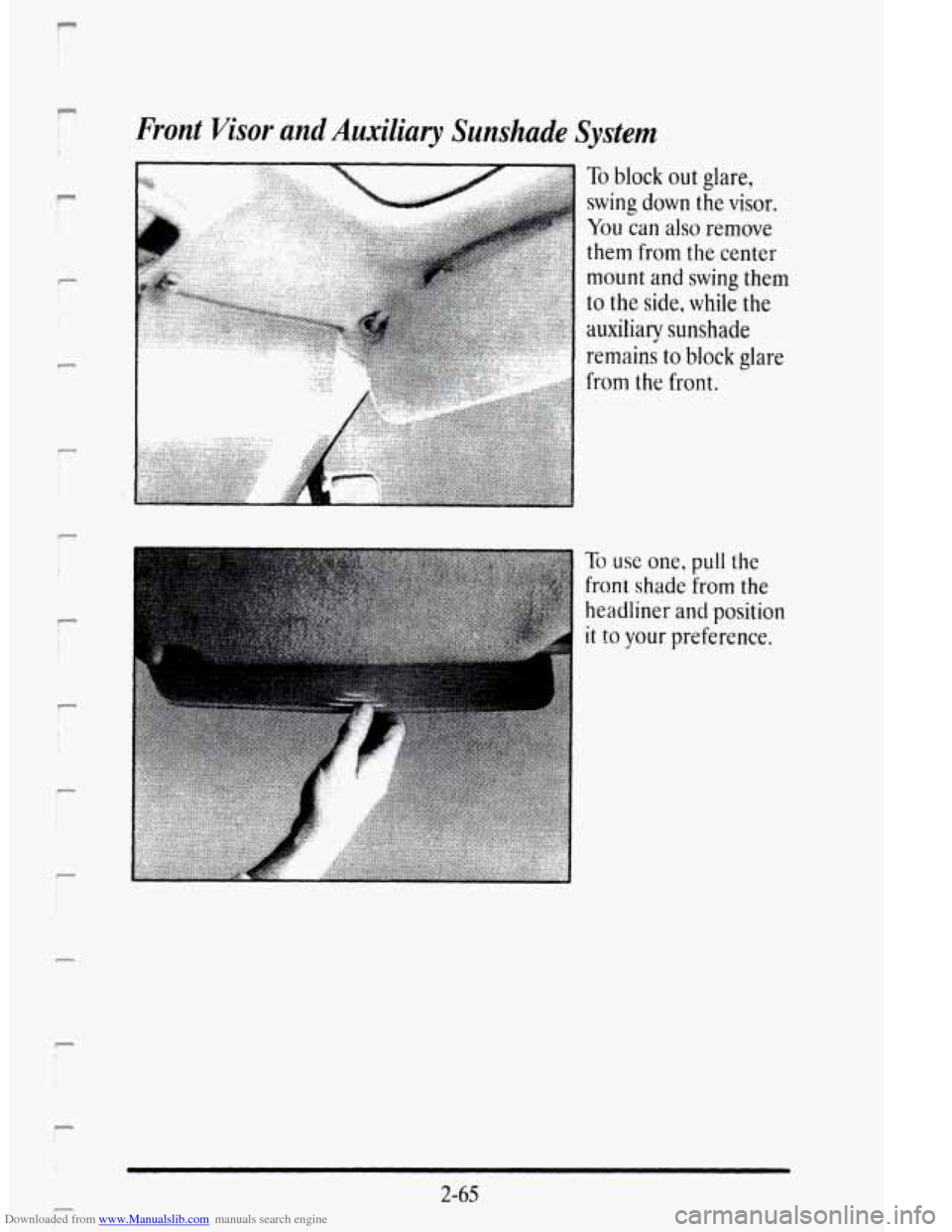
To block out glare,
swing down the visor.
You can also remove
them from the center
mount and swing them
to the side, while the
auxiliarqr sunshade
remains to block glare
from the front.
To use one, pull the
front shade from the
headliner
and position
it to your preference.
2-65
i- i
Page 151 of 403

Downloaded from www.Manualslib.com manuals search engine Anti-Lock Brake System Warning Light
With the anti-lock brake system, this light will come on when you start
your engine and may stay on for several seconds. That‘s normal. If the
light doesn’t come on, hiwe it fixed so it will be ready to war11 you if there
is a problcm.
If the light stays on, turn the ignition off. Or, if’ the light comes on when
you’re driving, stop as soon as possible and turn the ignition off. Then
start the engine again
to reset the system. If the light still stays on, or
comes on again while you’re driving. your Cadillac needs setvicc. If the
regular brake system warning light isn’t on, vou still have brakes. but you
don‘t have anti-lock brakes. If the regular biake systm warning light is
also on,
you don’t have anti-lock brakes and thcrc’s a problem with yo~u
regular brakes. See “Brake System Warning Light” earlier in this part.
Traction Disabled Message
If this message is displayed. there‘s a problem with vo~~r traction control
system and your vehiclc needs service. When this message is displayed,
the system will not limit wheel spin. Adjust your driving accordingly.
2-7s
u