Page 134 of 243
Downloaded from www.Manualslib.com manuals search engine When your vehicle is being towed, have
the ignition key
off. The steering wheel
should be clamped in a straight-ahead
position, with a clamping device
designed for towing service.
Do not use
the vehicle’s steering column lock for
this. The transaxle should be in
N
(Neutral) and the parking brake
released.
Don’t have your vehicle towed
on the
front wheels, unless you must. If the
vehicle must be towed
on the front wheels,
don’t
go more than 35 mph (56 kdh)
or farther than
50 miles (80 lun) or your
transaxle will be damaged.
If these
limits must be exceeded, then the front
wheels have to be supported on a dolly.
Towing from the Front-Vehicle
Hookup
Before hooking up to a tow truck, be
sure to read all the information in
Towing Your Vehicle earlier in this
section.
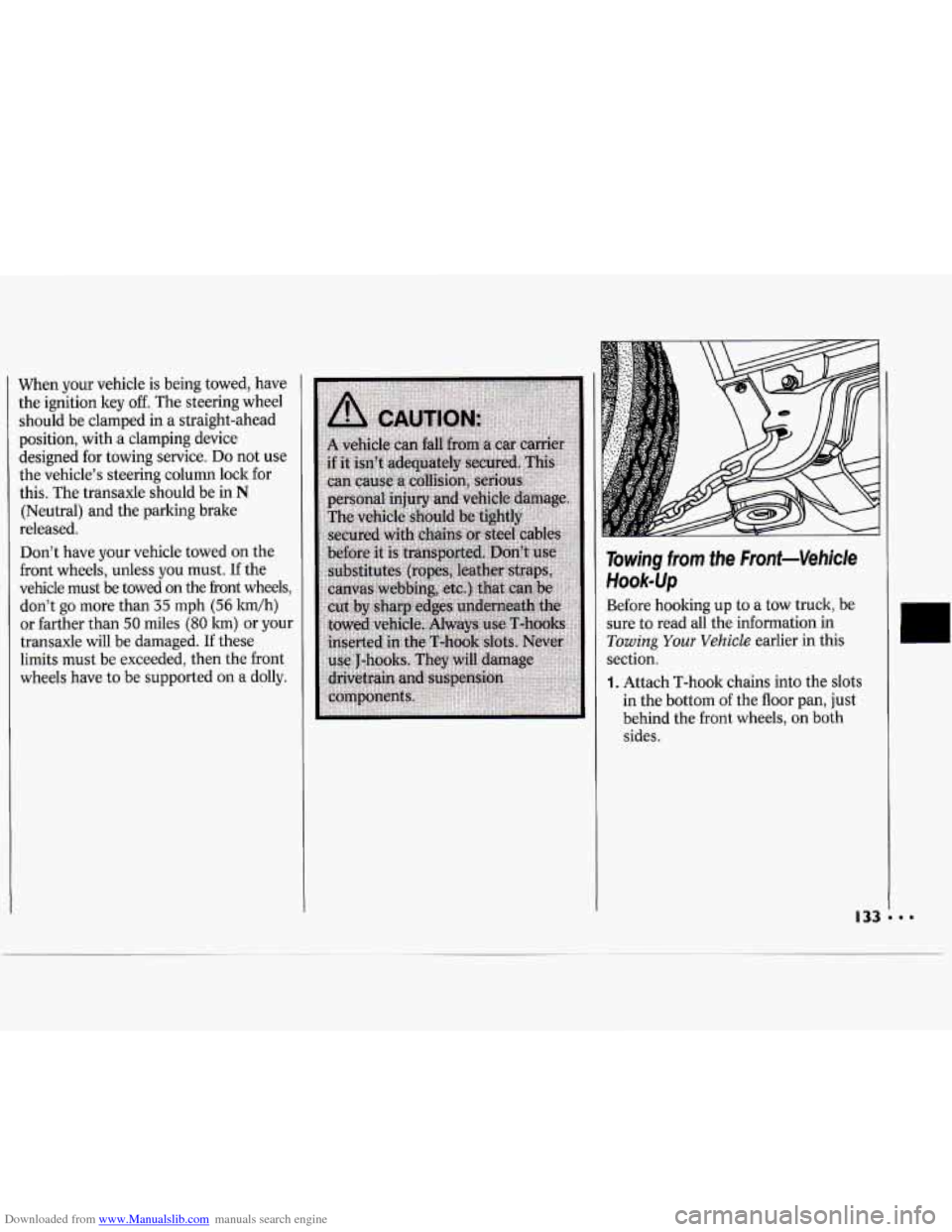
1. Attach T-hook chains into the slots
in the bottom
of the floor pan, just
behind the front wheels, on both
sides.
Page 135 of 243
Downloaded from www.Manualslib.com manuals search engine Problems on the Road
NOTICE:
Do not tow with sling-type
equipment or fascia damage will
occur. Use wheel-lift or car carrier
equipment. Additional ramping
may be required for car carrier
equipment. Use safety chains and
wheel straps.
NOTICE:
Towing a vehicle over rough
surfaces could damage a vehicle.
Damage can occur from vehicle
to
ground or vehicle to wheel-lift
equipment.
To help avoid damage,
install a towing dolly and raise
vehicle until adequate clearance is
obtained between the ground
and/or wheel-lift equipment.
Do not attach winch cables or J-hooks
to suspension components when
using car carrier equipment. Always
use T-hooks inserted
in the T-hook
slots.
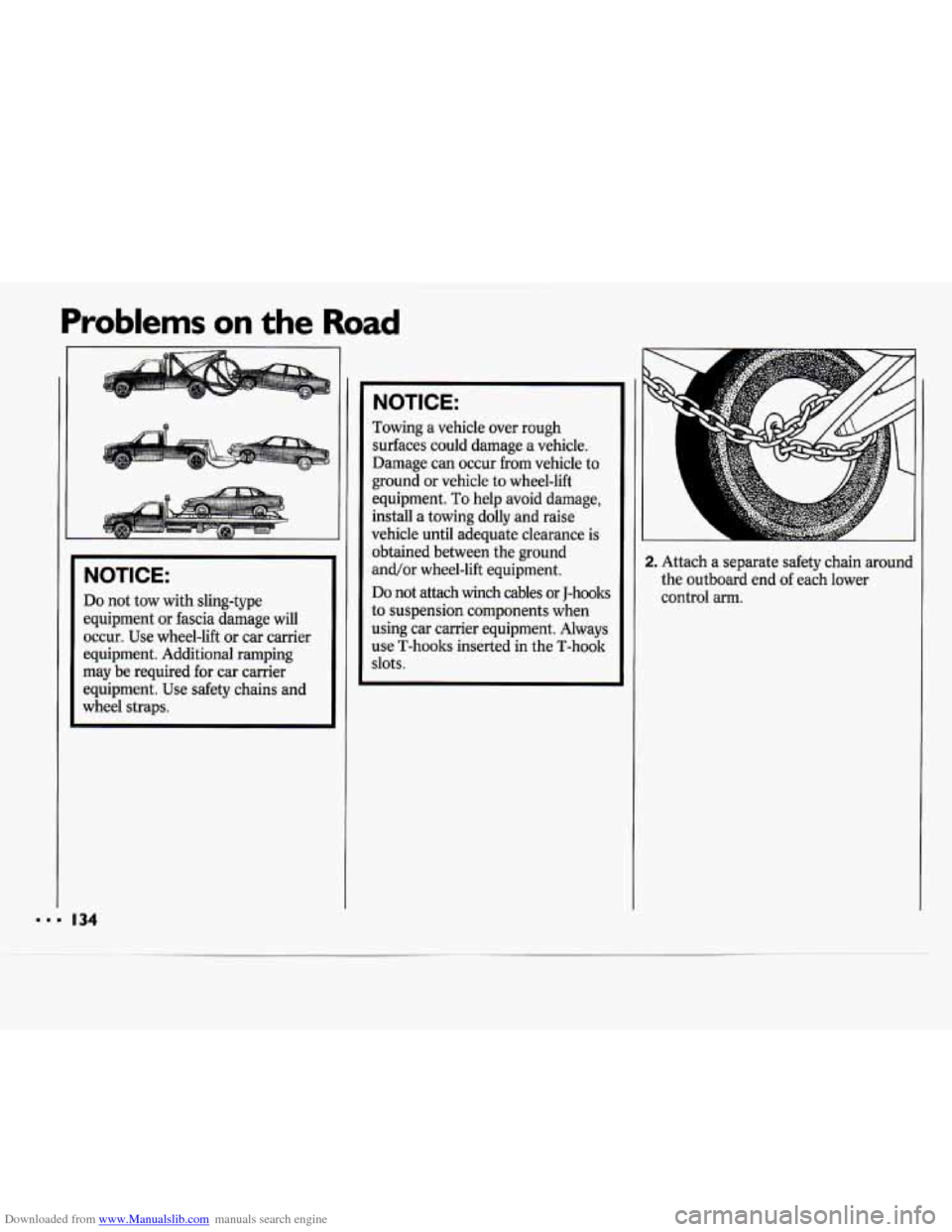
2. Attach a separate safety chain around
the outboard end
of each lower
control arm.
Page 136 of 243
Downloaded from www.Manualslib.com manuals search engine Towing from the Rear- Vehicle
Hook-up
Before hooking up to a tow truck, be
sure to read all the information in
Towing Your Vehicle earlier in this
section.
Also be sure to use the proper
hook-up for your particular vehicle.
All Models:
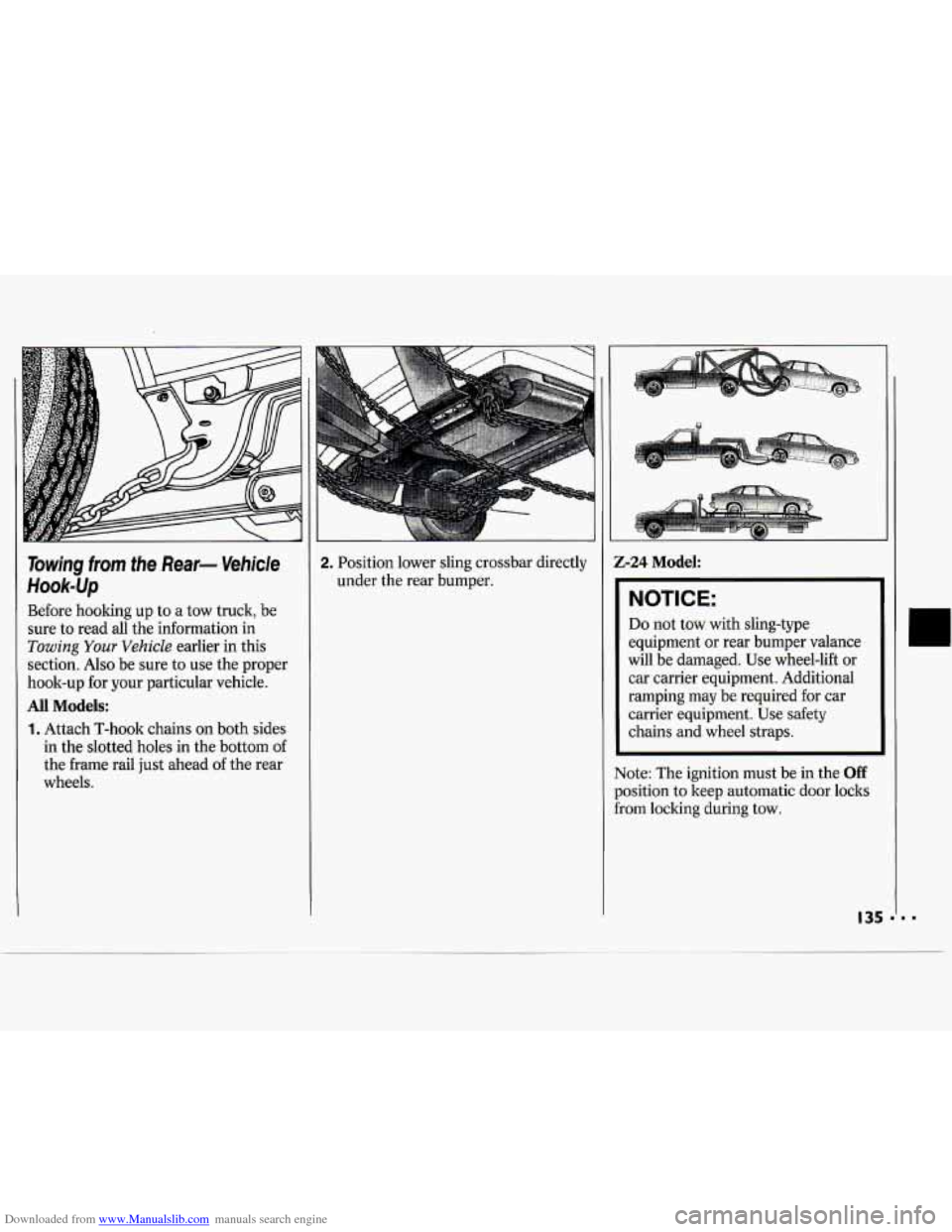
1. Attach T-hook chains on both sides
in the slotted holes in the bottom
of
the frame rail just ahead of the rear
wheels.
2. Position lower sling crossbar directly
under the rear bumper.
I-
-24 Model:
NOTICE:
Do not tow with sling-type
equipment or rear bumper valance
will be damaged. Use wheel-lift
or
car carrier equipment. Additional
ramping may be required for car
carrier equipment. Use safety
chains and wheel straps.
~~
ote: The ignition must be in the Off
Isition to keep automatic door locks
3m locking during tow.
I
I
135 11 -
Page 137 of 243
Downloaded from www.Manualslib.com manuals search engine Problems on the Road
All Models:
NOTICE:
Towing a vehicle over rough
surfaces could damage a vehicle.
Damage can occur from vehicle to
ground or vehicle to wheel-lift
equipment. To help avoid damage,
install a towing dolly and raise
vehicle until adequate clearance is
obtained between the ground
and/or wheel-lift equipment.
Do not attach winch cables or J-hooks
to suspension components when
using car carrier equipment. Always
use T-hooks inserted in the T-hook
slots.
r I I
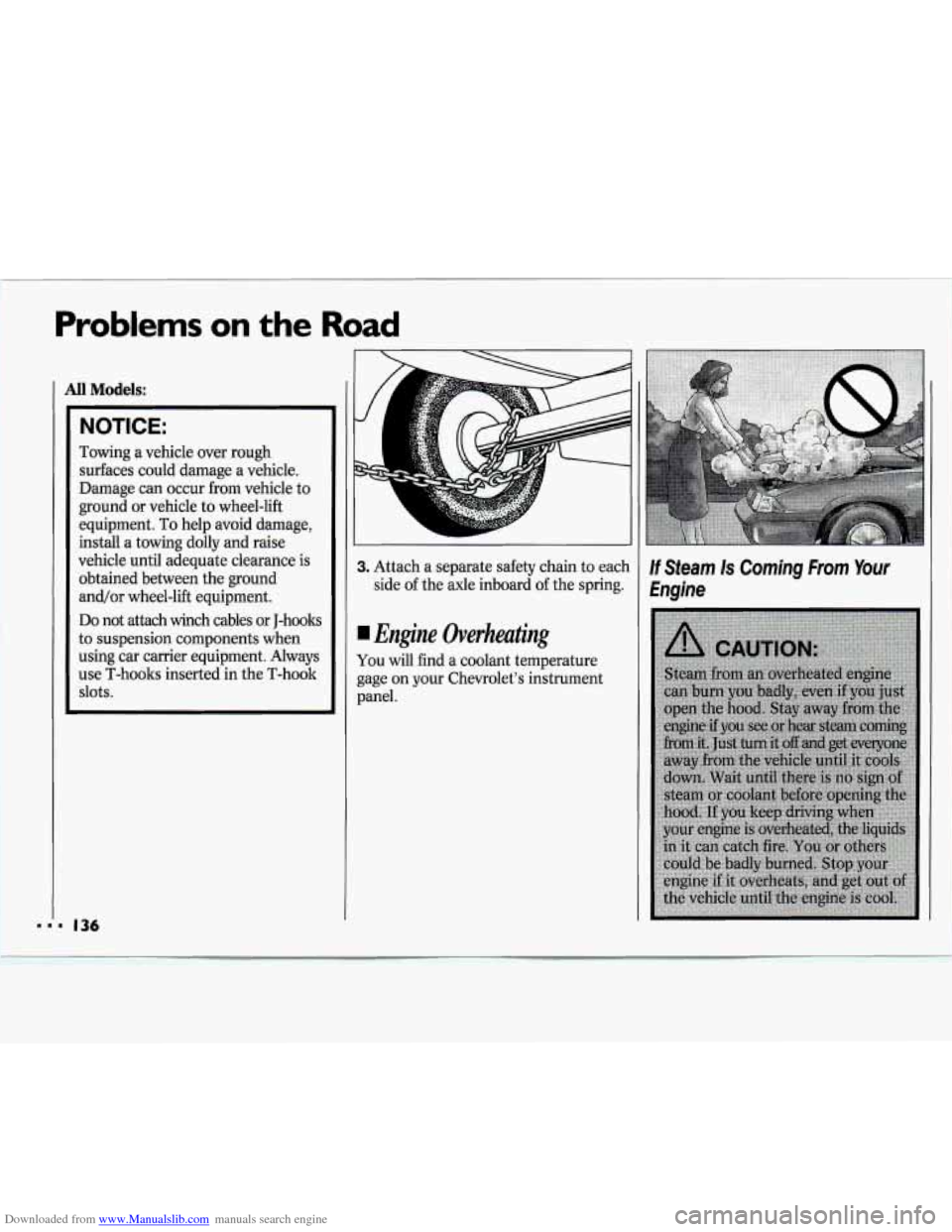
3. Attach a separate safety chain to each
side of the axle inboard
of the spring.
Engine Overheating
You will find a coolant temperature
gage on your Chevrolet’s instrument
panel.
If Steam Is Coming From Your
Engine
Page 147 of 243
Downloaded from www.Manualslib.com manuals search engine Problems on the Road
If a front tire fails, the flat tire will
create a drag that pulls the vehicle
toward that side. Take your foot off the
accelerator pedal and grip the steering
wheel firmly. Steer to maintain lane
position, then gently brake to
a stop
well out
of the traffic lane.
A rear blowout, particularly on a curve,
acts much like a skid and may require
the same correction you’d use in a skid.
In any rear blowout, remove your foot
from the accelerator pedal. Get the
vehicle under control by steering the
way
you want the vehicle to go. It may
be very bumpy and noisy, but you can
still steer. Gently brake to a stop, well
off the road if possible.
If a tire goes flat, the next section shows
how to use your jacking equipment to
change a flat tire safely.
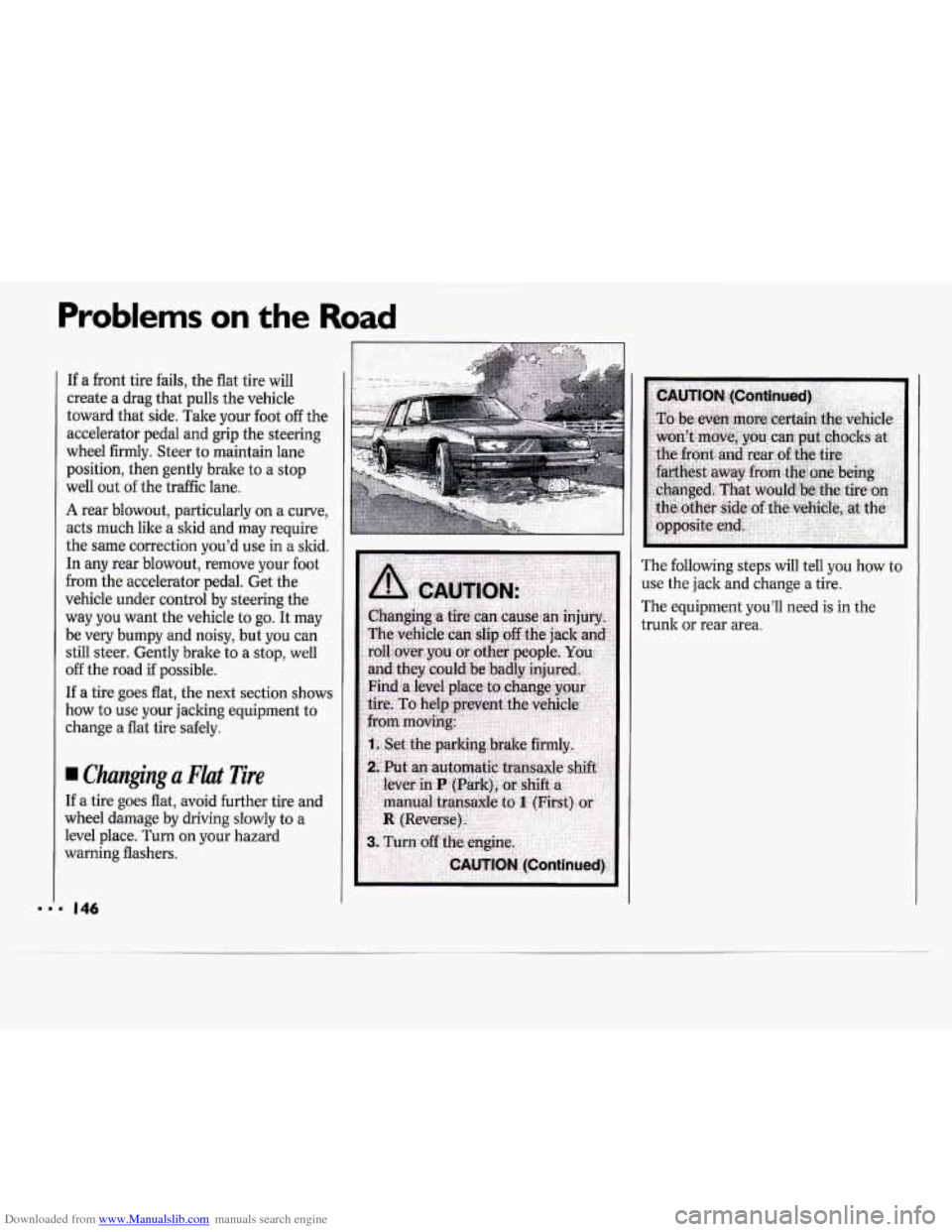
Changing a Flat Tire
If a tire goes flat, avoid further tire and
wheel damage by driving slowly to a
level place. Turn on your hazard
warning flashers. The
following steps will tell you how to
use the jack and change a tire.
The equipment you’ll need
is in the
trunk
or rear area.
Page 151 of 243
Downloaded from www.Manualslib.com manuals search engine Problems on the Road
J
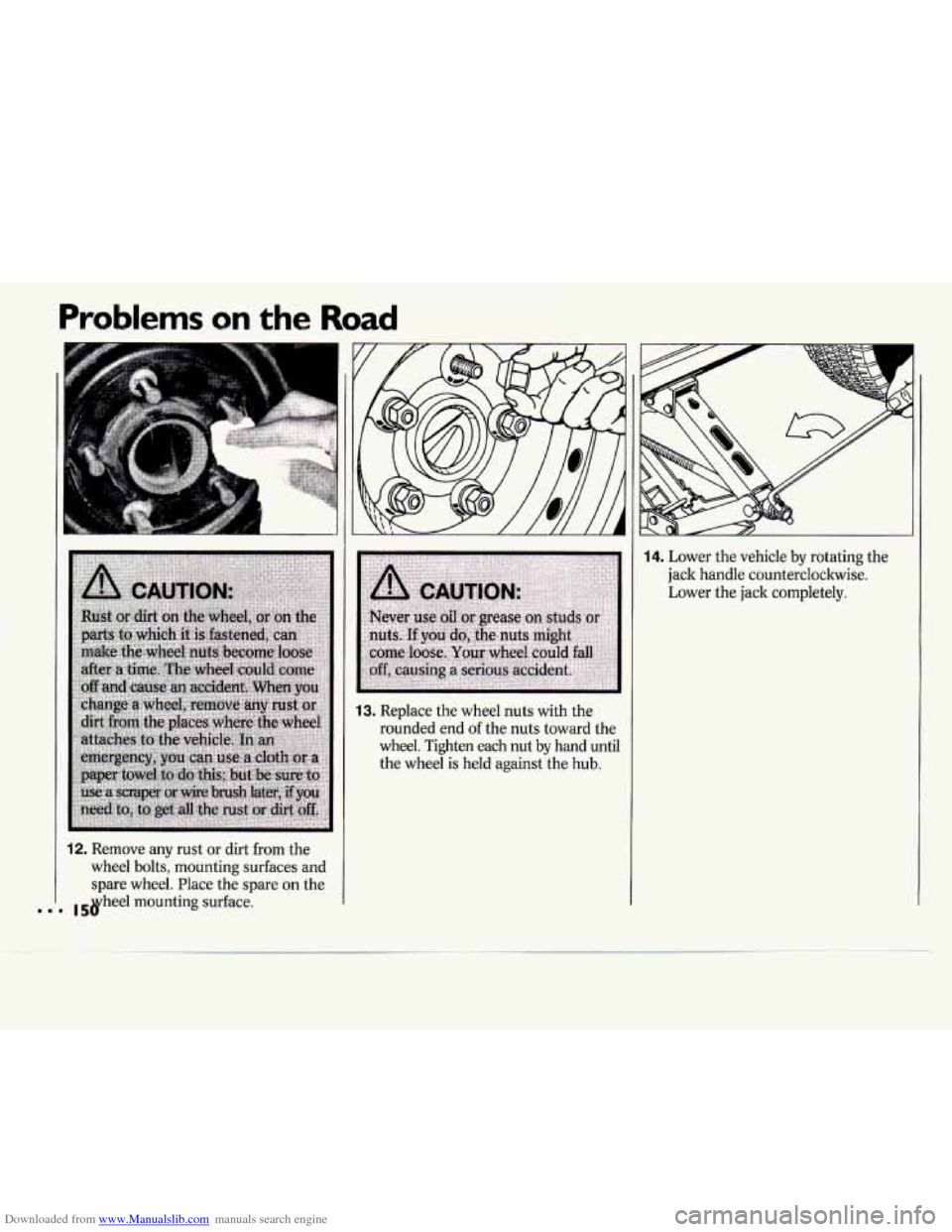
12. Remove any rust or dirt from the
wheel bolts, mounting surfaces and
spare wheel. Place the spare
on the
mounting surface.
F
13. Replace the wheel nuts with the
rounded end of the nuts toward the
wheel. Tighten each nut by hand until
the wheel
is held against the hub.
14. Lower the vehicle by rotating the
jack handle counterclockwise.
Lower the jack completely.
Page 153 of 243
Downloaded from www.Manualslib.com manuals search engine Problems on the Road
Don’t use your compact spare on some
other vehicle.
And don’t mix
your compact spare or
wheel with other wheels or tires. They
won’t fit. Keep your spare and its wheel
together.
NOTICE:
Tire chains won’t fit your compact
spare. Using them will damage your
vehicle and destroy the chains too.
Don’t use tire chains on your
compact spare.
If You’re Stuck: In Sand,
Mud, Ice or Snow
What you don’t want to do when your
vehicle is stuck is to spin your wheels.
The method known as “rocking” can
help you get out when you’re stuck, but
you must use caution.
NOTICE:
Spinning your wheels can destroy
parts of your vehicle as well as the
tires.
If you spin the wheels too fast
while shifting your transaxle back
and forth, you can destroy your
transaxle.
Rocking your vehicle to get it out:
First, turn your steering wheel left and
right. That will clear the area around
your front wheels. Then shift back and
forth between
R (Reverse) and a
fonGard gear (or with a manual
transaxle, between First or Second gear
and Reverse), spinning the wheels as
little as possible. Release the accelerator
pedal while you shift, and press lightly
on the accelerator pedal when the
transaxle is in gear.
If that doesn’t get
you out after a few tries, you may need
to be towed out. If
you do need to be
towed out, see
Towing Your Vehicle in
the
Index.
Page 163 of 243
Downloaded from www.Manualslib.com manuals search engine Service & Appearance Care
Engine Oil
If the oil warning light on the
instrument panel comes on, it means
you need to check your engine oil level
right away. For more information, see
Engine Oil Warning Light in the Index.
You should check your engine oil level
regularly; this is an added reminder.
It’s a good idea to check your engine oil
every time you get fuel. In order to get
an accurate reading, the oil must be
warm and the vehicle must be on level
ground.
Turn
off the engine and give the oil a
few minutes to drain back into the oil
pan. If you don’t, the oil dipstick might
not show the actual level.
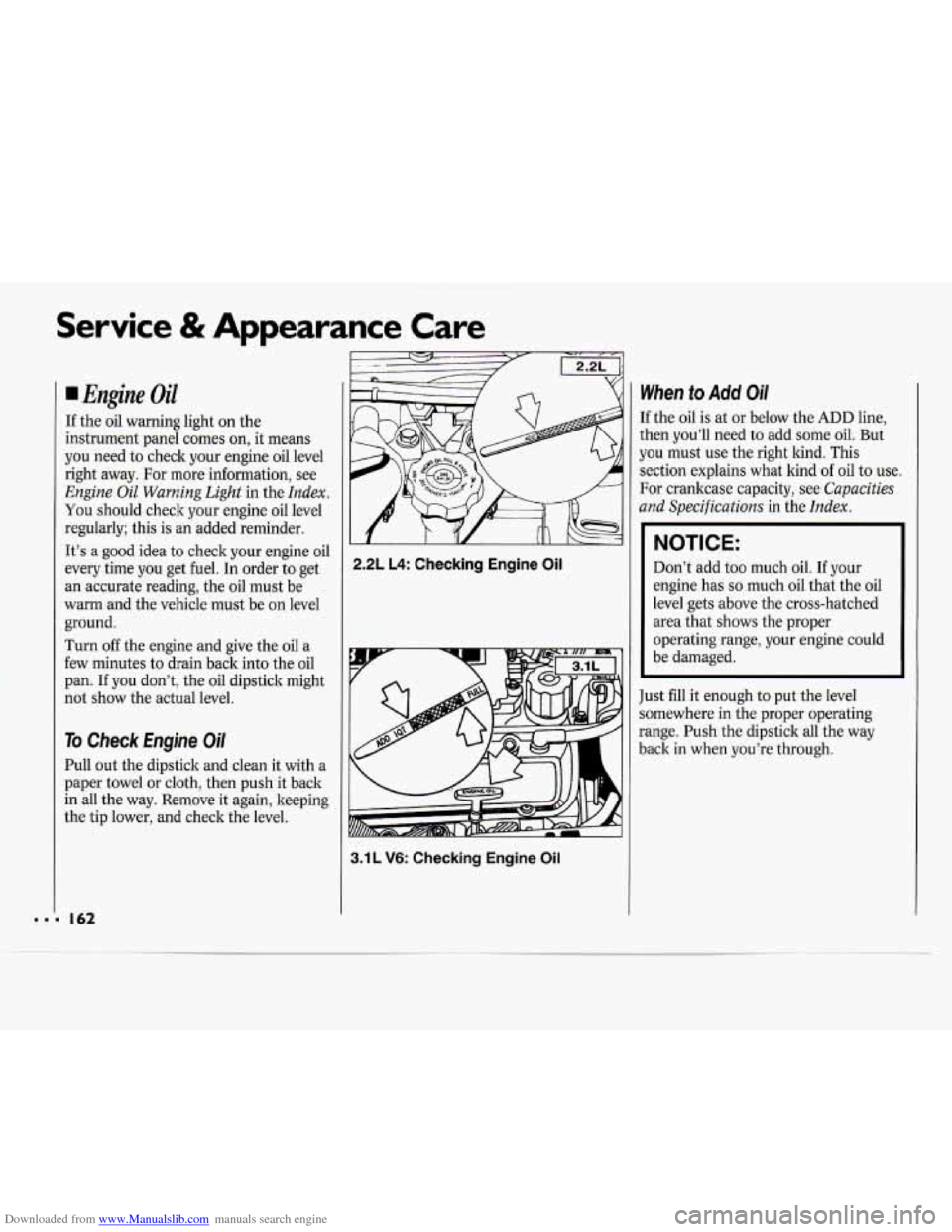
To Check Engine Oil
Pull out the dipstick and clean it with a
paper towel or cloth, then push it back
in all the way. Remove it again, keeping
the tip lower, and check the level.
2.2L L4: Checking Engine Oil
3.1 L V6: Checking Engine Oil
When to Add Oi/
If the oil is at or below the ADD line,
then you’ll need to add some oil. But
you must use the right kind. This
section explains what kind of oil to use.
For crankcase capacity, see
Capacities
and Specifications
in the Index.
NOTICE:
Don’t add too much oil. If your
engine has
so much oil that the oil
level gets above the cross-hatched
area that shows the proper
operating range, your engine could
be damaged.
Just
fill it enough to put the level
somewhere in the proper operating
range. Push the dipstick all the way
back in when you’re through.