1994 BUICK REGAL change time
[x] Cancel search: change timePage 4 of 308
Bm BUICK
GM
GENERAL MOTORS, GM and the GM Emblem,
Buick, and the Buick Emblem are registered trademarks
of General Motors Corporation.
This manual includes the latest information at the time it
was printed. We reserve the right to make changes
in the
product after that time without further notice. For vehicles first sold
in Canada, substitute the name
“General Motors of Canada Limited” for Buick Motor
Division whenever it appears in this manual.
Please keep this manual in your Buick,
so it will be
there if
you ever need it when you’re on the road. If you
sell the vehicle, please leave this manual in it so the new
owner can use it.
WE SUPPORT
AUTOMOTIVE
SERVICE
EXCELLENCE
We support voluntary
technician certification.
For Canadian Owners Who Prefer a
French Language Manual:
Aux DroDrietaires canadiens: Vous pouvez vous procurer
un exemplaire de ce guide en francais chez votre
concessionaire
ou au DGN Marketing Services Ltd.,
1500 Bonhill Rd., Mississauga, Ontario L5T lC7.
2
ProCarManuals.com
Page 78 of 308
You can match a transmitter to as many different
vehicles as you own, provided they are equipped with
exactly the same model svstem. (General Motors offers
several different models
of these systems on their
vehicles.) Each vehicle can have
only two transmitters
matched to it.
See your dealer to match transmitters
to another vehicle.
Battery Replacement
Under normal use, the batteries in your key chain
transmitter should last about two years.
You can tell the batteries are weak if the transmitter
won’t work at the normal range
in any location. If you
have to get close to your vehicle before the transmitter
works, it’s probably time to change the batteries. For
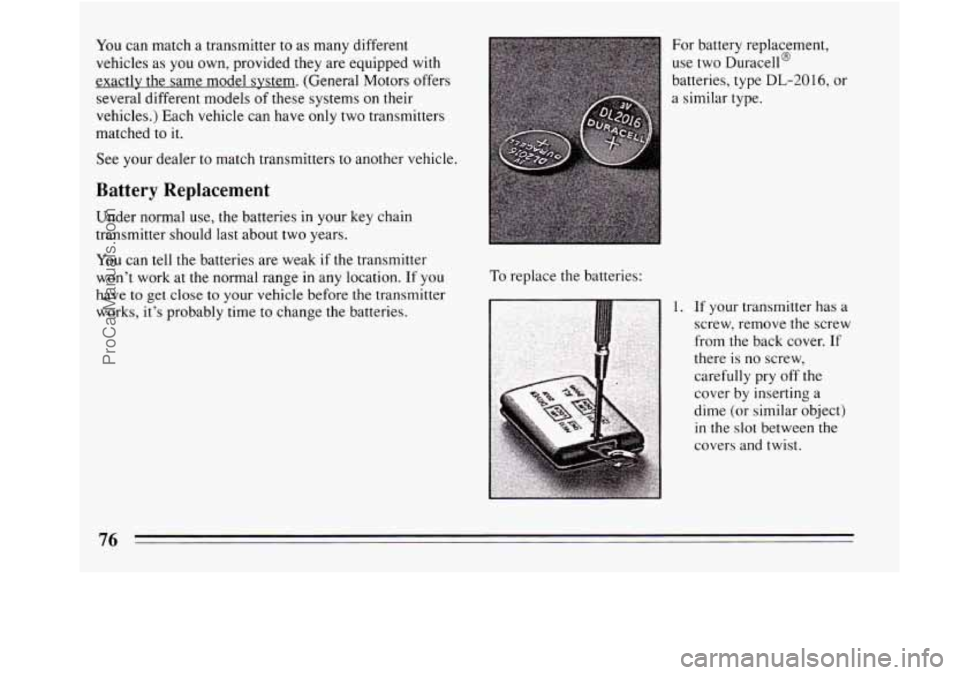
battery replacement,
use two Duracell@
batteries, type
DL-20 16, or
a similar type.
To replace the batteries:
1. If your transmitter has a
screw, remove the screw
from the back cover. If
there is no screw,
carefully pry off the
cover
by inserting a
dime (or similar object)
in the slot between the
covers and twist.
76
ProCarManuals.com
Page 83 of 308
Move your shift lever to “P” (Park) or “N” (Neutral).
Your engine won’t start
in any other position -- that’s a
safety feature. To restart when you’re already moving,
use
“N” (Neutral) only.
NOTICE:
--
Don’t try to shift to “P” (Park) if your Buick is
moving. If you do, you could damage the
transaxle. Shift to “P” (Park) only when your
vehicle
is stopped.
To start your 3.1 Liter engine:
1. Without pushing the accelerator pedal, turn your
ignition key
to “Start.” When the engine starts, let go
of the key. The idle speed will go down as your
engine gets warm.
NOTICE:
Holding your key in “Start” for longer than 15
seconds at a time will cause your battery to be
drained much sooner. And the excessive heat
can damage your starter motor.
2. If your engine won’t start (or starts but then stops), it
could be flooded with too much gasoline. Try
pushing your accelerator pedal all the way to the
floor and holding
it there as you hold the key in
“Start” for about three seconds. If the car starts
briefly but then stops again, do the same thing, but
this time keep the pedal down for five or six seconds.
This clears the extra gasoline from the engine.
NOTICE:
Your engine is designed to work with the
electronics
in your vehicle. If you add electrical
parts
or accessories, you could change the way
the fuel injection system operates. Before adding
electrical equipment, check with your dealer. If
you don’t, your engine might not perform
properly.
If you ever have to have your vehicle towed, see
the part of this manual that tells how to do it
without damaging your vehicle. See “Towing
Your Car” in the Index.
81
ProCarManuals.com
Page 105 of 308
To Erase Speed Memory
When you turn off the Cruise Control or the ignition, or
shift into
“P” (Park) or “N” (Neutral) your Cruise
Control set speed memory is erased.
Lights
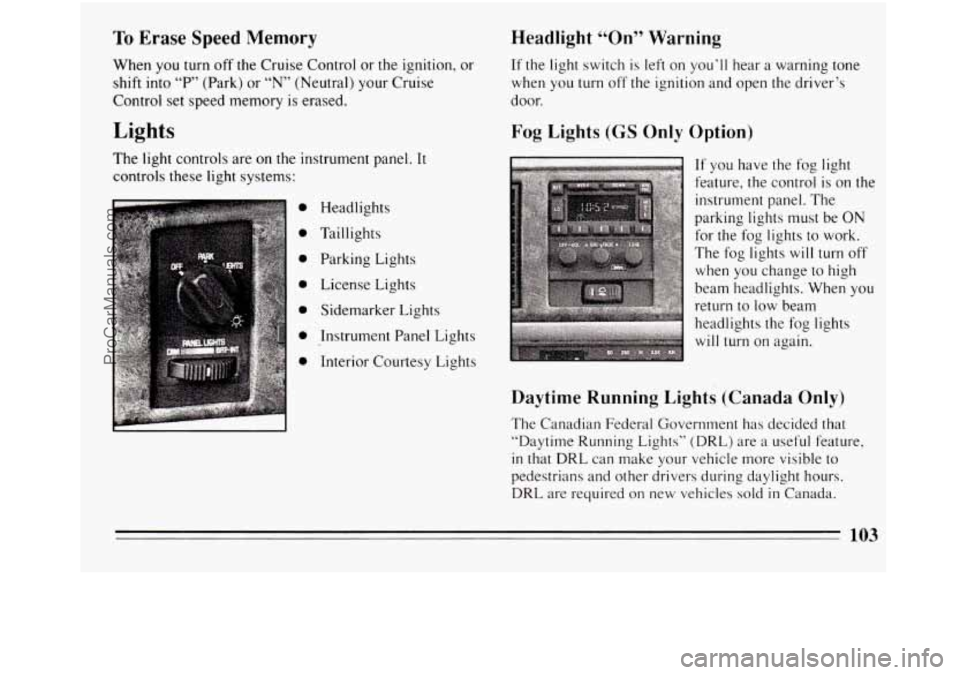
The light controls are on the instrument panel. It
controls these light systems:
0
0
0
0
0
0
0
Headlights
Taillights Parking Lights
License Lights
Sidemarker Lights
Instrument Panel Lights
Interior Courtesy Lights
Headlight “On” Warning
If the light switch is left on you’ll hear a warning tone
when you turn off the ignition and open the driver’s
door.
Fog Lights (GS Only Option)
c
If you have the fog light
feature, the control is on the
instrument panel. The
parking lights must be ON
for the fog lights to work.
The fog lights
will turn off
when you change to high
beam headlights. When you
return to low beam
headlights the fog lights
will turn on again.
Daytime Running Lights (Canada Only)
The Canadian Federal Government has decided that
“Daytime Running Lights” (DRL) are
a useful feature,
in that DRL can make your vehicle more visible to
pedestrians and other drivers during daylight hours.
DRL are required on new vehicles sold in Canada.
103
ProCarManuals.com
Page 106 of 308

Your DRL work with a light sensor on top of the
instrument panel. Don’t cover it up.
The low beam headlights will come on at reduced
brightness in daylight
when:
0 The ignition is on,
0 The headlight switch is off, and
0 The parking brake is released.
At dusk, the exterior lights will come on automatically
and the low beams will change
to full brightness. At
dawn, the exterior lights will
go out and the low beams
will change to
the reduced brightness of DRL (if the
headlight switch is off).
Of course, you may still turp on the headlights any time
you need to.
To idle your vehicle with
the DRL off, set the parking
brake while the ignition
is in the “Off” or “Lock”
position. Then start the vehicle. The DRL will stay off
until
you release the parking brake.
Front Seat Reading Lights (Option)
The front seat reading lights are turned on by pressing
the switches.
104
ProCarManuals.com
Page 107 of 308
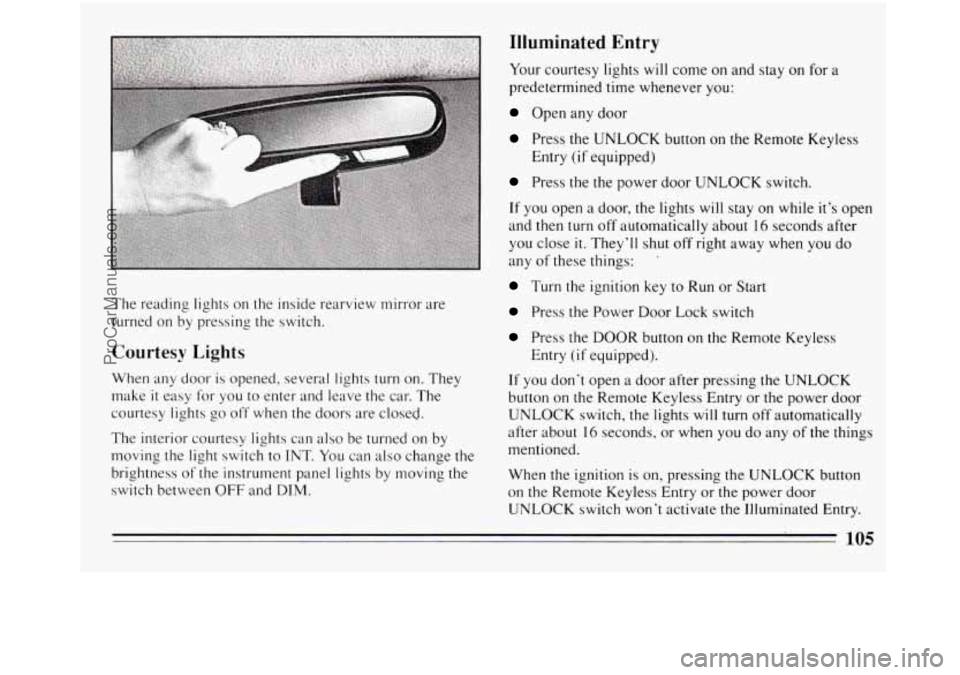
The reading lights on the inside rearview mirror are
turned on by pressing the switch.
Courtesy Lights
When any door is opened, several lights turn on. They
make
it easy for you to enter and leave the car. The
courtesy lights
go off when the doors are closed.
The interior courtesy lights can also be turned on by
moving the light switch to
INT. You can also change the
brightness of the instrument panel lights by moving the
switch between
OFF and DIM.
Illuminated Entry
Your courtesy lights will come on and stay on for a
predetermined time whenever you:
Open any door
Press the UNLOCK button on the Remote Keyless
Press the the power door UNLOCK switch.
If you open a door, the lights will stay on while it’s open
and then turn
off automatically about 16 seconds after
you close
it. They’ll shut off right away when you do
any of these things: ’
Turn the ignition key to Run or Start
Press the Power Door Lock switch
Press the DOOR button on the Remote Keyless
If you don’t open a door after pressing the UNLOCK
button on the Remote Keyless Entry or the power door
UNLOCK switch, the lights will turn off automatically
after about
16 seconds, or when you do any of the things
mentioned.
When the ignition is
on, pressing the UNLOCK button
on the Remote Keyless Entry or the power door
UNLOCK switch won’t activate
the Illuminated Entry.
Entry
(if equipped)
Entry
(if equipped).
105
ProCarManuals.com
Page 148 of 308
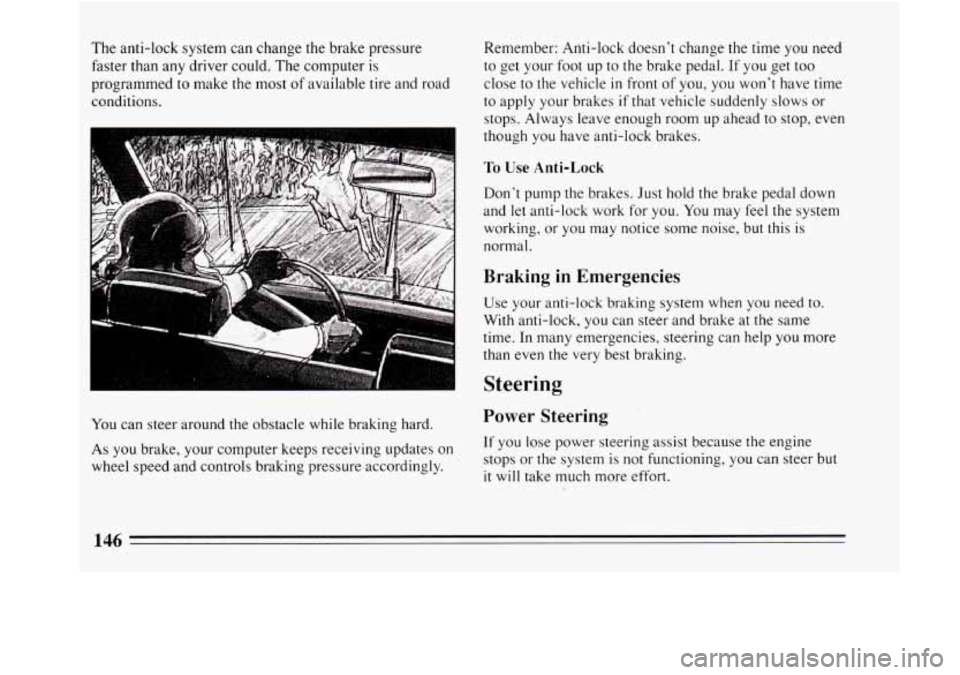
The anti-lock system can change the brake pressure
faster than any driver could. The computer is
programmed
to make the most of available tire and road
conditions.
You can steer around the obstacle while braking hard.
As
you brake, your computer keeps receiving updates on
wheel speed and controls braking pressure accordingly. Remember: Anti-lock doesn’t change the time
you need
to get your foot up to
the brake pedal. If you get too
close to the vehicle
in front of you, you won’t have time
to apply your brakes
if that vehicle suddenly slows or
stops. Always leave enough room up ahead to stop, even
though
you have anti-lock brakes.
To Use Anti-Lock
Don’t pump the brakes. Just hold the brake pedal down
and
let anti-lock work for you. You may feel the system
working, or you may notice some noise, but this is
normal.
Braking in Emergencies
Use your anti-lock braking system when you need to.
With anti-lock, you can steer and brake at the same
time. In many emergencies, steering can help
you more
than even the very best braking.
Steering
Power Steering
If you lose power steering assist because the engine
stops or the system is not functioning, you can steer but
it will take much more effort.
146
ProCarManuals.com
Page 149 of 308
Steering Tips
Driving on Curves
It’s important to take curves at a reasonable speed.
A lot of the “driver lost control” accidents mentioned on
the news happen on curves. Here’s why:
Experienced driver or beginner, each of us is subject to
the same laws of physics when driving on curves. The
traction of the tires against
the road surface makes it
possible for the vehicle to change its path when you turn
the front wheels. If there’s no traction, inertia will keep
the vehicle going
in the same direction. If you’ve ever
tried to steer a vehicle on wet ice, you’ll understand this.
The traction you can get in a curve depends on the
condition of your tires and the road surface, the angle at
which the curve
is banked, and your speed. While
you’re
in a curve, speed is the one factor you can
control.
Suppose you’re steering through a sharp curve. Then
you suddenly accelerate. Both control systems
--
steering and acceleration -- have to do their work where
the tires meet the road. Adding the sudden acceleration
can demand too much of those places. You can lose
control. What should
you do
if this ever happens? Ease up on the
accelerator pedal, steer the vehicle the way
you want it
to go, and slow down.
Speed limit signs near curves warn that you should
adjust your speed. Of course, the posted speeds are
based on good weather and road conditions. Under less
favorable conditions you’ll want to go slower.
If you need to reduce your speed as you approach a
curve, do
it before you enter the curve, while your front
wheels are straight ahead.
Try to adjust your speed
so you can “drive” through the
curve. Maintain a reasonable, steady speed. Wait to
accelerate until you are out of the curve, and then
accelerate gently into the straightaway.
Steering in Emergencies
There are times when steering can be more effective
than braking. For example, you come over a
hill and
find a truck stopped
in your lane, or a car suddenly pulls
out from nowhere, or a child darts out from between
parked cars and stops right
in front of you. You can
avoid these problems by braking
-- if you can stop in
time. But sometimes you can’t; there isn’t room. That’s
the time for evasive action
-- steering around the
problem.
147
ProCarManuals.com