Page 12 of 322
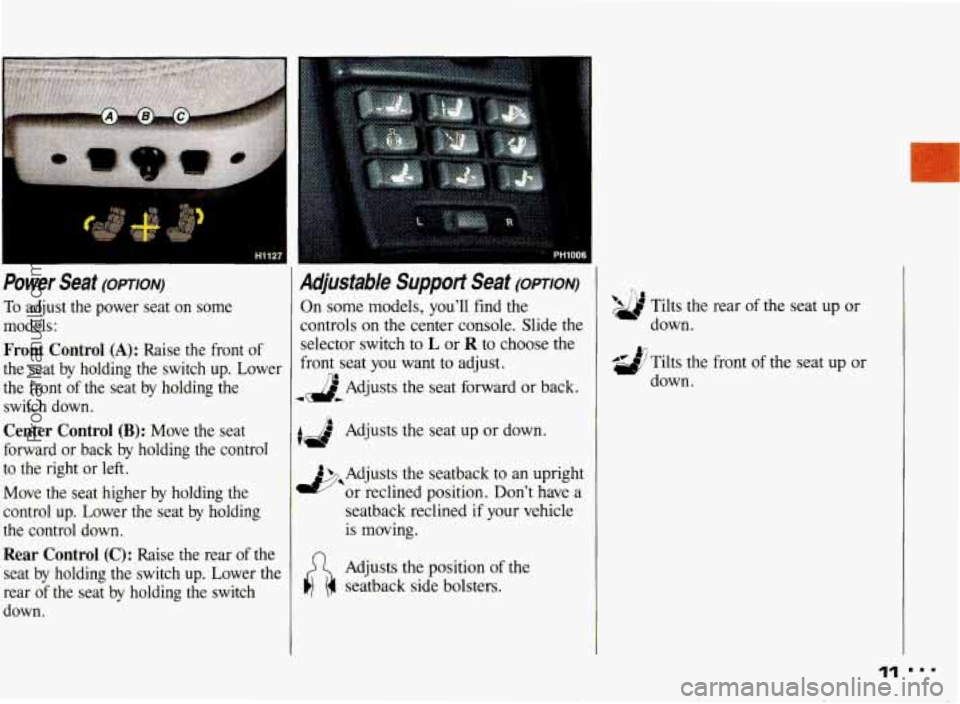
Power Seat (OPTION)
To adjust the power seat on some
models:
Front Control (A): Raise the front of
the seat by holding the switch up. Lower
the front
of the seat by holding the
switch down.
Center Control (B): Move the seat
forward or back by holding the control
to the right or left.
Move the seat higher by holding the
control up. Lower the seat by holding
the control down.
Rear Control (C): Raise the rear of the
seat by holding the switch
up. Lower the
rear
of the seat by holding the switch
down.
Adjustable Suppot Seat (omoN)
On some models, you'll find the
controls on the center console. Slide the
selector switch
to L or R to choose the
front seat
you want to adjust.
JbAdjusts the seat forward
or back.
AJ Adjusts the seat up or down. I
4 Adjusts the seatback to an upright
*or reclined position. Don't have a
seatback reclined if your vehicle
is moving.
Adjusts the position of the
seatback side bolsters.
'9 Tilts the rear of the seat up or
Ad Tilts the front of the seat up or
down.
down.
ProCarManuals.com
Page 96 of 322
r
The Instrument &ne/-
bur Information System
Your instrument panel is designed to let
you know at a glance how your vehicle
is running. You’ll know how fast you’re
going, how much fuel you’re using, and
many other things you’ll need to drive
safely and economically.
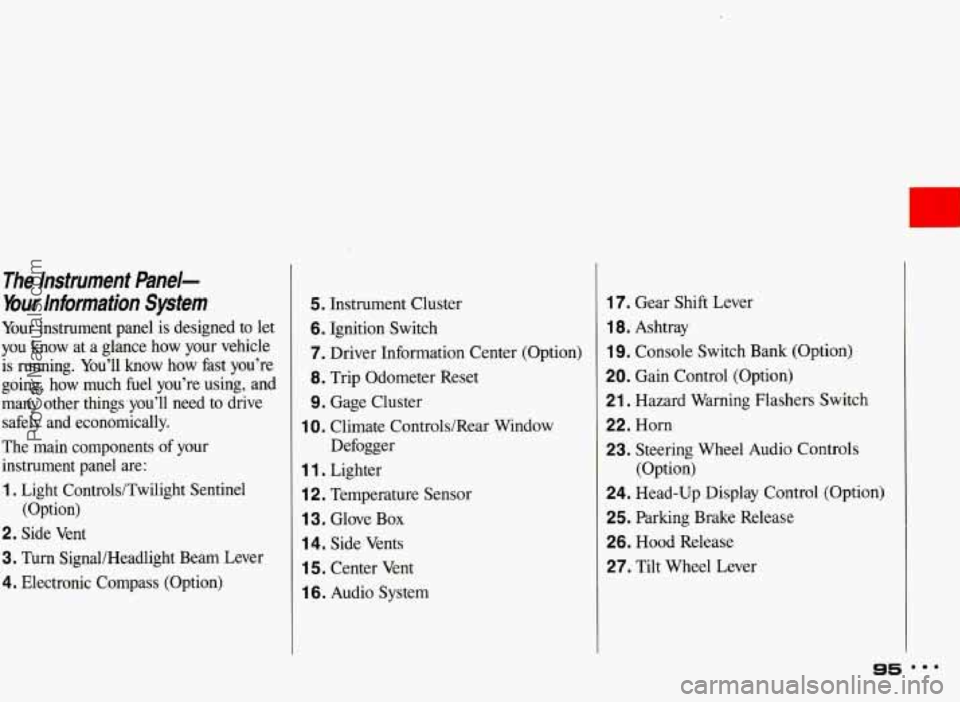
The main components of your
instrument panel are:
1. Light Controls/Twilight Sentinel
2. Side Vent
3. Turn SignaUHeadlight Beam Lever
4. Electronic Compass (Option) (Option)
5. Instrument Cluster
6. Ignition Switch
7. Driver Information Center
(Option)
8. Trip Odometer Reset
9. Gage Cluster
Defogger
1 0. Climate Controls/Rear Window
1 1 . Lighter
i 2. Temperature Sensor
1 3. Glove Box
14. Side Vents
1 5. Center Vent
1 6. Audio System
17. Gear Shift Lever
1 8. Ashtray
19. Console Switch Bank (Option)
20. Gain Control (Option)
21. Hazard Warning Flashers Switch
22. Horn
23. Steering Wheel Audio Controls
24. Head-Up Display Control (Option)
25. Parking Brake Release
26. Hood Release
27. Tilt Wheel Lever (Option)
95 mmm
ProCarManuals.com
Page 108 of 322
L
Traction Control System Warning
Light
(OPTION)
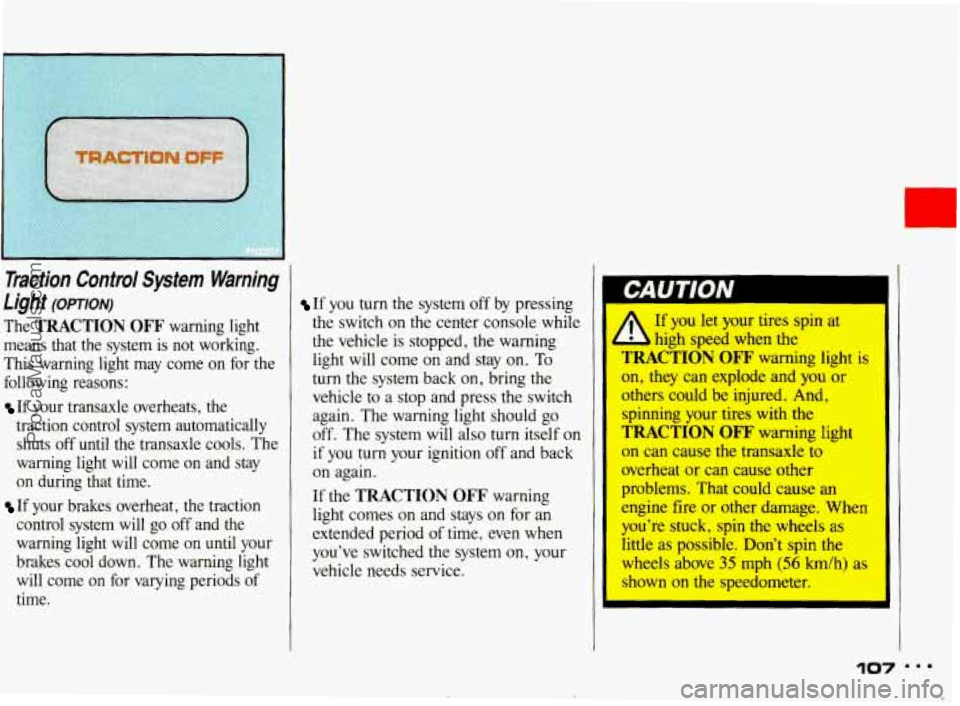
The TRACTION OFF warning light
means that the system is not working.
This warning light may come on for the
following reasons:
If your transaxle overheats, the
traction control system automatically shuts off
until the transaxle cools. The
warning light will come on and stay
on during that time.
If your brakes overheat, the traction
control system will go off and the
warning light will come
on until your
brakes cool down. The warning light
will come on for varying periods of
time.
If you turn the system off by pressing
the switch on the center console while
the vehicle is stopped, the warning
light will come on and stay on. To
turn the system back on, bring the
vehicle to
a stop and press the switch
again. The warning light should go
off. The system will also turn itself on
if you turn your ignition off and back
on again.
If the
TRACTION OFF warning
light comes on and stays on for an
extended period
of time, even when
you've switched the system on, your
vehicle needs service.
If you let your tires spin at
high sped when the
TRACTION OFF warning light is
on, they can explode and you or
othm could be injured. And,
spinning your tires with the
TRACTION OFF' warning light
on can cause the transaxle to
overheat or can cause other
problems. That could cause an
engine fire or other damage. When
you're stuck, spin the wheels as
little as possible. Don't spin the
wheels above 35 mph (56 h/h) as
shown on the speedometer.
e ProCarManuals.com
Page 158 of 322
To Use Anti-Lock: Don't pump the
brakes. Just hold the brake pedal down
and let anti-lock work for you.
When you
start your vehicle and begin
to drive away, you may hear a
momentary motor
or clicking noise and
you may even notice that your brake
pedal
moves a little while this is going
on. This is the
ABS system testing itself.
You also may hear this during a hard
stop.
I--
Tiction Control (omm)
Your vehicle may have a traction control
system that limits wheel spin. This is
especially useful in slippery road
conditions. The tractidn control system
works at low speeds only, such as when
you accelerate from a stop. It applies
brake pressure
to an individual wheel
that the system senses is about to spin.
You may feel the system working, or you
may notice some noise, but. this is
normal.
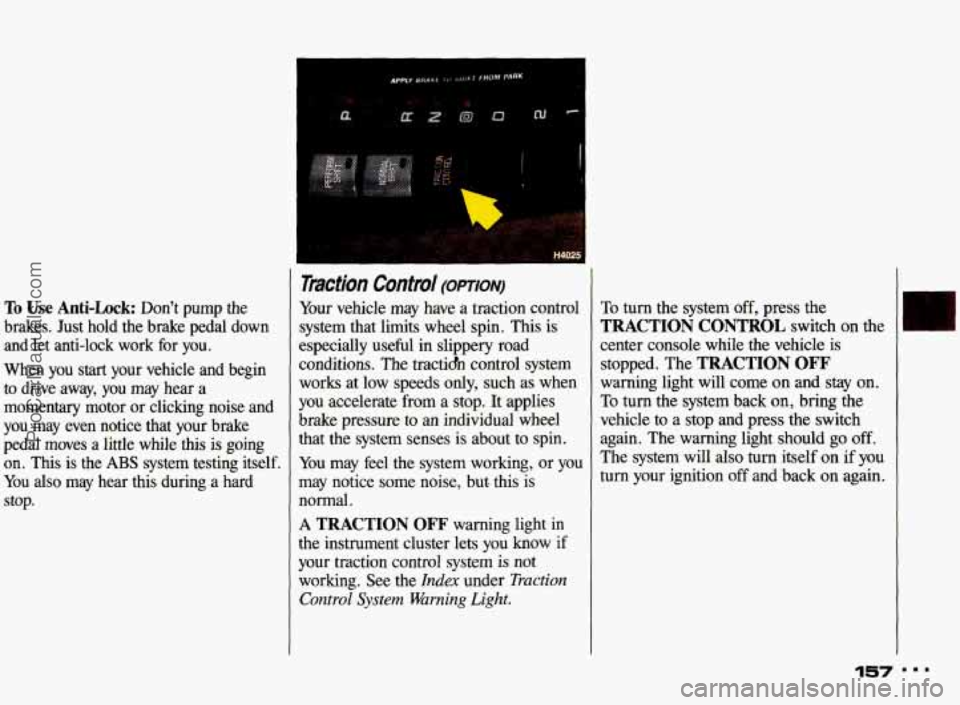
A TRACTION OFF warning light in
the instrument cluster lets you know if
your traction control system
is not
working. See the
Index under Traction
Control
System Warning Light.
To turn the system off, press the
TRACTION CONTROL switch on the
center console while the vehicle is
stopped. The
TRACTION OFF
warning light will come on and stay on.
To turn the system back on, bring the
vehicle to a stop and press the switch
again. The warning light should
go off.
The system will also
turn itself on if you
turn your ignition off and back on again.
157
ProCarManuals.com