1993 CHEVROLET CORVETTE service
[x] Cancel search: servicePage 120 of 370
Downloaded from www.Manualslib.com manuals search engine i
t
I
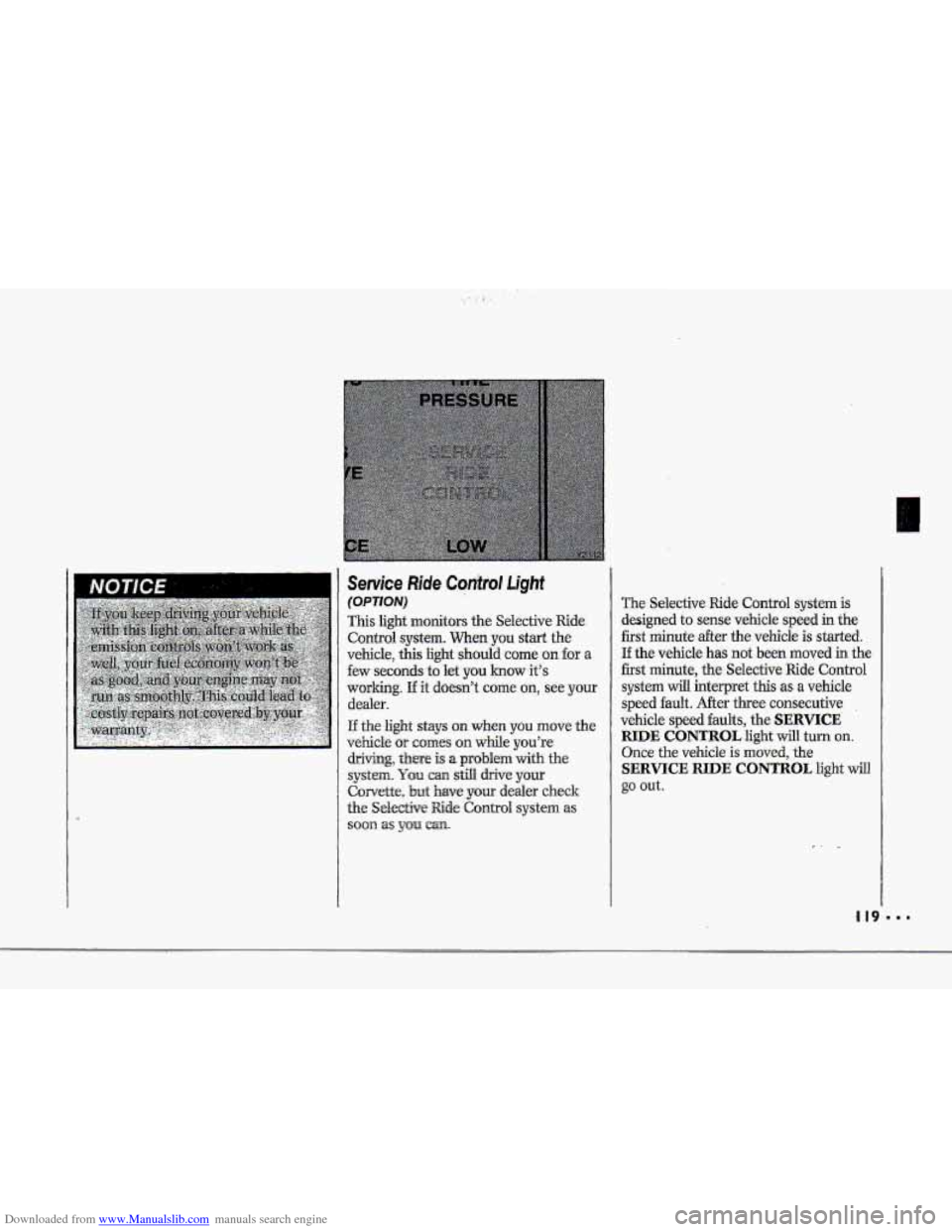
The Selective Ride Control system is
designed to sense vehicle speed in the
first minute after the vehicle is started.
If the vehicle has not been moved in the
first minute, the Selective Ride Control
system
will interpret this as a vehicle
speed
fault. After thee consecutive .
vehicle speed faults, the SERVICE
RIDE CONTROL light will turn on.
Once the vehicle is moved, the
SERVICE RIDE CONTROL light will
go out.
,I 19
Page 121 of 370
Downloaded from www.Manualslib.com manuals search engine Features & Controls
Passive Keyless Entry Light
If the.Passive Keyless Entry system is
on, this light comes on for two seconds
whenyou put the key in the ignition
and turn it to the Run position. If the
Passive -Keyless Entry .system is off, the
light will not cume on. This light also
comes on .md flashes when you we
programming~ one or more transmitters.
See
the- Index under. Passive Keyless
Entry System.
System Problems
The Central Control Module (CCM)
controls several electronic systems on
your Corvette. SYS will flash three
times every
15 seconds on the display
near the he1 gage if there is a problem
with one of the CCM-cantrolled
systems. Have your vehicle checked
by
a. Chevrolet dealer if SYS keeps
appearing.
If the SECURITY light flashes at the
same the SYS flashes on the
instrument panel, a ,problem has been
detected in your the& deterrent system.
If this OCCUTS, have YQW vehicle
serviced.
Roof Panel ~XWE)
Removing the Roof Panel:
' 1. Be sure your vehicle is on a level
2. Set the parking brake.
3. Shift your automatic transmission
into P (Park). Or, if you have the
manual
transmission, shift it into
R {Reverse).
4. Lower the side windows all the'way
down.
5. Turn your ignition key to the Lock
position.
6. Move both sun visors to the side to
uncover the
.front bolt access holes.
place.
k p*
.&
"' 120
Page 143 of 370
Downloaded from www.Manualslib.com manuals search engine Comfort Controls & Audio Systems
Automutic Electrunic
Climate Cuntvul (C0nt.j
Use These Settings to Set Your Fan
Speed
V (Lqw.Ean): 'This. setting overrides.
the automatic fan speed. To decrease
fan speed, press the
V button and
hold until
you see the fan speed you
want.
AUTO # (Automatic Fan): when
you use this setting, the controller
chooses the fan speed based on the
input signals.
In the AUTO mode
during hot weather (after the vehicle
has not been running for a period of
time) the-fan speed will be
low when
the vehicle is initially
started. This
I42
initial low fan speed is used to purge
the vehicle of hot interior air. In the
AUTO 3f mode during cold weather,
the
fan speed will be delayed. in the
heat
mode until the engine coolant
reaches
an adequate temperature to
provide heat.
A (High .Fan) : This setting overrides
the automatic fan speed. To increase
fan speed, press the A button and
hold until you see the fan speed you
want. There is no €an blower delay.
Fan speeds wil1 range from 1 (lowest
setting)
to 10 (highest setting). When
any fan speed is selected, it will appear
on the digital screen briefly and the
ot~tside temperature will also appear.
Air Conditioning System
If a light above a button flashes when
you turn
on the ignition, it may indicate
an electrical problem with your air
conditioning system. The flashing will
continue for one minute, then go but. It
means you should have your system
checked
and serviced if needed.
It may
also mean the rekigerant level is
too low in your air conditioner system.
The. light will still flash after rebigerant
is added. This means your system will
not cool the air until it is reset.
Page 161 of 370
Downloaded from www.Manualslib.com manuals search engine Comfort Controls & Audio Systems
Care of Your Cassette Tape Player
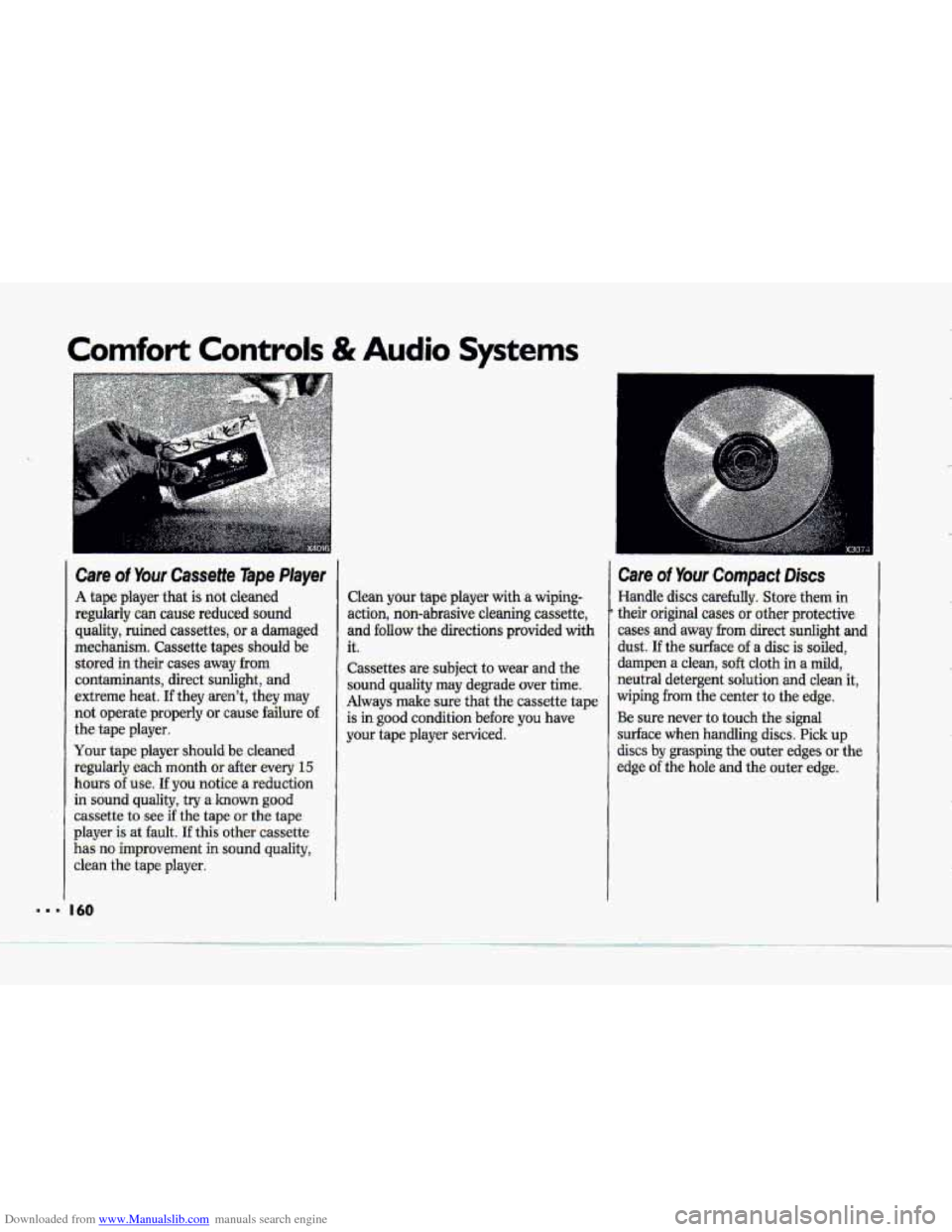
A tape player that is not cleaned
regularly can cause reduced sound quality, ruined cassettes, or a damaged
mechanism. Cassette tapes should be stored in their cases away
from
contaminants, direct sunlight, and
extreme heat.
If they aren't, they may
not operate properly
or cause failure o€
the tape player.
Your tape player should
be cleaned
regularly each month
or after every 15
hours of use. If you notice a reduction
in sound
quality, try a known good
cassette to see if the tape or the tape
player
is at fault. If this other cassette
has no improvement in sound quality,
clean the tape plaver.
Clean your tape player with a wiping-
action, non-abrasive cleaning cassette,
and
follow the directions provided with
it.
Cassettes are subject to wear and the
sound quality may degrade over time.
Always make sure that the cassette tape
is
in good condition before you have
your tape player serviced.
Care of Your Compact Discs
Handle discs carefully. Store them in
their original cases or other protective
cases and away from direct
sunlight and
dust. If the surface of a disc is soiled,
dampen
a clean, soft cloth in a mild,
neutral detergent solution
and clean it,
wiping
from the center to the edge.
Be sure never to touch the signal
surface when handling
discs. Pick up
discs by grasping the outer edges or the
edge of the hole and the outer edge.
.-
I.
... 'I I60
Page 165 of 370
Downloaded from www.Manualslib.com manuals search engine Your Driving and the Road
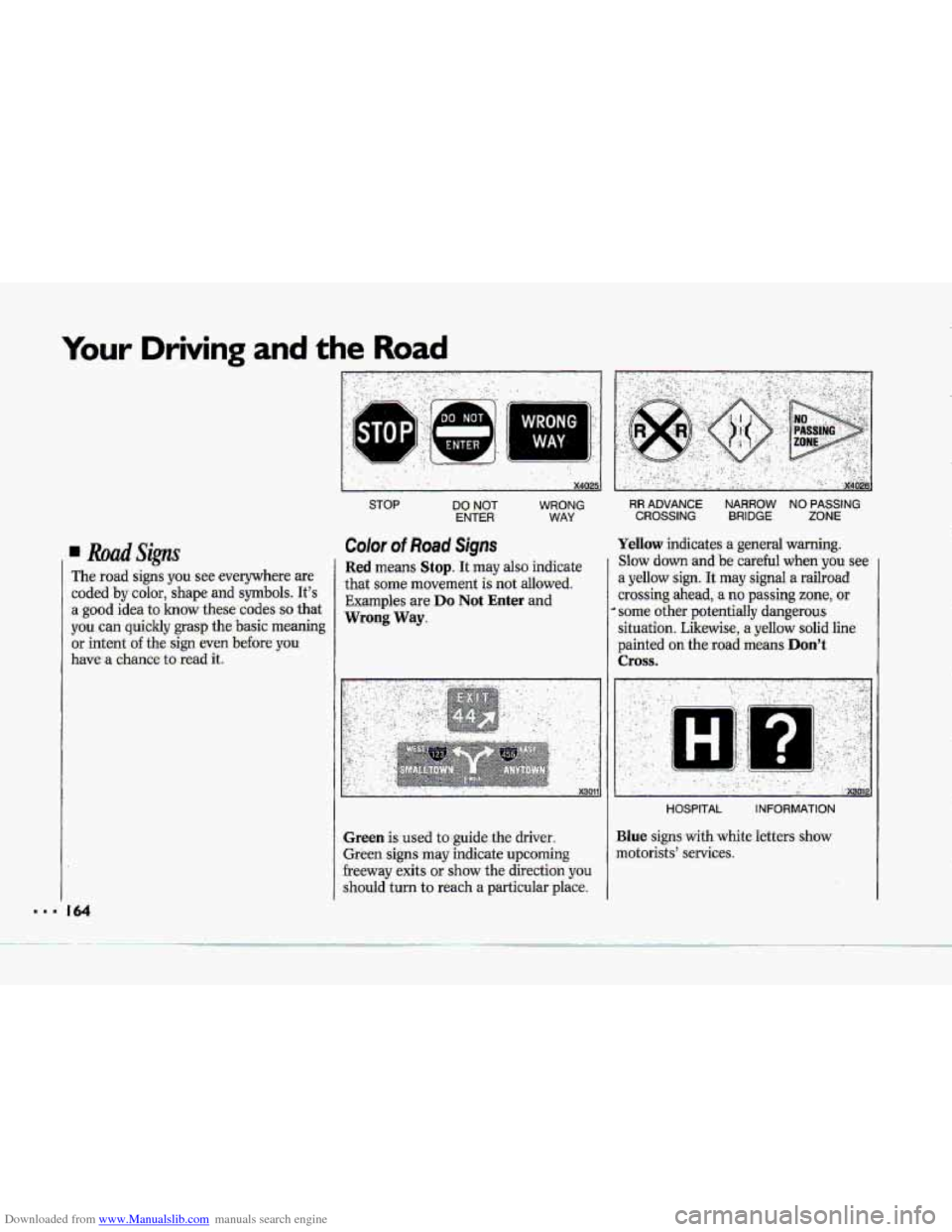
. Road Signs
The road signs you see everywhere are
coded
by color, shape and symbols. It's
a good idea to know these codes so that
you can quickly
grasp the basic meaning
or intent
of the sign even before you
have a chance to
read it.
Color of Road Signs
WRONG
WAY,
Red means Stop. It may also indicate
that some movement
is not allowed.
Examples are
Do Not Enter and
Wrong Way.
Green is used to guide the driver.
Green signs
may indicate upcoming
freeway exits or show the direction you
should turn to reach a particular place.
Yellow indicates a general warning.
Slow down and be careful when you see
a yellow sign. It may signal a railroad
crossing ahead, a no passing zone, or
* some other potentially dangerous
situation. Likewise,
a yellow solid line
painted
on the road means Don't
Cross.
........... I ... .,. ...
.... .. ..
I .. ."XWlP
HOSPITAL INFORMATION
Blue signs with white letters show
motorists' services.
Page 177 of 370
Downloaded from www.Manualslib.com manuals search engine Your Driving and the Road
Corvette ASR System (CONT.)
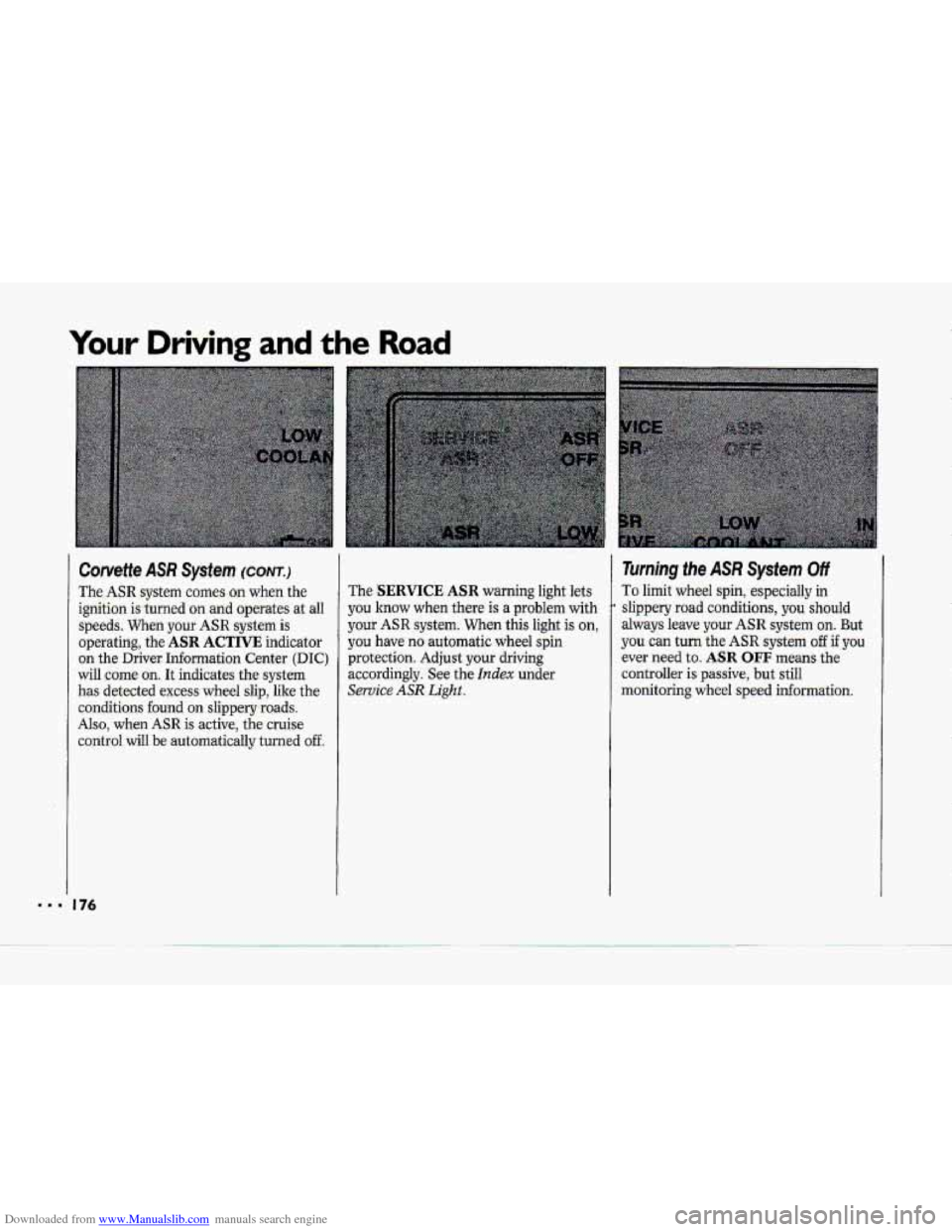
The ASR system comes on when the
ignition is -turned
on and operates at all
speeds. When your ASR system is
operating, the
ASR ACTIVE indicator
on the Driver Information Center
(DIC)
will come on. It indicates the system
has detected excess wheel slip, like the
conditions found on slippery-roads.
Also, when ASR is active, the cruise
control
will be automaticaIly turned off
The SERVICE ASR warning light lets
you know
when there is a problem with
your ASR system. When this light is on,
you have no-automatic wheel spin
protection. Adjust your driving
accordingly, See the
Index under
Service ASR Light..
Turning the ASR System Off
To limit wheel spin, especially in
slippery road conditions, you should
always leave your ASR. system on. But
you can turn the ASR system off if you
ever need to. ASR OFF means the
controller is passive, but still
monitoring wheel
speed informauon.
Page 186 of 370
Downloaded from www.Manualslib.com manuals search engine i
r; T
i
1 d
I“
Myht Vision
No one can see as well at night, as in the
daytime. But as
we get older -these
differences increase. A. 50-year-ald driver may require .at least twice as
much light to see the same thing at
night as a 20-year-old.
What you 80 in the daytime can also
&ct your night vision. For example, if
you spen-d-the day in bright sunshine
you
are wise to wear sunglasses. Your
eyes will have less trouble adjusting to
night.
But if you’re driving, don’t
wear
sunglasses at night. They may cut down
on glare from headlights, but they also
make
a lot of things invisible that
should
r.enmin visible-such as parked
cars, obstacles, pedestrians, or even
trains blocking railway
crossings.. You
may want to put on your sunglasses
after you have pulled into a brightly
lighted service or refreshment area.
Eyes shielded from that glare may
adjust more quickly to darkness back
on the road, But be sure to remove your
sunglasses before
you .leave the service
area.
You can be temporarily blinded by
approaching lights. It
can take a second
or
two, or even several seconds, for
your eyes to readjust to the dark. When
you are faced with severe glare (as from
a driver who doesn’t lower the high
beams,
or a vehicle with misaimed
headlights),
slow down a little. Avoid
-staring directly into the approaching
lights. If there is a line of opposing
traffic, make occasional glances
over the
line of headlights to make certain that
one
of the vehicles isn’t starting to
move into your lane. Once you .are past
the bright lights, give your eyes time
to
readjust before resuming speed.
High Beams
If the vehicle approaching-you has its
high beams on, signal by fliclcing yours
to high and then back to low beam. This
is the usual signal to lower the
headlight beams. zf.the other
driver still
doesn’t lower the
beams, resist the
ternaptation to. put
your high beams on.
This only makes two ha-blinded
drivers.
On a freeway, use your high beams only
in remote axeas where you won’t impair
approaching drivers.
In some p€aces,
like cities, using high beams is illegal.
When you follow another vehicle on a
freeway
or highway, use low beams.
True, most vehicles
now have day-night
mirrors that enable the driver to reduce
glare. But outside
mirrors are not of this
type and high beams
from behind can
bother the driver ahead.
Page 194 of 370
Downloaded from www.Manualslib.com manuals search engine I 9 II
!-
i
Driving a Long Distance
Although most long trips today are
made on freeways, there are still many
made
on regular highways.
Long-distance driving
on freeways and
regular highways is the same in some
ways. The trip has to be planned and
the vehicle prepared, you drive at
higher-than-city speeds, and there are
longer turns behhd the wheel. You’ll
enjoy your
trip more if you and your
vehicle
are in good shape. Here are
some.fips for
a successful long trip.
Before Leaving on a Long Trip
Make sure you’re ready. Try to be well
rested.
If you must start when you’re
not fresh-such as after
a day’s work-
don’t plan to
make too many miles that
first part of the journey. Wear
comfortable clothing and shoes you
can
easily drive in.
Is your vehicle ready for a long trip? If
you keep it serviced and maintained, it’s
ready to
go. If it needs service, have it
done before starting
out. Of course,
you’ll find experienced and able service
experts in Chevrolet dealerships all
across North America. They’ll be ready
and willing to help if you need it. Here
&e some
things you can check
before
a trip:
Windshield Washer Fluid: .Is the
reservoir full? Are ,all windows
clean
inside and outside?
shape?
you checked all levels?
lenses clean?
safe, trouble-hee trip. Is the tread
good enough for lofig-distance
drivhg? Are the tires all inflated to
the recammended pressure?
weather outlook
along your route?
Should you delay your trip a
short
time to avoid a major storm system?
0 Maps: Do you have up-to-date maps?
Wiper Blades: Are they in good
Fuel,, Enme Oil, Other Fluids: Have
Lights: Are they all working? Are the
Tires: They are vitally important to a
Weather Forecasts: What’s the
193