Page 161 of 370
Downloaded from www.Manualslib.com manuals search engine Comfort Controls & Audio Systems
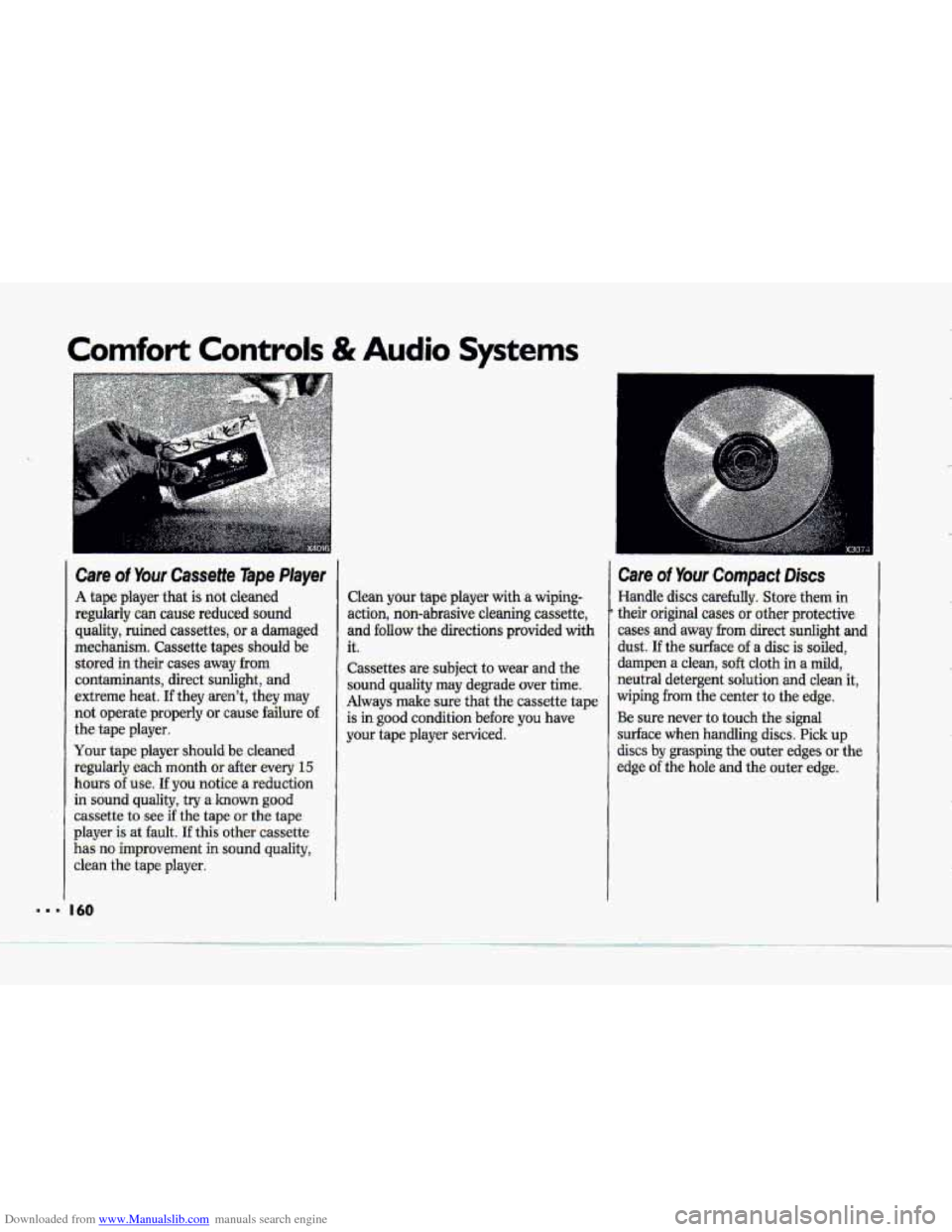
Care of Your Cassette Tape Player
A tape player that is not cleaned
regularly can cause reduced sound quality, ruined cassettes, or a damaged
mechanism. Cassette tapes should be stored in their cases away
from
contaminants, direct sunlight, and
extreme heat.
If they aren't, they may
not operate properly
or cause failure o€
the tape player.
Your tape player should
be cleaned
regularly each month
or after every 15
hours of use. If you notice a reduction
in sound
quality, try a known good
cassette to see if the tape or the tape
player
is at fault. If this other cassette
has no improvement in sound quality,
clean the tape plaver.
Clean your tape player with a wiping-
action, non-abrasive cleaning cassette,
and
follow the directions provided with
it.
Cassettes are subject to wear and the
sound quality may degrade over time.
Always make sure that the cassette tape
is
in good condition before you have
your tape player serviced.
Care of Your Compact Discs
Handle discs carefully. Store them in
their original cases or other protective
cases and away from direct
sunlight and
dust. If the surface of a disc is soiled,
dampen
a clean, soft cloth in a mild,
neutral detergent solution
and clean it,
wiping
from the center to the edge.
Be sure never to touch the signal
surface when handling
discs. Pick up
discs by grasping the outer edges or the
edge of the hole and the outer edge.
.-
I.
... 'I I60
Page 167 of 370
Downloaded from www.Manualslib.com manuals search engine Your Driving and the Road
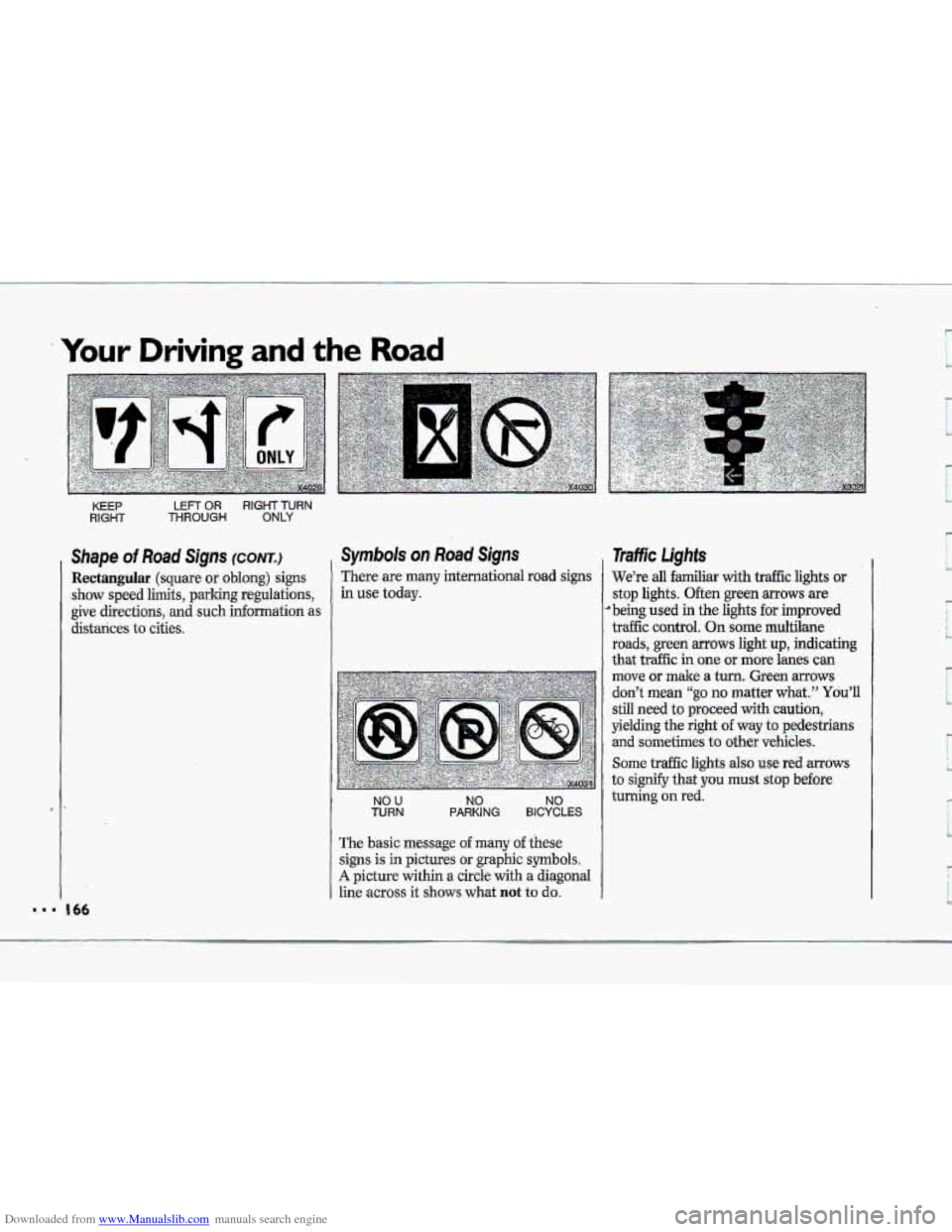
KEEP LEFT OR RIGHT TURN
RIGHT THROUGH ONLY
Shape of Road Signs (CONTJ
Rectangular (square or oblong) signs
show speed limits, parking regulations,
give directions, and such information as
distances
to cities.
Symbols on Road Signs
There are many international road signs
in use today.
NO U TURN NO NO PARKING BICYCLES
The basic message o€ many of these
signs is in pictures or graphic symbols.
A picture within a circle with a diagonal
line
across it shows what not to do.
1
Traffic Lights
We’re all familiar with traffic lights or
stop lights. Often green arrows are
’being used in the lights for improved
traffic control.
On some multilane
roads, green
arrows light up, indicating
that traffic in one or more lanes can
move
or make a turn. Green mows
don’t mean “go no matter what.” You’ll
still need to proceed with caution,
yielding the right of way to pedestrians
and sometimes to other vehicles.
Some traffic lights also use red arrows
to signify that you must stop before
turning on red.
Page 168 of 370
Downloaded from www.Manualslib.com manuals search engine c
R
II
I
1 .---
I I
1
,, -' , . x3022
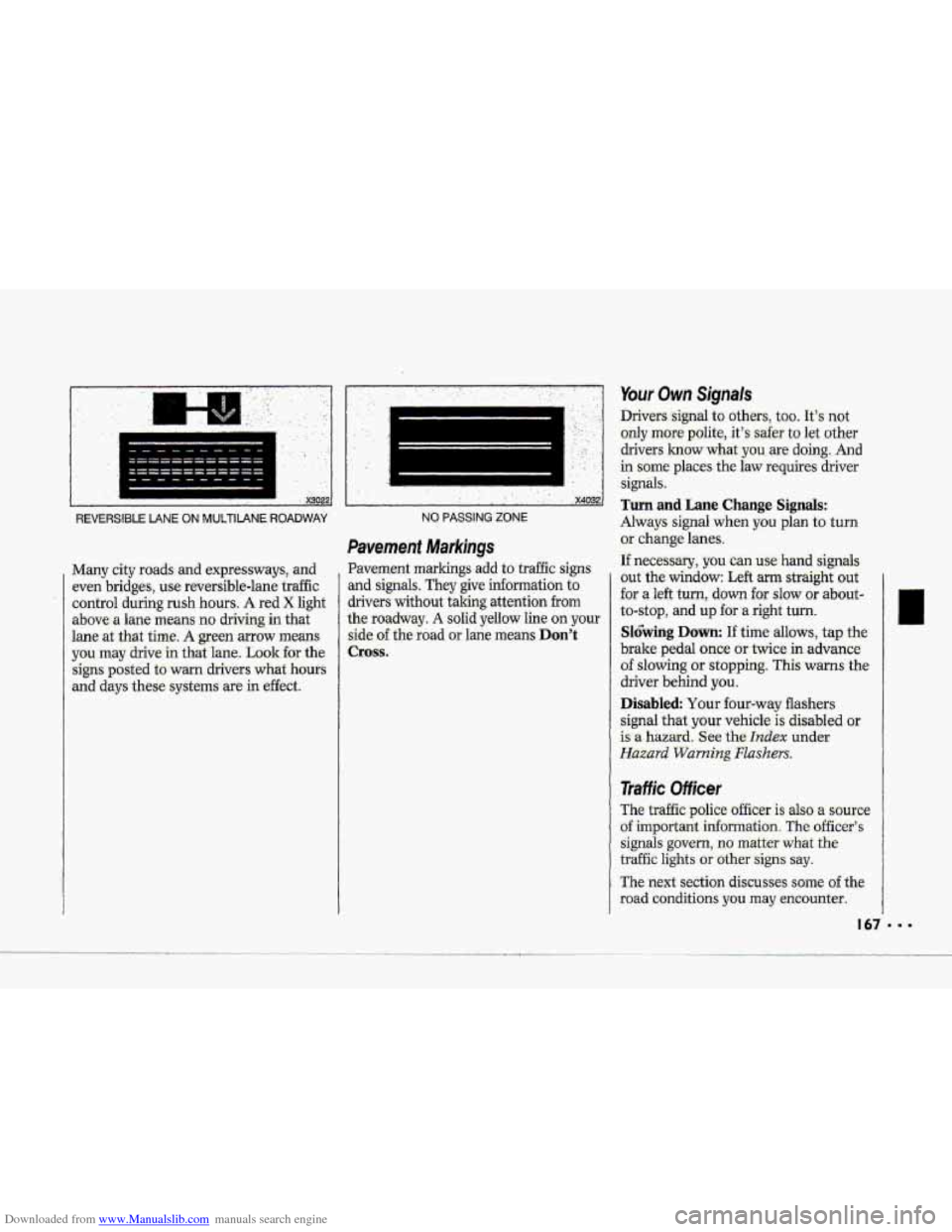
REVERSIBLE LANE ON MUlTIIANE ROADWAY
Many city roads: and expressways, and
even bridges, use reuersible-lane traffic
control during
rush hours. A red X light
above- a lane means no driving in that
lane
at .that time. A green mow means
you may drive in that lane. Look €or the
signs posted to warn drivers
what hours
and days these = ,-.. systems are in effect.
.. ........... ........................ ... ,. ., ,. . ... . ' .' '. , ..
! ' x4032
NO PASSING ZONE
Pavement Markings
Pavement markings add to traffic signs
and signals. They give information to
drivers without iaking attention
from
the roadway. A solid yellow line on your
side of the road or lane means Don't
Cross.
Your Own Signals
Drivers -signal to other.s, too. It's not
only more polite.,. it's safer to let other
drivers
1mow what-you are doing-. And
in some' places the law requires driver
signals:
Turn and Lane Change Signals:
Always signal when you plan to turn
or .change lanes.
If neces-ssary, you can use hand signals
out the window: Left arm straight out
'for a left turn, down for slow :or about-
to-stop, and up for .a right turn.
Sl6bing Down: If time allows, tap the
brake pedal once or twice in advance.
of slowing or stopping. This warns the
driver behind
you.
Disabled Your four-wtiy flashers
signal
that. your vehicle is disabled or
is a hazard. See the hdex under
Hazard Warning Flashers.
Traffic Officer
The traffic police officer is also a source
of important information The officer's
signals govern, no matter what the
traffic lights or othersigns say.
The next section discusses some of the
road conditions you may encounter.
Page 173 of 370
Downloaded from www.Manualslib.com manuals search engine Your Driving and the Road
Braking
Braking action involves perception
time .and reaction: time.
First, you have.to .decide to push on the
br&i pedal. That’s perception time.
Then you have to bring up your foot
and do it. That’s reaction time.
Average reaction time .is about 3/4 -of, a
second. But that’s only an average. It
might be less with one driver and- as
long as two or three seconds or mQre
with another. Age, physical condition,
alertness, coordination, and eyesight all
play a part. So do alcohol, drugs and
frustration. But even in 3/4 of a second, a
vehicle moving at
60 mph (100 Wh)
travels 66 feet (21) m). That could be a
lot
of distance in an emergency, so
keeping enough space between your
vehicle and others
is important.
And, of course, actual stopping
distances vary greatly with the surface
of the road (whether it’s pavement or
gravel) ; the conditian uf the road (wet,
dry, icy); tire tread; arid the. condition of
your brakes.
Most drivers;treat.their brakes with
care. Some, however, overwarlc the
braking system with poor driving habits.
. Avoid needless heavy braking. Some
people. drive in spurts-heavy
acceleration followed.
by heavy
braking-rather- than lreeping pace
with traffic, This.is a mistake. Your
brakes may
not have he to cool
between hard.stops. Your brakes will
wear out much faster if you do a lot of
heavy braking.
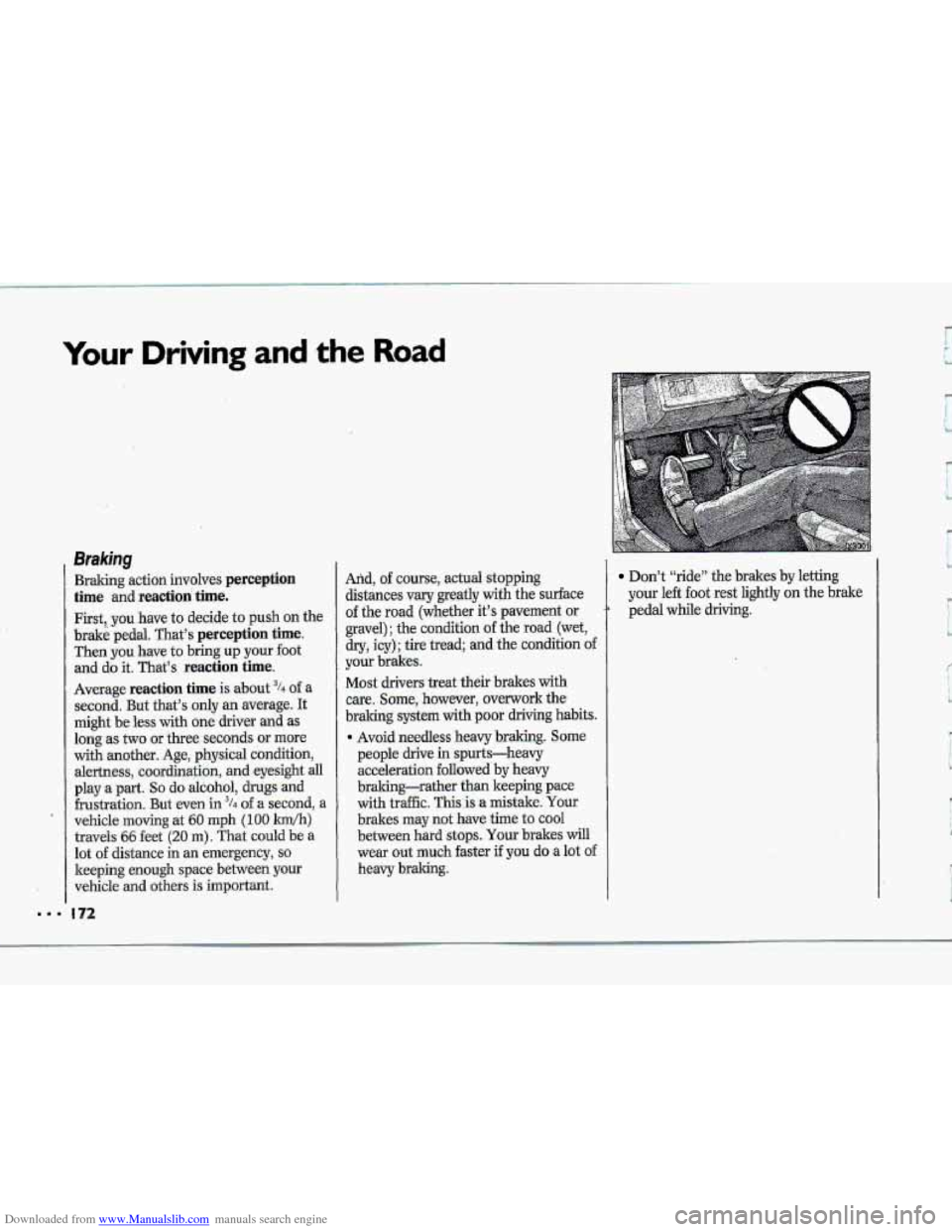
Don’t “ride” the brakes by letting
your left
foot rest lightly on the hake
pedal while driving.
I“
L
Page 174 of 370
Downloaded from www.Manualslib.com manuals search engine A,,
“Riding” yom brakes. can
cause them to overheat $u:,~&e
point that they.won’t work well.
You might not be able to-stop .your
vehicle in time -to avoid an accident.
If you “ride” your bides,. they w3’i
get, suhot they :direquire a bt of
pedal force to slow you down.
Avoid “riding” the’brakes.
INoTIcE .
If you keep pace with the traffic and
allow realistic following distances, you
will eliminate a lot of unnecessary
braking. That means better braking and
longer brake
life.
If your engine ever stops while you’re
driving, brake normally but don’t
pump your brakes. If you do, the
pedal may get harder to push down. If
your engine stops, you wilI still have
some power brake assist. But you will
use it when you brake. Once the
power assist is used up, it may take
Homgez ta stop and the brake pedal will
be harder to push.
Anti-L~ck Brakes (ABS)
Your Corvette has an advanced
electronic braking system that will help
prevent skidding.
This light on the instrument panel will
go on when you start your vehicle.
See the Index under Anti-Lock Brake
System Light.
Page 176 of 370
Downloaded from www.Manualslib.com manuals search engine P TO Use Anti-L.ock:
Don't pump the brakes. Just hold the
brake pedal downand let anti-lock
work for you. You may feel the brake
pedal
vibrate, or you -may notice some
noise,
but thi.s is normal.
When the ABS is active, the ABS
ACTIVE light- conies on to-indicate luw
traction conditions.
Adjust your -driving
accordingly.
When
you start your vehicle and begin
to drive away, you may hear a
momentary motsr Qr .clicking, noise-and
you. my even notice that, yow bmke
pedd -moves a little while this is going
on.
This is the ABS test-ing itself. You-
may also hear and feel this durihg a
hard stop.
Corvette ASR (Acceleration SIip
R.egulati0.n) System
Yo& vehicle has an ASR system that
limits wheel
spin. This is especially
useful in slippery road conditions. The
ASR system works at all speeds. It
limits
wheel spin by reducing englne
torque
by cLusing the throttle and
managing
sp'ark and .applyiag the rear
brakes. You may €&el the system
working., .or
you may notice some noise,
but this is normal.
Page 177 of 370
Downloaded from www.Manualslib.com manuals search engine Your Driving and the Road
Corvette ASR System (CONT.)
The ASR system comes on when the
ignition is -turned
on and operates at all
speeds. When your ASR system is
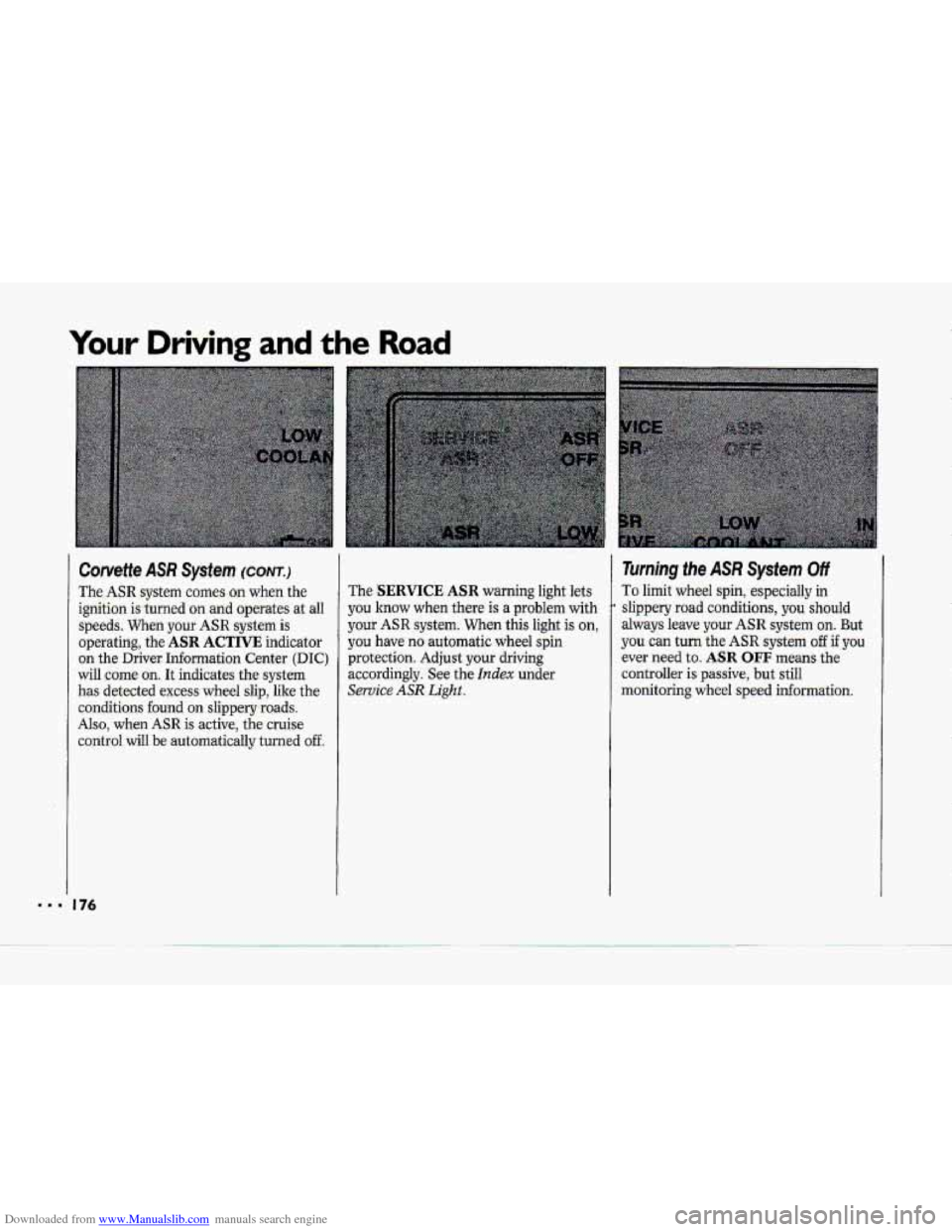
operating, the
ASR ACTIVE indicator
on the Driver Information Center
(DIC)
will come on. It indicates the system
has detected excess wheel slip, like the
conditions found on slippery-roads.
Also, when ASR is active, the cruise
control
will be automaticaIly turned off
The SERVICE ASR warning light lets
you know
when there is a problem with
your ASR system. When this light is on,
you have no-automatic wheel spin
protection. Adjust your driving
accordingly, See the
Index under
Service ASR Light..
Turning the ASR System Off
To limit wheel spin, especially in
slippery road conditions, you should
always leave your ASR. system on. But
you can turn the ASR system off if you
ever need to. ASR OFF means the
controller is passive, but still
monitoring wheel
speed informauon.
Page 178 of 370
Downloaded from www.Manualslib.com manuals search engine i
T"
$"'
I
r
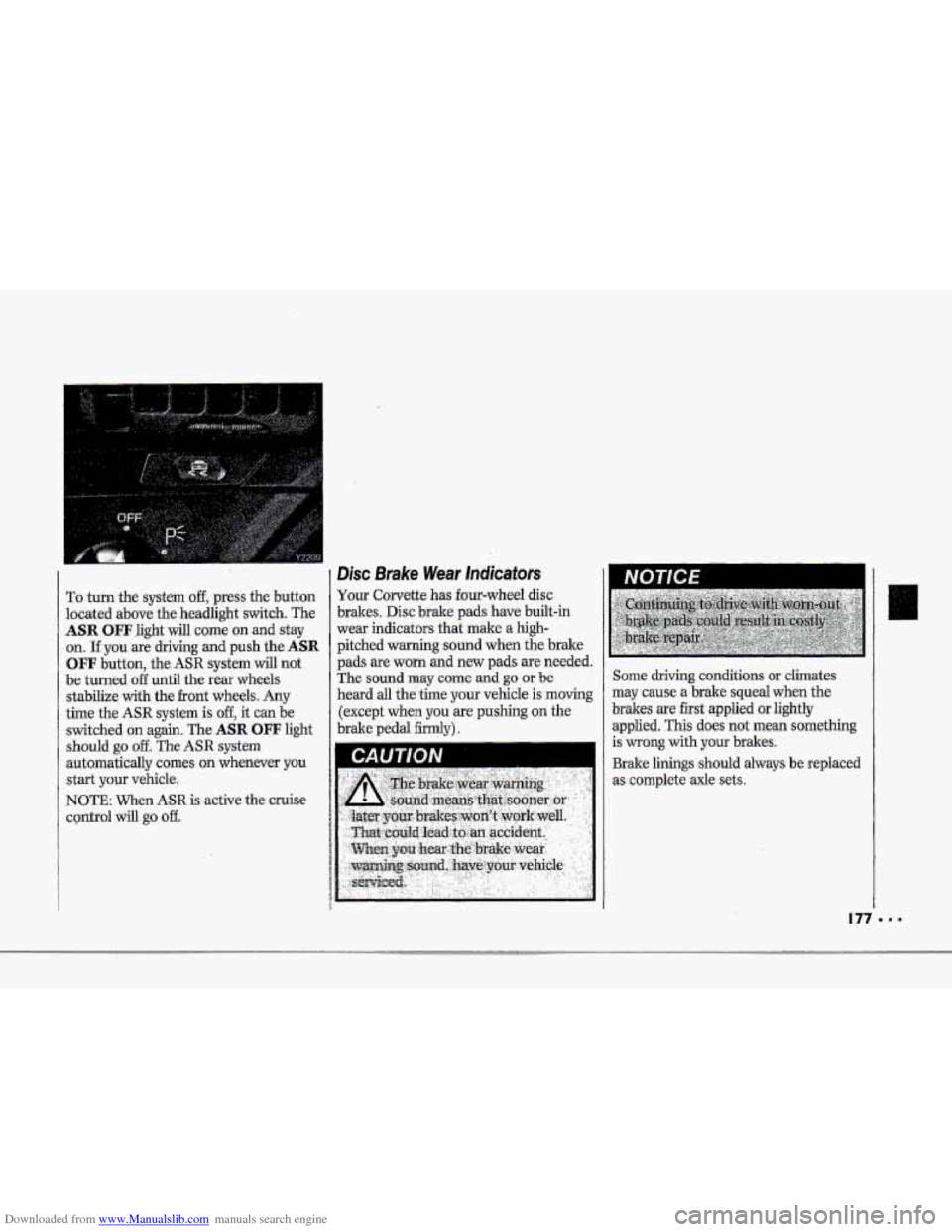
To turn the system off, press the button
located above the headlight switch. The
ASR OFFlight will come on and stay
on. If you are driving and push the ASR
OFF button, the ASR system will not
be turned off until the rear wheels
stabilize with the front wheels.
Any
time the ASR system is off, it can be
switched.
on again. The ASR OFF light
should
go off. The ASR system
automatically comes
on whenever you
start your vehicle.
NOTE: When ASR is active the cruise
CQntrOl will go off.
Disc Brake Wear lndicators
Your Corvette has four-wheel disc
brakes. Disc brake pads have built-in
wear indicators that make
a high-
pitched warning sound when the brake
pads are worn and new pads are needed.
The sound may come and
go or be
heard
aIl the time your vehicle is moving
(except when you
are pushing on the
brake pedal firmly). Some
driving conditions or climates
may cause a brake squeal when
the
brakes are first applied or lightly
applied. This does not mean
something
is wrong with your brakes.
Brake linings should always be replaced
as complete axle sets.