Page 90 of 398

Downloaded from www.Manualslib.com manuals search engine The other positions let you perform these functions:
ACC: Accessory lets you use things like the radio and the windshield
wipers when the engine
is off. To get into “ACC”, push in the key and turn
it toward you. Your steering wheel will remain locked, just
as it was
before you inserted the key.
OFF This position lets you turn off the engine but still turn the steering
wheel. It doesn’t lock the steering wheel like
“Lock.” Use “Off” if you
must have your car in motion while the engine is off (for example, if your
car
is being pushed).
RUN: This
is the position for driving.
START
This starts your engine.
r
NOTICE:
If your key seems stuck in ‘ xk and you can’t turn it, be sure
it
is all the way in. If it is, then turn the steering wheel left and
right while
you turn the key hard. But turn the key only with
your hand. Using
a tool to force it could break the key or the
ignition swi’
’1. If none of this w--ks, then your vehicle 3
servi cc
STARTING YOUR ENGINE
Engines start differently. The 8th digit of your Vehicle Identification
Number
(VIN) shows the code letter or number for your engine. You will
find the VIN at the top left
of your instrument panel. (See “Vehicle
Identification Number” in the Index.) Follow the proper steps to start the
engine.
Move your shift lever to
“P” (Park) or “N” (Neutral). Your engine won’t
start in any other position
-- that’s a safety feature. To restart when you’re
already moving, use “N” (Neutral) only.
76
Page 91 of 398

Downloaded from www.Manualslib.com manuals search engine 1. Don’t push the accelerator pedal before starting your engine.\
In some
other vehicles you might need
to do this, but because of your vehicle’s
computer systems, you don’t.
2. Turn your ignition key to “Start.” When the engine starts, let go of the
key. The idle speed
will go down as your engine gets warm.
3. If it doesn’t start right away, hold your key in “Start ” for about three
seconds at a time until your engine starts. Wait about
15 seconds
between each try to help avoid draining
your battery.
.. -. ..
Holding your key in “Start” for longer than 1
excessive heat can damage your starter motor. . .. .
4. If your engine still won’t start (or starts but then stops), it could be
flooded with too much gasoline.
Try pushing your accelerator pedal all
the way to the floor and holding it there as you hold the key in “Start”
for about three seconds.
If the vehicle starts briefly but then stops
again, do
the same thing, but this time keep the pedal down for five or
six seconds. This clears the extra gasoline from the engine.
77
Page 95 of 398
Downloaded from www.Manualslib.com manuals search engine vel le tan roll, $2-2.~
Don’t I enicle when the engine is runnmg unles
have
to. If you have left the engine running, the vehicle ca
move suddenly.
You or others could be injured. To be sure
vehicle won’t move, when you’re on
fairly level ground, alw
set your parking brake and move the shift lever to
“P” (Par
See “ snifting Into “P” (Park)” in the Index. 11 you are par
L a hill, or if you’re pulling a trailer, also see“Parking o
or “Towing a Trailer” in the Index.
-*- aq .: : - - . .. .h i-” .. .i T
..
Ensure the shift lever is fully in “P” (Park) range before starting the
engine. Your Cadillac has a brake-transaxle shift interlock. You have to
fully apply your regular brakes before
you can shift from “P” (Park)
when the ignition key is in the “Run” position.
If you cannot shift out of
“P” (Park), ease pressure on the shift lever - push the shift lever all the
way into “P” (Park) and also release the shift lever button on floor shift
console models as you maintain brake application. Then move the shift
lever into the gear you wish. (Press the shift lever button before moving
the shift lever
on floor shift console models.) See “Shifting Out of ‘P’
(Park)” in this part.
R (Reverse)
Use this gear to back up.
81
Page 101 of 398
Downloaded from www.Manualslib.com manuals search engine r
2. Move the shift lever into “P” (Park) position like this:
Pull the lever
toward you.
Move the lever
up as far as it
will
go.
3. With your right foot still holding the brake pedal down, set the
4. Move the ignition key to “Lock.”
parking brake.
5. Remove the key and take it with you. If you can walk away from your
vehicle with the ignition key in your hand, your vehicle is in
“P”
(Park).
87
Page 102 of 398
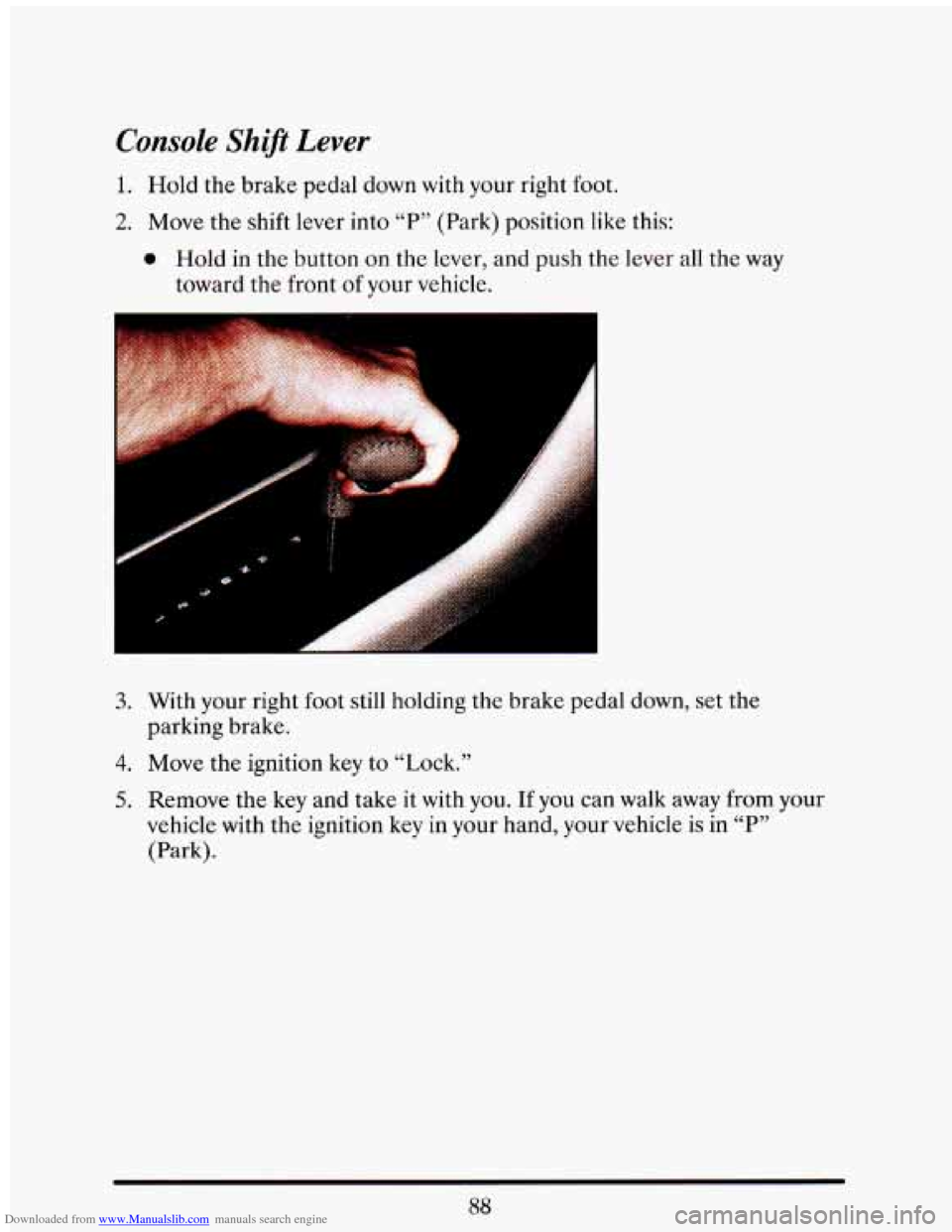
Downloaded from www.Manualslib.com manuals search engine Console Shift Lever
1. Hold the brake pedal down with your right foot.
2. Move the shift lever into “P” (Park) position like this:
0 Hold in the button on the lever, and push the lever all the way
toward the front
of your vehicle.
3. With your right foot still holding the brake pedal down, set the
parking brake.
4. Move the ignition key to “Lock.”
5. Remove the key and take it with you. If you can walk away from your
vehicle with the ignition key
in your hand, your vehicle is in “P”
(Park).
88
Page 103 of 398
Downloaded from www.Manualslib.com manuals search engine Leaving Your Vehicle With the Engine Running
It can be dangerous to leave your vehicle with the engine ---.* . ’
running. Your vehicle could move suddenly if the shift lever is .- : :->=:I
not fully in “P” (Park) with the parking brake firmly set. And, i -
-”I leave the vehicle with the engine running, it could overheat
and even catch fire. You or others could be injured. Don’A
yo1 vehicle with the engine running unlc , you ha I
.-
. J .. .: . ?- -.. -. .. -
~ -- ~I
If you have to leave your vehicle with the engine running, be sure your
vehicle is
in “P7, (Park) and your parking brake is firmly set before you
leave
it. After you’ve moved the shift lever into the “P” (Park) position,
hold the regular brake pedal down. Then, see if you can move the shift
lever away from “P” (Park) without first pulling
it toward you (or, if you
have the console shift lever, without first pushing the button). If you can,
it means that the shift lever wasn’t
fully locked into “P7, (Park).
SHIFTING OUT OF “P” (PARK)
Your Cadillac has a brake-transaxle shift interlock. You have to fully
apply your regular brake before you can shift from
“P7’ (Park) when the
ignition is
in the “Run” position. See “Automatic Transaxle” in the Index.
If you cannot shift
out of “P” (Park), ease pressure on the shift lever --
push the shift lever all the way into “P” (Park) and also release the shift
lever button
on floor shift console models as you maintain brake
application. Then move
the shift lever into the gear you wish. (Press the
shift lever button before moving the shift lever.)
If you ever hold the
brake pedal down but still can’t shift out of “P” (Park), try this:
1. Turn the key to “Off.” Open and close the driver’s door to turn off the
2. Apply and hold the brake until the end of Step 4.
3. Shift to “N” (Neutral).
Retained
Accessory Power feature.
4. Start the vehicle and then shift to the drive gear you want.
5. Have the vehicle fixed as soon as you can.
Page 107 of 398
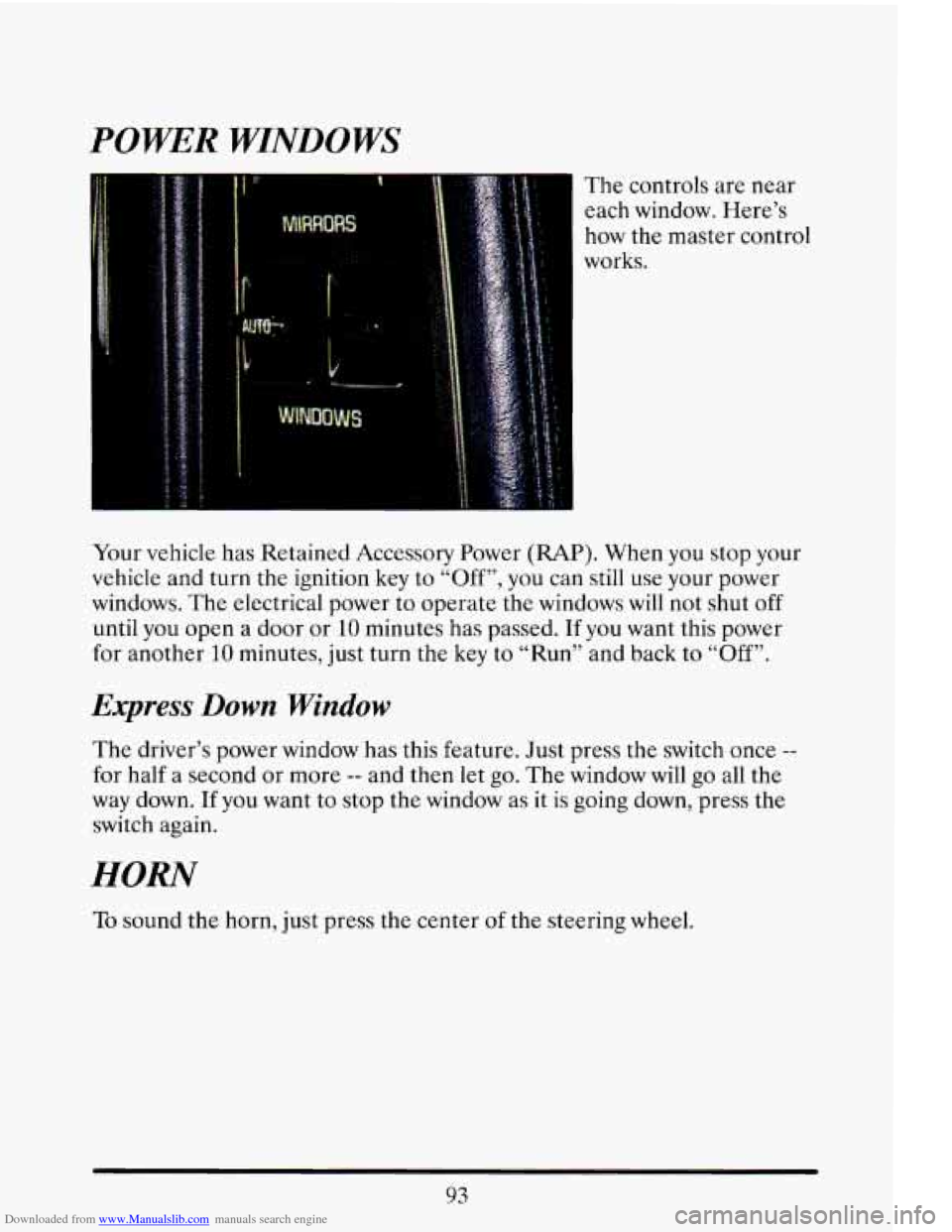
Downloaded from www.Manualslib.com manuals search engine POWER WINDOWS
The controls are near each window. Here’s
how the master control
I works.
Your vehicle has Retained Accessory Power
(RAP). When you stop your
vehicle and turn the ignition key to “Off”, you can still use your power
windows. The electrical power to operate the windows will not shut
off
until you open a door or 10 minutes has passed. If you want this power
for another
10 minutes, just turn the key to “Run” and back to “Off”.
Express Down Window
The driver’s power window has this feature. Just press the switch once --
for half a second or more -- and then let go. The window will go all the
way down. If you want to stop the window as it is going down, press the
switch again.
HORN
To sound the horn, just press the center of the steering wheel.
93
Page 138 of 398
Downloaded from www.Manualslib.com manuals search engine some warning lights come on briefly when you turn the ignition key just to
let you know they’re working.
If you are familiar with this section, you
should not be alarmed when this happens.
When one
of the warning lights comes on and stays on when you are
driving, check the section that tells you what to do about it. Please follow
the manual’s advice. Waiting to do repairs can be costly
-- and even
dangerous.
So please get to know your warning lights. They’re a big help.
Your vehicle may
also have a driver information system that works along
with the warning lights. See “Driver Information System” in the Index.
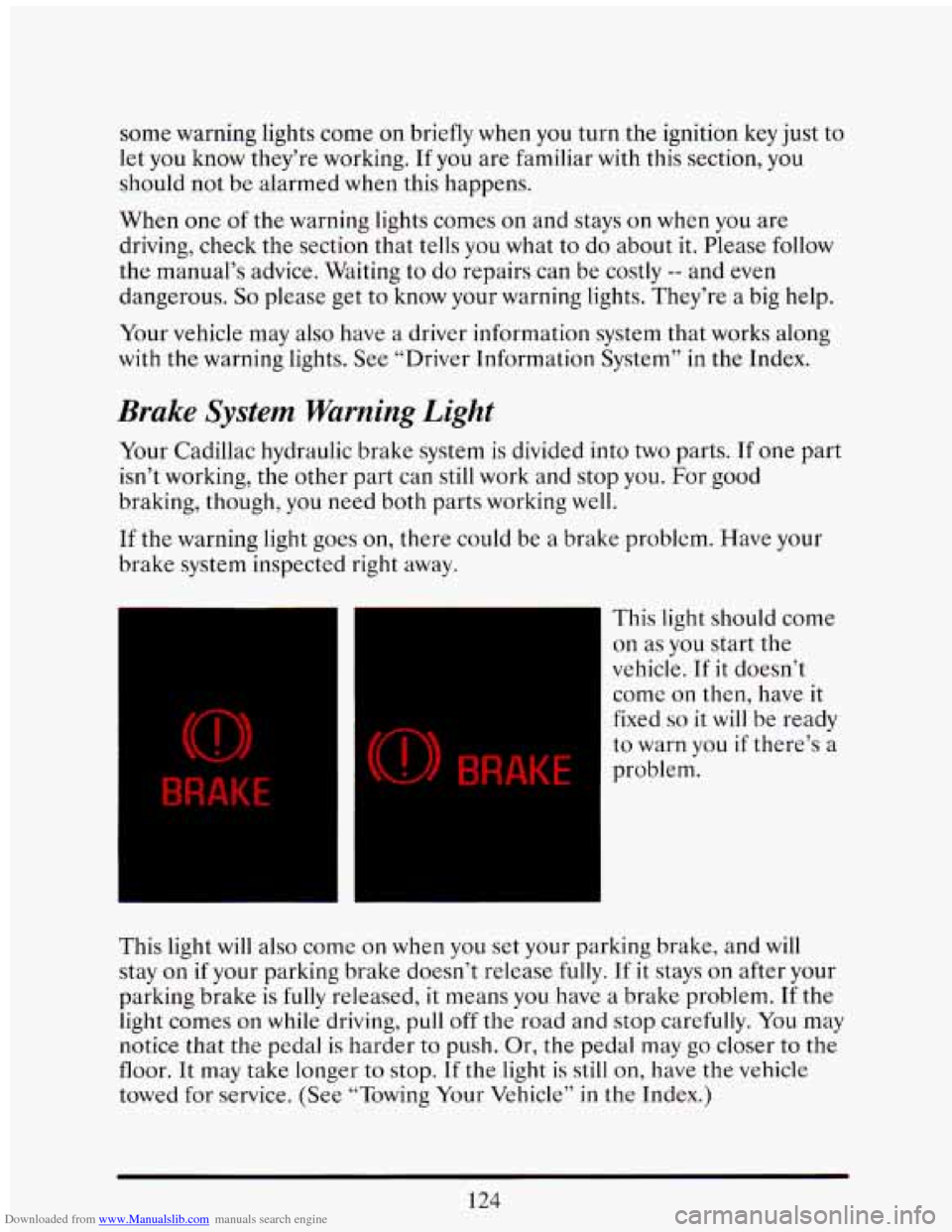
Brake System Warning Light
Your Cadillac hydraulic brake system is divided into two parts. If one part
isn’t working, the other part can still work and stop you. For good
braking, though, you need both parts working
well.
If the warning light goes on, there could be a brake problem. Have your
brake system inspected right away.
BRAKE
(0) BRAKE
This light should come
on as you start the
vehicle. If it doesn’t
come
on then, have it
fixed
so it will be ready
to warn you if there’s a
problem.
This light will also come
on when you set your parking brake, and will
stay
on if your parking brake doesn’t release fully. If it stays on after your
parking brake
is fully released, it means you have a brake problem. If the
light comes
on while driving, pull off the road and stop carefully. You may
notice that the pedal is harder
to push. Or, the pedal may go closer to the
floor. It may take longer to stop.
If the light is still on, have the vehicle
towed for service. (See “Towing Your Vehicle” in
the Index.)
124