1993 CADILLAC ELDORADO ECU
[x] Cancel search: ECUPage 65 of 398

Downloaded from www.Manualslib.com manuals search engine 4. Run the vehicle's safety belt through or around the restraint. The child
restraint instructions will show you how.
5. Buckle the belt.
Make sure the
release button
faces upward or
outward,
so you'll
be able
to
unbuckle it
quickly if you ever
need to.
6. To tighten the belt, pull its free end while you push down on the child
restraint.
7. Push and pull the child restraint in different directions to be sure it is
secure. If the child restraint isn't secure, turn the latch plate over and
buckle it again. Then see
if it is secure. If it isn't, secure the restraint
in a different place in the vehicle and contact the child restraint maker
for their advice.
To remove the child restraint, just unbuckle the vehicle's safety belt. It
will be ready to work for an adult
or larger child passenger.
Page 66 of 398

Downloaded from www.Manualslib.com manuals search engine Securing a Child Restraint in the Right Front Seat
Your vehicle has a right-front passenger's air bag. NEVER put a
rear-facing child restraint in this position. Here's
why:
I
-. ... ' -- ..- . . F. . ,. *. ..- -? .. v- *- -;- && -1
A CAUTZON:
'T.l *
A rear-facing child restraint in the front seat could be pushed
into the seatback by the right-front passenger's air bag if it
inflates.
A child in a rear-facing child restraint can be seriously
injured if this happens. Always secure a rear-facing child
restraint in the rear seat.
You'll be using the lap-shoulder belt. See the earlier section about the top
strap if the child restraint has one.
1. Always move the seat as far back as it will go before securing a
front-facing child restraint.
2. Put the restraint on the seat. Follow the instructions for the child
restraint.
3. Secure the child in the child restraint as the instructions say.
52
Page 87 of 398
Downloaded from www.Manualslib.com manuals search engine THEFT DETERRENT (OPTION)
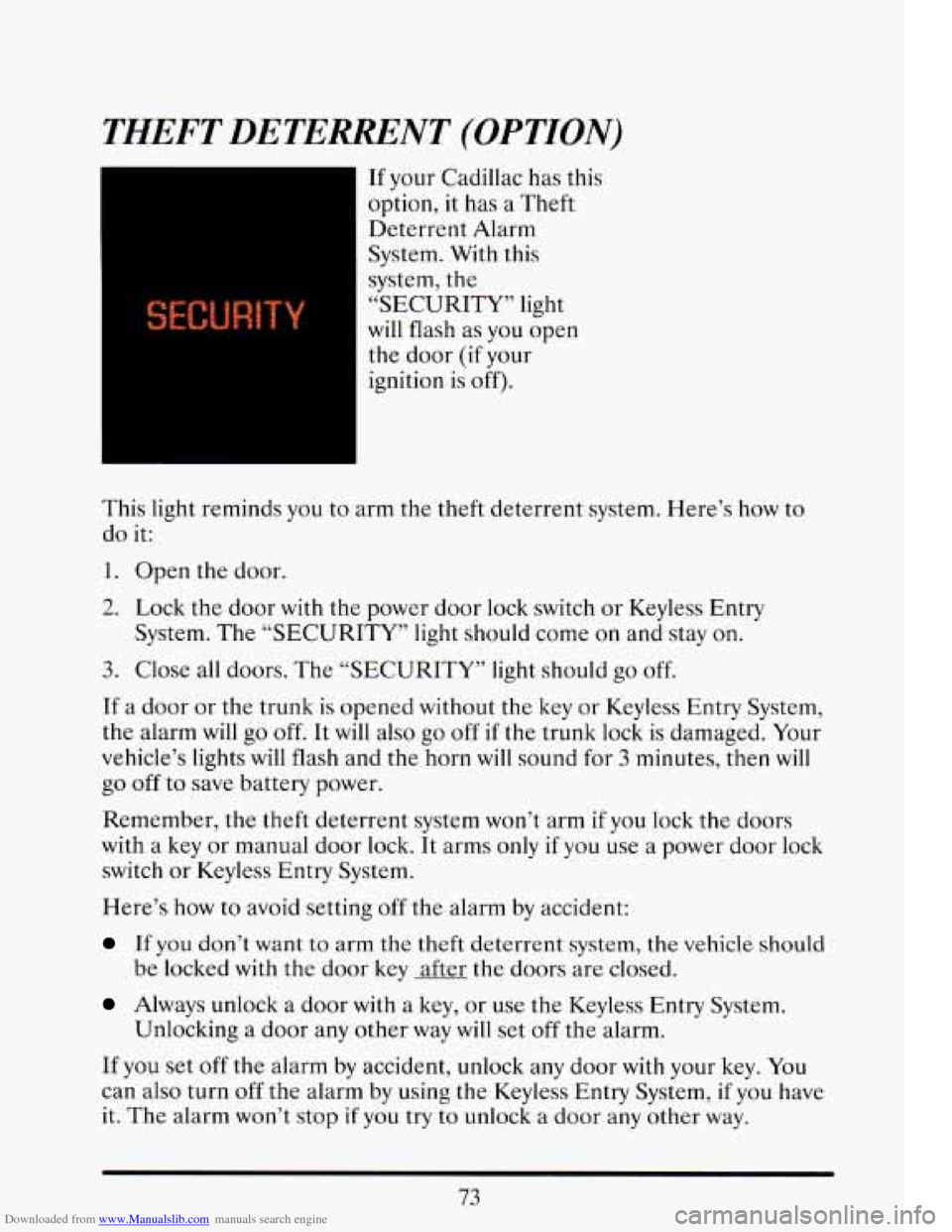
If your Cadillac has this
option, it has a Theft
Deterrent Alarm System. With this
system, the
“SECURITY” light
will flash as you open
the door (if your
ignition is off).
This
light reminds you to arm the theft deterrent system. Here’s how to
do it:
1. Open the door.
2. Lock the door with the power door lock switch or Keyless Entry
System. The
“SECURITY” light should come on and stay on.
3. Close all doors. The “SECURITY” light should go off.
If a door or the trunk is opened without the key or Keyless Entry System,
the alarm
will go off. It will also go off if the trunk lock is damaged. Your
vehicle’s lights will flash and the horn will sound for 3 minutes, then will
go off to save battery power.
Remember, the theft deterrent system won’t arm
if you lock the doors
with a key or manual door lock.
It arms only if you use a power door lock
switch or Keyless Entry System.
Here’s
how to avoid setting off the alarm by accident:
If you don’t want to arm the theft deterrent system, the vehicle should
be locked with the door key after the doors are closed.
Always unlock a door with a key, or use the Keyless Entry System.
If you set off the alarm by accident, unlock any door with your key. You
can also turn
off the alarm by using the Keyless Entry System, if you have
it. The alarm won’t stop if you try to unlock a door any other way.
Unlocking
a door
any other way will set off the alarm.
73
Page 88 of 398

Downloaded from www.Manualslib.com manuals search engine How to Test The Alarm
0 Roll down your window and lock your vehicle using the power door
Reach in and unlock the door using the manual lock, and open the
If the alarm does not sound when it should, check to see if the horn
works. The horn fuse may
be blown. To replace the fuse, see “Fuses and
Circuit Breakers” in the Index.
lock
or the Keyless Entry System.
door. The horn
will sound and your headlights will flash.
To reduce the possibility of theft, always arm the theft deterrent system
when leaving your vehicle.
PASS-KEY IIm
Your vehicle is equipped with the PASS-Key I1 TM (Personalized
Automotive Security System) theft deterrent system. PASS-Key
I1 TM is a
passive theft deterrent system. This means
you don’t have to do anything
different to arm
or disarm the system. It works when you insert or remove
the key from the ignition. PASS-Key
TM uses a resistor pellet in the
ignition key that matches
a decoder in your vehicle.
When the PASS-Key
TI TM system senses that someone is using the wrong
key, it shuts down the vehicle’s starter
and fuel systems. For about three
minutes, the starter won’t work and fuel won’t go to the engine.
If
someone tries to start your vehicle again or uses another key during this
time, the vehicle will not start. This discourages someone from randomly
trying different keys with different resistor pellcts in
an attempt to make a
match.
The ignition key must
be clean and dry before it’s inserted in the ignition
or the engine may not start.
If the engine does not start and the
“SECURITY” light comes on, the key may be dirty
or wet. Turn the
ignition
off.
If you’re ever driving and the “SECURITY” light comes on and
continues to flash, you get the “PASS-KEY MALFUNCTION” message
and the “STARTING DISABLED” message appears, you
will be able to
restart your engine
if you turn it off. Your PASS-Key TI TM system,
however,
is not working properly and must be serviced bylour Cadillac
dealer. Your vehicle
is not protected by the PASS-Key I1 system.
74
Page 151 of 398

Downloaded from www.Manualslib.com manuals search engine SERVICE A/C SYSTEM A/C COMPRESSdR OFF
This message appears when the electronic sensors that control the A/C
and heating system are no longer working.
You mav notice a drop in
heating and A/C efficiency when this message appkars. Have your
Climate Control system serviced
if this message appears.
STARTING DISABLED DUE TO THEFT SYSTEM REMOVE
IGNITION
KEY
This message will appear when the Personalized Automotive Security
System (PASS Key
I1 rM ) senses that an improper ignition key is being
used to try to start the vehicle. Check the ignition key
for damage. If it is
damaged, it may need to be replaced. If you see no damage, clean the
pellet contacts
with a soft cloth or napkin. Remove the ignition key and
wait for the Driver Information Center to display “WAIT
3 MINUTES”.
The Instrument Panel Cluster
will then run a timer and change the
messages to “WAIT 2 MINUTES”, “WAIT 1 MINUTE”, and then
“START CAR”. When the “START CAR” message
is displayed, try again
to start the engine.
SERVICE NOW - REFER TO OWNERS MANUAL
This message appears if you have a problem with the Electronic Control
Module (ECM).
To correct this problem have your vehicle serviced at
your Cadillac dealership.
SERVICE RIDE CONTROL
This message is displayed to indicate that the Suspension System is not
operating properly. To correct this problem have
your vehicle serviced at
your Cadillac dealership at your earliest convenience.
STOP ENGINE ENGINE OVERHEATING
This message will appear when your engine has overheated. Stop and
turn your engine
off immediately to avoid severe engine damage. See
“Engine Overheating” in the Index.
SERVICE VEHICLE SOON
This message will appear if there is a problem with your Emission
Control System.
If the “SERVICE ENGINE SOON” light on the
instrument panel and this message appear and then turns off, it
is an
indication that
a temporary problem has cleared itself. Have your vehicle
checked
at your earliest convenience.
137
Page 152 of 398
Downloaded from www.Manualslib.com manuals search engine STOP ENGINE LOW OIL PRESSURE
If this message appears while the engine is running, stop the engine and
do not operate it until the cause of low oil pressure is corrected. Severe
damage to the engine can result.
SERVICE SUPPLEMENTAL INFLATABLE RESTRAINT
If this message appears, there is a problem with your Supplemental
Inflatable Restraint (Air Bag) system. Let only a qualified technician
work on your vehicle. See your Cadillac dealer for service at once.
THEFT SYSTEM PROBLEM/CAR MAY NOT RESTART
This message means there is atroblem in the Personalized Automotive
Security System (PASS Key
I1 ). PASS Key I1 TM will prevent the vehicle
from restarting if it is turned off,
so you should take the vehicle to a
proper service center before turning the engine off. Never leave an
unattended vehicle with the engine running. Once you are where you can
get service, turn the engine
off and then try to restart it. If the vehicle
does not restart, the PASS Key
I1 TM system will need servicing.
TRACTION ACTIVE
If your vehicle is equipped with Traction Control, this message will be
displayed if Traction Control is being used to reduce wheel slippage.
TRACTION DISABLED
If your vehicle is equipped with Traction Control, this message will be
displayed if
a problem is noted in the Traction Control System. Have your
vehicle serviced as soon as possible.
TRANS FLUID RESET (Northstar Only)
With the engine not running and the ignition ON, press and hold the
OFF and REAR DEFOG buttons until the TRANS FLUID RESET
message appears in the Information Center (between 5 and 20 seconds).
TRANS OVERHEATED (Northstar Only)
This message indicates that your transaxle is running too hot. You should
stop and turn your engine
off as soon as possible. Let the engine and
transaxle cool and have the problem corrected. Severe transaxle damage
can result from an overheated transaxle
138
Page 221 of 398
Downloaded from www.Manualslib.com manuals search engine h
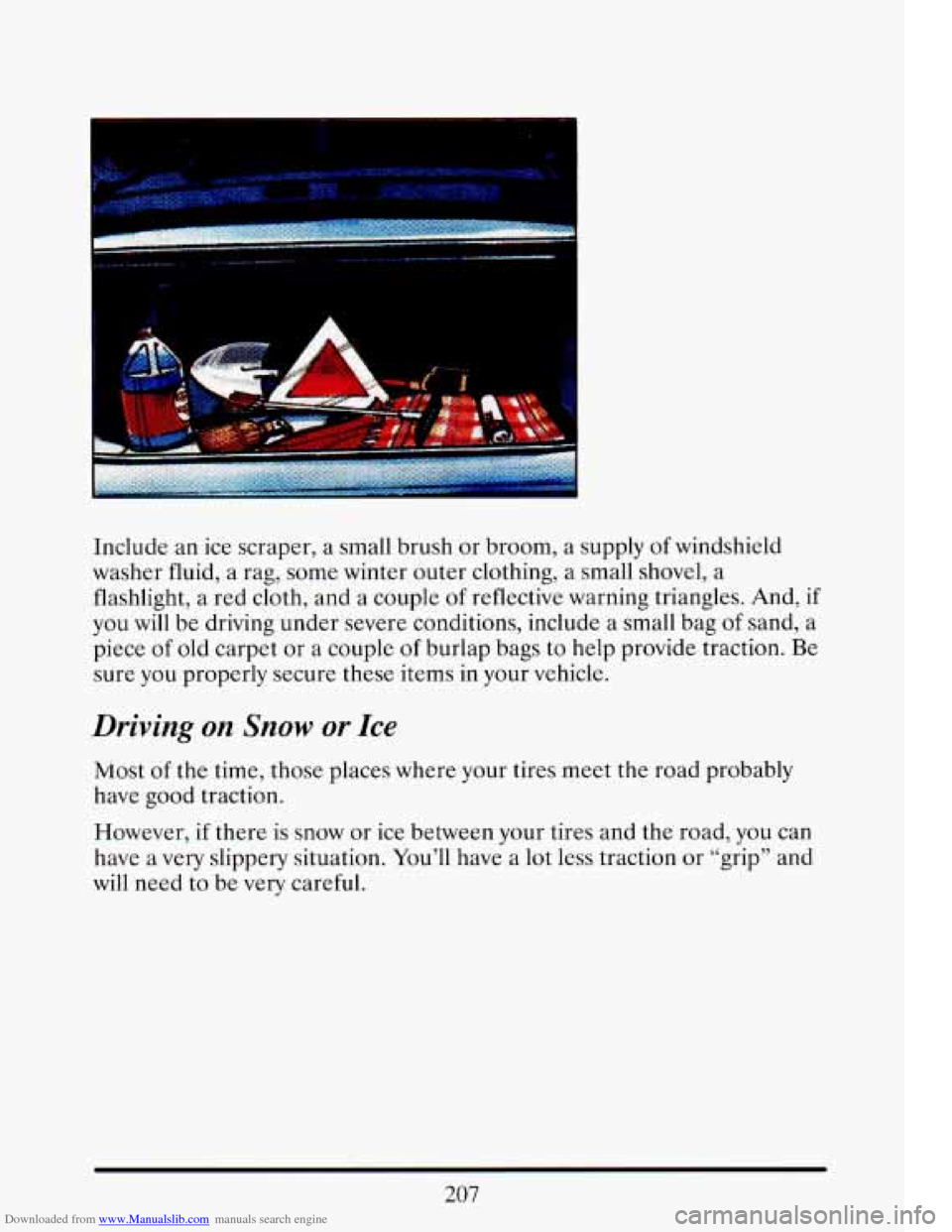
Include an ice scraper, a small brush or broom, a supply of windshield
washer fluid, a rag, some winter outer clothing, a small shovel,
a
flashlight, a red cloth, and a couple of reflective warning triangles. And, if
you will be driving under severe conditions, include a small bag of sand, a
piece
of old carpet or a couple of burlap bags to help provide traction. Be
sure you properly secure these items in your vehicle.
Driving on Snow or Ice
Most of the time, those places where your tires meet the road probably
have good traction.
However,
if there is snow or ice between your tires and the road, you can
have a very slippery situation. You'll have a lot less traction or "grip" and
will need to be very careful.
207
Page 228 of 398

Downloaded from www.Manualslib.com manuals search engine Safety Chains
You should always attach chains between your vehicle and your trailer.
Cross the safety chains under the tongue of the trailer
so that the tongue
will not drop to the road
if it becomes separated from the hitch. Follow
the manufacturer’s recommendation for attaching safety chains. \
Always
leave just enough slack
so you can turn with your rig. And, never allow
safety chains
to drag on the ground.
Trailer Brakes
Does your trailer have its own brakes? Be sure to read and follow the
instructions for the trailer brakes
so you’ll be able to install, adjust and
maintain them properly.
Because you have anti-lock brakes, do not try to tap into your vehicle’s
brake system. If you do, both brake systems won’t work well, or at all.
Driving with a Trailer
Towing a trailer requires a certain amount of experience. Before setting
out for the open road, you’ll want
to get to know your rig. Acquaint
yourself with the feel of handling and braking with the added weight
of
the trailer. And always keep in mind that the vehicle you are driving is
now a good deal longer and not nearly so responsive as your vehicle is by
itself.
Before you start, check the trailer hitch and platform, safety chains,
electrical connector, lights, tires and mirror adjustment.
If the trailer has
electric brakes, start your vehicle and trailer moving and then apply the
trailer brake controller
by hand to be sure the brakes are working. This
lets you check your electrical connection at the same time.
During your trip, check occasionally to be sure that the load is secure,
and that the lights and any trailer brakes are
still working.
Following Distance
Stay at least twice as far behind the vehicle ahead as you would when
driving your vehicle without a trailer. This can help
you avoid situations
that require heavy braking and sudden turns.
214