Page 86 of 340
Shifting Out of ‘T” (Park)
Your Buick has a brake-transmission shift interlock. You
have to fully apply your regular brake before you can shift
from ‘T“ (Park) when tbe ignition .is in the “Run”
position. See “Automatic Transmission” in the Index.
If you cannot shift out of “P”.(Park), ease pressure on
tW$hift lever -push the
shift lever all the way inta.-
“p‘“..(Park) ai you maintain brake app1ication;wThen
riove the
shift lever into the gear yoii wish. If you ever
hold.
the brake pedal down but still can’t shift out of “P”
(Park$, try this:
1. Tmn the key to “Off.’-’
2. Apply and hold the brake until the end of Step 4.
3. Shift to “N’ (Neutral).
4. Start the vehicle and then shift to the drive gear you
5. Have the vehicle fixed as soon as you can.
c
.. .- ,- . ._
want.
Page 89 of 340
Power Windows
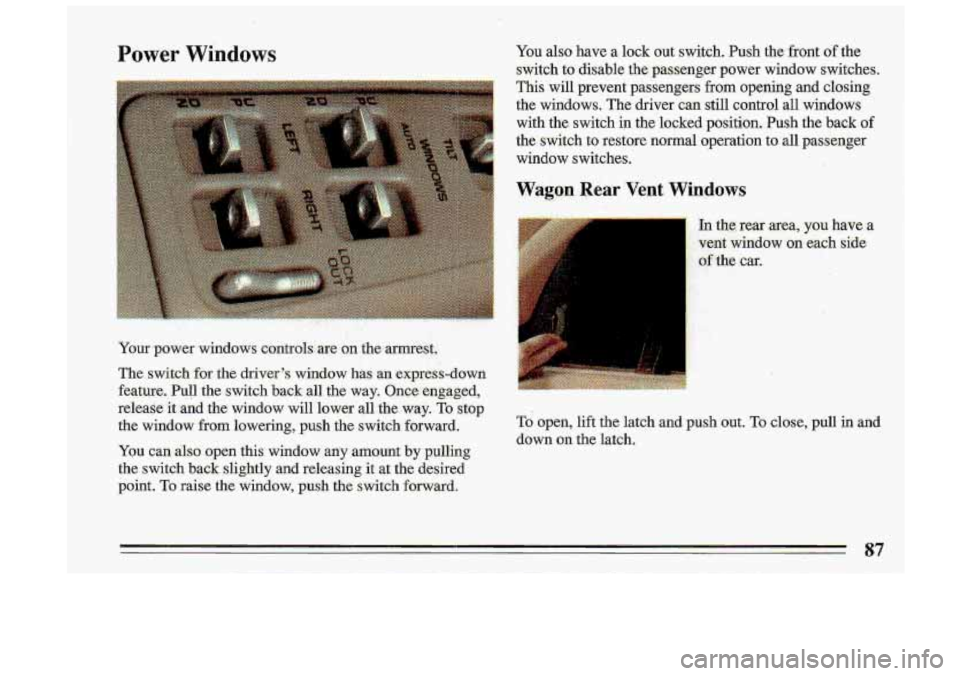
Your power W~~~QWS contmls~ are on the armrest.
The switch
for %he driver's window has an express-down
feature.
Pull the switch back all the way. Onee engaged,
release it.and the window will lower all the way.
To Stop
the window from lowering, push the switch forward.
You
can also open this window any amount by pulling
the switch back .slightly and releasing
it at the desired
point.
To raise the window, push the switch forward. You
also have a lock out switch. Push the front
of the
switch to disable the passenger power window switches.
This will prevent passengers from opening and closing
the windows. The driver can still control all windows
with the switch in the locked position. Push the back
of
the switch to restore normal operation to all passenger
window switches.
Wagon .Rear Vent Windows
In the, rear area, you have a
vent window on.each side
;' of the car..
To open, lift the latch and push out. To close, pull in and
down on the latch.
87
Page 123 of 340
iI
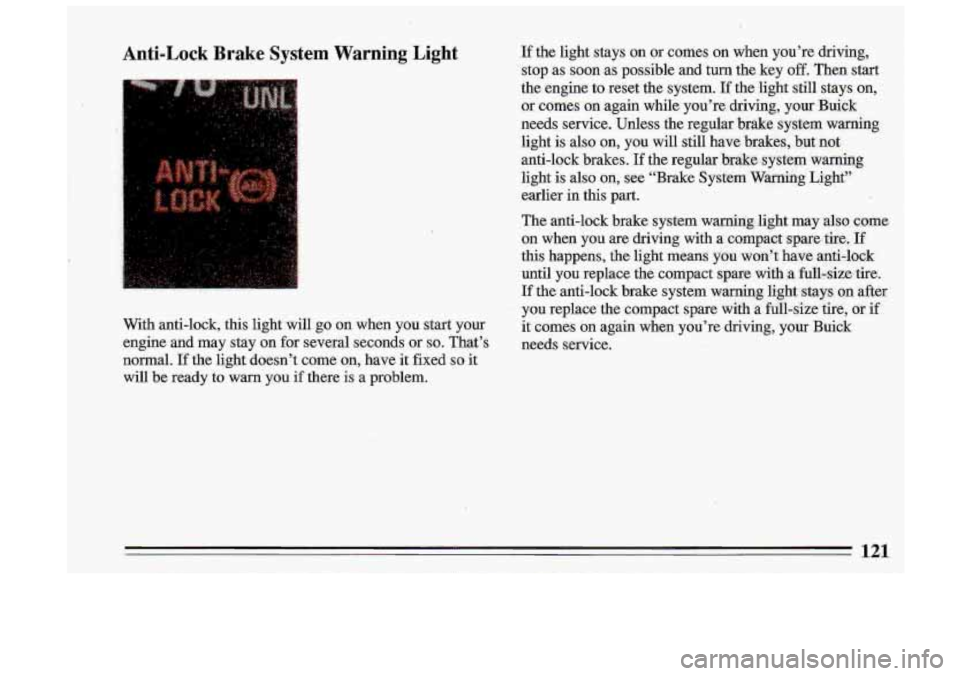
Anti-Lock Brake System Warning Light
. -, i’
.. I. ,:,:
With anti-lock, this light will go on when you start your
engine and may stay on for several seconds or
so. That’s
normal.
If the light doesn’t come on, have it fixed so it
will be ready to warn you if there is a problem.
If the light stays on or comes on when you’re driving,
stop as soon as possible and turn the key
off. Then start
the engine to reset the system.
If the light still stays on,
or comes on again while you’re driving, your Buiek
needs service. Unless the regular ‘brake system warning
light is also
on, you will still have brakes, but not
anti-lock brakes.
If the regular brake system warning
light is also
on, see “Brake System Warning Light”
earlier
in this part.
The anti-lock brake system warning .light may also come
on when you are driving with
a compact spare. tire, If
this happens, the light means you won’t have anti-lo,ck
until you replace the compact spare ,with
.a fuU-simtire.
If the anti-lock brake system warning light stays
on after
you replace the compact spare with a full-size tire, or if
it comes
on again when you’re driving, your Buick
needs service.
121
Page 138 of 340
..
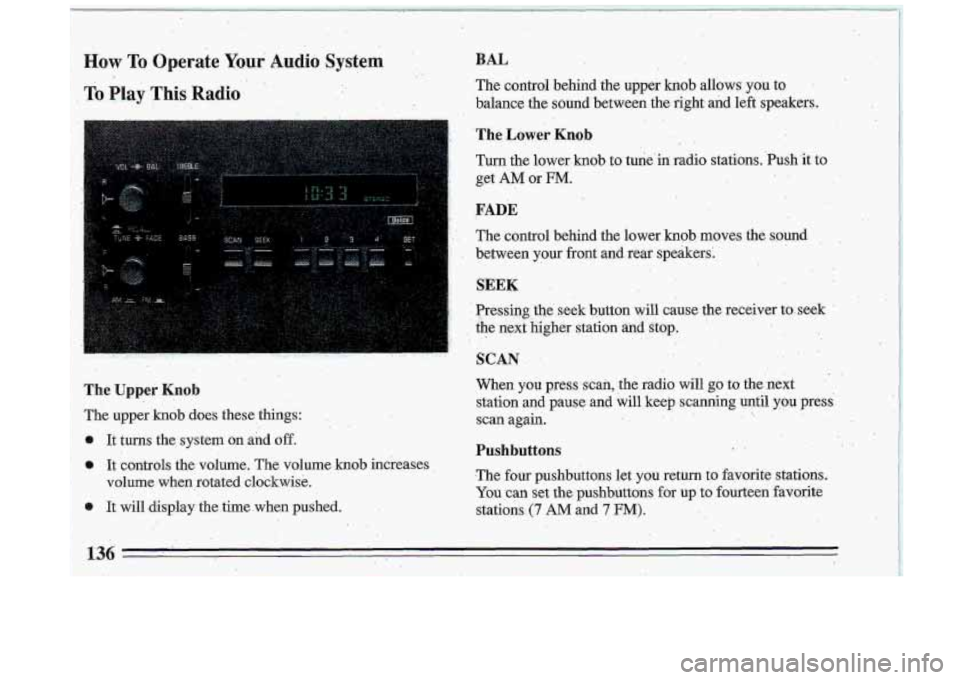
How To, Operate Y0u.r' Audio System . :.. .> ,
To Play This Radio'
' ., ... . ,. ..
,1
The Uppei Knob
The upper .knob does these things:
It tums the system
on and off.
o It controls the volume. The volume knob increases
volume when rotated clockwise.
0 It will display the time, when pushed.
..
BAL
The cdntrol behind the upper knob allows you to
,balance the sound bet,ween the
right and left speakers.
The Lower Knob . .
Turn the lower knob to tune'in. radio stations. .Push'it to
get
AM 'or FM.
..
..
FADE
'. The control behind the lower knob mpves the sound,
between
your front and rear speakers:
., . I
SEEK .
. Presshg'the ,. seek button will 'cause the receiver toseek '
. the '. b. next . .'. , .kigher station anclstop.. , :".. . ,..: - . . ,>
. :.. '
SCAN
.. ..
When you press scan, the radio will go to the next.
station and pause and will keep scanning until you press:
scan again.
. -. ,.
,. .. .
136
-
Pushbuttons ..
.The four pushbuttons let you return to favorite stations.
You can set the pushbuttons for up. to fourteen favorite
stations. (7 AM and 7 FM):
Page 139 of 340

e Tune in the desired station.
0 Press the SET pushbutton. (SET appears in the
display)
..
Within 5 seconds, push one of the four pushbuttons
to.store the- station. Whenever you press that button
again, the preset station will return.
In addition
to the 4 stations set as above, up to three
additional stations may be preset on each band by
pressing two adjoining buttons at the same time.
T.REBLE
Slide. the TREBLE lever up to increase the TREBLE.
response.
If the station is weak or noisy, slide the treble
lever
down to reduce the noise.
BASS
Tune in the desired station.
0 Press the SET pushbutton. (SET appears in the
display).
e Within 5 seconds, press 'any two adjoining
pushbuttons at the same time. The station- will return
when the. same two pushbuttons are pressed again.
Clock '.'
To set the clock:
0 'Press the SET pushbutton.
0 Within 5 'seconds, press and hold SCAN until the
correct hour appears on the display. Slide the
BASS lever up-to increase the bass response.
Adjust the
BASS lever to give a pleasing sound to your
ear. I
To Play This Radio
o Press and hold SEEK until the correct minute . :, ,,,~ . - ., _..^. , , I
appellss on the display. .- I
137, i
Page 147 of 340
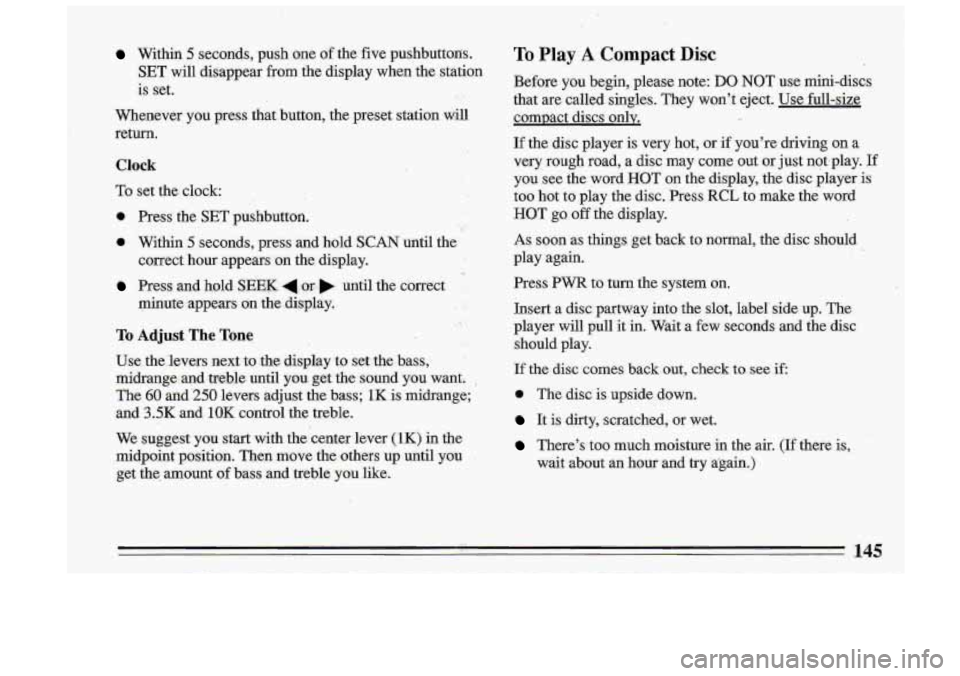
Within 5 seconds, push one of the five pushbuttons.
SET will disappear from the display when the station
is set.
Whenever you press that button, the preset station
will
return.
Clock
To set the clock:
0 Press the SET pushbutton. ..
a Within .5 seconds, press and .hold SCAN until the
Press and hpld SEEK 4.m .until the correct
correct hour appears
on the display.
minute appears on the di,splay.
To Adjust The Tone
Use the'levers next to .the display to set the bass,
midrange and treble until y0.u get the sound you want.
,
The 60 and 250 levers hdjust the. bass; 1K is ,midrange;
and
3.5K and 1OK control the treble.
We suggest you start w.ith the center lever
(1K) in the
midpoint position. Then move the others
up until you
get the. amount .of bass and treble you like.
To Play A Compact Disc
Before you begin, please note: DO NOT use mini-discs
that are called singles. They won't eject. Use full-size
compact discs only.
I1
If the disc player is very hot, or if you're driving on a
very rough road, a disc may come out or just not.play. If
you see the- word HOT on the display, the disc player
is
too hot to play the disc. .Press RCL to make the word
HOT go off the display.
As soon as things get back to normal, the disc should
play again.
Press
PWR to turn the system on.
Insert a disc partway into the slot, label'side up. The
player will pull it in. Wait a few seconds and the disc
should play.
If the disc comes back out, check to see if,
0 The disc is upside down.
It is dirty, scratched, or wet.
There's too much moisture in the air. (If there is,
wait about an hour and try again.) '!
i
.I .
145
Page 149 of 340
Anti-Theft Feature
Delco-Loc I1 is a security feature for the compact disc
player. It can be used or ignored. If ignored, the system
plays normally.
If it is used, your player won’t be usable
if it’s ever stolen, because it won’t turn on.
The instructions below tell you how
to enter your
personal secret code into the system.
If your vehicle
looses battery power for any reason,
you must unlock
the system with the secret code before the system will
turn on.
Be sure to read through the entire procedure and become
familiar with the appropriate buttons and
knobs before
starting.
Step
1. Write down any 6-digit number and keep it in a
safe place.
Step
2. Turn the ignitioin to the ACCESSORY or RUN
position.
Step
3. Press PWR to turn the radio off.
Step 4. Press presets 1 and 4 buttons together. Hold
them until
“- - -” shows on. the display.
You are
now ready to enter your secret code. If you
pause more than
15 seconds between steps you may
have to,start over.
1
Page 171 of 340
If your brake pedal goes down farther man normal, your
rear drum brakes may need adjustment. Adjust them by
backing
up and firmly applying the brakes a few times.
I
Braking in Emergencies I
Use your anti-lock braking sysKem when you need to. .
With anti-lock, you can steer and brake at the same time.
In many emergencies, steering can help you .more. than
even the very best braking.
Steering
Power Steering
If you lose power steering a ssist becau Lse
the engine
stops or the system fails to function, you can steer but
it
will take much more effort.
Steering Tips
Driving on Curves
It’s important to take- curves at a reasonable speed.
A lot of the “driver lost control” accidents mentioned on
the news happen on curves. Here’s why:
Experienced driver or beginner, each
of us is subject to
the same laws of physics. when driviqg on curves. The
traction
of the tires agairist the road s.urface makes it
169