1993 BUICK RIVIERA lock
[x] Cancel search: lockPage 128 of 324
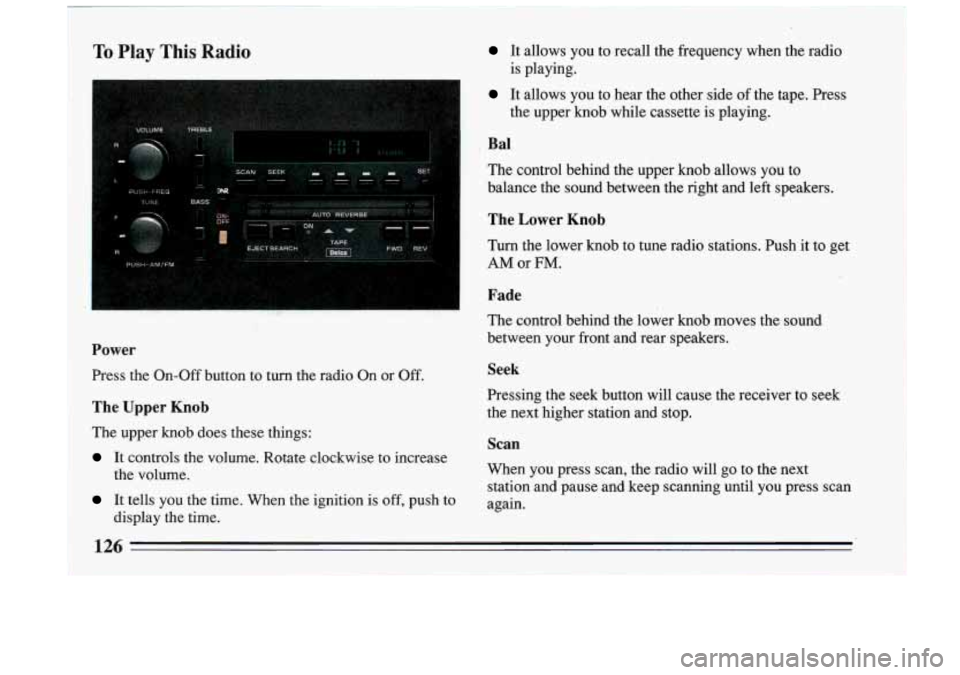
To Play This Radio It allows you to recall the frequency when the radio
It allows you to hear the other side of the tape. Press
is playing.
the upper knob while cassette is playing.
~ Bal
The control behind the upper knob allows you to
balance the sound between the right and left speakers.
! The Lower Knob
I Turn the lower knob to tune radio stations. Push it to get
I AMor FM.
Fade
The control behind the lower knob moves the sotifid
between your front and rear speakers.
Power
Press the On-Off button to turn the radio On or Off. Seek
The Upper Knob the next higher station and stop.
The upper
knob does these things:
It controls the volume. Rotate clockwise to increase Pressing the seek button will cause the receiver to seek
Scan
When you press scan,
the radio will go to the next
station and pause and keep scanning until you press scan
the volume.
It tells YOU the time. When
the ignition is off, push to again.
display the time.
126 -
Page 129 of 324
Pushbuttons
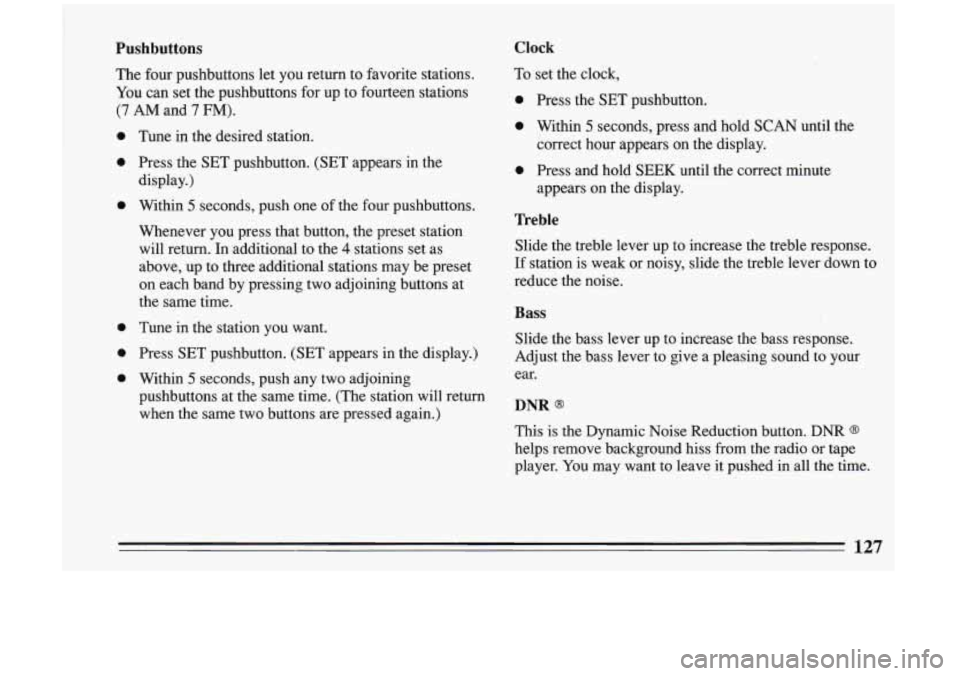
The four pushbuttons let you return to favorite stations.
You can set the pushbuttons for up to fourteen stations
(7 AM and 7 FM).
0
0
0
0
0
0
Tune in the desired station.
Press the SET pushbutton. (SET appears in the
display.)
Within
5 seconds, push one of the four pushbuttons.
Whenever you press that button, the preset station
will return. In additional to the
4 stations set as
above, up to three additional stations may be preset
on each band by pressing two adjoining buttons at
the same time.
Tune in the station you want.
Press SET pushbutton. (SET appears in the display.)
Within
5 seconds, push any two adjoining
pushbuttons at the same time. (The station will return
when the same two buttons are pressed again.)
Clock
To set the clock,
0 Press the SET pushbutton.
0 Within 5 seconds, press and hold SCAN until the
0 Press and hold SEEK until the correct minute correct hour appears on
the display.
appears on the display.
Treble
Slide the treble lever up to increase the treble response.
If station is weak or noisy, slide the treble lever down to
reduce the noise.
Bass
Slide the bass lever up to increase the bass response.
Adjust the bass lever to give a pleasing sound to your
ear.
DNR Q
This is the Dynamic Noise Reduction button. DNR Q
helps remove background hiss from the radio or tape
player. You may want to leave
it pushed in all the time.
127
Page 132 of 324
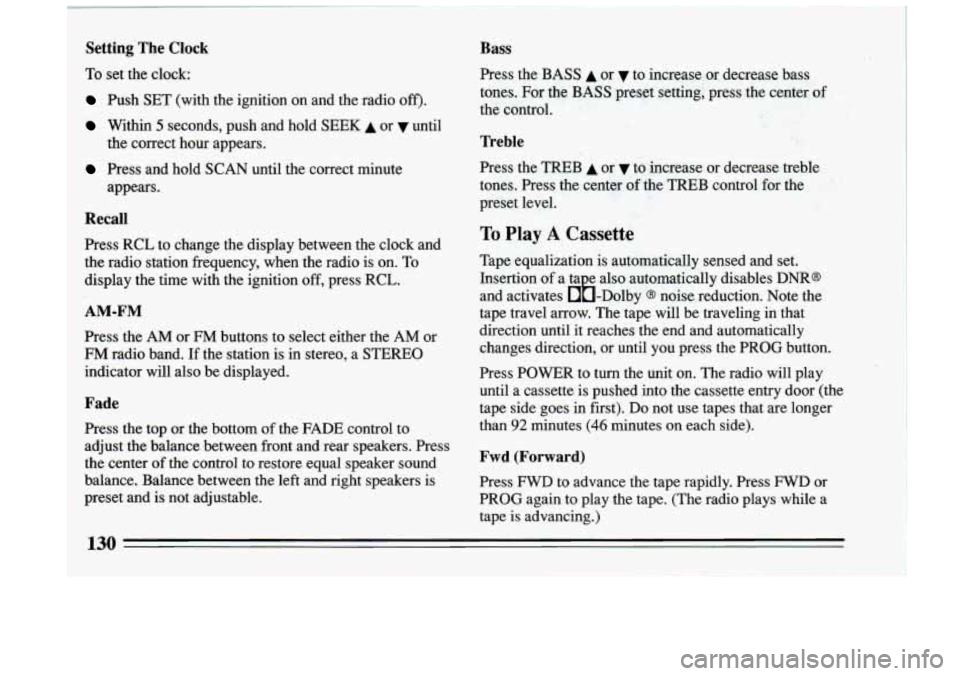
Setting The Clock
To set the clock:
Push SET (with the ignition on and the radio off').
Within 5 seconds, push and hold SEEK A or until
Press and hold SCAN until the correct minute the correct hour appears.
appears.
Recall
1 Press RCL to change the display between the clock and
the radio station frequency, when the radio is on. To
display the time with the ignition
off, press RCL.
AM-FM
Press the AM or FM buttons to select either the AM or
FM radio band. If the station is in stereo, a STEREO
indicator will also be displayed.
Fade
Press the top or the bottom of the FADE control to
adjust the balance between front and rear speakers. Press
the center
of the control to restore equal speaker sound
balance. Balance between the left and right speakers is
preset and is not adjustable.
Bass
Press the.BASS A or v to increase or decrease bass
tones. For the
BASS preset setting, press the center of
the control.
Treble
Press the TREB A or v to increase or decrease treble
tones. Press the center
of the TREB control for the
preset level.
To Play A Cassette
Tape equalization is automatically sensed and set.
Insertion
of a ta e also automatically disables DNR@
and activates &-Dolby
@ noise reduction. Note the
tape travel arrow. The tape will be traveling in that
direction until it reaches the end and automatically
changes direction, or until you press the PROG button.
Press POWER to turn the unit
on. The radio will play
until a cassette is pushed into the cassette entry door (the
tape side goes
in first). Do not use tapes that are longer
than
92 minutes (46 minutes on each side).
Fwd (Forward)
Press FWD to advance the tape rapidly. Press FWD or
PROG again to play the tape. (The radio plays while a
tape is advancing.)
130
Page 135 of 324
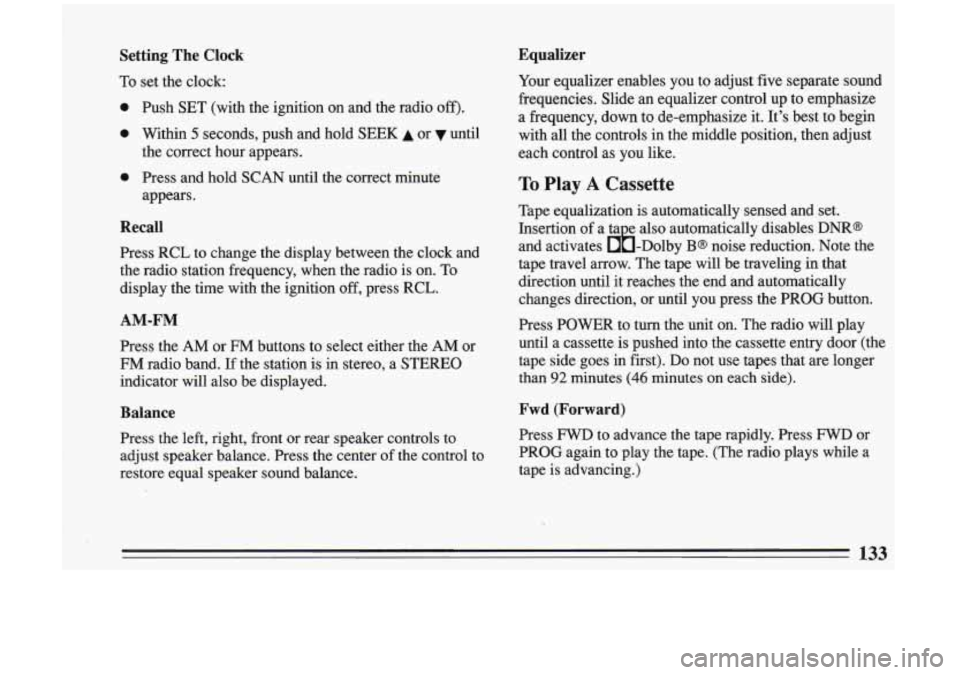
Setting The Clock
To set the clock:
0
0
0
Push SET (with the ignition on and the radio off).
Within 5 seconds, push and hold SEEK A or until
the correct hour appears.
Press and hold
SCAN until the correct minute
appears.
Recall
Press RCL to change the display between the clock and
the radio station frequency, when the radio is on.
To
display the time with the ignition off, press RCL.
AM-FM
Press the AM or FM buttons to select either the AM or
FM radio band. If the station is in stereo, a STEREO
indicator will also be displayed.
Balance
Press the left, right, front or rear speaker controls to
adjust speaker balance. Press the center of the control to
restore equal speaker sound balance.
Equalizer
Your equalizer enables you to adjust five separate sound
frequencies. Slide an equalizer control up to emphasize
a frequency, down to de-emphasize it. It's best to begin
with all the controls in the middle position, then adjust
each control as you like.
To Play A Cassette
Tape equalization is automatically sensed and set.
Insertion of a ta e also automatically disables
DNR@
and activates &-Dolby B@ noise reduction. Note the
tape travel arrow. The tape will be traveling in that
direction until it reaches the end and automatically
changes direction, or until
you press the PROG button.
Press POWER
to turn the 'unit on. The radio will play
until a cassette is pushed into the cassette entry door (the
tape side goes in first). Do not use tapes that are longer
than
92 minutes (46 minutes on each side).
Fwd (Forward)
Press FWD to advance the tape rapidly. Press FWD or
PROG again to play the tape. (The radio plays while a
tape is advancing.)
133
Page 157 of 324
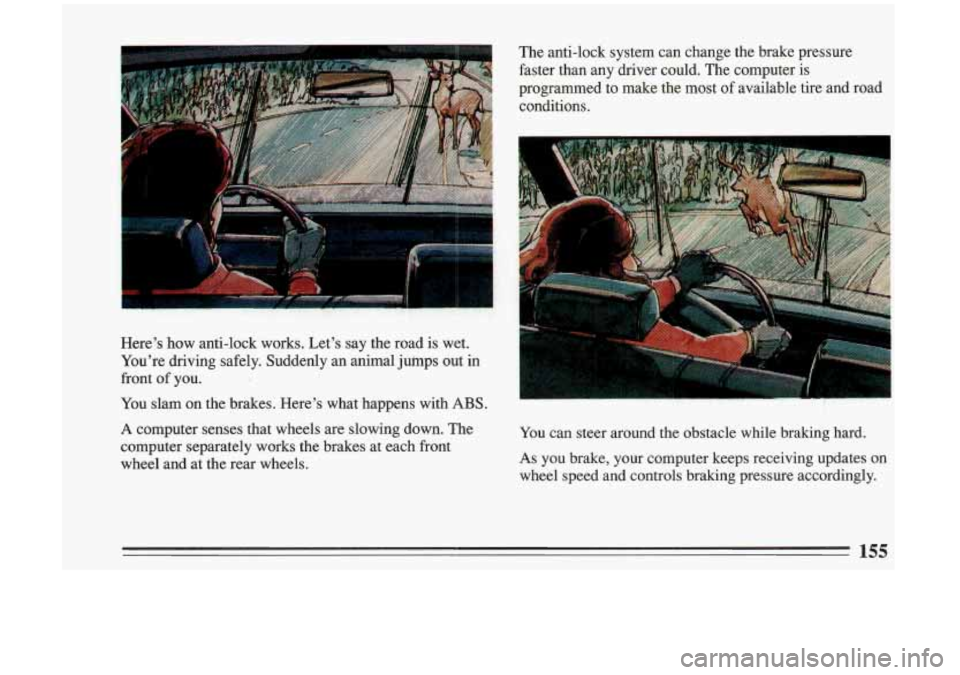
Here’s how anti-lock works. Let’s say the road is wet.
You’re driving safely. Suddenly an animal jumps out in
front
of you.
You slam on the brakes. Here’s what happens with
ABS.
A computer senses that wheels are slowing down. The
computer separately works the brakes at each front
wheel and at the rear wheels. You
can steer around the obstacle while braking hard.
As you brake, your computer keeps receiving updates on
wheel speed and controls braking pressure accordingly.
155
Page 158 of 324
I A CAUTION:
Anti-lock doesn’t change the time you need to
get your foot up
to the brake pedal. If you get
too close to the vehicle in front of you, you
won’t have time to apply your brakes
if that
vehicle suddenly slows or stops. Always leave
enough room up ahead to stop, even though
you have anti-lock brakes.
. 5 ’,.
To Use Anti-Lock:
Don’t pump the brakes. Just hold the brake pedal down
and let anti-lock work for you. You may hear the
anti-lock pump or motor operate, and feel the brake
pedal pulsate, but this is normal.
.
Disc Brake Wear Indicators
Your Buick has four-wheel disc brakes.
Disc brake pads have built-in wear indicators that make a
high-pitched warning sound when the brake pads are worn and new pads are needed. The sound may come and
go or
be heard all the time your vehicle is moving (except
when you are pushing on the brake pedal firmly).
I ‘
A CAUTION:
The brake wear warning sound means that
sooner or later your brakes won’t work well.
That could lead to an accident. When you hear
the brake wear warning sound, have your
:~
vehicle serviced. &tz
some driving conditions or climates may cause a brake
squeal when the brakes are first applied or lightly
applied.
This does not mean something is wrong with
your brakes.
Brake linings should always be replaced as complete
axle sets.
156
Page 159 of 324
Brake Pedal Travel
See your dealer if the brake pedal does not return to
normal height, or if there is a rapid increase in pedal
travel. This could be
a sign of brake trouble.
Brake Adjustment
Every time you make a moderate brake stop, your disc
brakes adjust for wear.
If you rarely make a moderate or heavier stop, then your
brakes might not adjust correctly.
If you drive in that
way, then
-- very carefully -- make a few moderate
brake stops about every
1000 miles ( 1600 km), so your
brakes will adjust properly.
Braking in Emergencies
Use your anti-lock braking system when you need to.
With anti-lock, you can steer and brake at the same time.
In many emergencies, steering can help you more than
even the very best braking.
Steering
Power Steering
If you lose power steering assist because the engine
stops or the system fails to function, you can steer but it
will take much more
effort.
Steering Tips
Driving on Curves
It’s important to take curves at a reasonable speed.
A lot of the “driver lost control” accidents mentioned on
the news happen on curves. Here’s why:
Experienced driver or beginner, each of us is subject to
the same laws of physics when driving on curves. The
traction
of the tires against the road surface makes it
possible for the vehicle to change its path when you turn
the front wheels.
If there’s no traction, inertia will keep
the vehicle going
in the same direction. If you’ve ever
tried to steer a vehicle on wet ice, you’ll understand this.
The traction you can get in a curve depends on the
condition of your tires and the road surface, the angle at
which the curve is banked, and your speed. While
you’re in a curve, speed is the one factor you can
control.
157
Page 164 of 324
much speed or steering in a curve causes tires to slip and
lose cornering force. And in the acceleration skid too
much throttle causes the driving wheels to spin.
A cornering skid and an acceleration skid are best
handled by easing your foot
off the accelerator pedal.
If your vehicle starts to slide (as when you turn a corner
on a wet, snow- or ice-covered road), ease your foot
off
the acceleratorpedal as soon as you feel the vehicle start
to slide. Quickly steer the way you want the vehicle to go. If you
start steering quickly enough, your vehicle
will straighten out.
As it does, straighten the front
wheels.
Of course, traction is reduced when water, snow, ice,
gravel,
or other material is on the road. For safety, you’ll
want to slow down and adjust your driving to these
conditions. It is important to slow down on slippery
surfaces because stopping distance will be longer and
vehicle control more limited.
While driving on a surface with reduced traction,
try
your best to avoid sudden steering, acceleration, or
braking (including engine braking by shifting to a lower
gear). Any sudden changes could cause the tires to slide.
You may not realize the surface is slippery until your
vehicle is skidding. Learn to recognize warning clues
--
such as enoughewater, ice or packed snow on the road to make
a “mirrored surface” -- and slow down when you
have any doubt.
Remember: Any anti-lock braking system
(ABS) helps
avoid only the braking skid. Steer the way you want to
go.
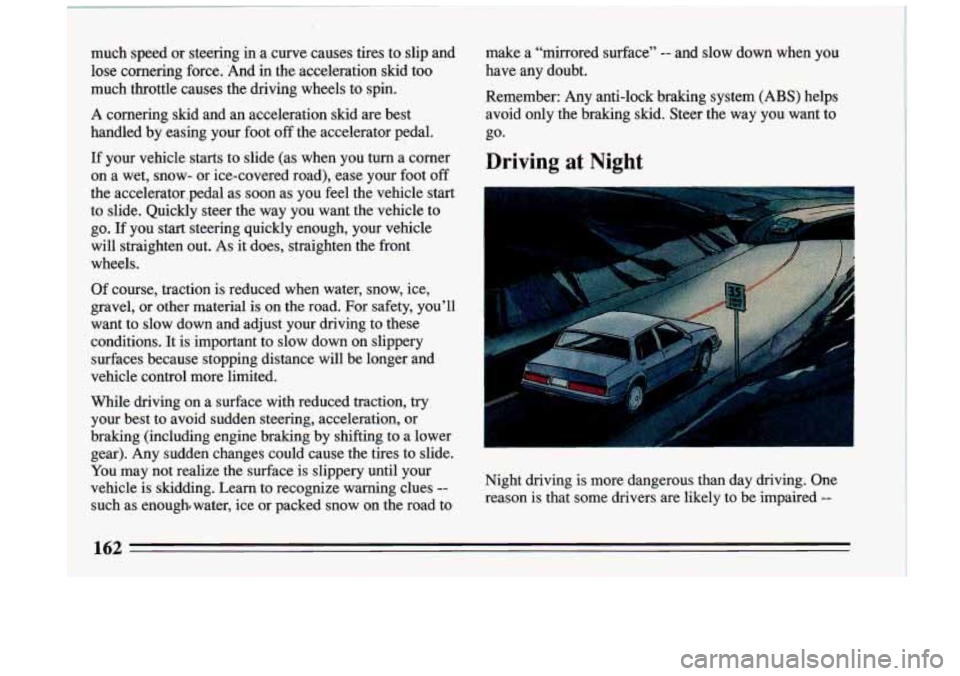
Driving at Night
Night driving is more dangerous than day driving. One reason
is that some drivers are likely to be impaired --
162
I